Turn a YouTube Channel or Video Into a QR Code
Enter your handle or paste a video link, style the code to match your brand, and download a QR code that opens YouTube in the app or the browser in one tap.
Opens in Google Maps. Coordinates work too - "37.4224, -122.0841".
The code opens your business's "Write a review" form. Paste the Place ID, or a Google Maps link that carries one.
A UPI link carries no checksum, so a mistyped ID produces a code that scans perfectly and pays somebody else. Paste the ID from your payment app rather than typing it, and send yourself one rupee before printing.
Paste it exactly as copied. KoloQR does not assemble the payload - it encodes the one your bank issued, and checks it before you print it.
SVG, PNG, JPG • Max 2 MB
First month free
then $9/month
Dynamic QR Codes Are Coming
Change your link anytime, even after printing. See who scans, when and where.
- Edit without reprinting
- Scan analytics
- Bulk & custom domains
You're on the List
We'll email you once, when dynamic codes with scan analytics launch.
What Is a YouTube QR Code?
A YouTube QR code is a QR code that stores the web address of a YouTube channel, video, or playlist. Scanning it opens that page in the YouTube app if it is installed, or in a browser if it isn't. The address is encoded in the pattern, so the printed code keeps working with no account and no subscription behind it.

How a YouTube QR Code Works
Three things sit between the scan and the video playing:
- The Address - https://youtube.com/@ followed by your handle for a channel, or a watch link for a single video. Both are ordinary web addresses.
- The Pattern - the address encoded as modules. Length matters here more than on any other social type, because a full watch URL is nearly twice a short one.
- The Open - the phone hands the link to the YouTube app through its universal links, and plays. With no app, the same address opens the mobile web player.
Two parameters are worth knowing. Adding ?sub_confirmation=1 to a channel address opens the subscribe dialog on arrival instead of the channel page, which removes the tap most people never make. And ?t=90 on a video link starts playback 90 seconds in, so a code on a manual can open the exact step it belongs beside rather than the beginning of a 12-minute video.
youtu.be or youtube.com/watch - the Shorter Link Scans Better
The two forms open the same video, and the difference is only characters, but characters are what a QR code is made of. https://www.youtube.com/watch?v=dQw4w9WgXcQ is 43 characters; https://youtu.be/dQw4w9WgXcQ is 28. Fewer characters means a lower symbol version, which means fewer and therefore larger modules in the same printed square - and larger modules are what a camera resolves at distance or in poor light. On a code printed at 2 cm on a product insert that difference is the difference between a scan that lands first time and one that needs three attempts. Use youtu.be for video links in print. For a channel, the handle address is already short. The one caveat worth stating: youtu.be is YouTube's own domain, not a third-party shortener, so it carries none of the risk of a shortening service that might one day shut down.
Generate QR Code
Where YouTube QR Codes Are Used
YouTube is where the instructions live, so the best placements are wherever someone is stuck holding the thing the video explains:
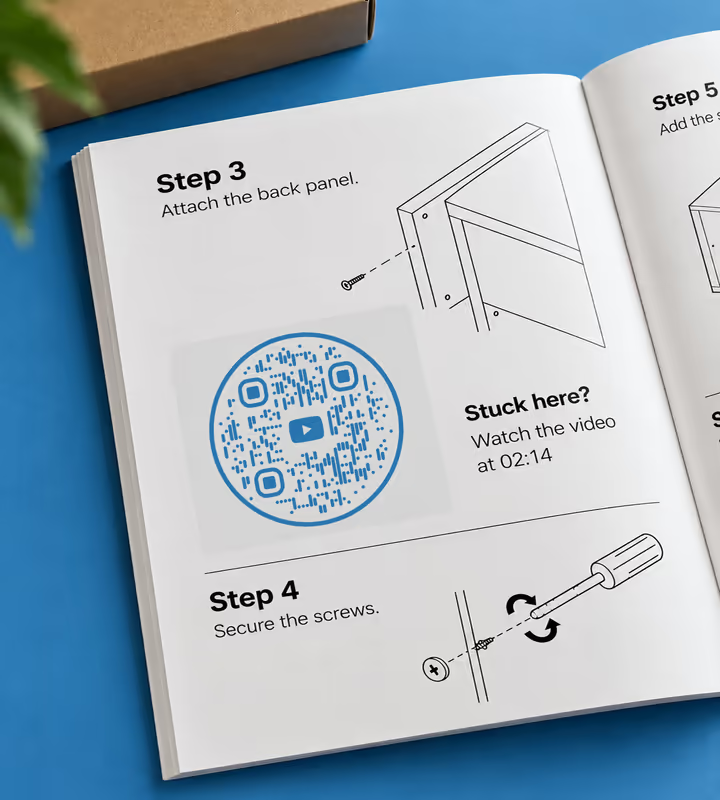
Assembly Instructions and Manuals
Put a code beside the step people get wrong, timestamped to that moment in the video rather than its start.
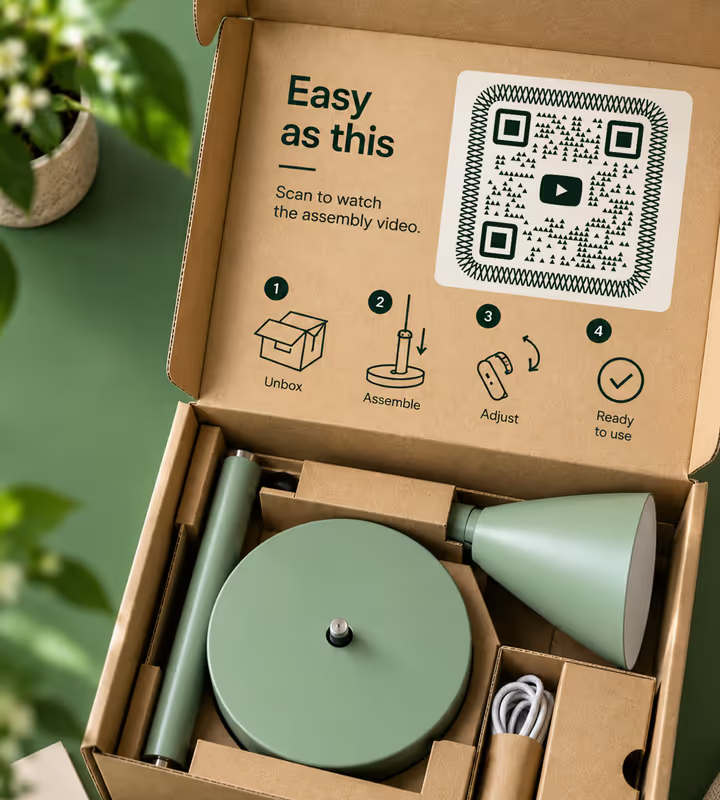
Product Packaging
Replace a folded sheet of translated text with a demonstration anyone can follow without reading.
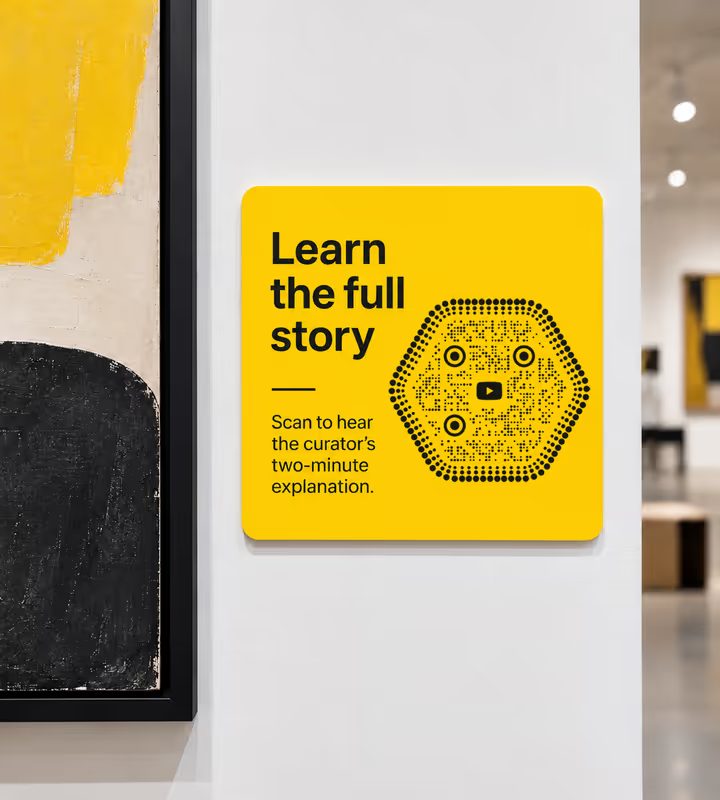
Museum and Exhibition Labels
Give a wall label the curator's two-minute explanation, in the place where the question actually occurs.
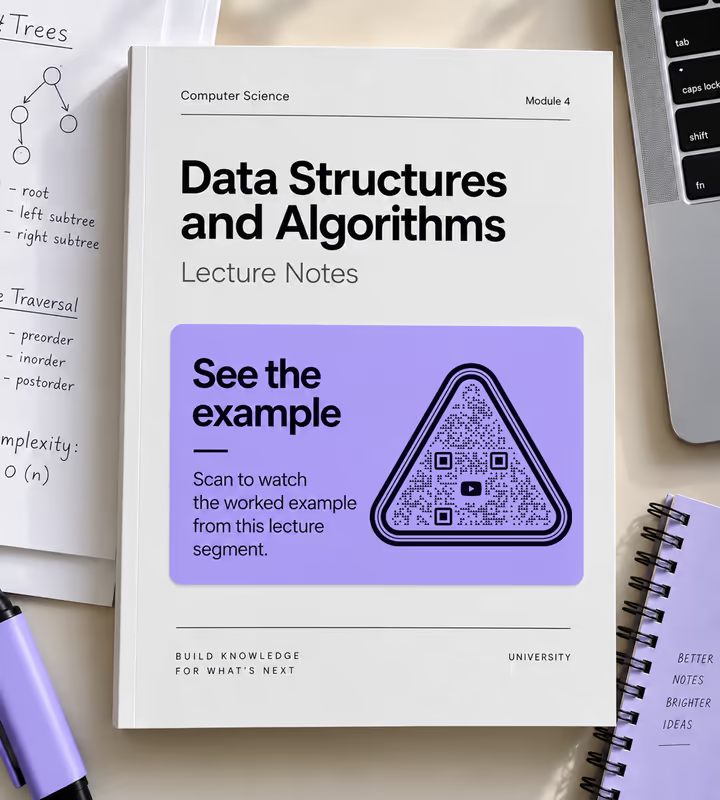
Course Handouts and Textbooks
Link a worked example to the lecture segment covering it, so revision starts at the right minute.
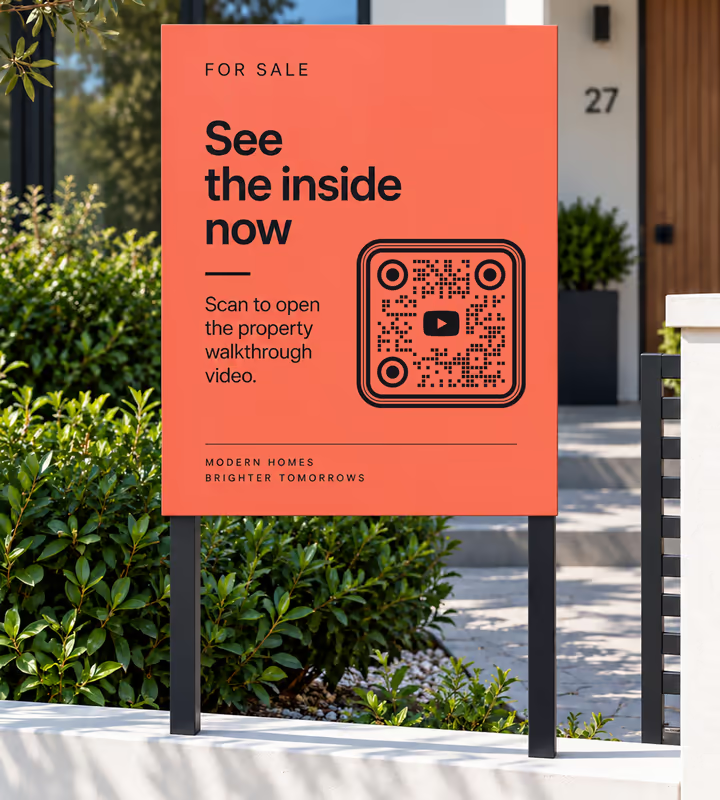
Property Listings and For Sale Signs
Open the walkthrough video from the pavement, which is when someone is deciding whether to call.
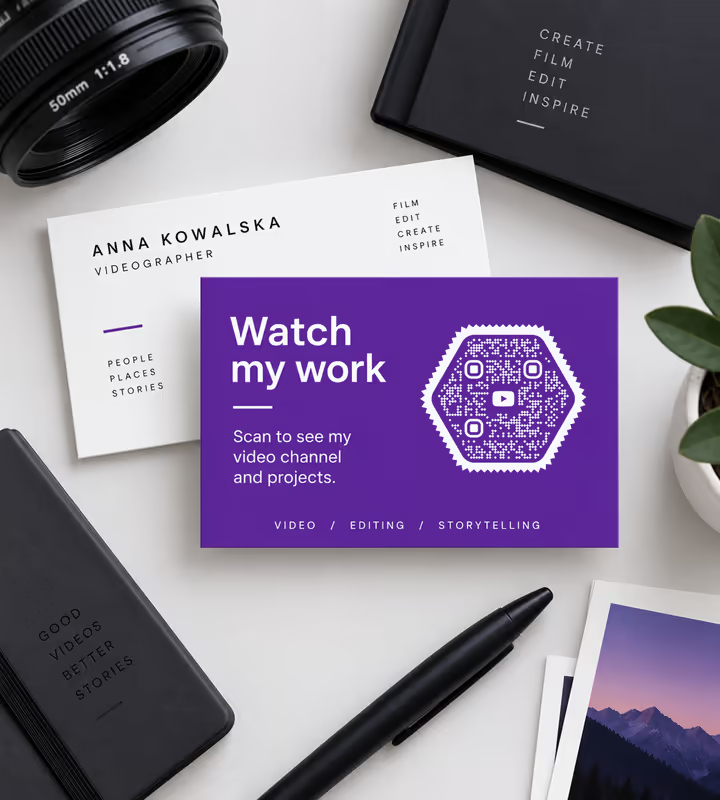
Business Cards and Portfolios
For anyone whose work is video, a channel code says more in one scan than a page of description.
- 1
Pick YouTube and Enter Your Handle
Type the channel handle without the @ - KoloQR builds the youtube.com/@ address around it. Or paste a full video, playlist, or channel URL instead.
- 2
Shorten and Sharpen the Link
For a video, use the youtu.be form from the Share button. Add ?t= and a number of seconds to start at the right moment, or ?sub_confirmation=1 to a channel link to open the subscribe prompt.
- 3
Customize the Design
Choose a shape, set the colors, and add a logo if you have one. Keep the pattern clearly darker than the surface it prints on.
- 4
Test and Export
Scan the exported file on an iPhone and an Android, at the size it will actually be printed. Then export PNG for screens, SVG or PDF for print.

Which File Format Should You Download?
KoloQR exports your YouTube QR code in three formats. Pick by where it will be seen:
- PNG for video end screens, thumbnails, slides, and web pages where the code is shown at a fixed size.
- SVG for manuals, packaging, and exhibition graphics - vector stays exact whether it prints at 15 mm or 1.5 metres.
- PDF for sending to a printer or placing in an instruction sheet at print-ready quality.
Instruction sheets are the case that decides it. They are printed small, often in one colour, and frequently reused at different sizes across a product range - all of which a vector file survives and an upscaled PNG does not.
Generate QR CodeBest Practices for YouTube QR Codes
A YouTube code carries more characters than most, and points at content that can be edited after printing. Both shape the rules:
Use the youtu.be Form for Videos
It is YouTube's own short domain, roughly 15 characters shorter than a watch URL, and the saving shows directly as larger modules in a printed code.
Strip Tracking Parameters
The Share button appends things like ?si= to the link. They add characters and density without changing where the code goes - delete everything after the video id unless you added it deliberately.
Add ?sub_confirmation=1 to Channel Links
It opens the subscribe dialog rather than the channel page, cutting the journey from scan to subscriber to a single tap.
Timestamp the Link Where the Answer Is
?t=90 on a youtu.be link starts playback at 1:30. On a manual or a label, sending someone to the relevant 20 seconds is the whole value of the code.
Prefer the Channel ID for Long-Lived Print
A handle can be changed; the youtube.com/channel/UC… address cannot. It is uglier and longer, but for packaging with a five-year shelf life it does not break.
Check the Video Is Public or Unlisted
An unlisted video works fine from a printed code - a private one does not, and neither does an age-restricted one for a signed-out scanner.
Expect Sound and Data Use
A scan starts a video playing, usually with audio, on whatever connection the person has. Say what the code opens so nobody is surprised in a quiet room.
Keep Strong Contrast
YouTube red on white is lower contrast than it looks and is a common cause of slow reads. Keep the modules dark and put the brand colour in the frame or the caption.
Protect the Quiet Zone
Four modules of clear margin. Instruction sheets are dense with diagrams, and this is where a code most often gets crowded.
Size It for Where It Is Read
About a tenth of the reading distance. A code on a manual held at 30 cm can be 3 cm; the same code on a museum label read at 1 metre needs about 10 cm.
Why Your YouTube QR Code Isn't Working
A YouTube code fails in four recognisable ways, and three of them are decided before the pattern is ever generated.
The Code Is Dense and Reads Slowly
- Cause
- A full watch URL with share parameters attached runs past 60 characters, which pushes the symbol to a higher version. More modules in the same square means each one is smaller than the camera can comfortably resolve.
- Fix
- Rebuild the link as https://youtu.be/ plus the 11-character video id and nothing else. The same destination in about half the characters, and a visibly sparser pattern.
The Scan Says the Video Is Unavailable
- Cause
- The video was set to private, deleted, or age-restricted after printing. Unlisted videos still open from a link; private ones do not, and age-restricted ones stop a signed-out visitor.
- Fix
- Keep the video public or unlisted, and for anything printed at volume point the code at a playlist or channel you can re-populate rather than at one video id.
It Opens the Channel Page Instead of Subscribing
- Cause
- The ?sub_confirmation=1 parameter is missing, or it was appended after another parameter with a second question mark instead of an ampersand, so YouTube ignored it.
- Fix
- Use one question mark per address: youtube.com/@handle?sub_confirmation=1. Test the exact string in a browser before generating - the dialog should appear on load.
The Old Channel Link Stopped Working
- Cause
- The channel handle was changed, or the code encoded a legacy /c/ or /user/ address that no longer resolves. Handles are editable; the underlying channel id is not.
- Fix
- Encode youtube.com/channel/ plus the channel id that starts with UC, which never changes, or point the code at a redirect on your own domain that you can repoint later.
Still not sure whether the fault is the file or the print? Drop the exported image into the QR code scanner - if it decodes on a desktop and not on paper, the fault entered after the file.
Questions? Answered
A YouTube QR code stores the address of a YouTube channel, video, or playlist. Scanning it with a phone camera opens that page in the YouTube app if it is installed, or in a mobile browser if it isn't. For music instead of video, a Spotify QR code opens a playlist, album, artist, or track from any camera.
Copy the youtu.be link from the video's Share button, paste it into KoloQR, style the code if you like, and download a PNG or SVG. The short form makes a sparser pattern than a full watch URL, which scans better in print.
Yes. Add ?sub_confirmation=1 to your channel address - for example youtube.com/@yourhandle?sub_confirmation=1 - and the scan opens the subscribe dialog rather than the channel page. The person still has to confirm.
Yes. Add ?t= and the number of seconds to a youtu.be link, so youtu.be/VIDEOID?t=90 begins at 1:30. On a manual or an exhibition label this is what makes the code useful rather than merely present.
youtu.be, for print. It is YouTube's own domain, about 15 characters shorter, and those characters translate directly into larger, more readable modules at the same printed size. Both open the same video.
Codes pointing at the old handle stop working. If the code will be in circulation for years - on packaging or in a printed manual - encode the youtube.com/channel/UC… address instead, because the channel id never changes.
No. Without the app the link opens the mobile web player in the browser. With it, the phone deep-links into the app. Modern iPhone and Android cameras read the code natively either way. Not sure how? See how to scan a QR code on iPhone and Android.
Yes. Paste the playlist URL and encode it like any link. A playlist is the safer choice for long print runs, because you can add and reorder videos afterwards without the printed code ever changing.
Yes. Unlisted videos are viewable by anyone with the link, which is exactly what a QR code carries. Private videos will not open, and age-restricted videos will stop anyone who is not signed in.
Usually length or contrast. Shorten the link to the youtu.be form with no tracking parameters, keep the pattern dark on a light background, leave a clear margin, and print it about a tenth as wide as the reading distance.
Keep Exploring
Pages that pick up where this one leaves off - the same setting, the same kind of code, or the next thing worth deciding.
Schools & Classrooms
Permission forms, newsletters, library links and student work, with the print sizes and privacy rules a school actually needs.
LinkedIn QR Code
Share your LinkedIn profile or company page with a code any phone camera can read.
Reddit QR Code
Open a subreddit, a profile, or a single post with one scan.
Discord QR Code
Open a Discord server invite with one scan - if the invite is set never to expire.
Brochures
Tri-folds, bi-folds and stitched booklets - which panel the code belongs on, why the fold is fatal, and how to track panels separately.
Instagram QR Code
Send people straight to your Instagram profile, a single post, or a reel.
Why KoloQR?
- Create QR codes for websites, menus, Wi-Fi, PDFs, and business cards
- Customize colors, logos, and unique shapes
- Download high-quality PNG and SVG files
- Built for both print and digital
