Turn Any Link Into a QR Code People Can Scan
Paste a web address, style it to match your brand, and download a QR code that opens your page in one tap - no app required for the person scanning.
Opens in Google Maps. Coordinates work too - "37.4224, -122.0841".
The code opens your business's "Write a review" form. Paste the Place ID, or a Google Maps link that carries one.
A UPI link carries no checksum, so a mistyped ID produces a code that scans perfectly and pays somebody else. Paste the ID from your payment app rather than typing it, and send yourself one rupee before printing.
Paste it exactly as copied. KoloQR does not assemble the payload - it encodes the one your bank issued, and checks it before you print it.
SVG, PNG, JPG • Max 2 MB
First month free
then $9/month
Dynamic QR Codes Are Coming
Change your link anytime, even after printing. See who scans, when and where.
- Edit without reprinting
- Scan analytics
- Bulk & custom domains
You're on the List
We'll email you once, when dynamic codes with scan analytics launch.
What Is a URL QR Code?
A URL QR code is a QR code that stores a web address. When someone scans it with their phone camera, the browser opens that link automatically - no typing required. It's the most common QR type, linking print, packaging, and physical spaces to any online page.
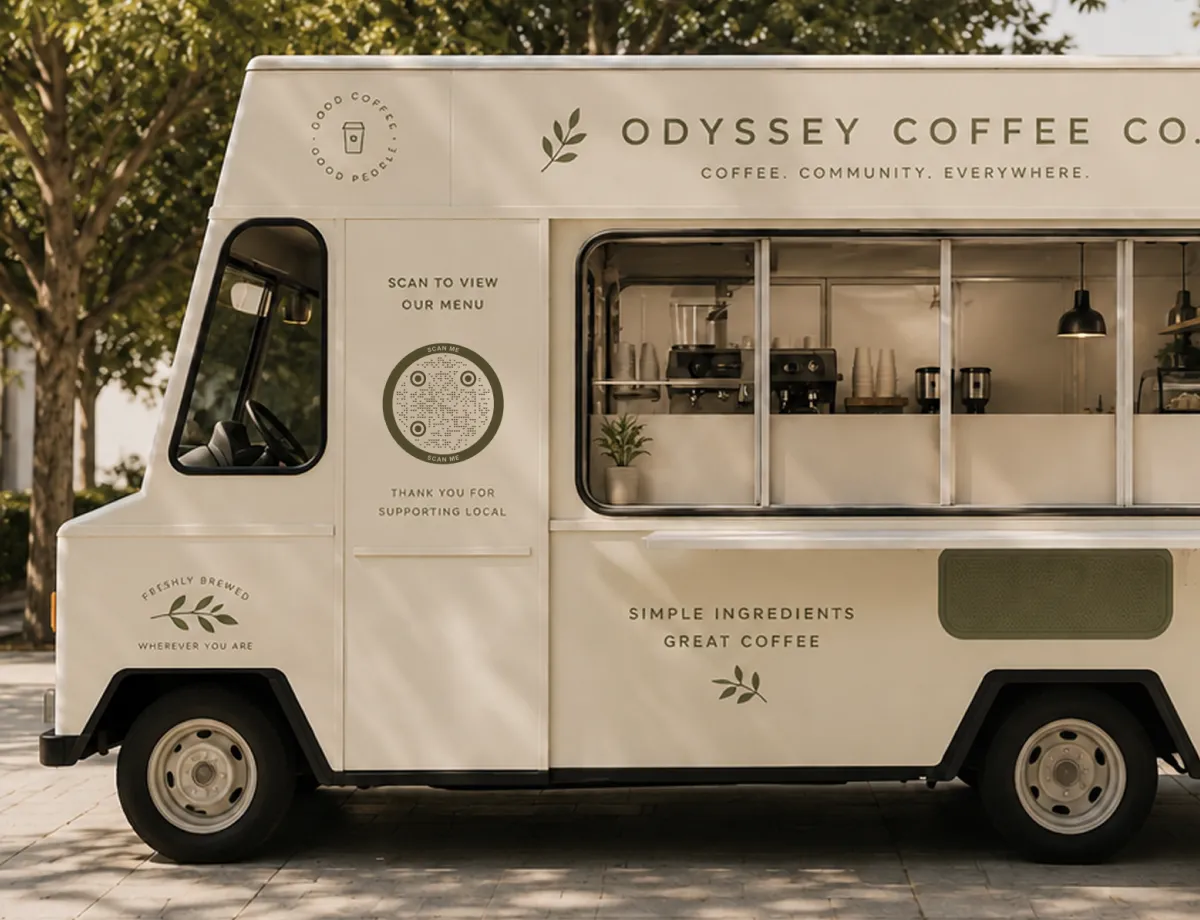
How a URL QR Code Works
Behind the pattern, three simple things happen every time someone scans:
- The Link - the web address you want people to reach, from a homepage to a specific landing page.
- The Pattern - your link encoded into the black-and-white modules that make up the QR code.
- The Scan - the phone's camera reads the pattern and opens the link in the browser, usually in under a second.
Because the address is stored directly in the pattern, the printed code keeps working offline - the reader only needs internet to load the page it points to. A text QR code goes further: it shows the message itself, with no link and no internet.
Static vs. Dynamic URL QR Codes
A static URL QR code stores the link inside the pattern itself, so it never expires and doesn't depend on any third-party service staying online. The trade-off is that the destination is fixed once printed. A dynamic code stores a redirect instead, letting you change the destination later - but it relies on the provider's servers and usually a subscription. If you control your own short link or redirect, for example a page on your own domain, you get the best of both: a permanent static code you can still repoint whenever you like. KoloQR generates clean, static codes, which is why pairing one with a link you control is the most reliable long-term setup.
Generate QR Code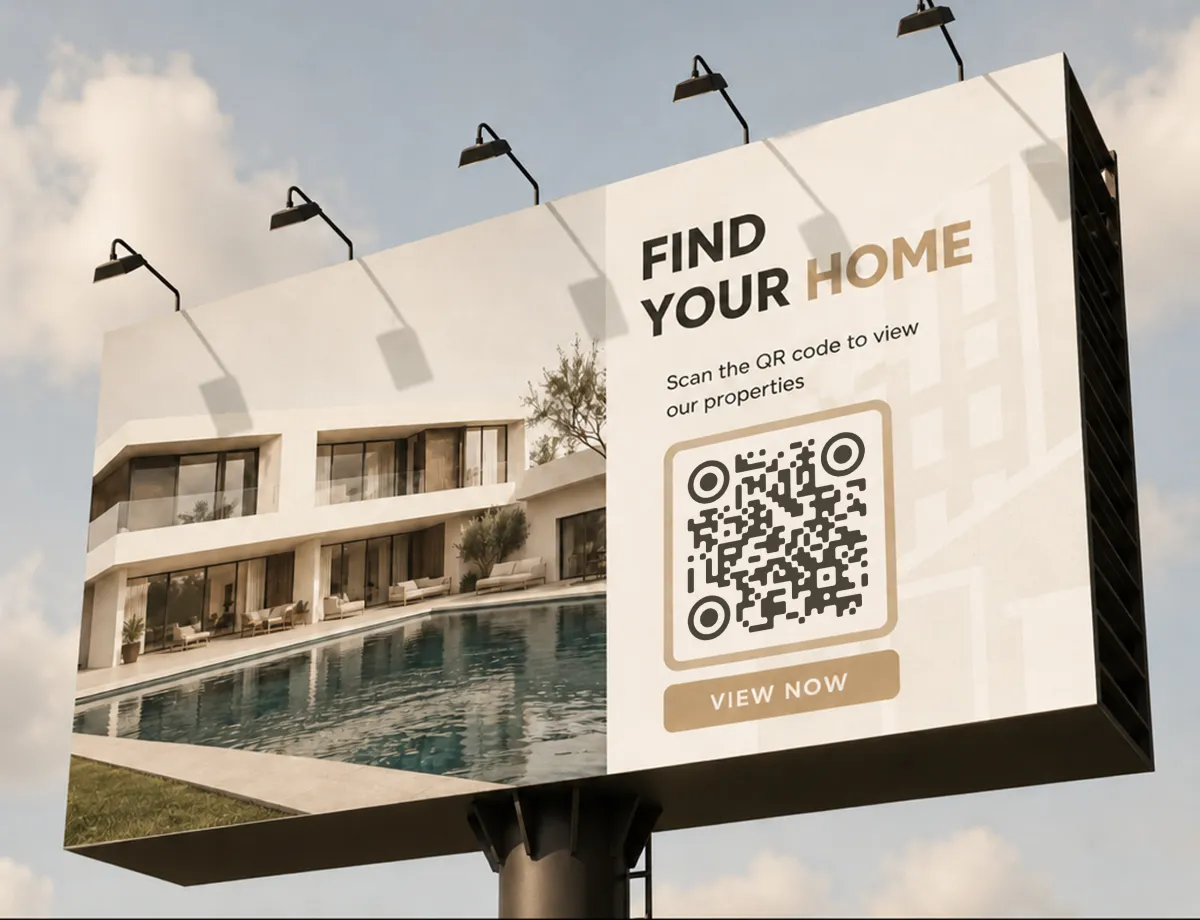
Where URL QR Codes Are Used
Anywhere you want to move someone from the physical world to a specific page. A few of the most effective placements:
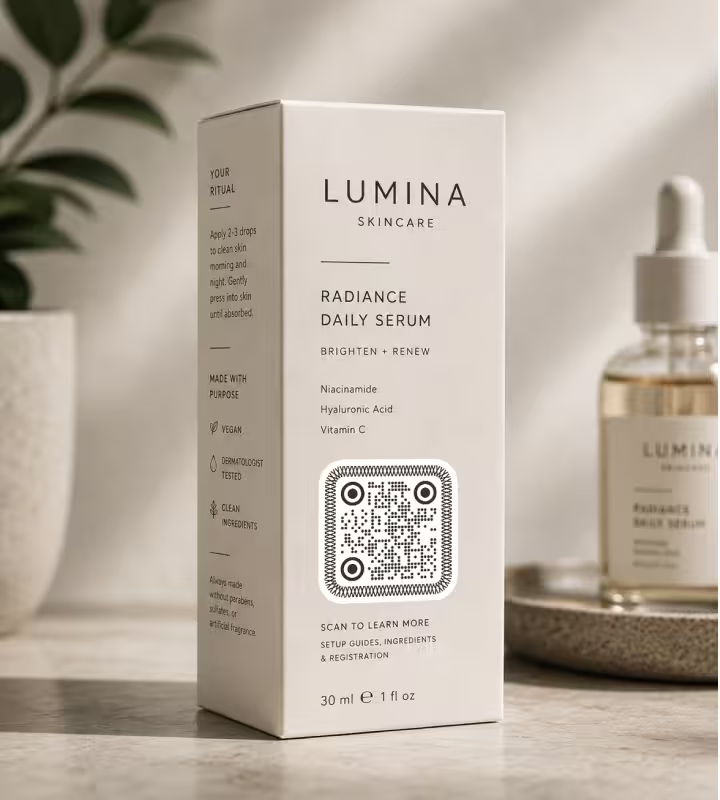
Product Packaging
Link to setup guides, ingredient details, or a registration page right on the box.
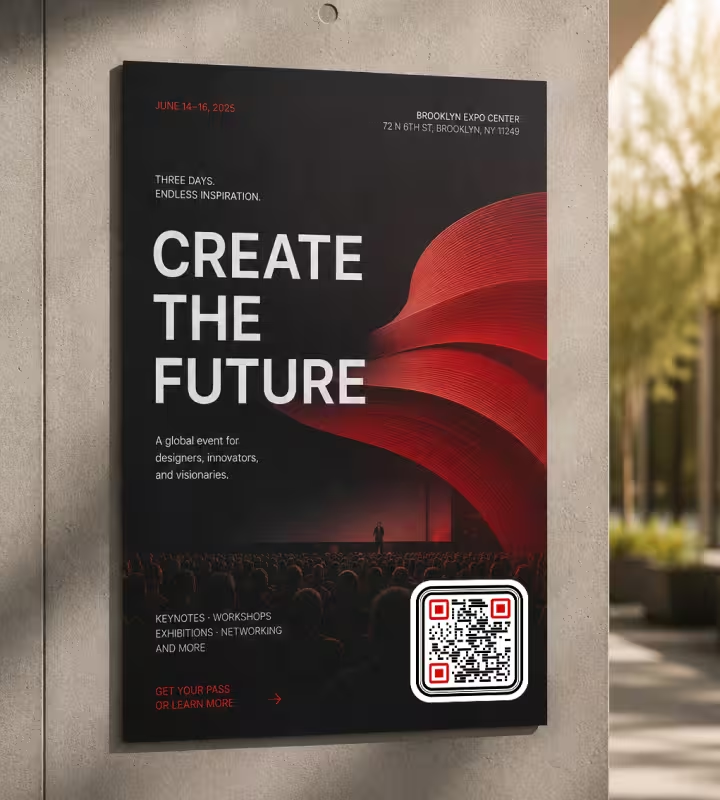
Posters and Flyers
Send passers-by to an event page, sign-up form, or ticket checkout without typing a long URL.
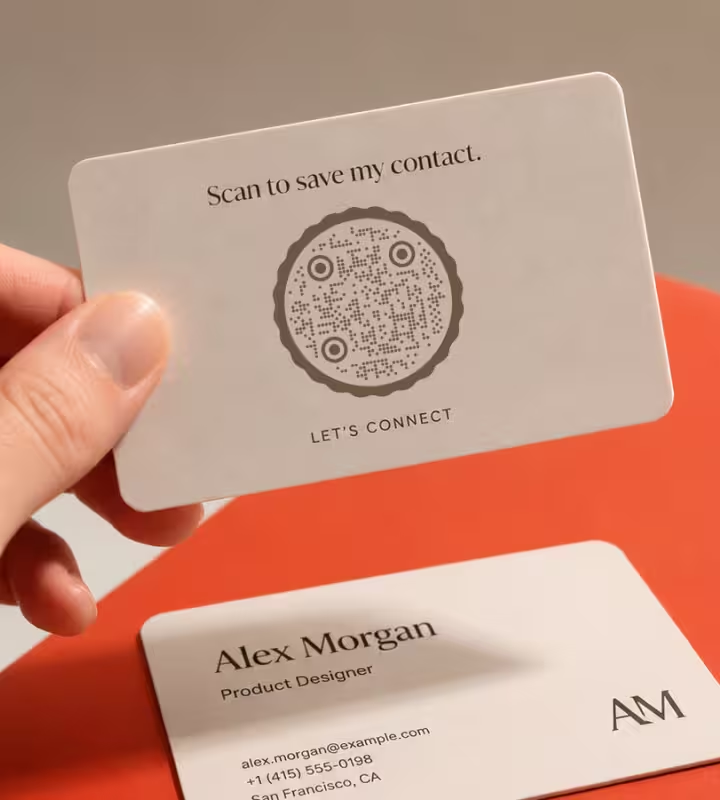
Business Cards
Point to your portfolio, LinkedIn, or booking page so contacts save the right link instantly.
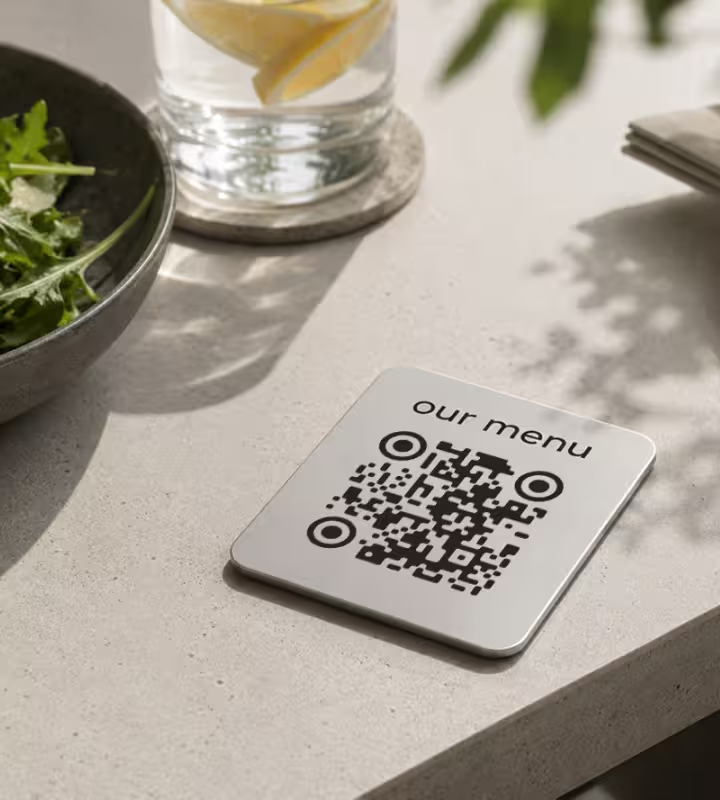
Restaurant Tables
Open an online menu or ordering page - the everyday use that made QR codes familiar to everyone.
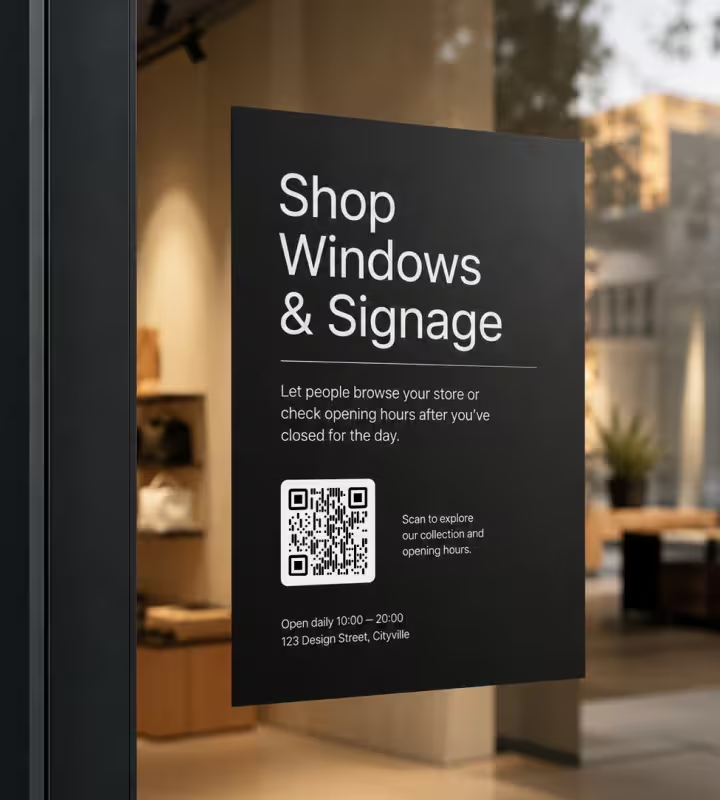
Shop Windows and Signage
Let people browse your store or check opening hours after you've closed for the day.
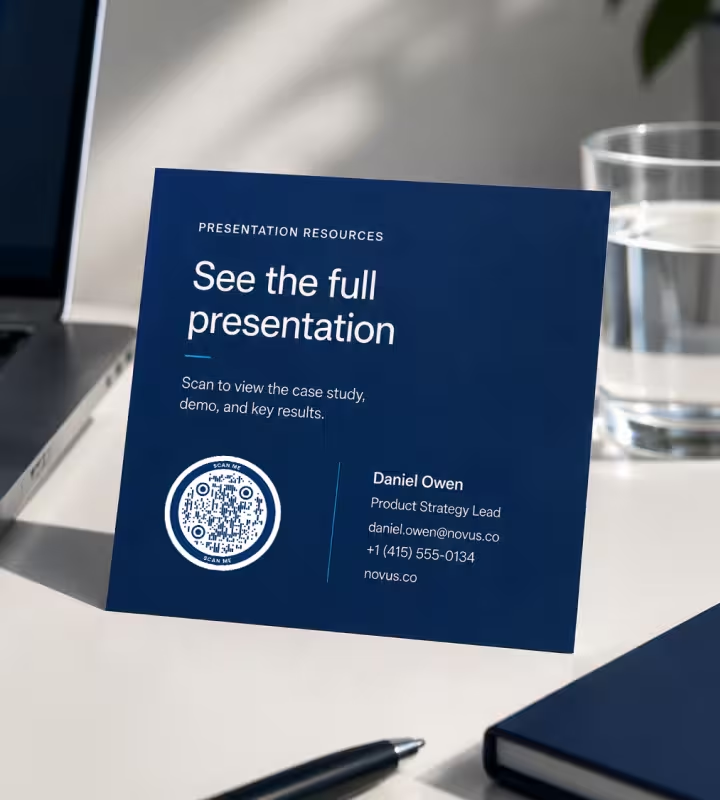
Email Signatures and Slides
Add a scannable link to a demo, case study, or landing page in any presentation.
- 1
Paste Your Link
Enter the full web address, including https://, so the code points exactly where you want.
- 2
Customize the Design
Choose a shape, adjust the colors to match your brand, and drop in a logo if you have one.
- 3
Test the Scan
Scan it with a couple of phones before you finalize - check the link opens the right page.
- 4
Download and Place It
Export a PNG for screens or an SVG for print, then add it wherever your audience will see it.

Which File Format Should You Download?
KoloQR exports your URL QR code in three formats. Pick based on where it will live:
- PNG for digital content, websites, slides, and social media where a fixed-size image is fine.
- SVG for print, large signage, and anything that has to scale up without losing sharp edges.
- PDF for handing straight to a printer or dropping into a document with print-ready quality.
As a rule of thumb: use SVG or PDF for anything you'll print, and PNG for anything that stays on a screen. Vector formats stay crisp at any size, which matters when a poster QR code has to be readable from across a room.
Generate QR CodeBest Practices for URL QR Codes
Small details decide whether a code scans on the first try. These are the ones worth getting right:
Use https Links
Point to a secure https:// address. Many phones warn on or block plain http links, which can stop people mid-scan.
Keep the URL Short
Longer links create denser patterns that are harder to scan at small sizes. A short, clean address keeps the code simple and reliable.
Test Before You Print
Scan the final code on both iPhone and Android. A code that works on screen can still fail once it's resized or printed.
Protect the Quiet Zone
Leave clear, empty space around the code. Text or graphics crowding the edges can break the scan.
Keep Strong Contrast
A dark pattern on a light background scans best. Avoid low-contrast color pairs and never place the code over a busy photo.
Size It for Scan Distance
A rough guide: the code should be about a tenth of the scanning distance. A poster read from 3 metres needs a code around 30 cm wide.
Don't Let the Logo Take Over
A center logo is fine thanks to error correction, but keep it small. Covering too much of the pattern makes the code unreadable.
Send People to a Mobile-Friendly Page
Nearly every scan happens on a phone. Make sure the destination loads fast and reads well on a small screen.
Add a Short Call to Action
A line like “Scan to view the menu” tells people why to scan and lifts how many actually do.
Use a Link You Can Control
If the destination might change, point the code at your own domain or a redirect you own. You keep one permanent code and update where it leads.
Why Your URL QR Code Isn't Working
A URL code either opens the right page or it doesn't, and the reason is nearly always one of these four.
The Scan Opens a Search Result, Not the Page
- Cause
- The address was encoded without its scheme. With no leading https://, many scanners treat the string as plain text and hand it to a search box instead of the browser.
- Fix
- Include https:// in the address before you generate, then scan the exported file once and confirm it opens the page rather than searching for it.
The Pattern Is Dense and Slow to Read
- Cause
- Long links pack more data into the same square, so the modules shrink. Campaign parameters, session ids, and tracking strings are what usually push a code over the edge.
- Fix
- Strip everything the page doesn't need from the address, or point the code at a short redirect on your own domain and keep the tracking on the far side of it.
It Leads to a 404 After a Site Update
- Cause
- A static code stores the address permanently. Reorganizing the site or renaming a page leaves every printed code pointing where nothing lives any more.
- Fix
- Redirect the old address to the new one and the printed codes keep working. Better still, point them at a redirect you control from the start, so any future move is one line on the server.
It Opens for You but Not for Customers
- Cause
- The address resolves because your browser is signed in or you're on the office network. A page behind a login, a staging domain, or an internal host is a dead end for everyone else.
- Fix
- Open the exported code on a phone using mobile data with no session. If it doesn't resolve there, it won't resolve from a table tent either.
Still not sure whether the fault is the file or the print? Drop the exported image into the QR code scanner - if it decodes on a desktop and not on paper, the fault entered after the file.
Questions? Answered
A URL QR code is a QR code that stores a web address. Scanning it with a phone camera opens that link in the browser automatically, so people reach your page without typing anything. It's the most common of the types of QR codes, and the one to reach for whenever the destination is a web page.
Paste your web address into a generator, customize the design if you like, and download the image. With KoloQR you can add a logo, change the shape, and export a print-ready file in seconds - no sign-up needed.
Yes. KoloQR generates URL QR codes for free, and the codes themselves never cost anything to scan. Static codes like these don't require a subscription to keep working.
Not for a static code - the link is stored in the pattern, so changing it means generating a new code. To keep one permanent code, point it at a redirect on your own domain and update that redirect whenever the destination changes.
Static URL QR codes don't expire. Because the link is encoded directly in the pattern, the code keeps working as long as the web page it points to stays online.
Use PNG for screens, social media, and slides. Use SVG or PDF for print, signage, and anything that needs to scale up cleanly. Vector formats stay sharp at any size.
Yes. QR codes include error correction, so a small logo in the center won't stop them scanning. Keep it modest in size and test the result before printing.
The usual causes are low contrast, too little quiet space around the code, printing it too small, or a broken link. Increase contrast and size, leave a clear margin, and confirm the URL loads on a phone.
No. Modern iPhone and Android cameras read QR codes natively - people just point the camera and tap the link that appears. No separate scanner app is required.
Yes, and it's one of the most common uses. Export an SVG or PDF for crisp printing, keep strong contrast, and size the code for how far away people will scan it. A common case is a Google Forms QR code on a poster or handout, which opens the form straight away.
Keep Exploring
Pages that pick up where this one leaves off - the same setting, the same kind of code, or the next thing worth deciding.
Event QR Codes
One scan connects guests to tickets, schedules, directions and RSVPs - on invites, posters and signage.
Healthcare
Booking pages, intake forms and aftercare instructions on posters, leaflets, prescription bags and bedside cards.
Google Drive QR Code
Hand over a file, a folder, or a download from anything printed.
Posters
A3 to A0 - how big the code has to be for the distance people can actually stand at, and how high off the floor it belongs.
Vehicles
Vans, cars and fleet livery - the size a code needs at the kerb, and the part of the bodywork where it survives rivets, seams and road film.
Email QR Code
Let people email you in one scan, with the address, subject, and message ready to send.
Why KoloQR?
- Create QR codes for websites, menus, Wi-Fi, PDFs, and business cards
- Customize colors, logos, and unique shapes
- Download high-quality PNG and SVG files
- Built for both print and digital
