Turn Your X Profile Into a QR Code People Can Scan
Enter your handle, style the code to match your brand, and download a QR code that opens your X (formerly Twitter) profile in the app or the browser in one tap.
Opens in Google Maps. Coordinates work too - "37.4224, -122.0841".
The code opens your business's "Write a review" form. Paste the Place ID, or a Google Maps link that carries one.
A UPI link carries no checksum, so a mistyped ID produces a code that scans perfectly and pays somebody else. Paste the ID from your payment app rather than typing it, and send yourself one rupee before printing.
Paste it exactly as copied. KoloQR does not assemble the payload - it encodes the one your bank issued, and checks it before you print it.
SVG, PNG, JPG • Max 2 MB
First month free
then $9/month
Dynamic QR Codes Are Coming
Change your link anytime, even after printing. See who scans, when and where.
- Edit without reprinting
- Scan analytics
- Bulk & custom domains
You're on the List
We'll email you once, when dynamic codes with scan analytics launch.
What Is an X (Twitter) QR Code?
An X QR code is a QR code that stores the web address of an X account, post, or list. Scanning it opens that page - in the X app if it is installed, in the browser if it isn't. The address is encoded in the pattern itself, so the printed code works without any account, service, or subscription behind it.

How an X QR Code Works
Three things sit between the scan and the profile on screen:
- The Address - https://x.com/ followed by your handle without the @. Old twitter.com addresses still redirect, but encoding x.com saves the redirect and a few characters.
- The Pattern - the address encoded as modules. An X handle is at most 15 characters, so the whole link is short and the pattern stays sparse and easy to read.
- The Open - iOS and Android hand the link to the installed X app through its universal links; with no app, the same address opens the web profile.
The same pattern points anywhere on X. A single post is x.com/handle/status/ plus a 19-digit id, a list is x.com/handle/i/lists/ plus its id, and x.com/intent/follow?screen_name=yourhandle opens the follow dialog directly rather than the profile - the shortest path from a poster to a new follower.
Your Handle Can Change - and That Breaks the Code
X lets any account change its handle at any time, and the old handle is released for someone else to claim. A printed QR code holding x.com/oldhandle does not fail politely when that happens: it opens a stranger's profile, or an account suspended for impersonation. This is the one risk that separates an X code from a Wi-Fi or email code, and it is worth designing around. Two options work. Encode x.com/i/user/ plus your numeric account id, which never changes even when the handle does - it is unreadable to a human but permanent. Or point the code at a page on your own domain that redirects to X, so a rename is one line to edit rather than a reprint. If the code lives on a conference badge that is binned on Sunday, the plain handle is fine. If it is going on a shopfront, it isn't.
Generate QR Code
Where X QR Codes Are Used
X rewards being in the room while something is happening, which is exactly where a printed code can reach someone. The placements that work:

Conference Slides and Stage Backdrops
Put the code on the last slide so the room can follow you while they still remember the talk.
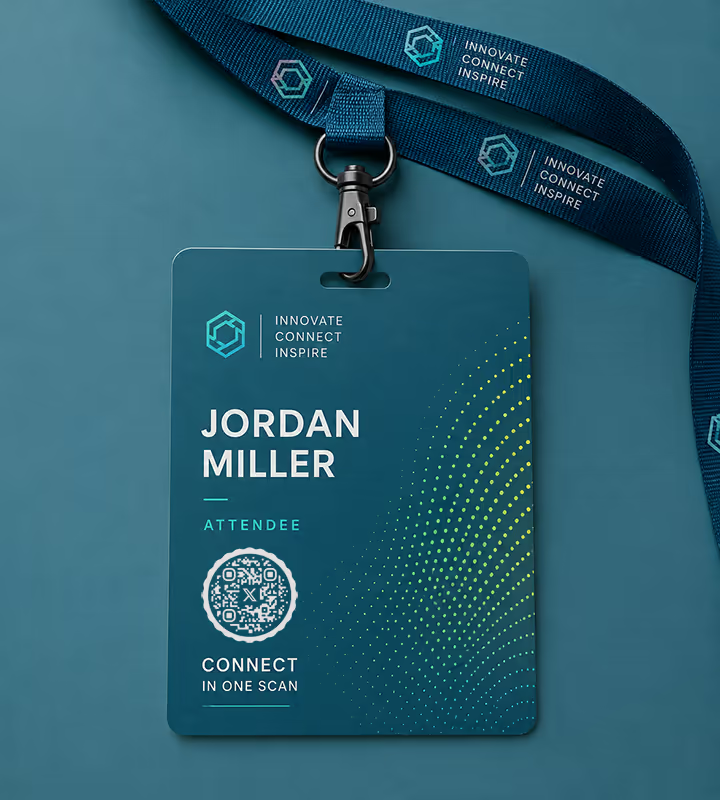
Event Badges and Lanyards
Swap handles in one scan instead of spelling out an underscore across a noisy hall.
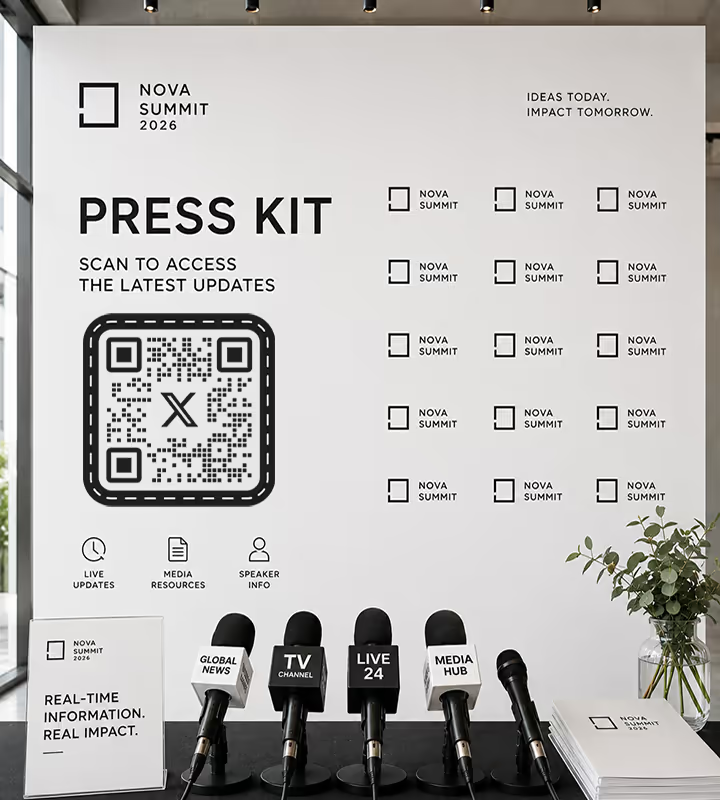
Press Kits and Media Walls
Give journalists a live account rather than a printed statement that dates within the hour.
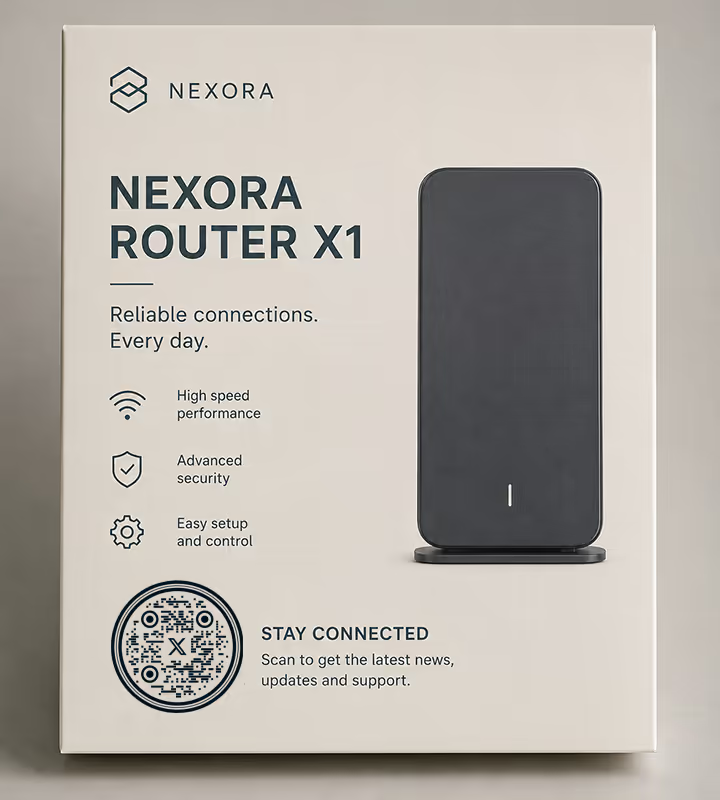
Product Packaging and Manuals
Point customers at the account that posts outage notices and release news, where support conversations already happen.

Book Jackets and Zines
An author's handle on the back cover turns a finished reader into a follower at the moment they liked it most.
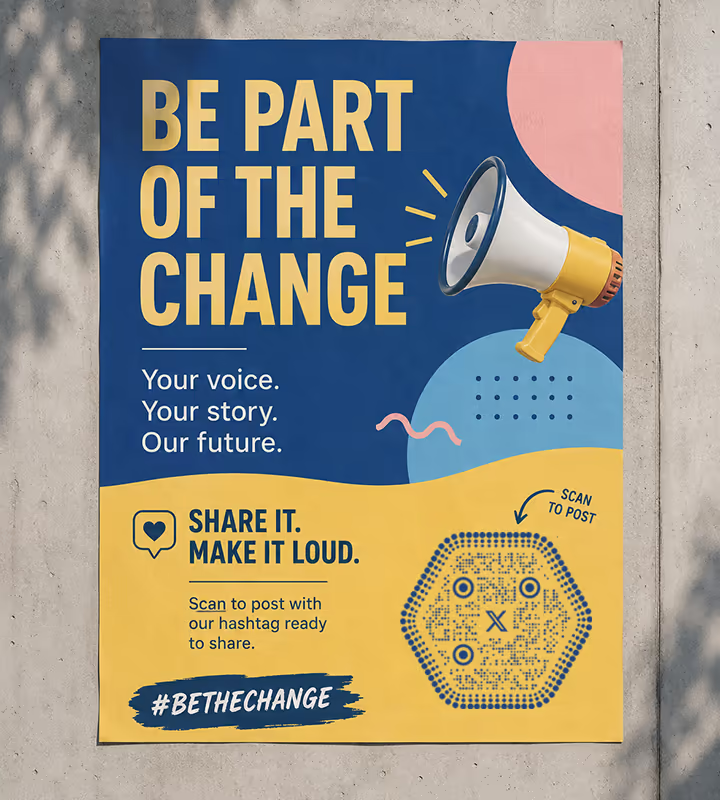
Campaign Posters
Use an intent link so the scan opens a pre-written post with your hashtag ready to send, not just a profile.
- 1
Pick X and Enter Your Handle
Type the handle without the @ - KoloQR builds the x.com address around it. Paste a full URL instead if you want a specific post, list, or intent link.
- 2
Decide What the Scan Should Do
A profile URL opens your account. An intent follow link opens the follow dialog. A status URL opens one post. Pick the action, then encode that address.
- 3
Customize the Design
Choose a shape, set the colors, and drop in a logo. Black on white scans best; if you use brand colors, keep the pattern clearly darker than the background.
- 4
Test and Export
Scan it on an iPhone and an Android, with and without the X app installed. Then export PNG for screens, SVG or PDF for print.
How to Scan the X Login QR Code
Most people who search for how to scan an X QR code are looking at a login screen, not a poster. X shows one code for signing in on a second device and another for a profile, and both read the same way - a camera pointed at the screen, or the QR code scanner when all you have is a screenshot.
Sign In on Another Screen in Three Steps
When a computer, tablet or TV asks you to scan a code with your phone camera to continue, the phone has to be the one already signed in to X:
- Leave the Code on the New Screen - keep the sign-in page open on the device you want to use. The code belongs to that session, so a screenshot of it sent elsewhere does nothing.
- Open the Scanner in the X App - on iPhone, tap your profile icon at the top, then the QR icon in the bottom right corner; on Android, tap QR code from the navigation menu or your profile icon. The phone camera also reads it and hands the link to the app.
- Confirm on the Phone - check that the prompt names a device you are holding, then approve it. The other screen signs in. Never approve a login code someone else sent you.
A Profile Code, a Screenshot or a Printed Card
A profile code read from the same X scanner opens that account, ready to follow, with no search. A code you were sent is an image, and the app will not open a file. Point a second phone at the screen, or drop the file into the scanner, which reads it on your device and shows the address before you go anywhere. To read a code someone sent you as an image, see how to scan a QR code from a screenshot.
- Check the Destination First the scanner prints the address it decoded, so a shortened link is resolved before it costs you anything.
- A Code That Will Not Read is usually too small or too low in contrast - why a QR code is not scanning works through the causes in order.

Which File Format Should You Download?
KoloQR exports your X QR code in three formats. Pick by where it will be seen:
- PNG for slide decks, video end cards, profile banners, and anywhere the code appears at one fixed size.
- SVG for stage backdrops, exhibition graphics, and anything a printer will enlarge without losing sharp edges.
- PDF for sending to a print shop or placing in a press kit at print-ready quality.
A conference backdrop is where this choice shows. Scaled from PNG, the modules soften and the code has to be read from closer than the layout assumed; from SVG, the same file is exact at three metres wide.
Generate QR CodeBest Practices for X QR Codes
A profile code is short and easy to encode, which means the mistakes are all in what you point it at:
Encode x.com, Not twitter.com
twitter.com addresses still redirect, but every redirect is a step that can be slow on venue Wi-Fi and a step that can one day stop. Encode the current domain.
Drop the @ From the Address
The handle goes in the URL bare: x.com/koloqr, not x.com/@koloqr. The @ belongs in the label printed beside the code, not in the link inside it.
Don't Rename the Account After Printing
A handle change releases the old one for anyone to claim, so printed codes can end up pointing at a stranger. Settle the handle before the print run.
Use an Intent Link for a Follow Campaign
x.com/intent/follow?screen_name=yourhandle opens the follow dialog instead of the profile, which removes a tap at the exact point people drop off.
Keep Post Links Short
A status URL carries a 19-digit id and makes a denser pattern than a profile link. It still scans, but print it a size up from what a profile code needs.
Say Whose Account It Is
Print the handle in text beside the code. People decide whether to scan based on where it goes, and an unlabelled code on a poster is a reason not to.
Keep Strong Contrast
X's palette runs to black and white, which is ideal. If the code sits on a dark backdrop, invert the panel behind it rather than the code - light-on-dark patterns fail on many scanners.
Protect the Quiet Zone
Four modules of empty margin on every side. On a busy media wall this is the first thing a designer takes back, and the first reason the code stops reading.
Size It for the Room
About a tenth of the reading distance. A code on a slide read from 15 metres at the back of a hall needs to be around 1.5 metres wide on screen - which usually means moving it to the badge instead.
Test With the App Installed and Without
The two paths differ: one deep-links into the app, one loads the web profile, and only the second shows what a logged-out stranger actually sees.
Why Your X QR Code Isn't Working
An X code fails in ways that have little to do with the pattern and everything to do with the address inside it.
It Opens the Wrong Account
- Cause
- The handle in the code was changed or abandoned after printing. X releases a released handle back into the pool, so someone else now holds the address the pattern encodes.
- Fix
- Encode x.com/i/user/ plus your numeric account id, which survives a rename, or point the code at a redirect on your own domain that you can repoint in seconds.
The Scan Lands on a Login Wall
- Cause
- Parts of X are gated for logged-out visitors, and what is visible without an account changes over time. Someone scanning a poster is very often logged out.
- Fix
- Test the exact address in a private browser window with no session. If it demands a login, send the scan to a page you control that shows the content and links onward.
The @ Ended Up in the URL
- Cause
- The handle was pasted as @yourhandle into a plain URL field, producing x.com/@yourhandle - an address X does not resolve to a profile.
- Fix
- Enter the handle without the @ in the Social form, which builds the address for you, and scan the exported file once to confirm the profile opens.
A Post Link Scans Slowly
- Cause
- Status URLs are long: the domain, the handle, the word status, and a 19-digit id. More characters means more modules in the same square, so each module is smaller.
- Fix
- Print it larger, or point the code at the profile and pin the post to the top of it - the same destination in a fraction of the characters.
Still not sure whether the fault is the file or the print? Drop the exported image into the QR code scanner - if it decodes on a desktop and not on paper, the fault entered after the file.
Questions? Answered
An X QR code stores the address of an X profile, post, or list. Scanning it with a phone camera opens that page - in the X app if it is installed, otherwise in the browser - so no one has to type a handle.
Choose the Social type in KoloQR, pick X (Twitter), and enter your handle without the @. Adjust the shape and colors if you like, then download PNG or SVG. There is no sign-up and no watermark.
Encode x.com. Old twitter.com links still redirect, but a redirect is an extra hop that can be slow on crowded venue Wi-Fi and is not guaranteed forever. The current domain is also a few characters shorter.
Every printed code pointing at the old handle breaks, and worse, X frees that handle for someone else to claim - so your code may open a stranger's profile. Encode x.com/i/user/ plus your numeric id, or a redirect you control, before printing.
Nearly. Encoding x.com/intent/follow?screen_name=yourhandle opens the follow dialog instead of the profile, so the scan ends on a single confirm. The person still has to tap Follow - nothing can do that for them.
Yes. Paste the full status URL and it encodes like any other link. Post URLs are long, so the pattern is denser - print it a size larger than a profile code, or pin the post and link to the profile instead.
No. With the app installed the link deep-links into it; without it, the same address opens the web profile in the browser. Modern iPhone and Android cameras read the code either way, with no scanner app.
It points to the same place but behaves differently. X's in-app code is generated for sharing on a screen and its design is fixed. A code you generate can be shaped, colored, and exported as vector for print. For Instagram, see how to make a QR code for Instagram for a profile, a post or a reel.
Yes. Error correction lets a QR code survive a small covered area, so a modest centre logo still scans. Keep it small, keep the surrounding quiet zone clear, and rescan the exported file before printing.
Check three things first: the address resolves in a logged-out browser, the pattern is darker than its background, and the code is about a tenth as wide as the distance it is read from. Those cover most failures.
Keep Exploring
Pages that pick up where this one leaves off - the same setting, the same kind of code, or the next thing worth deciding.
Photographers
Client galleries, print reorders, portfolio links and guest photo uploads, on cards, albums, prints and event signs.
TikTok QR Code
Send people straight to your TikTok profile, a single video, or a campaign hashtag.
Instagram QR Code
Send people straight to your Instagram profile, a single post, or a reel.
Twitch QR Code
Open your Twitch channel from a stream overlay, a convention stand, or a merch insert.
Flyers
A5, A6 and DL leaflets - what size the code needs, which corner it belongs in, and how to tell which batch produced the scans.
T-Shirts
Chest and back prints - the size woven fabric actually holds, which print method keeps the module edges, and what survives twenty washes.
Why KoloQR?
- Create QR codes for websites, menus, Wi-Fi, PDFs, and business cards
- Customize colors, logos, and unique shapes
- Download high-quality PNG and SVG files
- Built for both print and digital
