Free Custom QR Code Generator
Create custom QR codes for URLs, Wi-Fi, business cards, PDFs, menus, and social media. Customize colors, shapes, and logos, then download your code as PNG or SVG. No signup required.
Opens in Google Maps. Coordinates work too - "37.4224, -122.0841".
The code opens your business's "Write a review" form. Paste the Place ID, or a Google Maps link that carries one.
A UPI link carries no checksum, so a mistyped ID produces a code that scans perfectly and pays somebody else. Paste the ID from your payment app rather than typing it, and send yourself one rupee before printing.
Paste it exactly as copied. KoloQR does not assemble the payload - it encodes the one your bank issued, and checks it before you print it.
SVG, PNG, JPG • Max 2 MB
Create a QR Code for Any Content
Generate QR codes for websites, contact details, Wi-Fi networks, and social profiles. Every code is fully customizable and ready to print or share.
A QR Code Generator for Every Use Case
Whether you're building codes for restaurants, retail, events, or education, KoloQR helps you design QR codes that look good and scan reliably.
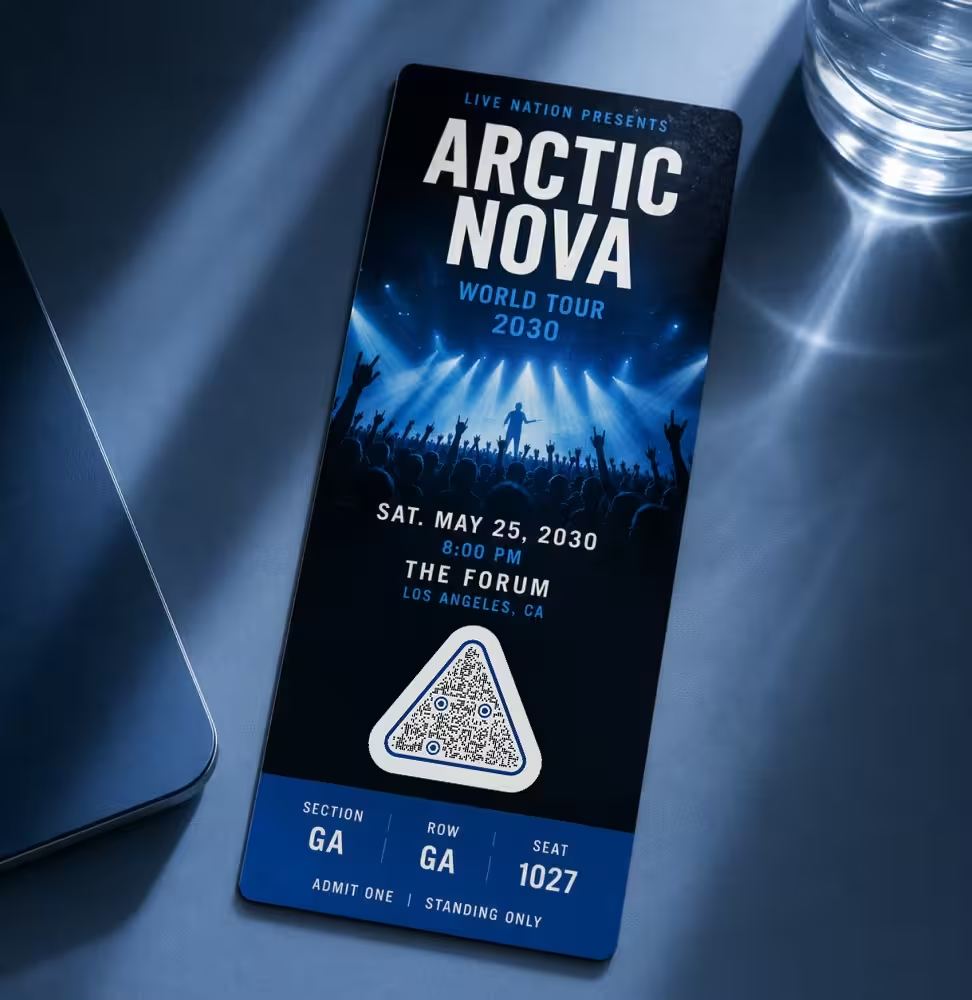
Events QR Codes
- Event schedule
- Ticket check-in
- Venue map
- Sponsors
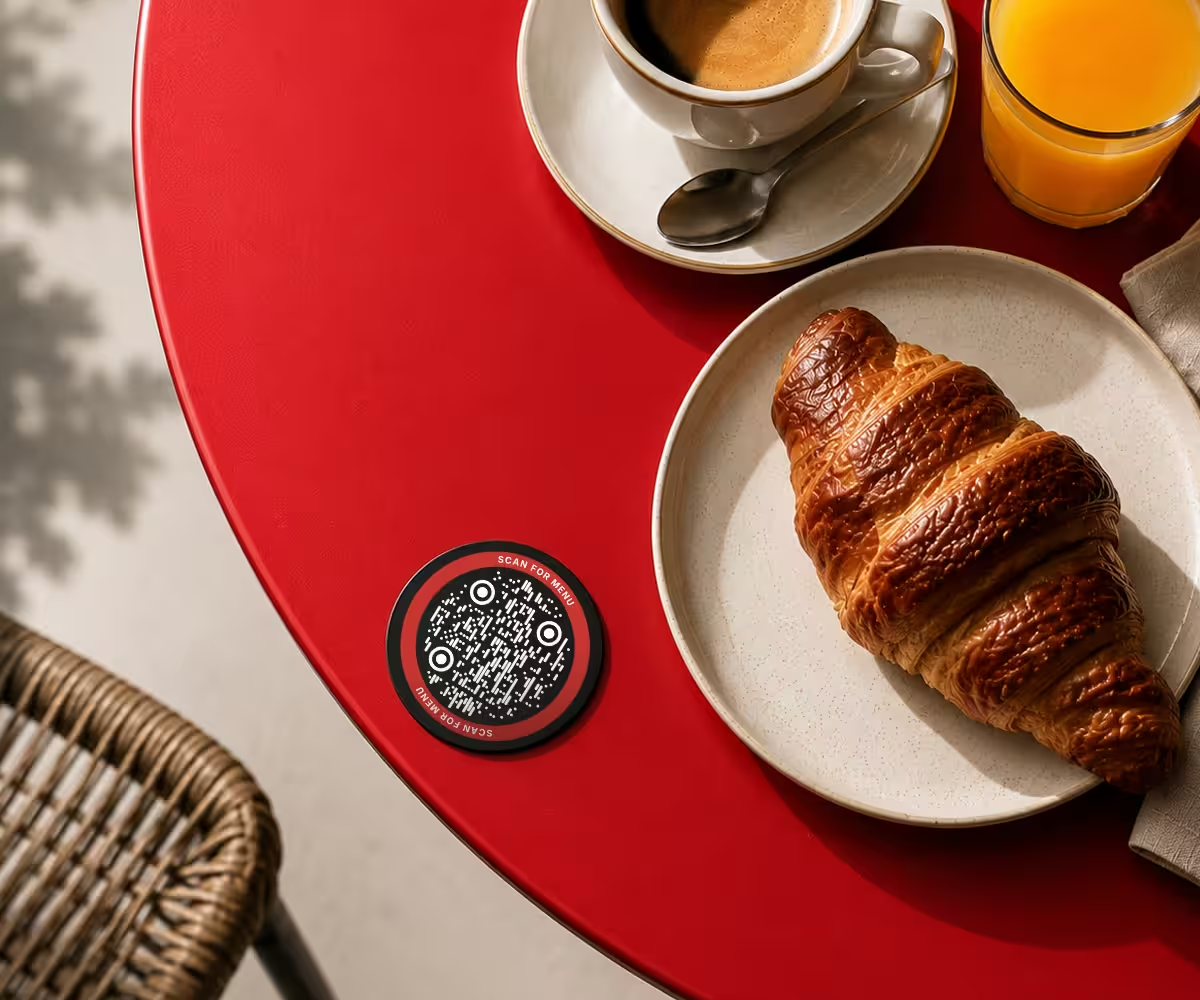
Restaurant QR Codes
- Digital menu
- Online ordering
- Reservations
- Reviews
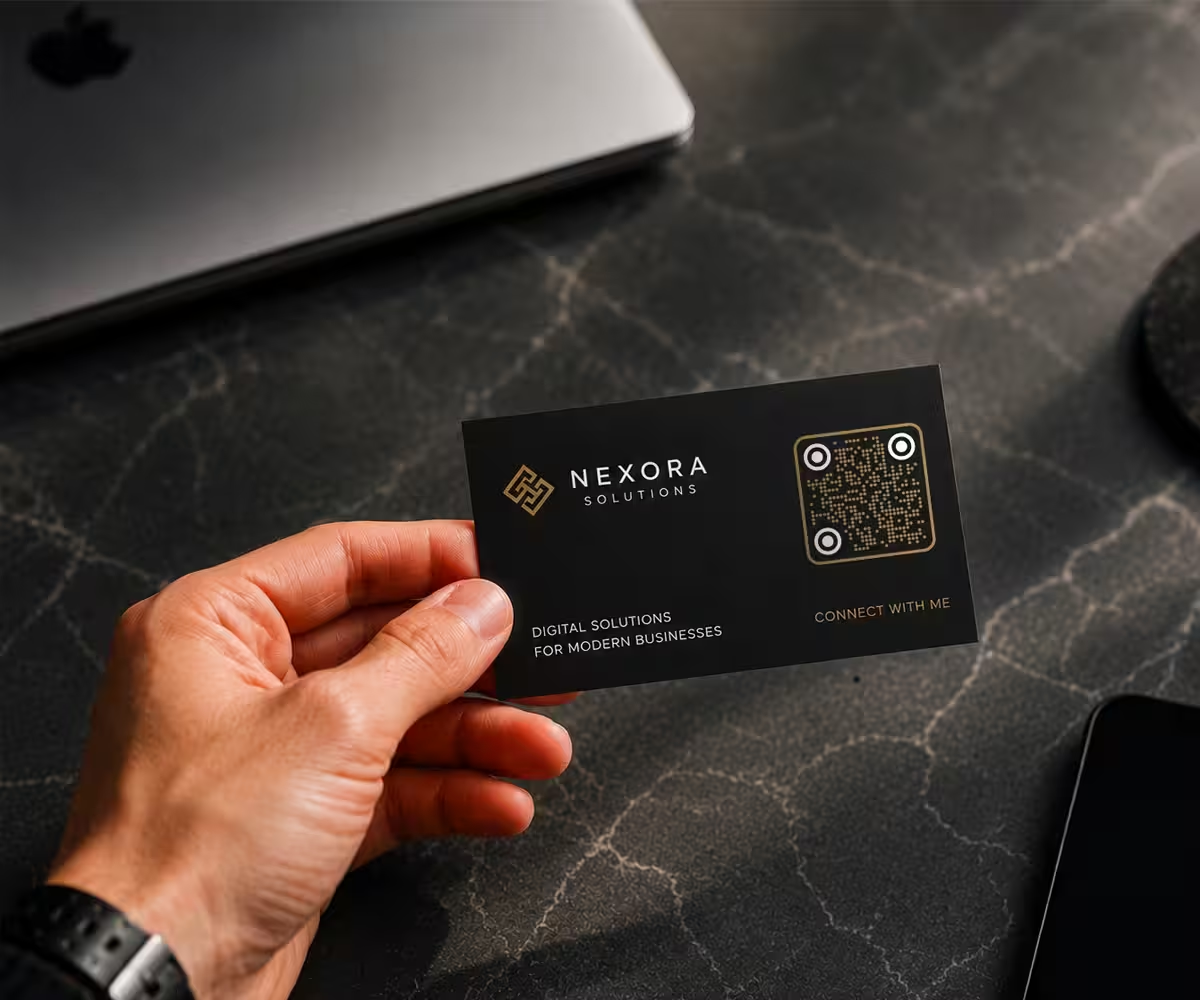
Business QR Codes
- Business card
- Company profile
- Portfolio
- Contact information
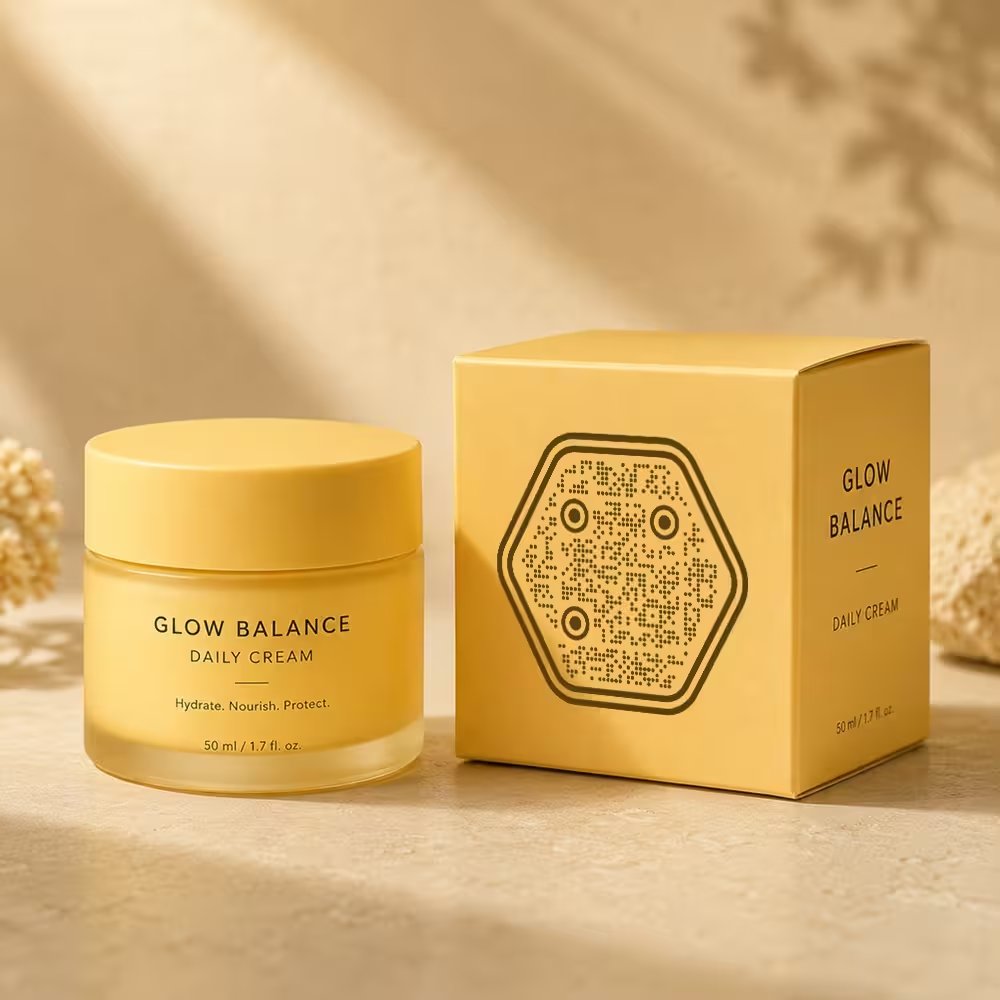
Product Packaging QR Codes
- User manuals
- Authentication
- Reviews
- Promotions
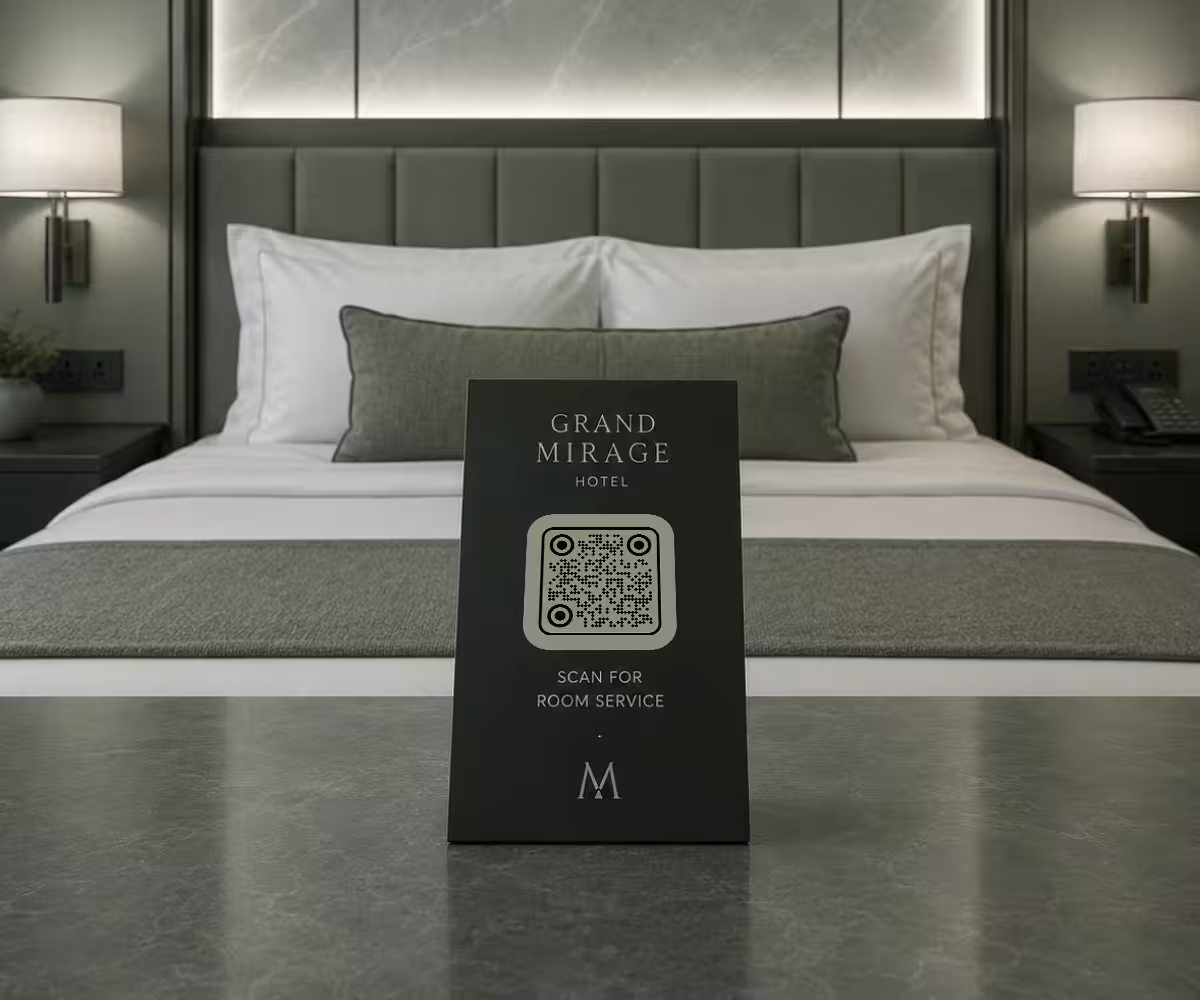
Hotel QR Codes
- Wi-Fi
- Room service
- Guest guide
- Digital menu
Why Designers Choose KoloQR
Most generators give you a plain black square. KoloQR lets you shape, color, and brand your codes while keeping them reliable to scan - built for designers, agencies, and marketing teams.
PNG & SVG
High-quality files for web and print
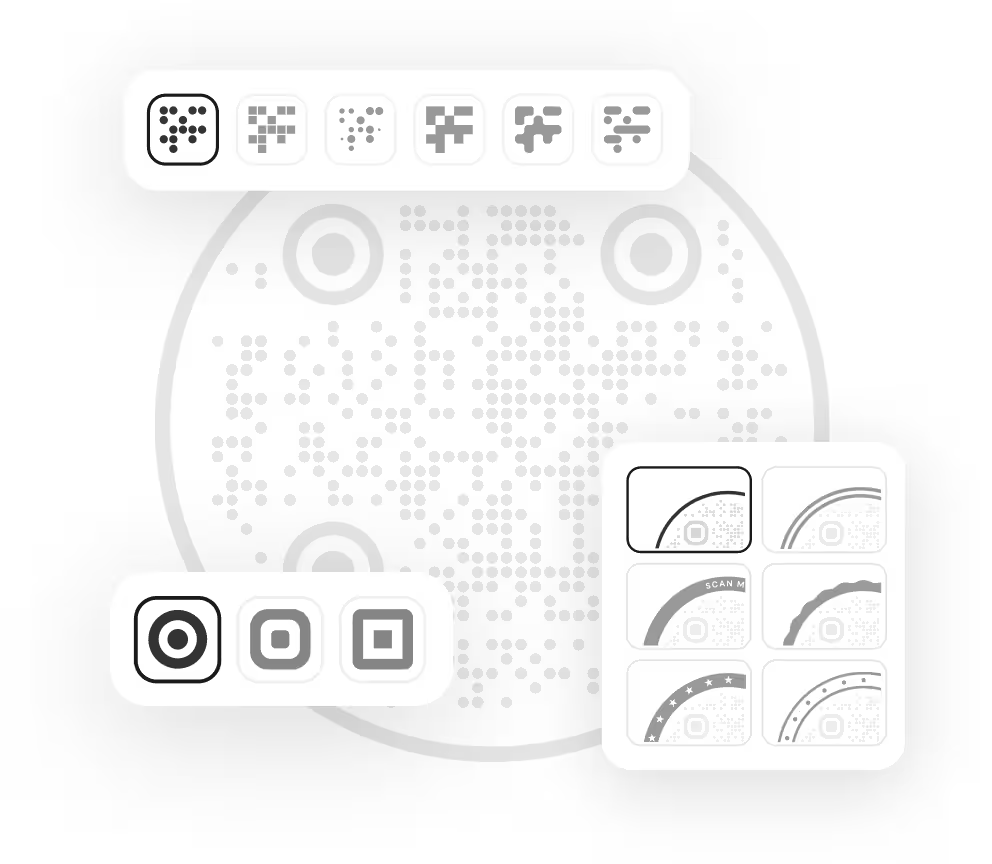
Customizable
Colors, shapes, logos, and eye styles
Privacy first
Codes are generated locally in your browser
No watermark
Your codes stay clean, always
No signup
Start creating right away
Open source
The shape library is public on GitHub under the MIT license
Customize Your QR Code
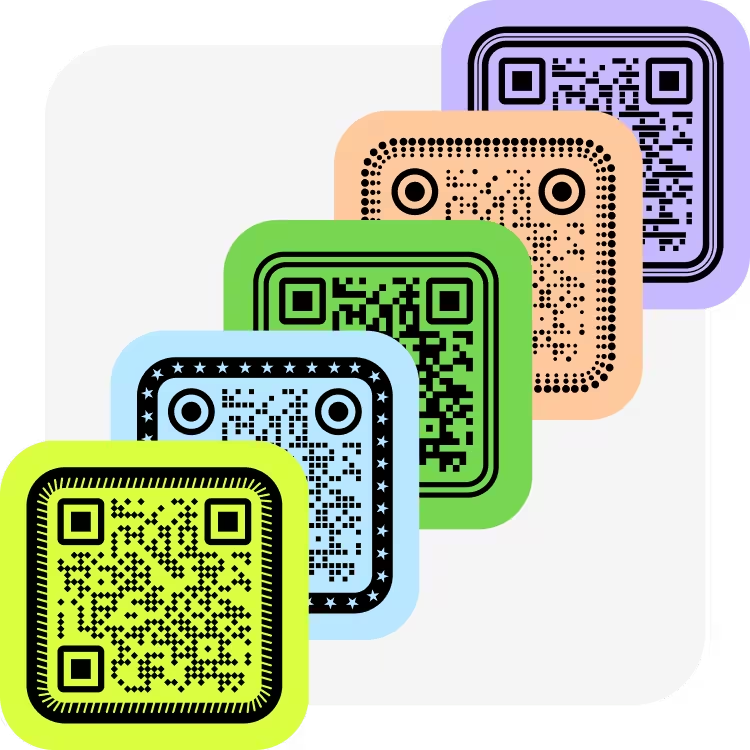
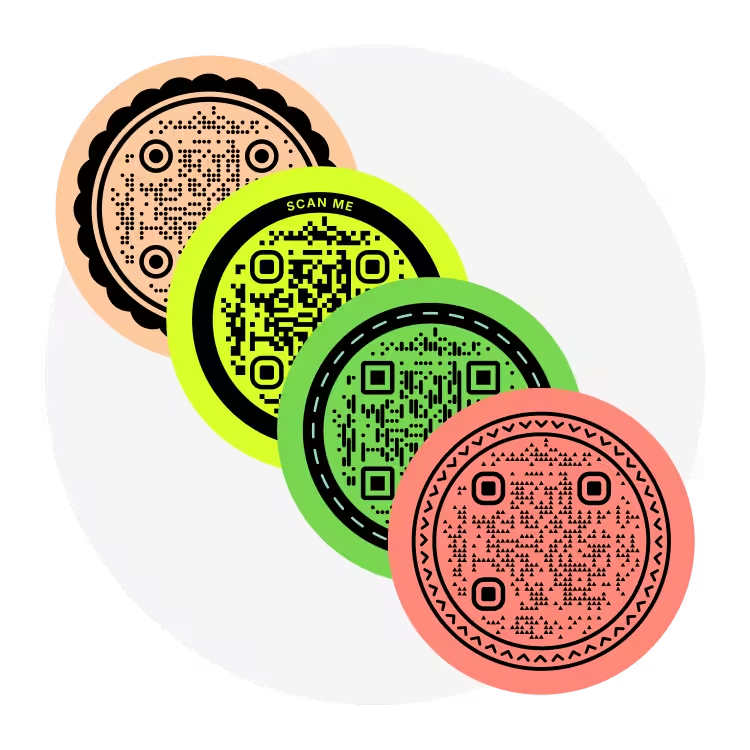
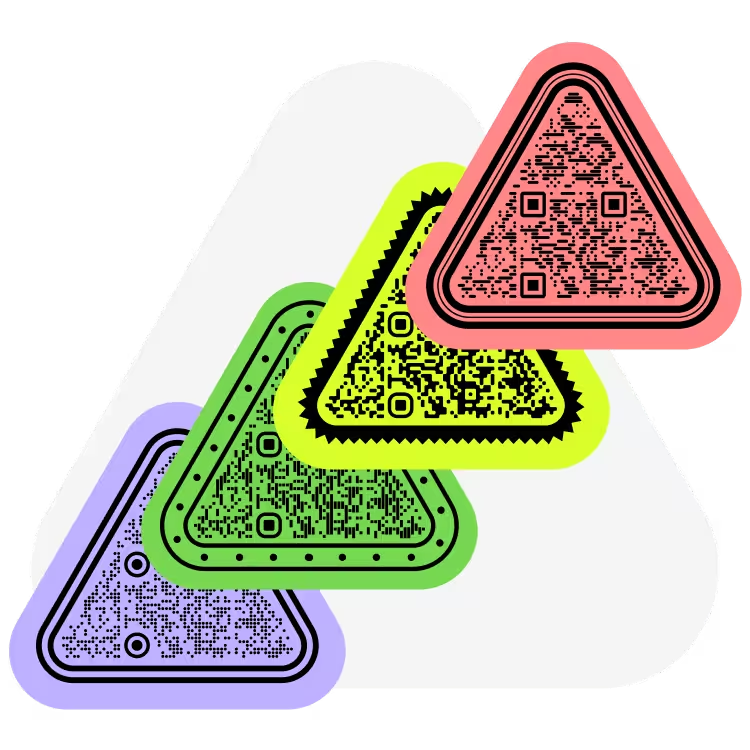
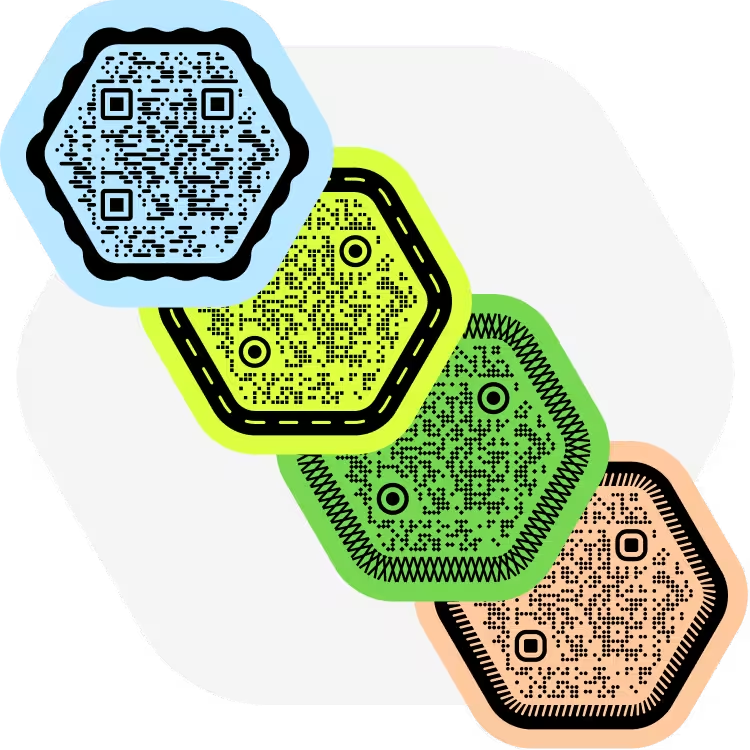
Choose from square, rounded, circle, triangle, and custom module styles. Every design is optimized to stay readable while matching your brand.
How to Create a QR Code in 3 Simple Steps
Making a QR code takes less than a minute. Pick your content, customize the design, then download a print-ready PNG or SVG.
 1
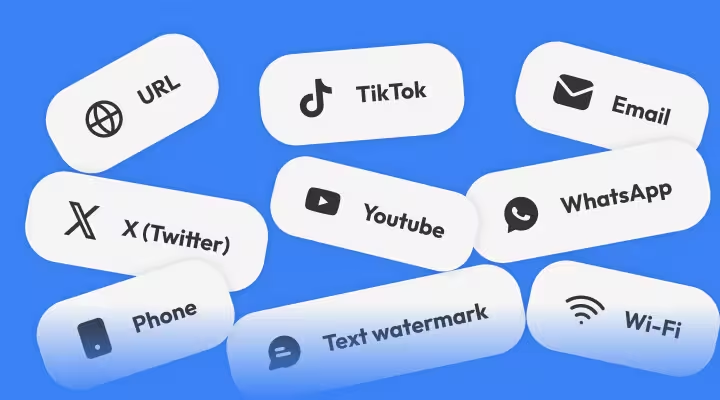
1Choose your QR code type
Select what you want to share: a URL, Wi-Fi, phone, email, social profile, or text.
 2
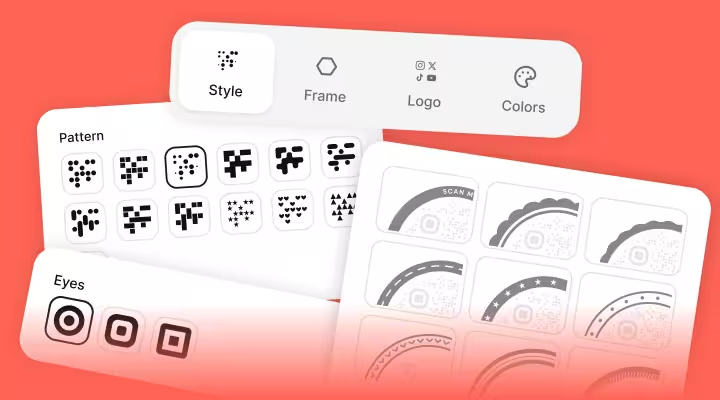
2Customize your QR code
Adjust colors and shapes, and add a logo so the code matches your brand.
 3
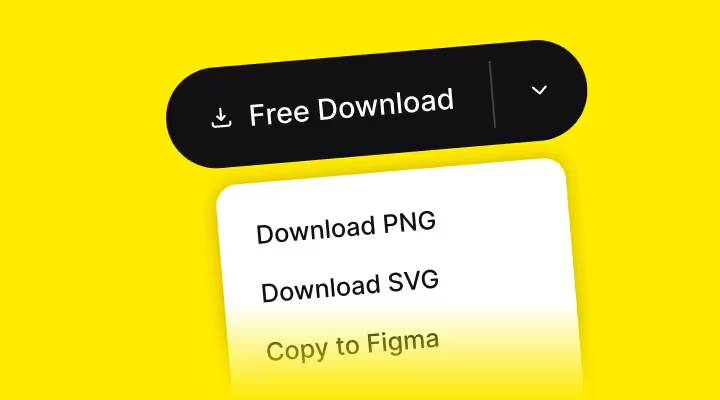
3Download and share
Export as PNG, SVG, EPS, or PDF, or copy straight to Figma.
Questions? Answered
Yes. There's no account, no subscription, and no per-code charge. You can create and download as many codes as you like.
No. You can generate and download codes without an account or email.
No. Your codes are clean, with no KoloQR branding added.
PNG for quick sharing, plus SVG, EPS, and PDF for print and design work. SVG scales to any size without losing quality.
Yes. Add your logo to the center of the code. Error correction keeps it scannable even with the logo in place.
A static code stores the content directly and never changes. A dynamic code points to a short link you can edit or track later. KoloQR focuses on high-quality static codes you fully own.
No. Static codes never expire and keep working as long as the destination they point to exists.
Yes. Codes are generated locally in your browser, so your content isn't sent to a server.
Yes, when it's built correctly. KoloQR keeps the finder patterns and contrast intact, so custom colors, shapes, and logos stay reliable.
A good rule is at least 2 × 2 cm (about 0.8 in), scaling up for greater scan distance. Export as SVG or PDF for crisp printing at any size.
Partly. The shape library that draws KoloQR's circular, triangular, and hexagonal codes is public on GitHub under the MIT license, so anyone can read it, fork it, or ship it in their own project. The website around it - the editor, logo handling, and PDF and EPS export - is closed. More about KoloQR and its license.
Featured On









Why KoloQR?
- Create QR codes for websites, menus, Wi-Fi, PDFs, and business cards
- Customize colors, logos, and unique shapes
- Download high-quality PNG and SVG files
- Built for both print and digital
