

The Free, Ad-Free ME-QR Alternative
Both create QR codes for free, but they aim at different things. ME-QR is built around free dynamic codes, scan tracking, and a wide range of content types. KoloQR is built for beautiful, print-ready static codes you can design and download in seconds - open source, with no account required. Here's an honest side-by-side to help you choose.
Feature Comparison
The areas where KoloQR leads on design and access. ME-QR's own strengths - free dynamic codes, tracking, and many content types - are covered in the overview below.
Downloads Without Sign-up
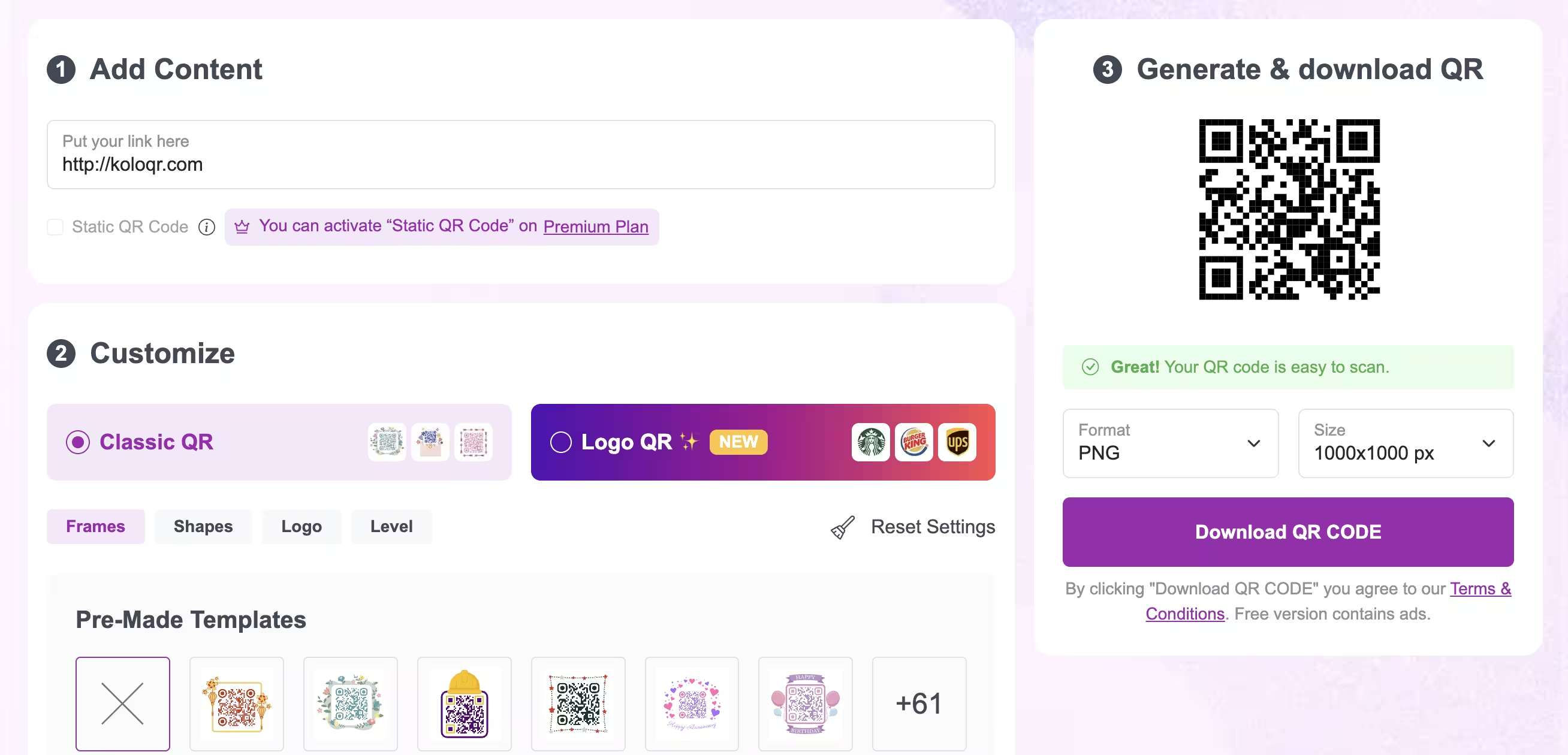
Both generate and download a static QR code with no account. Editing an ME-QR dynamic code later does require signing up.
KoloQRYesME-QRYesOpen Source
Inspect, modify, and self-host the KoloQR source code. ME-QR is a proprietary, hosted platform.
KoloQRYesME-QRNoCustom QR Shapes
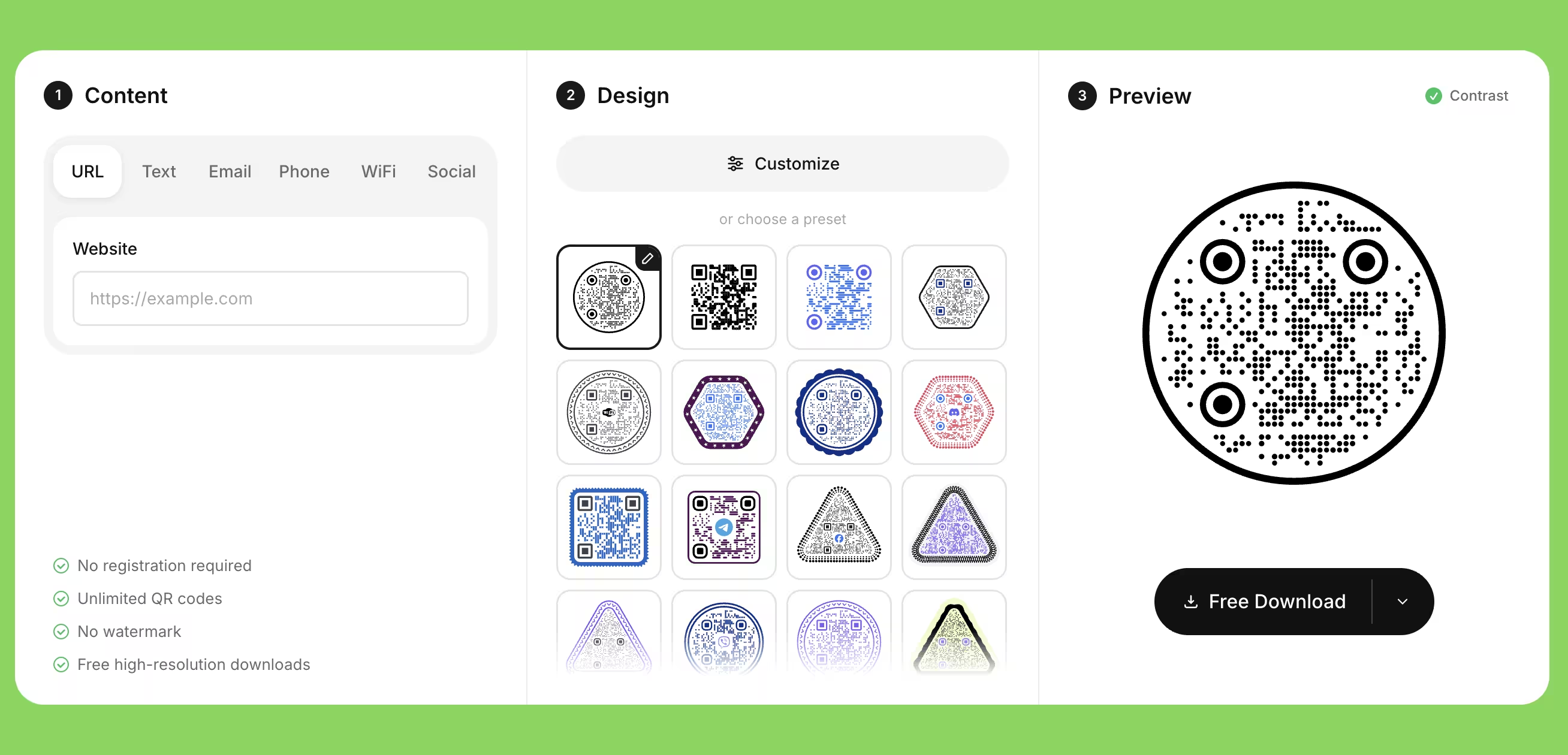
Circular, rectangular, triangular, and hexagonal outer shapes - beyond pattern, color, and frame styling.
KoloQRYesME-QRNoPremium QR Frames
Ready-made frames with a call to action. Both tools offer these.
KoloQRYesME-QRYesVector Export (SVG, PDF, EPS)
Both export print-ready vector files for professional printing.
KoloQRYesME-QRYesCopy Straight to Figma
Paste a QR code into a Figma file without exporting and re-importing.
KoloQRYesME-QRNoChrome Extension
Generate a QR code from any open webpage in one click.
KoloQRYesME-QRNoBuilt-in Contrast Checker
Warns you when foreground and background contrast is too low to scan reliably.
KoloQRYesME-QRNo
Where Each Tool Actually Leads
The table only tells part of the story. KoloQR and ME-QR are built for different jobs. Here's the honest picture so you can choose the right tool rather than the one with the longest feature list.
KoloQR: Design and Clean, Ad-Free Static Codes
If you care how the QR code looks and you want a print-ready file in seconds, KoloQR is the faster, simpler path - and the code points straight to your link with nothing in between.
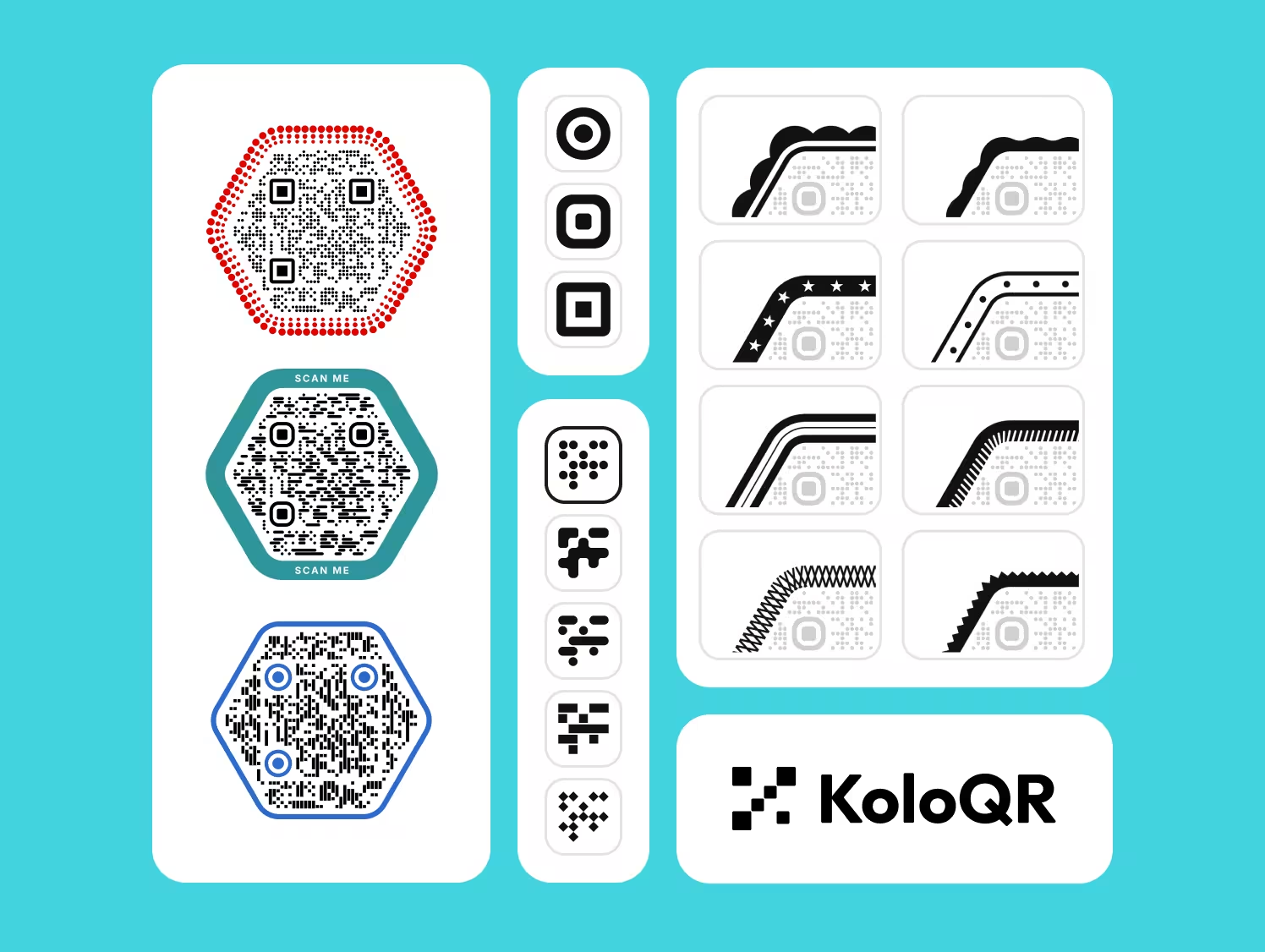
- Custom Shapes - Circular, hexagonal, triangular, and rectangular codes, plus logo support and full color control.
- No Account, No Ads - Download high-quality PNG and vector files without signing up, and static codes link directly with no ad interstitial.
- Print-Ready by Default - SVG, PDF, and EPS export at any size, with a contrast checker to keep codes scannable.
- Built for a Designer's Workflow - Copy straight to Figma, or generate a code from any page with the Chrome extension.
KoloQR makes static QR codes. The link is encoded directly, so the code never expires, needs no account to stay live, and shows no ads when scanned - the trade-off is that you can't change where it points or track scans once it's printed.
What Is ME-QR? Free Dynamic Codes and Scan Tracking
If you want to edit a code after printing, track scans, or pick from many content types without paying, ME-QR's free tier is genuinely generous - and KoloQR doesn't do any of that.
ME-QR is built around free dynamic QR codes you can edit after printing, with scan analytics by time, location, and device. It supports a wide range of content types, bulk creation, a digital menu builder, branded-domain redirects, and API access. The main trade-offs on the free plan: scanners see a short advertisement before reaching your content, and editing or tracking a code requires an account. Choose ME-QR when free tracking and editable codes matter more than design control and a direct, ad-free link.
Generate QR Code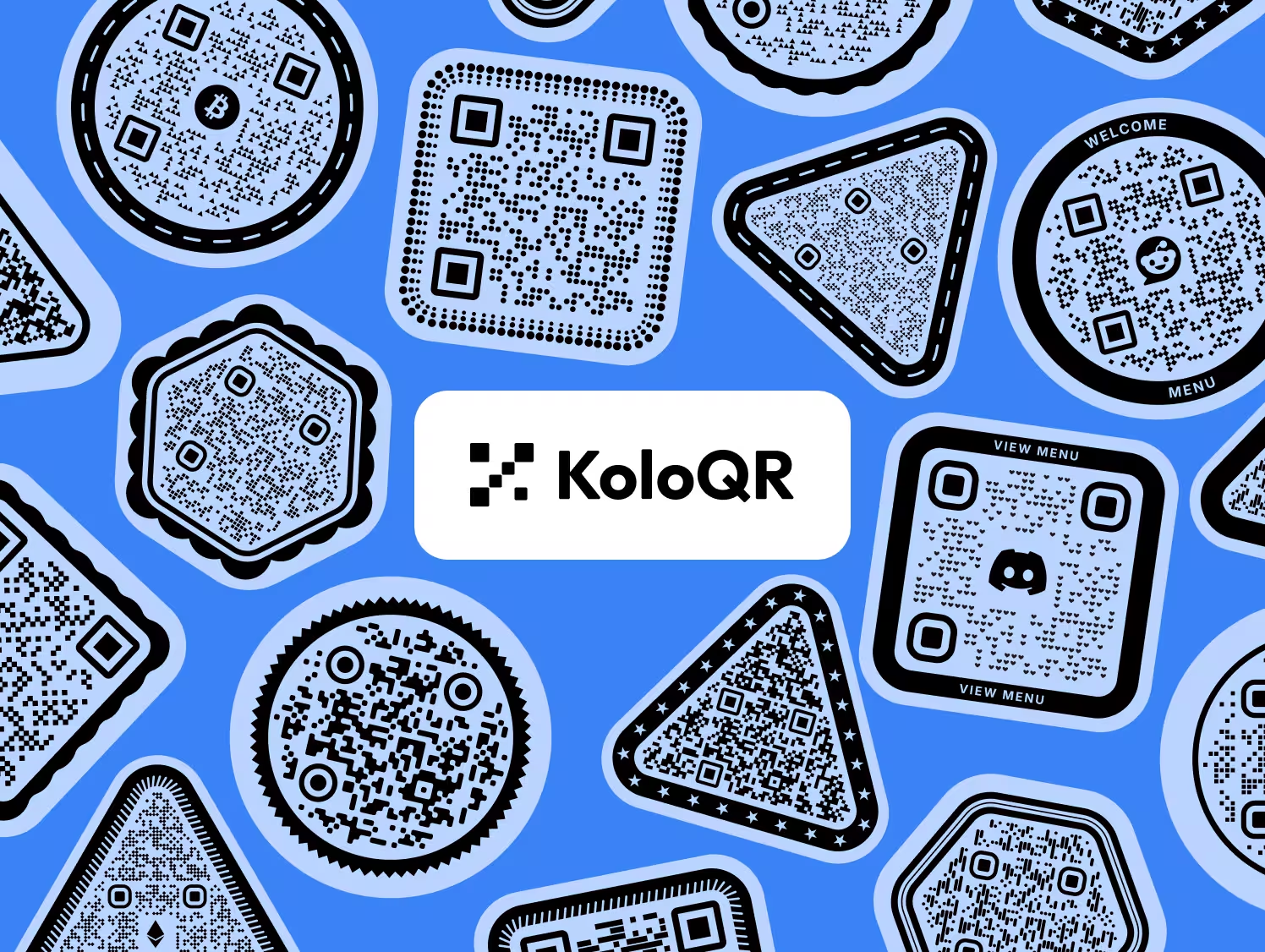
How to Choose, and What the Free Tier Actually Costs
ME-QR gives away tracking and editable codes; the price is paid at scan time rather than at checkout. These checks decide whether that trade works for your project.
Time the Full Scan, Not the Download
The editor is not where these tools differ - the difference lands between the camera and your page. A free ME-QR code sends the scanner through an advertisement first; a static code opens the destination directly. Generate one of each, scan both on mobile data rather than office Wi-Fi, and count the seconds and the taps. That number is the actual comparison.
Let the Destination Decide, Not the Feature List
Ask whether the link behind the code can still change once the artwork is at the printer. A menu URL that gets rewritten next season needs a dynamic code and is worth an account. A booking page, a portfolio, or a Wi-Fi password will outlive the print run, and a static code carries it with nothing in the middle to fail.
Count the Ad Against the Cost of a Reprint
An interstitial is cheap until it is in front of a paying customer at a table. Weigh it where the code will actually live: on a takeaway flyer it costs a second of patience, on a restaurant table or a product label it sits between someone's hunger and your menu on every scan, for as long as the print exists.
Name the Account Owner Before the Print Run
A dynamic code works for exactly as long as somebody's login does. Write down who holds the ME-QR account, who renews it, and what each printed code points at, before ten thousand of them exist. A static code needs none of that bookkeeping, which is its quiet advantage.
Give the Symbol Room to Breathe
A scanner finds a QR code by its edges, so it needs an empty margin four modules deep on every side. Frames, folds, die-cuts and busy photography all eat into that margin, and a crowded symbol is the most common reason a code that worked on screen fails on paper.
Judge Contrast in Grayscale
Cameras read brightness, not hue. Two colors that clearly differ on a monitor - a mid-blue on a mid-grey, say - can carry almost no difference in luminance and defeat the scanner. Desaturate the artwork and look again: if the code stops standing out in grayscale, it will stop scanning in the real world.
Scale by Reading Distance, Not by the Layout Grid
Allow roughly one centimetre of code for every ten centimetres between the phone and the print. A table tent read at 30 cm wants about 3 cm; a wall poster read at 3 m wants about 30 cm. Hold 2 cm as the floor for anything printed, because ink spread and an unsteady hand both eat the margin.
Export Vector for Anything With Ink on It
SVG, PDF and EPS stay sharp at whatever size the layout settles on. A PNG carries a fixed ceiling, and a code enlarged past it develops soft module edges that a camera reads as noise. Archive the vector file, not only the copy placed in the document.
Raise Error Correction Only When a Logo Needs It
A centered logo covers part of the symbol, and error correction is the redundancy that keeps the rest readable - level Q or H recovers roughly a quarter of it. The catch: a higher level adds modules, so at the same printed width every module gets smaller. Raise it because there is a logo, not by default.
Say What the Code Leads To
A three-word prompt beside the symbol - 'scan for the menu' - moves more scans than any styling choice, because people scan when they already know what they will get. Print the destination as readable text too, for anyone with a cracked lens, a dead battery, or no data left.
Questions? Answered
Yes, if you want design-first static QR codes with custom shapes, logos, and print-ready export. KoloQR is open source and shows no ads on scans. It isn't an alternative for ME-QR's dynamic codes, scan tracking, or many content types - those it doesn't offer.
KoloQR makes static, design-focused QR codes with no account and no ads. ME-QR is built around free dynamic codes you can edit and track after printing. One is about design and a direct link; the other is about analytics and editability.
On its free plan, yes - ME-QR's own documentation notes that scanners see an advertisement before reaching your content. Paid plans remove it. KoloQR's static codes link straight to your destination, so there's no ad interstitial at any tier.
No. KoloQR makes static QR codes, where the data is fixed in the code. They never expire and need no account, but you can't change the destination or track scans after printing. For that, a dynamic platform like ME-QR is the right choice.
Yes, ME-QR has a genuinely generous free tier with dynamic codes and tracking, though free scans show an ad and editing a code requires an account. KoloQR is also free and needs no account, but it makes static codes only.
Yes. Circular QR codes are one of KoloQR's core features, along with rectangular, triangular, and hexagonal shapes. ME-QR customizes colors, logos, and frames but doesn't offer full circular or hexagonal outer shapes.
It depends on how often the menu changes. For a stable menu link, a free static KoloQR code is simple, ad-free, and never expires. If you update the menu often or want scan numbers, ME-QR's dynamic code and menu builder are worth the sign-up.
No. Because they're static, the link is encoded directly and works as long as the destination page is live. Dynamic codes, like ME-QR's, depend on the platform account staying active.
No. KoloQR doesn't track scans, since a static code carries no redirect to measure. If scan analytics matter - location, device, time - ME-QR is built for that and KoloQR isn't.
Yes. You can inspect, modify, and self-host the KoloQR source code. ME-QR is a proprietary, hosted platform, so its code isn't available to review or run yourself.
Yes. Export SVG, PDF, or EPS and the code stays sharp at any size, from a business card to a billboard. ME-QR also offers vector export, so both work for professional print.

Design Your QR Code in Seconds - Free
If your project needs a beautiful, print-ready static QR code with no account and no ads on scans, KoloQR is the quickest way there.
And if you need editable codes, scan analytics, or many content types for free, ME-QR is a strong fit - we'd rather point you to the right tool than pretend one size fits all.
Generate QR CodeKeep Exploring
Pages that pick up where this one leaves off - the same setting, the same kind of code, or the next thing worth deciding.
Do QR Codes Expire? The Pattern Never Does
The pattern never expires, and four things behind it do. Which one failed, how to tell them apart, and which of them you can fix without reprinting.
Static or Dynamic? Decide It Before Anything Is Printed
The difference is where the destination lives, and price, analytics and every failure mode follow from it. Four questions that settle which one to print.
Best QR Code Generator in 2026: Six Free Tools Compared
Free resolves to three different arrangements - a code you keep, a code you rent, and a trial that ends - and the vendor's pricing page is rarely where the difference is stated.
Seven Flowcode Alternatives and What Each Replaces
Flowcode's free plan stops at 2 codes and 500 scans, and the first paid step is $25 a month - here is what seven alternatives cost, and why none of them can rescue a code that is already printed.
A Free QR Tiger Alternative, No Signup
A design-first, open-source QR generator compared with a campaign-focused tracking platform. See which one fits your project.
QRFY Tracking, or Free Static Design
Design-first static QR codes with no signup, versus a subscription platform built for dynamic codes and scan tracking.
Why KoloQR?
- Create QR codes for websites, menus, Wi-Fi, PDFs, and business cards
- Customize colors, logos, and unique shapes
- Download high-quality PNG and SVG files
- Built for both print and digital
