

The Open-Source QRCode Monkey Alternative
These two are close. Both let you create static QR codes for free, without an account, and both export print-ready vector files. QRCode Monkey is a long-established, widely trusted generator with deep control over dot and corner styling. KoloQR is a newer, design-first tool that adds custom code shapes, open source, and a workflow built for designers. This page lays out the real differences so you can pick the right one.
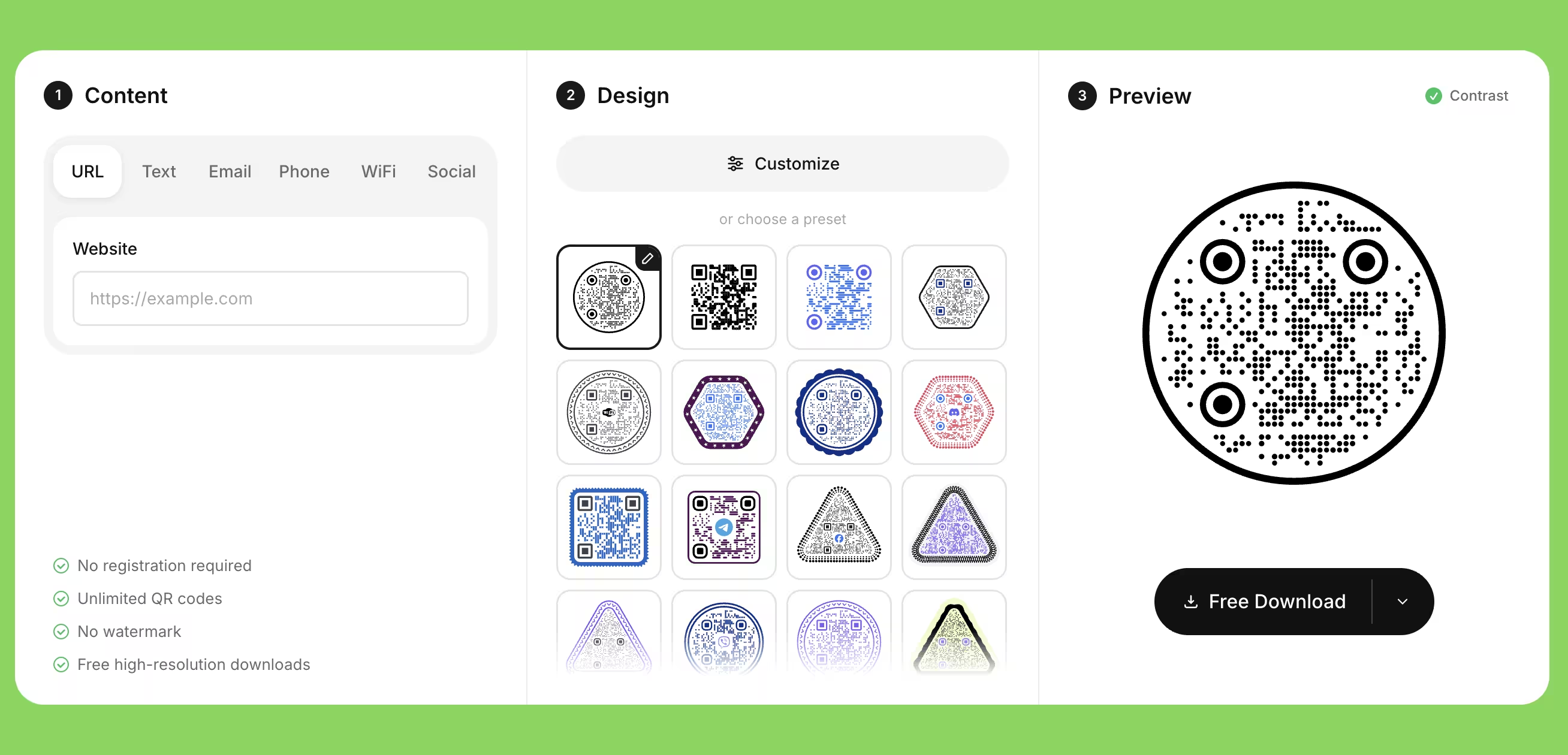
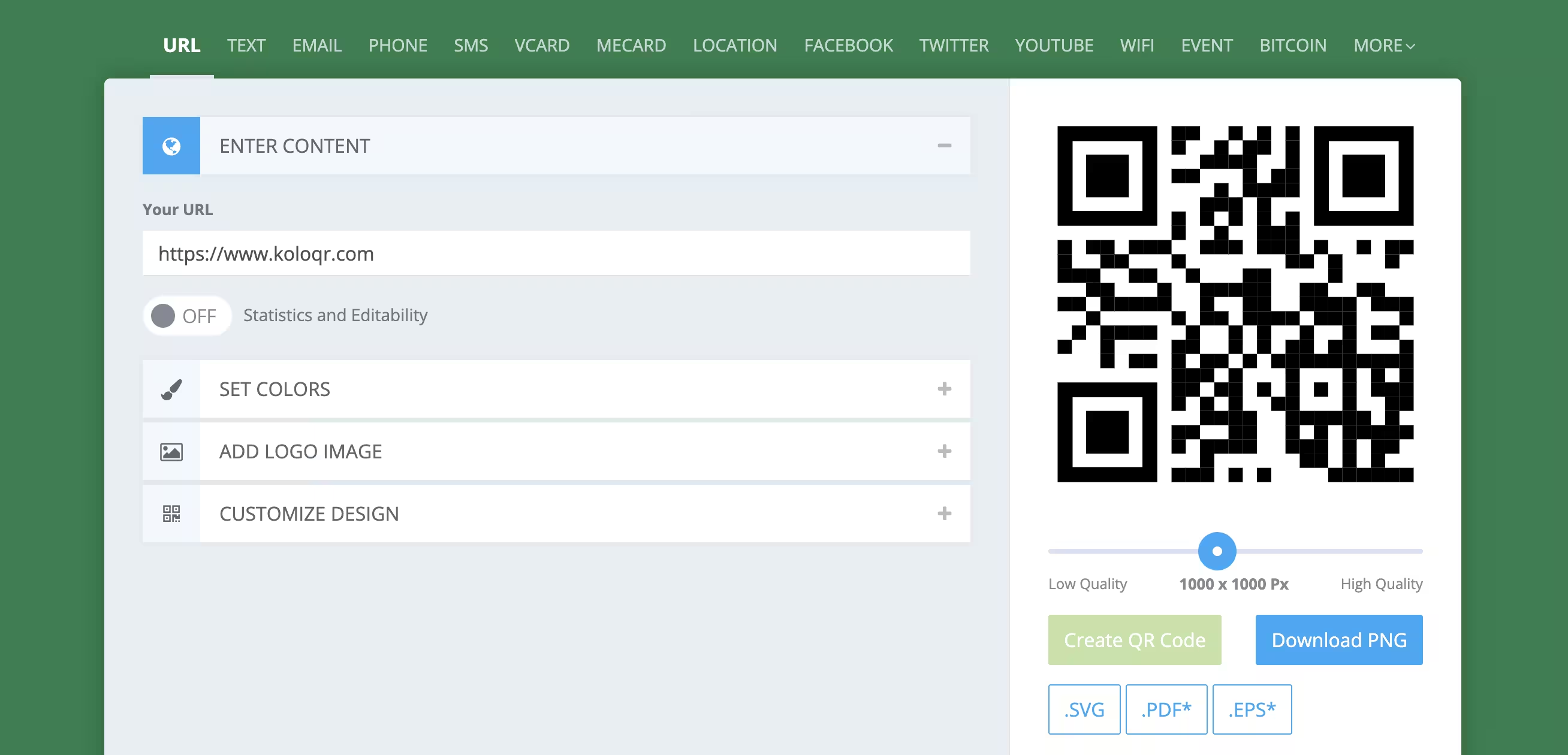
Feature Comparison
Where the two differ. Both share the essentials - free downloads with no signup, vector export, and a contrast check - so this table focuses on what sets KoloQR apart.
Downloads Without Signup
Download QR codes instantly without creating an account.
KoloQRYesQRCode MonkeyYesOpen Source
Inspect, modify, and self-host the source code.
KoloQRYesQRCode MonkeyNoCustom QR Shapes
Create rectangular, circular, triangular, and hexagonal QR codes.
KoloQRYesQRCode MonkeyNoPremium QR Frames
Ready-to-use designer QR frames.
KoloQRYesQRCode MonkeyNoVector Export
Export SVG, PDF, and EPS for professional printing.
KoloQRYesQRCode MonkeyYesCopy to Figma
Copy QR codes directly into Figma.
KoloQRYesQRCode MonkeyNoChrome Extension
Create QR codes from any webpage.
KoloQRYesQRCode MonkeyNoContrast Checker
Ensure your QR code has enough contrast for reliable scanning.
KoloQRYesQRCode MonkeyYes
Where Each Tool Actually Leads
Because these two overlap so much, the honest comparison is about workflow and design control rather than one being clearly better. Both are free static QR generators; here is where each genuinely pulls ahead.
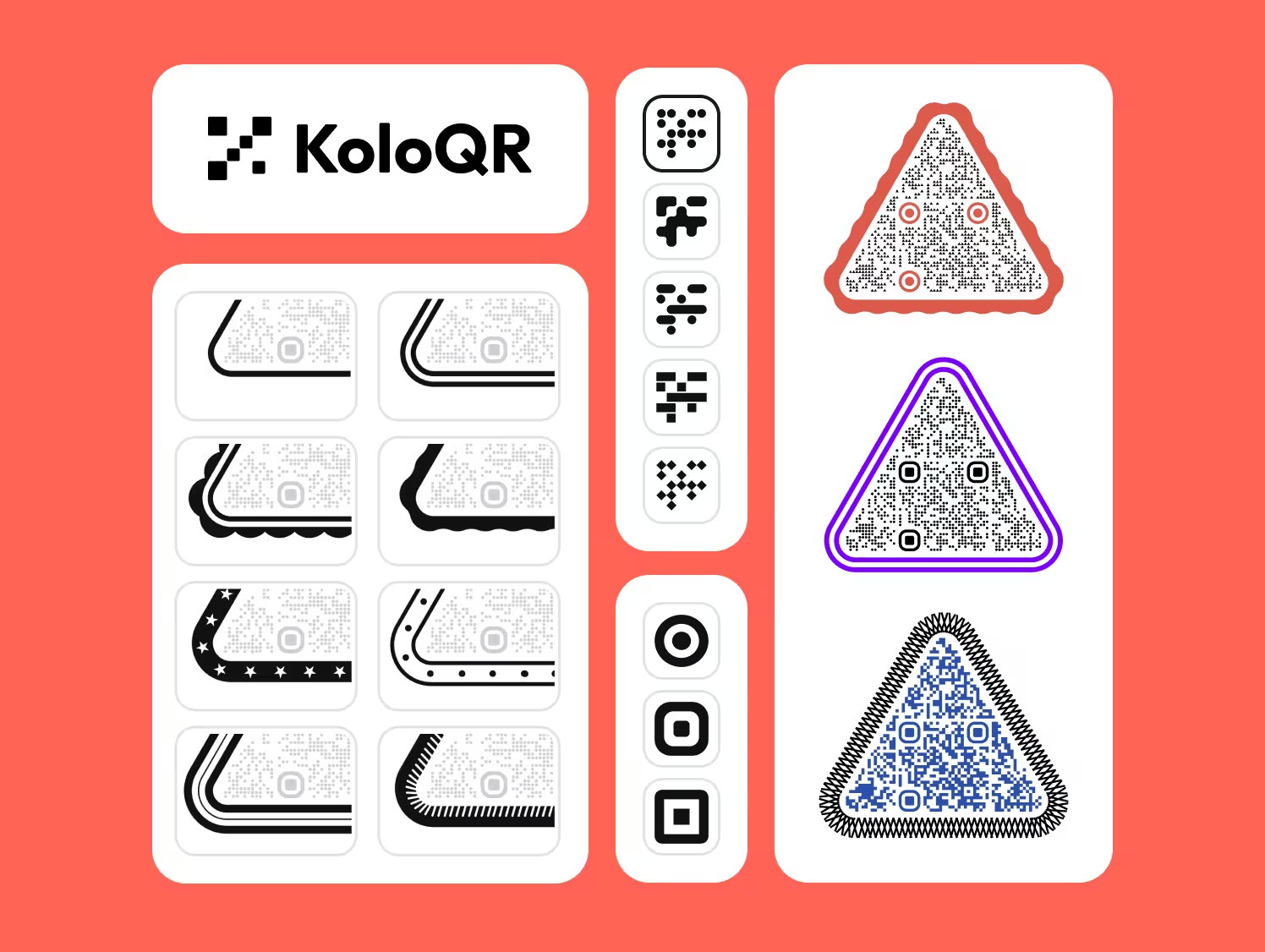
KoloQR
KoloQR is built for people who care about how the code looks and how it fits into a design process. It keeps the free, no-account, static approach, then adds control and workflow that a classic generator doesn't.
- Custom Code Shapes - Beyond dot styling, KoloQR can change the overall form of the code: circular, rectangular, triangular, and hexagonal. Useful when the code has to sit inside a specific layout or brand mark.
- Open Source and Self-Hostable - The code is open, so you can inspect how it works, adapt it, or run it yourself. That matters for teams with privacy or compliance requirements.
- Designer Workflow - Copy a code straight into Figma, generate one from any page with the Chrome extension, and reach for ready-made frames instead of building them by hand.
- Print-Ready by Default - SVG, PDF, and EPS export, plus a contrast check so a design choice doesn't quietly break scanning.
- Free With No Account - Generate and download without signing up. Codes are static, so they never expire.
KoloQR is a newer tool. QRCode Monkey has years of use behind it, and if all you need is a well-styled code with a logo, that track record is worth something. KoloQR's case is design range and workflow, not that the other tool is bad.
What Is QRCode Monkey?
QRCode Monkey is one of the most established free QR generators on the web, and it earns real credit for what it does well.
Its strengths are maturity and fine-grained styling. Millions of codes have been made with it, so it's a known, trusted quantity. You get individual control over the body dots and the corner (eye) elements, a template gallery to start from, custom colors, and a logo that can cover up to about 30% of the code. Exports include PNG, SVG, PDF, and EPS, and it's free for commercial use with no expiry. Where it stops: it's not open source, it doesn't change the overall shape of the code, and there's no Figma copy or browser extension. Its dynamic codes and scan tracking live in a separate paid product rather than the free generator. If you want deep dot-and-eye styling from a proven tool, QRCode Monkey is a solid pick. If the question behind your search is where the free version stops rather than which tool to use, that is answered separately in what QRCode Monkey's free version really includes, including what we found inside its four download formats.
Generate QR Code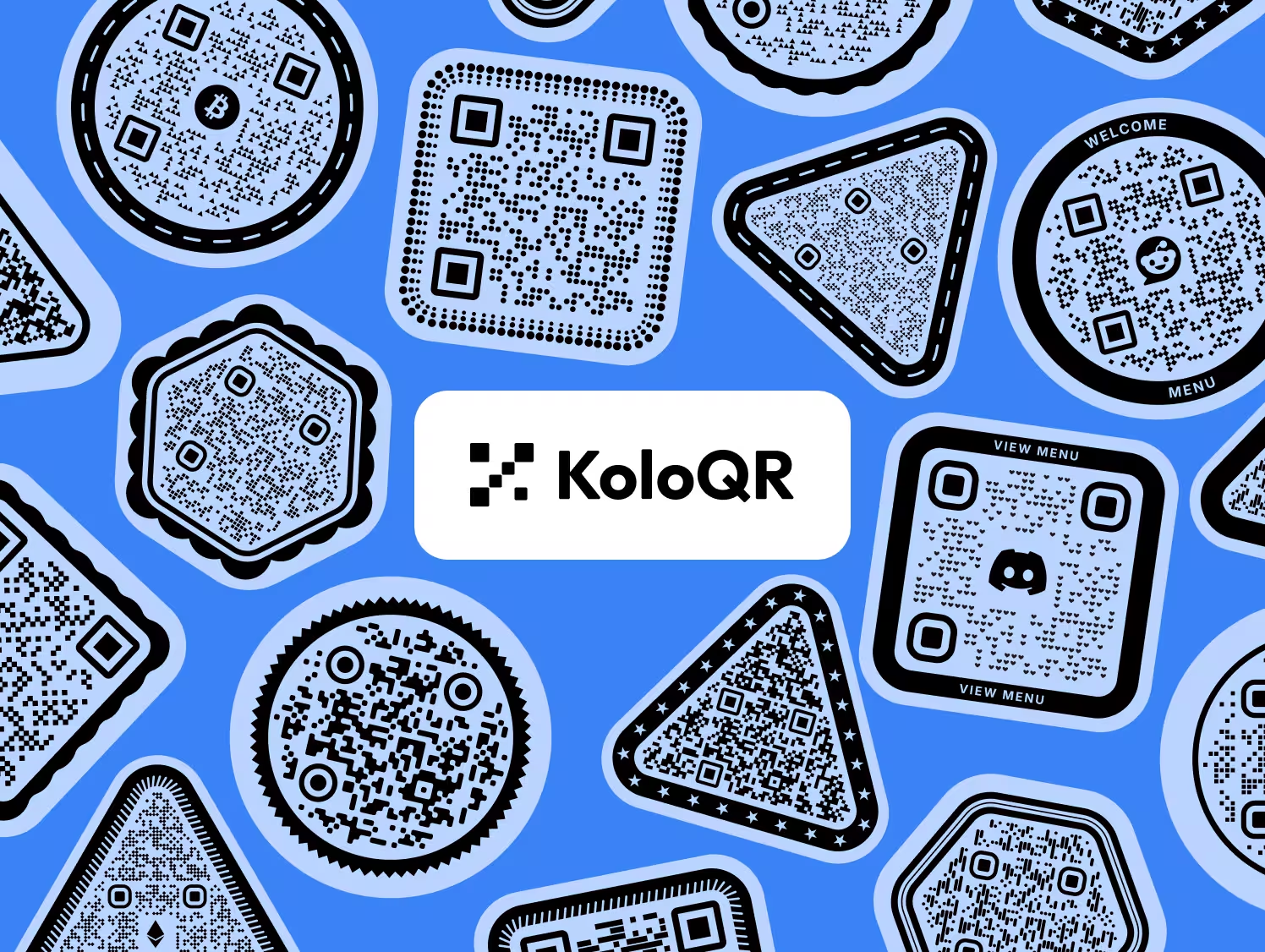
How to Choose, and How to Get a QR Code That Scans
A short decision guide, then the practical rules that apply whichever tool you use.
Pick KoloQR for Custom Code Shapes
If you need the whole code to be circular, triangular, or hexagonal rather than a square with styled dots, that's a KoloQR feature. QRCode Monkey styles the dots and corners but keeps the square outline.
Pick KoloQR for Open Source or Self-Hosting
If you need to inspect the code, adapt it, or run it on your own infrastructure, choose KoloQR. QRCode Monkey is a closed tool.
Pick KoloQR for a Design Workflow
Copy to Figma, a Chrome extension, and ready-made frames speed up work if you're producing codes as part of a larger design. QRCode Monkey doesn't offer these.
Pick QRCode Monkey for Proven, Detailed Dot Styling
If you mainly want fine control over dot and corner styles from a long-established tool with a big track record, QRCode Monkey is a dependable choice.
Keep Enough Contrast
A dark code on a light background scans most reliably. Both tools help you check this; low contrast is one of the most common causes of failed scans.
Protect the Quiet Zone
Leave clear space around the code, roughly four modules wide. Crowding it against text or an image edge often stops it scanning.
Add a Logo Without Breaking the Pattern
A centered logo is fine if it stays modest and error correction is high enough. QRCode Monkey allows up to about 30% coverage; even so, always test before printing at scale.
Export as Vector for Print
Use SVG, PDF, or EPS so the code stays sharp from a business card to a poster. Both tools export vector formats; avoid low-resolution PNGs for large print.
Respect the Minimum Size
Keep a printed code at least 2 x 2 cm, and larger for signage read from a distance. Denser codes with more data need more physical size to scan cleanly.
Test on Real Phones Before Printing
Scan the final file with more than one phone and camera app. This single check catches most avoidable failures, whatever generator made the code.
Questions? Answered
Yes. Both are free static QR generators with no signup and vector export, so KoloQR is a close alternative. It adds custom code shapes, open source, Figma copy, and a Chrome extension, while QRCode Monkey offers more mature, detailed dot styling.
Yes. Both let you generate and download static QR codes for free without an account, and both are usable for commercial projects. Neither charges for the core static generator.
No. You can create and download codes on both KoloQR and QRCode Monkey without creating an account.
QRCode Monkey styles the dots and corner elements but keeps the standard square outline. Changing the overall shape of the code - circular, triangular, or hexagonal - is a KoloQR feature.
It depends on what you mean. QRCode Monkey gives detailed control over dot and corner styles with a template gallery. KoloQR adds overall shape options, frames, and a designer workflow. For dot-level styling QRCode Monkey is strong; for shape and workflow KoloQR leads.
No. Both create static codes, where the link is encoded directly into the pattern. Static codes never expire and have no scan limits, regardless of which tool made them.
Both export vector formats suitable for print. KoloQR exports SVG, PDF, and EPS with a built-in contrast check; QRCode Monkey exports PNG, SVG, PDF, and EPS. For print, either works - choose based on the design control you need.
KoloQR is open source, so you can inspect, modify, or self-host it. QRCode Monkey is a closed, proprietary tool.
Yes. Both support adding a logo. QRCode Monkey allows coverage up to about 30% of the code. In either tool, keep the logo modest and test the result, since covering too much of the pattern can stop it scanning.
The free generators are for static codes and don't track scans. QRCode Monkey offers dynamic codes and analytics through a separate paid product. KoloQR focuses on static, design-led codes without tracking.

Try KoloQR for Your Next QR Code
If you want custom code shapes, open source, and a design-ready workflow - free, with no account and no expiry - KoloQR does that in seconds, and exports SVG, PDF, and EPS for clean printing.
QRCode Monkey remains a strong, proven option, especially for detailed dot and corner styling. If that's your main need, either tool will serve you well; pick the one whose strengths match your work.
Generate QR CodeKeep Exploring
Pages that pick up where this one leaves off - the same setting, the same kind of code, or the next thing worth deciding.
Do QR Codes Expire? The Pattern Never Does
The pattern never expires, and four things behind it do. Which one failed, how to tell them apart, and which of them you can fix without reprinting.
Static or Dynamic? Decide It Before Anything Is Printed
The difference is where the destination lives, and price, analytics and every failure mode follow from it. Four questions that settle which one to print.
Best QR Code Generator in 2026: Six Free Tools Compared
Free resolves to three different arrangements - a code you keep, a code you rent, and a trial that ends - and the vendor's pricing page is rarely where the difference is stated.
Seven Flowcode Alternatives and What Each Replaces
Flowcode's free plan stops at 2 codes and 500 scans, and the first paid step is $25 a month - here is what seven alternatives cost, and why none of them can rescue a code that is already printed.
A Free QR Tiger Alternative, No Signup
A design-first, open-source QR generator compared with a campaign-focused tracking platform. See which one fits your project.
KoloQR vs qr.io
A free open-source design tool for static QR codes, compared with a subscription platform for editable, tracked QR codes. The right choice depends on whether the destination will ever change.
Why KoloQR?
- Create QR codes for websites, menus, Wi-Fi, PDFs, and business cards
- Customize colors, logos, and unique shapes
- Download high-quality PNG and SVG files
- Built for both print and digital
