Dot QR Codes With Round Modules That Still Scan
A dot QR code is a standard QR code whose modules are drawn as circles instead of squares. The data, the grid and the way a phone reads it are unchanged; only the drawing of each module is different. Make one below, then see how large the dots need to stay and what we measured when they get smaller.
Opens in Google Maps. Coordinates work too - "37.4224, -122.0841".
The code opens your business's "Write a review" form. Paste the Place ID, or a Google Maps link that carries one.
A UPI link carries no checksum, so a mistyped ID produces a code that scans perfectly and pays somebody else. Paste the ID from your payment app rather than typing it, and send yourself one rupee before printing.
Paste it exactly as copied. KoloQR does not assemble the payload - it encodes the one your bank issued, and checks it before you print it.
SVG, PNG, JPG • Max 2 MB
First month free
then $9/month
Dynamic QR Codes Are Coming
Change your link anytime, even after printing. See who scans, when and where.
- Edit without reprinting
- Scan analytics
- Bulk & custom domains
You're on the List
We'll email you once, when dynamic codes with scan analytics launch.
What Is a Dot QR Code?
A dot QR code is a standard QR code in which every dark module is drawn as a circle rather than a square. A module is one cell of the QR code grid, dark or light, and a scanner reads each module from the middle of its cell - which is why a dot centred in the cell carries the same information as a full square. A dot QR code is not the same thing as a round QR code: dots describe the modules, round describes the outline, and the two can be combined or used separately. The other outline families are laid out in QR code shapes. The opposite style, hard-edged square modules with the widest scanning margin, is covered in pixel QR codes.

What Changes and What Stays the Same
Switching a QR code from squares to dots changes how the code looks and how much ink it carries. It does not change what the code stores or how it is decoded.
- The Data Is Identical - a dot QR code and a square-module QR code made from the same link hold the same grid of dark and light modules, at the same version and error correction level. Any standard scanner reads both.
- Each Dot Carries Less Ink - a circle drawn at the full width of its cell covers pi/4, about 78.5%, of the cell. A dot drawn at 80% of the cell width covers about 50%. Less ink per module is the entire cost of the dotted look.
- The Modules No Longer Touch - square modules merge into solid bars and blocks, while dots stay separate with light gaps between them. Those gaps are what give the code its lighter texture, and they are also what a decoder has to cope with.
- The Finder Patterns Should Stay Solid - the three large corner squares are how a phone locates the code. They can be rounded or drawn as rings, but they should not be broken into separate dots. QR code finder patterns explains what has to survive.
KoloQR, a free QR code generator with circular and custom-shaped QR codes, draws its Dots pattern at 80% of the cell width and keeps the finder patterns solid. The Two-size dots pattern mixes 80% dots with smaller 56% dots for a more decorative texture.
Dots, Rounded Squares and Pills Are Different Patterns
Dotted styling covers a family of module patterns, and they do not behave alike. Separate dots leave a gap around every module. Grouped rounded modules merge neighbouring cells into soft-cornered blobs, so they keep most of the ink of a square code. Pills and bars join modules along one axis only. The closer a pattern stays to the ink coverage of plain squares, the more tolerant the printed code is - so grouped rounded modules are the safer choice for a very small code, and separate dots are the choice when the dotted texture is the point.
Generate QR Code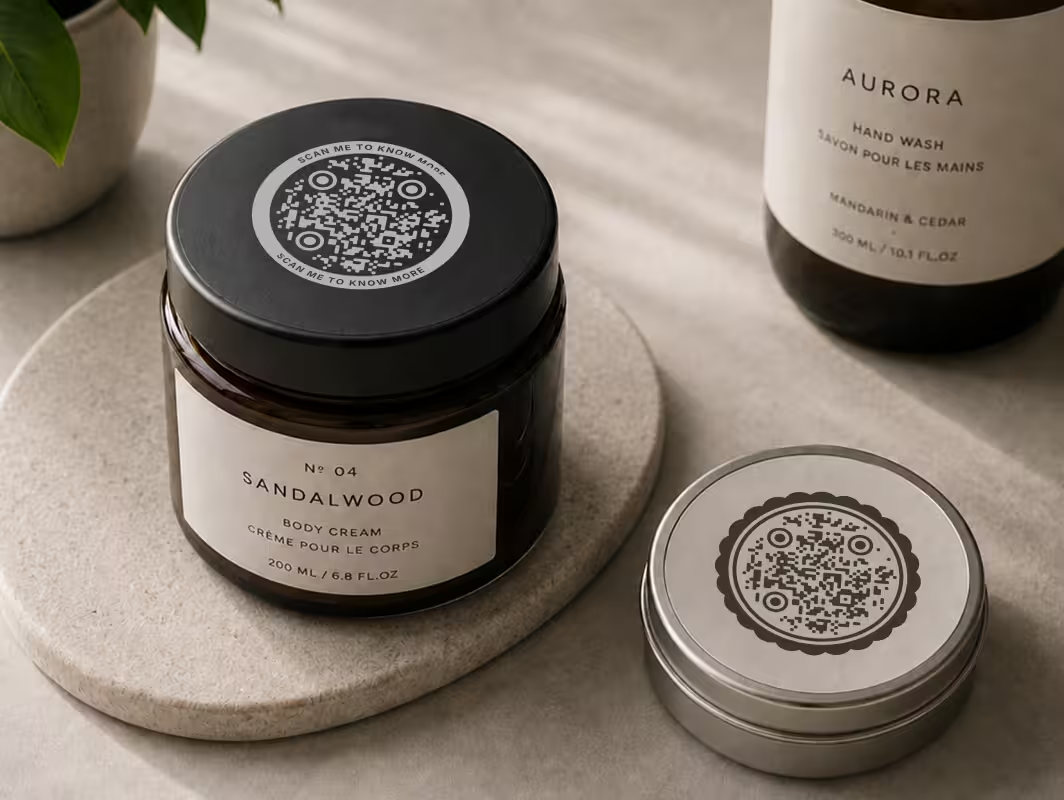
Where Dot QR Codes Work Best
Round modules read as softer and more deliberate than a grid of hard squares, so a dot QR code suits places where the code is part of the design rather than a utility mark in a corner.
Cosmetics and Skincare Packaging
Round modules sit comfortably beside rounded type and soft product shapes. Keep the code at 2.5 cm or wider on a carton, because folded board and small print sizes are where dots lose their margin.
Cafe Menus and Table Cards
A dotted code on a table card looks less like a barcode and more like part of the menu design. It is scanned from about 30 cm, so 3 to 4 cm of width is comfortable.
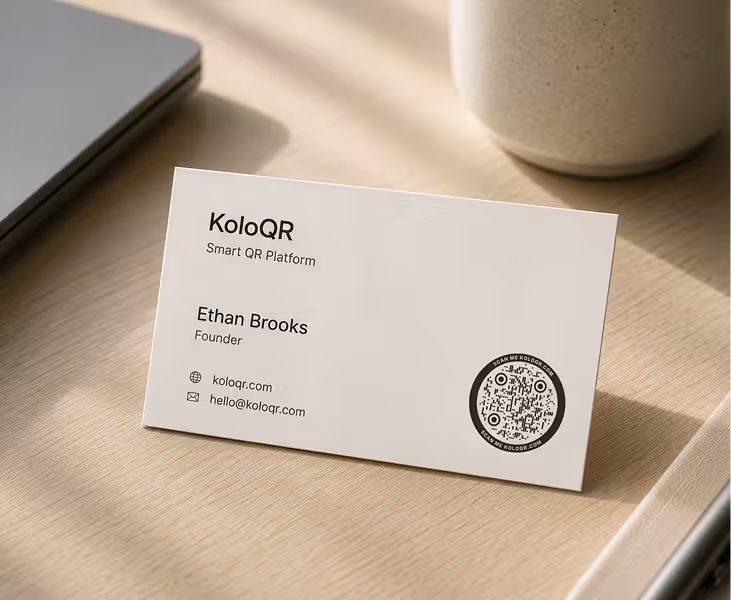
Business Cards
A dot QR code pairs well with a minimal card layout. Use a short URL so the modules stay large, and print no smaller than 2.5 cm wide.
Posters and Event Graphics
At poster scale the ink cost of dots is irrelevant, and the pattern becomes a graphic element in its own right. Size the code at about a tenth of the distance it will be scanned from.
Apps, Screens and Social Posts
On a screen every dot is rendered perfectly and lit from behind, so this is the most forgiving place to use a dotted style, including the more decorative two-size pattern.
Children's and Education Materials
Worksheets, museum trails and classroom posters benefit from the friendlier texture. Print on matt paper where possible so glare does not wash out the smaller marks.
How Small Can the Dots Be? What We Tested
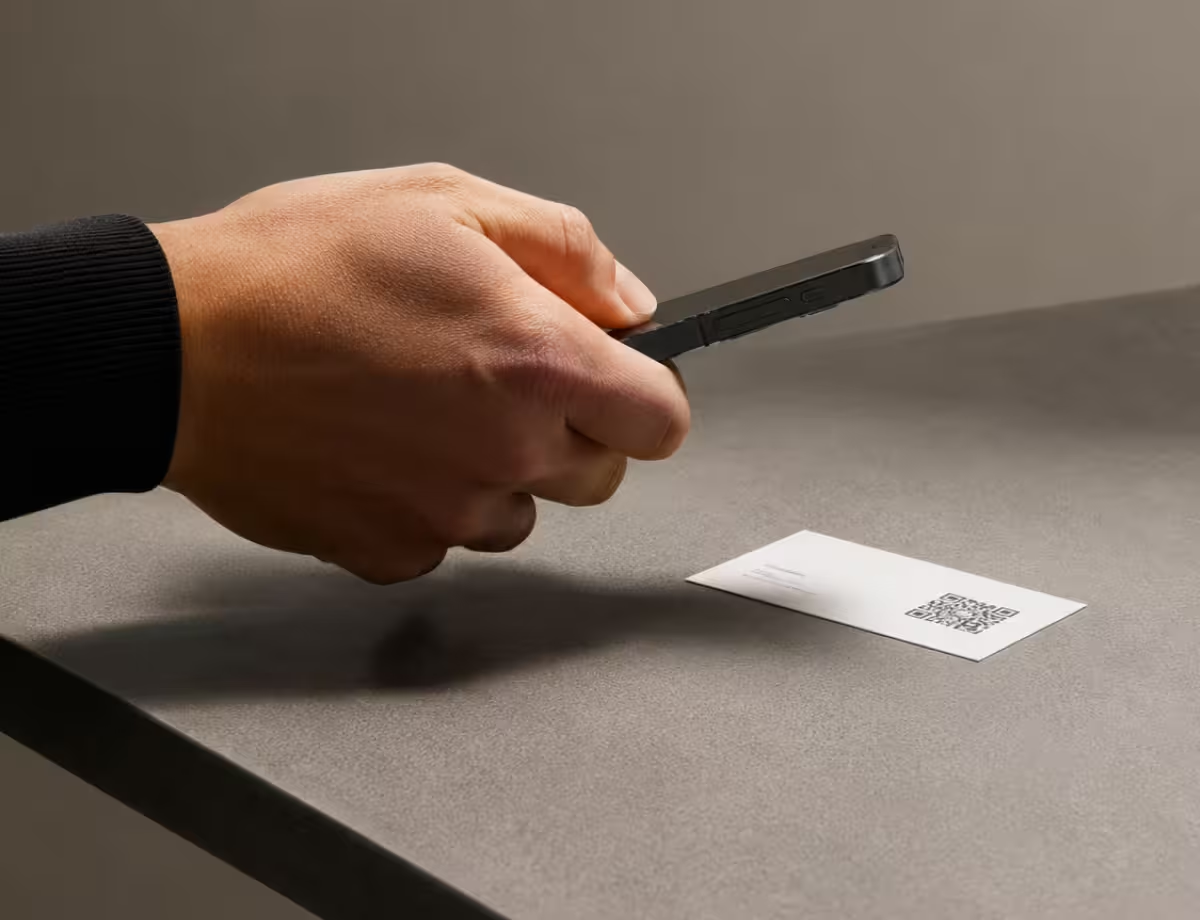
We drew one QR code with dots at seven sizes, captured it at seven resolutions and decoded every combination with jsQR, the open-source decoder inside many browser-based scanners. The test is a script anyone can re-run, and it tests one decoder: the camera decoders built into iOS and Android are closed, generally more tolerant, and were not part of it.
What the Decoder Test Showed
The test symbol was a 41 x 41 module QR code at error correction level H, with solid finder patterns and all remaining dark modules drawn as dots. Each combination was decoded at 16 slightly different positions and two levels of blur, and the counts below are for the sharper of the two.
- Full-Width Dots Behaved Like Squares - dots at 100% of the cell width decoded at all 16 positions at every resolution from 2.5 to 10 captured pixels per module, exactly as square modules did. Dots at 90% matched that everywhere except 8 pixels per module, where they decoded at 9 of 16.
- Dots at 80% Decoded Reliably in the Middle of the Range - at 2.5, 3 and 4 pixels per module, 80% dots decoded at 16 of 16 positions. This is the size KoloQR's Dots pattern uses, and the range corresponds to a code filling a modest part of the camera frame.
- Close-Up Was Harder Than Far Away - at 8 and 10 pixels per module, 80% dots decoded at only 1 or 2 of 16 positions, while squares still decoded at all 16. When the gaps between dots are resolved sharply, this decoder struggles to follow the grid. Moving the phone back is the fix, which is the opposite of the usual advice.
- Below 70% the Working Range Collapsed - 70% dots still decoded at 15 or 16 positions between 2.5 and 4 pixels per module. Dots at 56% managed 12 to 15 in that range and almost nothing outside it, and 35% dots decoded at one resolution only.
- A Little Blur Helped, a Lot Hurt - with slightly more blur, 80% dots at 6 pixels per module went from 10 of 16 to 16 of 16, because blur closes the gaps. The same blur took 56% dots at 3 pixels per module from 14 of 16 down to 3.
The practical reading: keep dots at 80% of the cell width or larger for anything that will be printed, treat 70% as the floor, and if a dotted code will not scan at close range, pull the phone back before changing the design.
Design Rules That Follow From the Test
These rules apply to a dot QR code from any generator, and each one protects the margin that round modules give up.
- Print Dot Codes Larger Than Square Ones - a dot at 80% of the cell width inks about half the area of a square module, and ink spread on uncoated paper blurs small dots into grey. Where a square-module code is safe at 2 cm, give a dotted code 2.5 cm.
- Keep the Contrast High - a dotted code already reflects more light per module than a square one, so a mid-tone brand colour that works with squares can fail with dots. Use a dark colour on a light background and check the pair in the QR code contrast checker.
- Shorten the Link - a shorter URL produces a lower QR code version with fewer, larger modules, which makes every dot bigger at the same printed width.
- Leave the Quiet Zone Alone - a quiet zone is the empty margin around a QR code that lets a scanner detect where the symbol begins and ends. ISO/IEC 18004 sets it at four modules on every side, and dots do not reduce that requirement.
- Test the Printed Code at Two Distances - scan the proof from the distance people will use and from closer than that. The test above is the reason: a dotted code can read from 40 cm and hesitate at 10 cm.
Dot QR Code Ideas
Four ways the dotted style is commonly used, with the detail that makes each one work in practice.
How to Make a Dot QR Code
A dot QR code takes about a minute to make, and the dotted pattern is already selected when the generator opens.
Generate QR Code- 1
Add Your Content
Paste the link, or choose another type such as Wi-Fi or email, and the QR code is drawn immediately with dot modules.
- 2
Choose the Dot Pattern and the Eyes
Keep Dots for even round modules, or try Two-size dots for a more decorative texture. Set the eyes to Circle or Rounded so the finder patterns match.
- 3
Set the Colours and Check the Contrast
Pick a dark pattern colour on a light background. The contrast badge under the preview shows whether the pair should scan reliably.
- 4
Test, Then Export
Scan the preview with a phone from two distances, then download SVG or PDF for print, or PNG for screens.
Round Modules, Same Reliable Grid
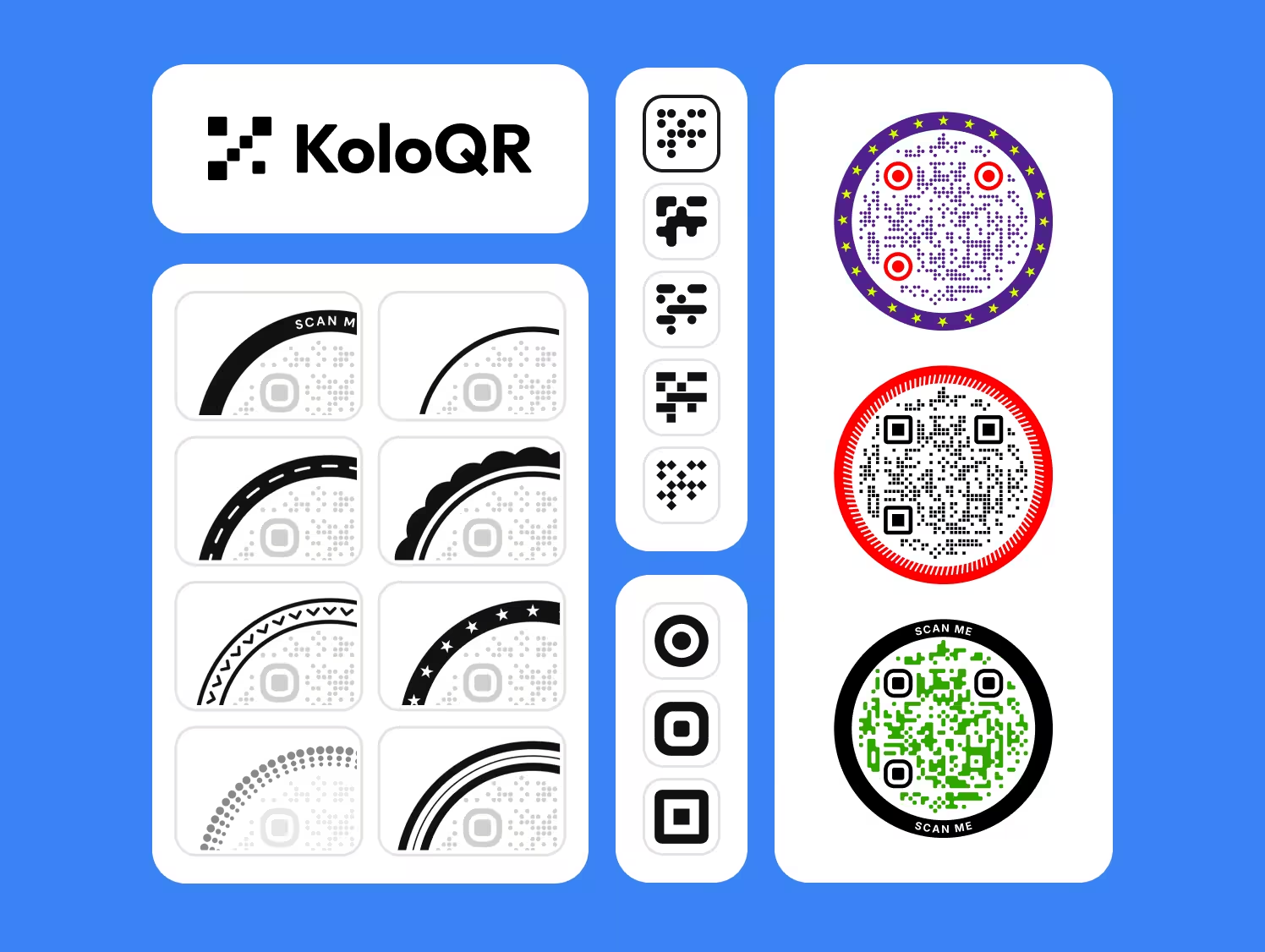
A dotted QR code does not need a design tool. KoloQR draws the Dots pattern by default, keeps the three finder patterns solid so a phone can find the code, and shows a contrast reading for the colours you choose before you download anything.
KoloQR exports SVG, PDF and EPS for print and PNG for screens, with no account and no watermark. KoloQR makes static QR codes only, so the code cannot be re-pointed after printing; where that matters, point the code at a redirect on your own domain.
Generate QR CodeExport Formats for Dot QR Codes
Round modules are more sensitive to the file format than square ones, because a circle has no edge that lines up with a pixel grid.
PNG
For screens and social posts. For print, export large: at low resolution a small dot becomes a blurred handful of grey pixels, which is the failure the test above measures.
SVG
The format to use for print. Every dot is stored as a true circle, so the code stays sharp at any size, from a 2.5 cm label to a banner.
PDF or EPS
For handing artwork straight to a print shop. Both keep the dots as vectors and drop into InDesign or Illustrator layouts without conversion.
Questions? Answered
At normal sizes, yes. A scanner reads each module from the middle of its cell, and a dot centred in the cell puts ink exactly there. The margin is thinner, though: a dot at 80% of the cell width carries about half the ink of a square, so a dotted code fails sooner when it is printed very small or in low contrast.
A dot QR code has round modules; a round QR code has a circular outline. They are independent choices. A square code can be made of dots, a circular code can be made of squares, and the two are often combined. The data area is a square grid in every case.
Keep each dot at 80% of the module cell width or larger, and treat 70% as the floor. In our decoder test, 80% dots decoded at 16 of 16 positions across the middle of the capture range, while 56% dots dropped to between 12 and 15 and failed almost everywhere outside that range.
Some decoders lose track of the grid when the gaps between dots are resolved sharply. In our test with the open-source jsQR decoder, 80% dots decoded at 16 of 16 positions at 4 pixels per module and at only 1 or 2 of 16 at 8 to 10. Move the phone back until the code fills about a third of the frame.
The corner squares can be rounded or drawn as rings, but they should not be split into separate dots. The three finder patterns are how a phone locates and orients the code, and a scanner looks for their solid ring-and-centre structure before it reads any data.
As a working rule, 2.5 cm wide for a short URL, compared with 2 cm for the same code in square modules. Dots carry about half the ink per module, and ink spread on uncoated paper eats into small dots first. For longer URLs, scale up so each module stays at about 0.5 mm or more.
Yes. KoloQR generates every code at error correction level H, which recovers about 30% of the symbol, and clears a space in the centre for the logo. A dotted code has less margin than a square one, so keep the logo modest and test the printed result.
Yes. KoloQR makes dot QR codes for free, including SVG, PDF, EPS and PNG downloads, with no account and no watermark. The codes are static, so they have no scan limit and do not expire.
Light dots on a dark background are an inverted QR code, which the standard permits but phone scanners decode inconsistently. A dotted pattern makes that worse, because the light marks are smaller still. Put dark dots on a light panel instead, even inside a dark design.
Keep Exploring
Pages that pick up where this one leaves off - the same setting, the same kind of code, or the next thing worth deciding.
QR Code Shapes
The whole shape taxonomy - modules, eyes and frames - with the trade-offs behind round, triangle, hexagon and square codes.
A Round QR Code Is a Square QR Code in a Costume
Shaped codes scan, because the shape never touches the data. What a shape actually costs is width: a triangular code needs a base about 2.6 times the width of the matrix inside it.
Triangle QR Codes
Angular, geometric QR designs - how triangular styling works and when to use it.
Hexagon QR Codes
Honeycomb-styled codes for tech, gaming, and eco brands - with the design tips that keep them scannable.
QR Code Error Correction: How L, M, Q and H Actually Work
What each error correction level recovers, how much data it costs, how large a logo it allows, and why raising the level can make a printed code harder to scan.
Pixel QR Codes
Hard-edged square modules on screen, in pixel art and in physical builds - with the grid sizes, pixel counts and scaling rules that keep them scannable.
Why KoloQR?
- Create QR codes for websites, menus, Wi-Fi, PDFs, and business cards
- Customize colors, logos, and unique shapes
- Download high-quality PNG and SVG files
- Built for both print and digital
