Pixel QR Codes, From Pixel Art to Pixel-Perfect Files
A pixel QR code is a QR code drawn as hard-edged squares, one square per module, with no rounding, dots or gradients. The same grid can be exported as a crisp image, redrawn in a pixel-art editor, or built from blocks, studs, tiles or stitches. This page covers the look, the builds and the pixel counts that keep each version scannable.
Opens in Google Maps. Coordinates work too - "37.4224, -122.0841".
The code opens your business's "Write a review" form. Paste the Place ID, or a Google Maps link that carries one.
A UPI link carries no checksum, so a mistyped ID produces a code that scans perfectly and pays somebody else. Paste the ID from your payment app rather than typing it, and send yourself one rupee before printing.
Paste it exactly as copied. KoloQR does not assemble the payload - it encodes the one your bank issued, and checks it before you print it.
SVG, PNG, JPG • Max 2 MB
First month free
then $9/month
Dynamic QR Codes Are Coming
Change your link anytime, even after printing. See who scans, when and where.
- Edit without reprinting
- Scan analytics
- Bulk & custom domains
You're on the List
We'll email you once, when dynamic codes with scan analytics launch.
What Is a Pixel QR Code?
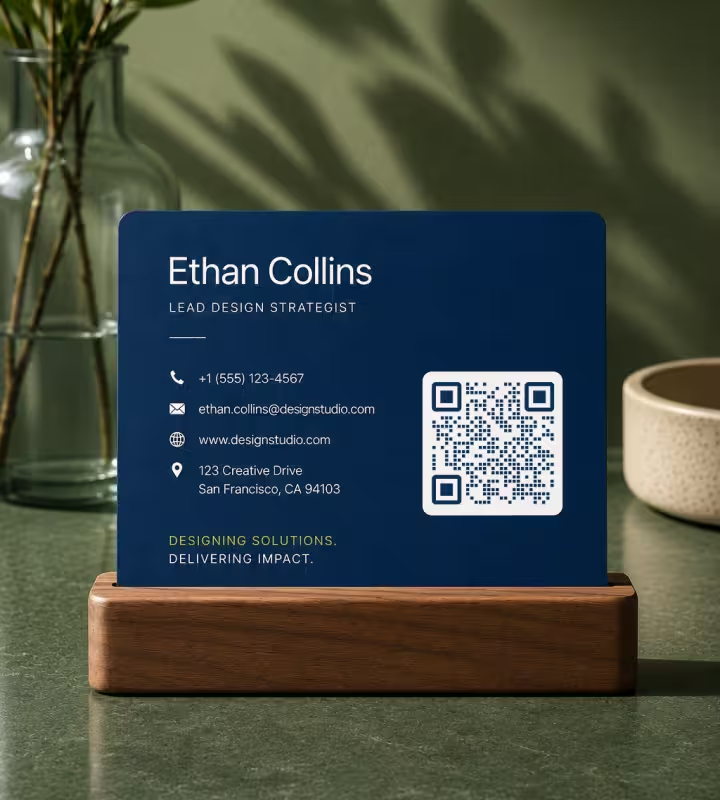
A pixel QR code is a QR code in which every module is a plain square with hard edges, so the whole symbol reads as a grid of pixels. A module is one cell of the QR code grid, dark or light. Square modules are the form the QR code standard, ISO/IEC 18004, describes, which makes the pixel style the most tolerant one to scan - the opposite end of the range from dot QR codes, which trade scanning margin for a softer look. The other styles and outlines are laid out in QR code shapes, and the version, error correction level and module count of any existing code can be read with the QR code decoder.
The Grid Behind Every Pixel QR Code
A QR code is already a pixel grid, and its size in modules is fixed by how much data it holds. Knowing the grid is what makes a pixel-art or block-built QR code possible.
- Version 1 Is 21 x 21 Modules - each version adds four modules per side, so version 2 is 25 x 25, version 3 is 29 x 29, and the largest, version 40, is 177 x 177.
- The Quiet Zone Adds Eight to Each Side Length - a quiet zone is the empty margin around a QR code that lets a scanner detect where the symbol begins and ends. At four modules on every side, a version 1 code occupies 29 x 29 cells in total.
- Shorter Data Means a Smaller Grid - at error correction level L, version 1 holds 17 bytes, version 2 holds 32 and version 3 holds 53. A short link is the difference between a 21-module build and a 33-module one.
- Three Corner Squares Are Fixed - each finder pattern is 7 x 7 modules: a dark ring, a light ring and a 3 x 3 dark centre. They are the same in every QR code and have to be copied exactly.
Every module matters equally when a QR code is rebuilt by hand. A generated image can lose a few modules to a logo because its error correction was planned for it; a hand-built grid with ten misplaced blocks has spent that reserve on mistakes.
Pixel Style Is the Safest Style
Square modules fill their cells completely, so a pixel QR code carries the most ink, the sharpest edges and the widest scanning margin of any module style. That makes it the right choice where conditions are already difficult: codes under 2 cm, thermal receipt printers, embroidery, engraving, low-resolution displays and anything photographed from a distance.
Generate QR Code
Where Pixel QR Codes Work Best
The pixel style suits two very different situations: designs that want a deliberate retro, 8-bit look, and production methods that can only make squares.
Pixel Art and Retro Game Graphics
A square-module code sits naturally inside pixel-art posters, indie game menus and stream overlays. Draw it on the same pixel grid as the rest of the artwork, one art pixel per module.
Minecraft and Other Block Builds
One block per module, in two strongly contrasting materials on flat ground. A version 1 code is 21 x 21 blocks, or 29 x 29 with its quiet zone, and is scanned from a screenshot taken from directly above.
LEGO, Tiles and Mosaics
One stud or tile per module. A version 2 code needs a 33 x 33 stud area including the quiet zone, which fits on a 48 x 48 baseplate with room for a border.
Cross-Stitch, Knitting and Embroidery
One stitch per module on an even-weave fabric. Thread spreads less predictably than ink, so keep the design to versions 1 to 3 and use black on white or cream.
LED Matrices and Low-Resolution Displays
A 32 x 32 LED panel can show a version 1 code with its full quiet zone, 29 x 29 LEDs in total, at one LED per module. Light the background and leave the modules off, so the code reads as dark on light.
Laser Engraving and Thermal Printing
Processes that burn, etch or heat produce a slightly ragged edge. Full square modules leave the most material per module, which is why receipt and label printers use them.
How Many Pixels Does a QR Code Need?
A QR code image needs a whole number of pixels per module, and at least 4 pixels per module where a camera will read it from a screen. Both rules come from how a module grid maps onto a pixel grid.
Pixel Counts for Sharp QR Code Files
The pixel size of a QR code is the module count, including the quiet zone, multiplied by the pixels given to each module. Working it out once avoids the blurred edges that come from resizing.
- Use a Whole Number of Pixels per Module - a version 3 code is 29 modules plus 8 for the quiet zone, 37 in total. At 10 pixels per module the image is exactly 370 x 370 pixels, and every module edge lands on a pixel boundary.
- Avoid In-Between Sizes - resizing that 370-pixel image to 400 pixels gives each module 10.8 pixels, so some modules render 10 wide and others 11, with grey pixels along the edges. The code still scans at that size, and looks soft.
- Scale With Nearest-Neighbour, Not Smoothing - image editors smooth by default when enlarging. Choose nearest neighbour, or in CSS set image-rendering: pixelated, and enlarge by whole multiples only.
- Allow 4 Pixels per Module on Screens - in our decoder test, square modules decoded at 16 of 16 positions from 2.5 to 10 captured pixels per module, and at 10 of 16 at 2 pixels per module. A camera never captures a screen one-to-one, so 4 displayed pixels per module is a sensible floor.
- Use Vector for Print and Forget Pixels - an SVG, PDF or EPS stores each module as a geometric square, so the file has no pixel size and prints sharp at any dimension.
The decoder test behind the 4-pixel rule used jsQR, an open-source decoder found in many browser-based scanners. The decoders built into iOS and Android cameras are closed and were not tested, so treat the figure as a conservative working floor rather than a limit.
Rules for a Hand-Built Pixel QR Code
A QR code built from blocks, studs or stitches follows the same rules as a printed one, with a few that only apply when every module is placed by hand.
- Shorten the Data First - every character saved can drop the code to a smaller version. Use a short domain and no tracking parameters, and check the module count before buying materials.
- Pick a Generator That Shows the Version - a lower error correction level gives a smaller grid for the same link. KoloQR generates every code at level H for logo support, so a builder who wants the smallest possible grid should use a generator with a level L setting.
- Work From a Gridded Printout - export the code large, overlay a grid, and number the rows and columns. Build row by row and tick each row off; errors come from losing your place, not from misreading a module.
- Choose Flat, Matt, High-Contrast Materials - black and white concrete in Minecraft, black and white plates in LEGO. Textured, glossy or glowing materials add noise inside each module.
- Build the Quiet Zone Too - four light modules on every side, in the same material as the light modules. Grass, a table edge or a baseplate border directly against the code is the usual reason a build fails.
- Scan From Square On - photograph or screenshot from directly above or in front, with even light. Test when the finder patterns are finished, and again at halfway, so a mistake is found before the last row.

Pixel QR Code Ideas
Four builds and designs, each with the number that decides whether it works.
How to Make a Pixel QR Code
A pixel QR code takes about a minute to generate, and a few more to prepare for a pixel-art or physical build.
Generate QR Code- 1
Enter the Shortest Link That Works
Paste the link and remove anything optional. Fewer characters means fewer modules, which means fewer pixels, blocks or stitches.
- 2
Set the Pattern to Square
Choose the Square pattern and the square eye style, so every module and all three finder patterns are hard-edged squares.
- 3
Use Two Flat Colours
Pick a dark colour on a light background with no gradient. The contrast badge under the preview shows whether the pair should scan reliably.
- 4
Export SVG for Print, PNG for Pixel Work
Download SVG for anything printed. For pixel art or a build template, download PNG and enlarge it by whole multiples with nearest-neighbour scaling.
Plain Squares, Done Properly
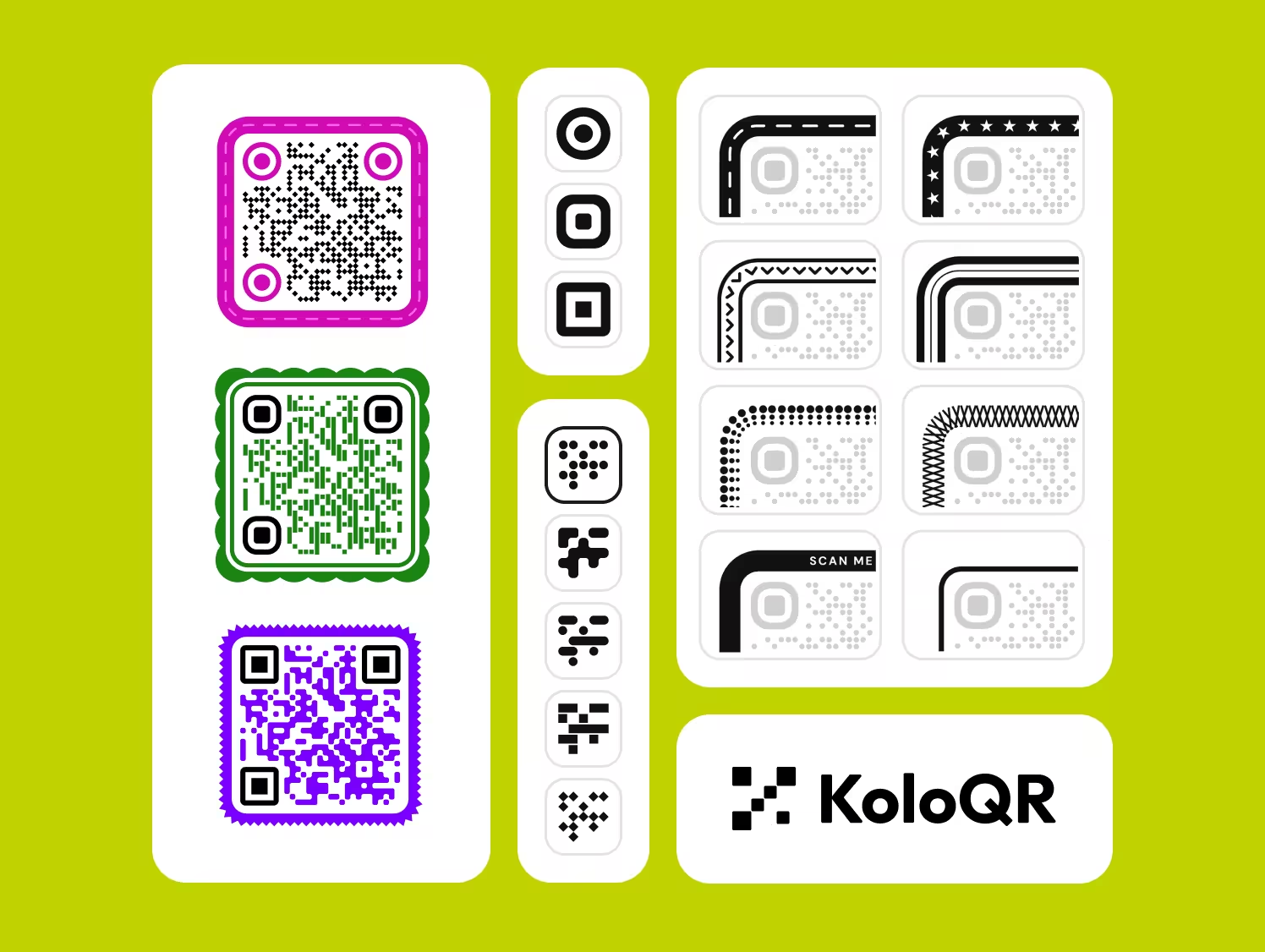
KoloQR, a free QR code generator with circular and custom-shaped QR codes, also makes the plainest kind. Choose the Square pattern, set two colours, and the generator draws hard-edged modules with solid finder patterns and a contrast reading for the colours you picked.
KoloQR exports SVG, PDF and EPS for print and PNG for screens, with no account and no watermark. KoloQR generates every code at error correction level H and makes static QR codes only, so the grid is larger than a level L code of the same link and the destination cannot be changed after the code is made.
Generate QR CodeExport Formats for Pixel QR Codes
The file format decides whether the hard edges of a pixel QR code survive the trip to a screen, a printer or an editor.
PNG
Lossless, so module edges stay hard. The right format for pixel-art editors, game textures and build templates. Avoid JPG, whose compression leaves grey ringing along every edge.
SVG
Each module is stored as a square rather than as pixels, so the code is sharp at any size and the pixel-count arithmetic no longer applies. The format to use for print.
PDF or EPS
Vector formats for print shops, engravers and sign makers. Both open in Illustrator or InDesign with the modules intact and editable.
Questions? Answered
Multiply the module count, including 8 for the quiet zone, by a whole number of pixels per module. A version 3 code is 37 modules across with its margin, so 370 x 370 pixels at 10 pixels per module. For screens, allow at least 4 pixels per module. For print, use SVG or PDF, which have no pixel size at all.
The image was scaled to a size where each module is a fraction of a pixel wide, and the editor smoothed the edges. Resize by whole multiples only - 370 pixels to 740, not to 600 - and set the scaling method to nearest neighbour. In a web page, the CSS rule image-rendering: pixelated does the same.
A version 1 QR code is 21 x 21 blocks, or 29 x 29 with its four-block quiet zone, and holds up to 17 characters at error correction level L. A typical website link needs version 2 or 3, which is 25 or 29 blocks across. Use a generator with a level L option to keep the build small.
Yes, by copying a generated code module for module; a QR code cannot be designed freehand, because the pattern is computed from the data. Generate the code, export a PNG, and reduce it to 1 pixel per module with nearest-neighbour scaling. That image is already pixel art, ready to recolour and place in the editor.
Yes, as long as every dark module is clearly darker than every light module. A scanner converts the image to black and white before decoding, so several dark shades on one light background work. Dark and light modules that share a similar brightness fail, whatever their hue.
Fewer than the error correction level suggests. Level L recovers about 7% of the symbol and level H about 30%, but errors are corrected in fixed-size blocks, so several mistakes close together can defeat a block. Treat the finder patterns, the timing lines and the format strips beside the finder patterns as untouchable.
Yes. Square modules fill their cells, so they carry about twice the ink of a dot drawn at 80% of the cell width, and they leave no gaps for a decoder to misread. For small print sizes, low-resolution displays and rough production methods, square modules are the safer choice.
Open the Camera app and point it at the QR code; a link appears to tap. A Google Pixel also has a Scan QR code tile in Quick Settings and Google Lens in the home screen search bar. The Android scanning guide covers every route: how to scan a QR code with an Android phone.
Yes. KoloQR makes square-module QR codes for free, with SVG, PDF, EPS and PNG downloads, no account and no watermark. The codes are static, so they have no scan limit and do not expire.
Keep Exploring
Pages that pick up where this one leaves off - the same setting, the same kind of code, or the next thing worth deciding.
QR Code Shapes
The whole shape taxonomy - modules, eyes and frames - with the trade-offs behind round, triangle, hexagon and square codes.
Triangle QR Codes
Angular, geometric QR designs - how triangular styling works and when to use it.
Hexagon QR Codes
Honeycomb-styled codes for tech, gaming, and eco brands - with the design tips that keep them scannable.
A Round QR Code Is a Square QR Code in a Costume
Shaped codes scan, because the shape never touches the data. What a shape actually costs is width: a triangular code needs a base about 2.6 times the width of the matrix inside it.
Etsy QR Code
Send a scan to your Etsy shop or to a single listing, from a tag or a stall sign.
Transparent QR Codes
Codes with no background of their own - which surfaces they scan on, which ones break them, and how to place one on photos, video, glass and clear labels.
Why KoloQR?
- Create QR codes for websites, menus, Wi-Fi, PDFs, and business cards
- Customize colors, logos, and unique shapes
- Download high-quality PNG and SVG files
- Built for both print and digital
