

The Free, No-Signup QRFY Alternative
These tools solve different problems. KoloQR is a free, design-focused generator for beautiful static QR codes you can download without an account - ideal for print, packaging, and branding. QRFY is a subscription platform for teams that need dynamic codes they can edit after printing, scan analytics, and bulk campaigns. This page lays out where each one genuinely leads so you can pick without guessing.
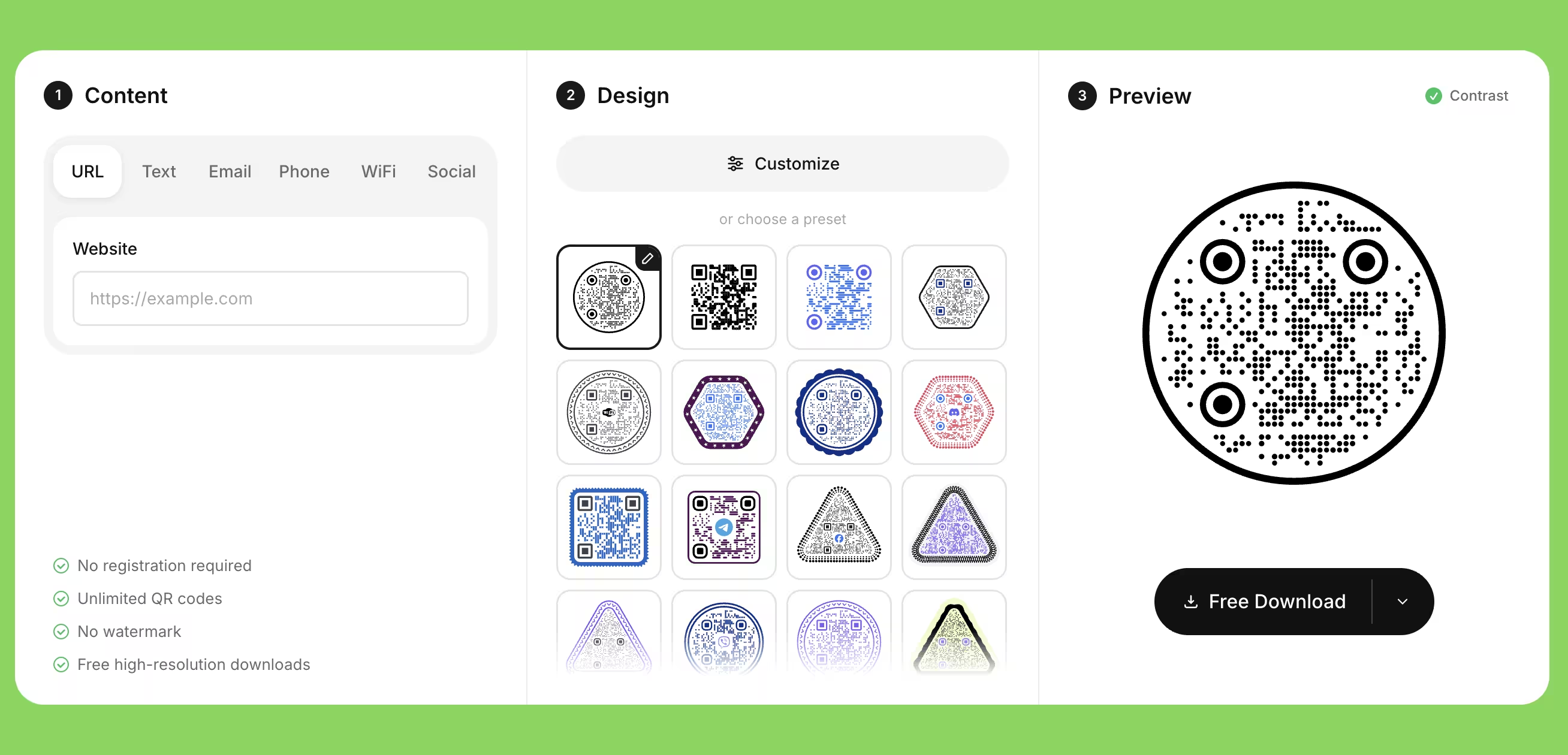
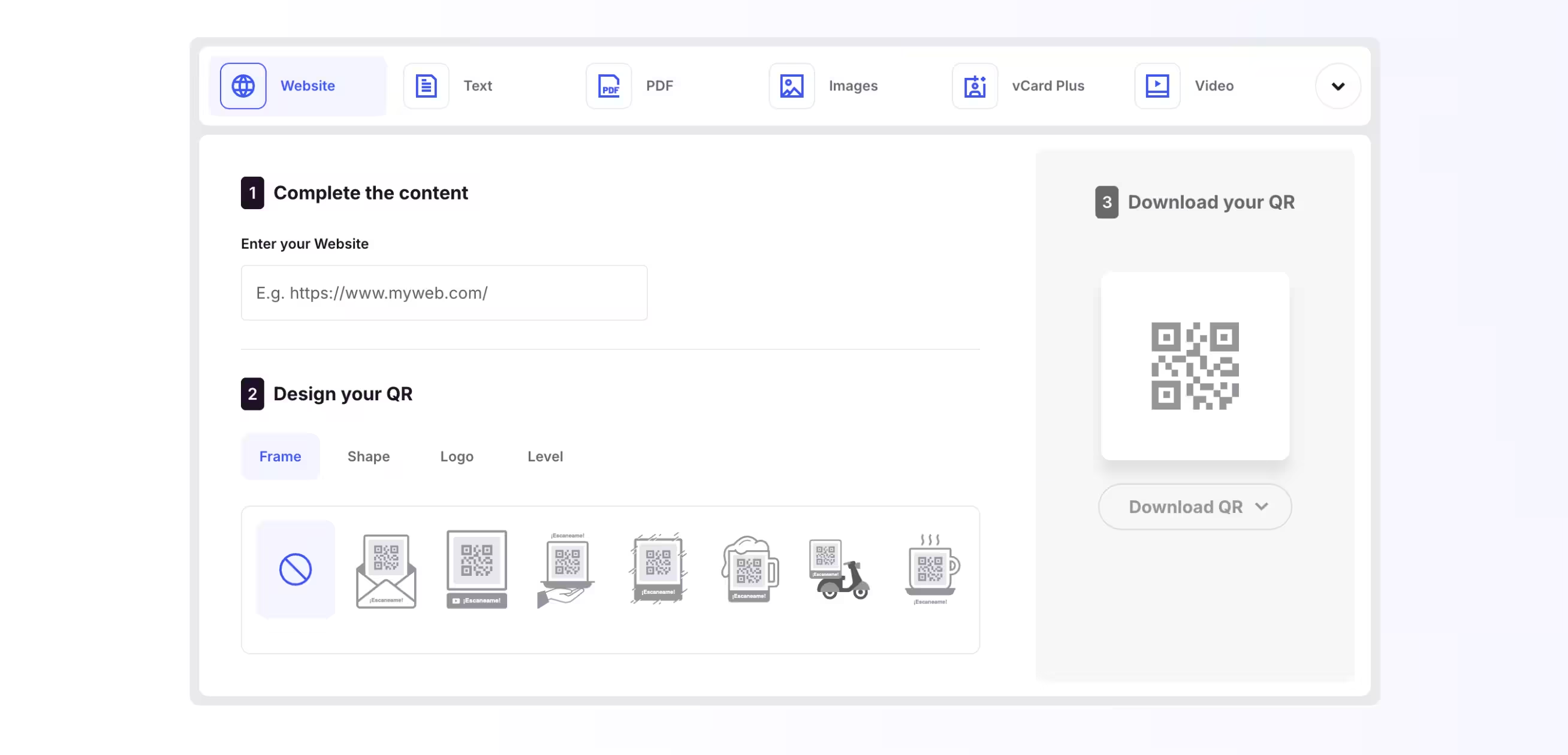
Feature Comparison
A quick view of where KoloQR leads. This table focuses on design and workflow - see the overview below for where QRFY leads on dynamic codes and analytics.
Downloads Without Signup
Download QR codes instantly without creating an account.
KoloQRYesQRFYNoOpen Source
Inspect, modify, and self-host the source code.
KoloQRYesQRFYNoCustom QR Shapes
Create rectangular, circular, triangular, and hexagonal QR codes.
KoloQRYesQRFYNoPremium QR Frames
Ready-to-use designer QR frames.
KoloQRYesQRFYYesVector Export
Export SVG, PDF, and EPS for professional printing.
KoloQRYesQRFYYesCopy to Figma
Copy QR codes directly into Figma.
KoloQRYesQRFYNoChrome Extension
Create QR codes from any webpage.
KoloQRYesQRFYNoContrast Checker
Ensure your QR code has enough contrast for reliable scanning.
KoloQRYesQRFYNo
Where Each Tool Actually Leads
The table only tells part of the story. KoloQR and QRFY are built around different goals, so the honest answer is that the right choice depends on whether you care more about design and privacy or about tracking and editable destinations.
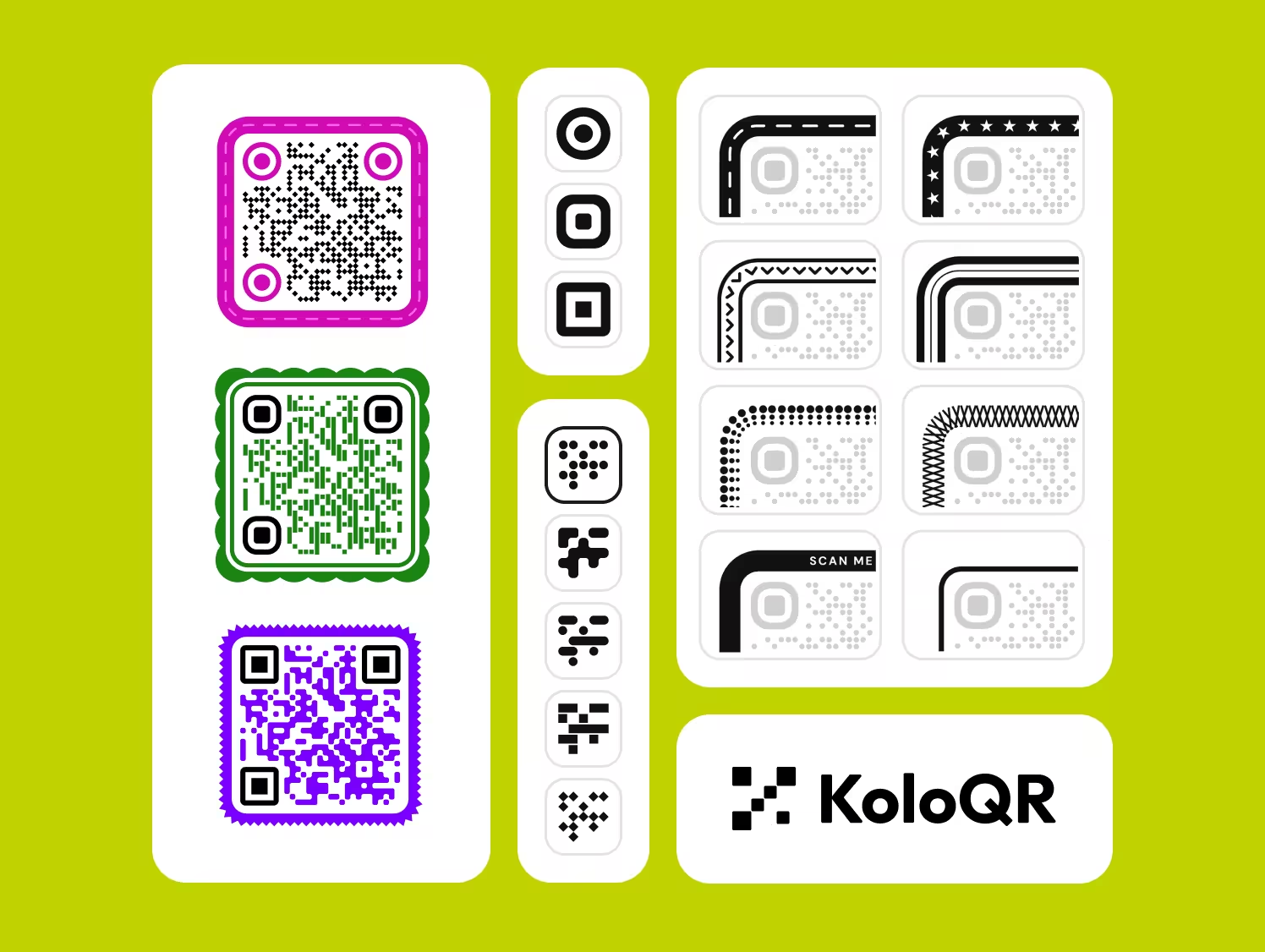
KoloQR
KoloQR is for anyone who wants a good-looking QR code fast, without an account and without an ongoing subscription. Everything happens in the browser, so your content is never uploaded, and what you download is print-ready.
- Design and Custom Shapes - Circular, rectangular, triangular, and hexagonal QR codes, plus logo support and custom colors. Useful when the code has to fit a brand rather than look like a default black square.
- No Signup, Private by Design - Generate and download without creating an account. Codes are built client-side, so your link, Wi-Fi password, or vCard details never leave your device.
- Print-Ready Vector Export - Export SVG, PDF, and EPS at any size without pixelation - the formats a printer or designer actually asks for.
- Fits a Designer's Workflow - Copy straight into Figma, generate a code from any page with the Chrome extension, and check contrast before you commit to colors.
- Free and Open Source - No paywall on exports, and the code is open so you can inspect or self-host it.
The trade-off is deliberate: KoloQR makes static QR codes. The destination is encoded directly into the code, so it never expires - but it also can't be edited after printing, and there is no scan tracking. If you need to change a link later or measure scans, that's exactly where QRFY fits.
What Is QRFY?
QRFY is a subscription platform aimed at businesses and marketing teams. Its strengths are the things a design tool doesn't try to do - and it's fair to name them plainly.
QRFY's core advantage is dynamic QR codes: you can change where a printed code points without reprinting it, and see scan analytics like counts, location, and device. It supports bulk creation via CSV and an API, over 25 content types (menus, PDFs, vCards, coupons, reviews), hosted landing pages, custom domains, tracking pixels, and team roles. The costs are an account, a subscription (dynamic codes run on a trial that pauses if you don't upgrade), and content hosted on QRFY's servers. If dynamic destinations and tracking are the point, QRFY is the stronger choice.
Generate QR Code
How to Choose, and How to Get a QR Code That Scans
A short decision guide, followed by the practical rules that matter no matter which tool you use.
Pick KoloQR for Static, Design-Led Codes
Business cards, menus, packaging, posters, wedding signage - anything printed where the link won't change and the look matters. Static codes never expire and cost nothing.
Pick QRFY When the Link Must Change Later
If a printed code needs to point somewhere new next month, you need a dynamic code. KoloQR doesn't offer that; QRFY does.
Pick QRFY When You Need Scan Analytics
To measure how many people scan, from where, and on what device, you need a tracking platform. KoloQR intentionally doesn't track, so choose QRFY if reporting matters.
Keep Enough Contrast
Dark code on a light background scans most reliably. Light-on-dark can work but is riskier; very low contrast fails. KoloQR's contrast checker flags this before you print.
Protect the Quiet Zone
Leave clear space around the code - roughly four modules wide. Crowding it against text or an edge is one of the most common reasons a code won't scan.
Add a Logo Carefully
A logo in the center is fine if it stays small and error correction is high enough. Cover too much of the pattern and scanners give up. Test before mass printing.
Export as Vector for Print
Use SVG, PDF, or EPS so the code stays crisp at any size, from a business card to a banner. Both tools support vector export; avoid low-resolution PNGs for large print.
Mind the Minimum Print Size
As a rule of thumb, keep a code at least 2 x 2 cm, and larger for signage read from a distance. More data in the code means denser modules, which need more size.
Always Test on Real Phones
Scan the final file with more than one phone and camera app before printing thousands of copies. This single step catches most avoidable failures.
Consider Privacy for Sensitive Content
For a Wi-Fi password or personal contact details, client-side generation keeps the data on your device. KoloQR builds codes in the browser; hosted platforms store content on their servers.
Questions? Answered
For design-led static QR codes, yes. KoloQR is free, needs no signup, and exports print-ready vector files. It's not a replacement if you specifically need QRFY's dynamic codes or scan analytics - those are different jobs.
No. KoloQR makes static QR codes, where the link is encoded directly into the code. That means it never expires, but it also can't be edited after printing. QRFY's dynamic codes can be updated later, which is its main advantage.
Yes. You can generate and download QR codes on KoloQR without signing up. QRFY requires an account, and its dynamic codes and exports depend on a subscription.
It depends. If your menu link is stable and you want a branded, print-ready code, KoloQR is simpler and free. If your menu changes often and you want to swap the destination without reprinting, or to track scans, QRFY's dynamic codes fit better.
QRFY provides scan analytics, including counts, location, and device data on its paid plans. KoloQR does not track scans by design, which keeps generation private and account-free.
KoloQR is free, including exports. QRFY offers free static codes, but its dynamic codes run on a trial that pauses when it ends, and ongoing use requires a subscription.
QRFY focuses on colors, logos, and frames rather than the code's overall shape. Circular, triangular, and hexagonal QR shapes are a KoloQR feature.
KoloQR's static codes never expire because the data lives in the code itself. QRFY's static codes also don't expire, but its dynamic codes stop redirecting if the subscription lapses.
Both export vector formats. KoloQR exports SVG, PDF, and EPS, and includes a contrast checker to catch scanning issues before print. For a designer handing files to a printer, KoloQR's workflow is well suited.
No. KoloQR intentionally leaves out tracking so codes can be created privately and without an account. If measuring scans is essential, use a dynamic platform like QRFY.
Yes. KoloQR's source code is open, so you can inspect, modify, or self-host it. QRFY is a closed, proprietary platform.

Try KoloQR for Your Next QR Code
If you want a beautiful, print-ready static QR code without an account or a subscription, KoloQR does that in seconds - circular and custom shapes, logo support, and SVG, PDF, and EPS export.
And if what you actually need is a link you can edit after printing or scan analytics for a campaign, QRFY is the better fit - there's no point pretending otherwise. Choose based on the job, not the marketing.
Generate QR CodeKeep Exploring
Pages that pick up where this one leaves off - the same setting, the same kind of code, or the next thing worth deciding.
Do QR Codes Expire? The Pattern Never Does
The pattern never expires, and four things behind it do. Which one failed, how to tell them apart, and which of them you can fix without reprinting.
Static or Dynamic? Decide It Before Anything Is Printed
The difference is where the destination lives, and price, analytics and every failure mode follow from it. Four questions that settle which one to print.
ME-QR Is Free, and the Person Scanning Pays for It
ME-QR's free tier is real and unusually generous, and the price is paid by the person scanning your code. We read the pricing endpoint, the FAQ and the terms on 29 August 2026 and wrote down what free actually means.
QRFY Is Free for Static Codes, and Most of Its Types Are Not Static
QRFY's free static codes are real, and two things around them are easy to miss - the account the download button asks for, and the fact that the Website tile most people start from is a dynamic code on a seven-day clock.
A Free QR Tiger Alternative, No Signup
A design-first, open-source QR generator compared with a campaign-focused tracking platform. See which one fits your project.
Flowcode Design, Free and Permanent
A free, open-source static QR generator compared with a premium dynamic marketing platform. See which one fits your project.
Why KoloQR?
- Create QR codes for websites, menus, Wi-Fi, PDFs, and business cards
- Customize colors, logos, and unique shapes
- Download high-quality PNG and SVG files
- Built for both print and digital
