Let People Call You With a Single Scan
A phone number QR code opens the phone’s dialer with your number already entered, so a customer can reach you in one tap - no typing, no wrong digits. Design one to match your brand and export it ready for print.
Opens in Google Maps. Coordinates work too - "37.4224, -122.0841".
The code opens your business's "Write a review" form. Paste the Place ID, or a Google Maps link that carries one.
A UPI link carries no checksum, so a mistyped ID produces a code that scans perfectly and pays somebody else. Paste the ID from your payment app rather than typing it, and send yourself one rupee before printing.
Paste it exactly as copied. KoloQR does not assemble the payload - it encodes the one your bank issued, and checks it before you print it.
SVG, PNG, JPG • Max 2 MB
First month free
then $9/month
Dynamic QR Codes Are Coming
Change your link anytime, even after printing. See who scans, when and where.
- Edit without reprinting
- Scan analytics
- Bulk & custom domains
You're on the List
We'll email you once, when dynamic codes with scan analytics launch.
What Is a Phone Number QR Code?
A phone number QR code stores a telephone number using the tel: format. When someone scans it, their phone opens the dialer with your number already filled in, so all they have to do is tap call - no typing, no mistakes.
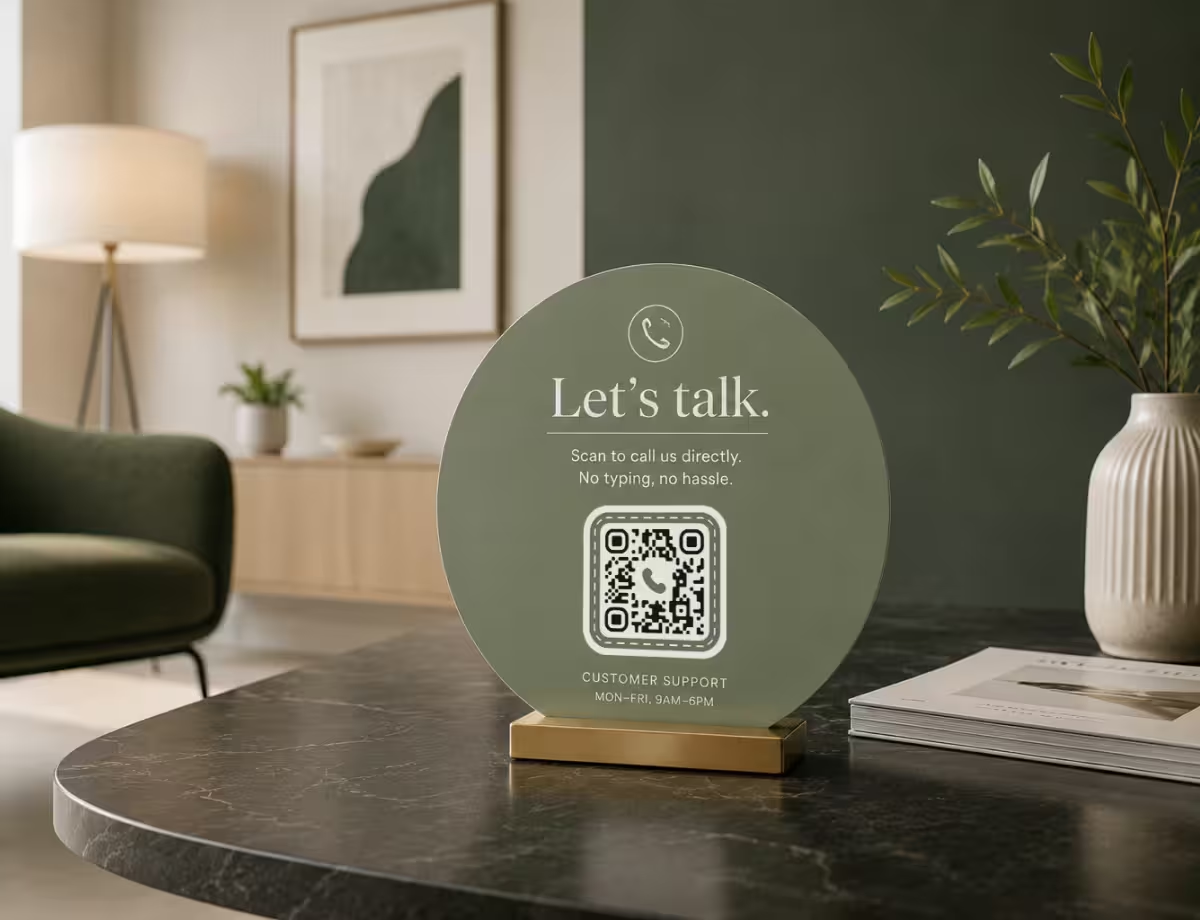
What Happens When Someone Scans
There’s no special app to download and no website to load. The scan resolves in a couple of seconds:
- The Camera Detects the Code - no separate QR app is needed on any modern phone.
- It Reads the tel: Link Inside - the format that tells the phone this is a number to call, not a website.
- The Dialer Opens, Pre-Filled - so the only thing left to do is tap the call button.
Because the code never places the call on its own, people stay in control of whether they dial. And because dialing doesn’t need a data connection, the code still works in a basement, a car park, or anywhere the signal drops out.
Why Not Just Print the Number?
A printed number still has to be read, remembered, and typed correctly. One transposed digit sends the call to a stranger - or nowhere. A QR code moves someone from your poster, card, or window straight into a ready-to-send call, which is the difference between an interested glance and an actual conversation. The best approach is to print both: the code for speed, and the digits underneath for anyone who’d rather dial by hand.
Generate QR Code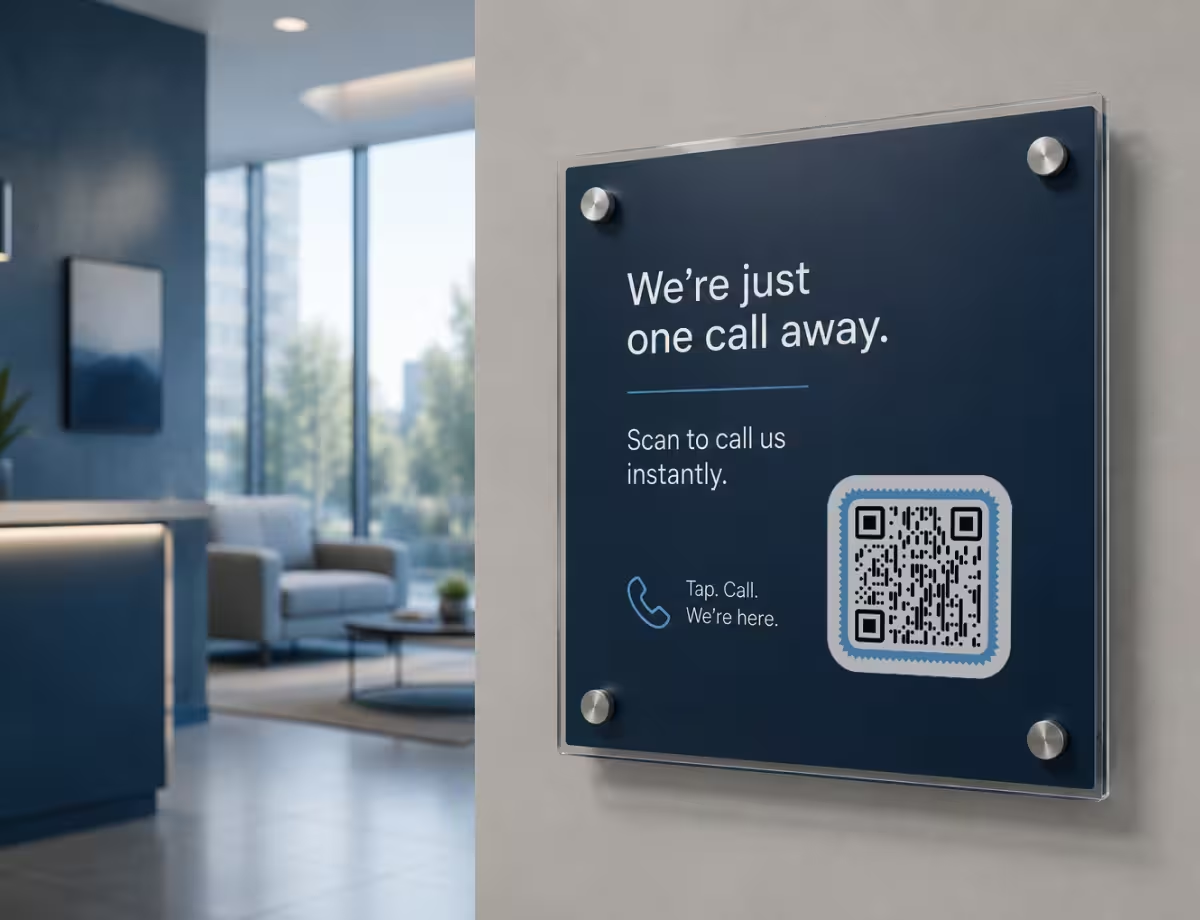
Where Phone Number QR Codes Work Best
A phone number QR code earns its place anywhere someone might want to call you but won’t stop to type. A few of the most effective spots:

Business Cards
Place it beside your printed number so a new contact can call you without keying anything in.
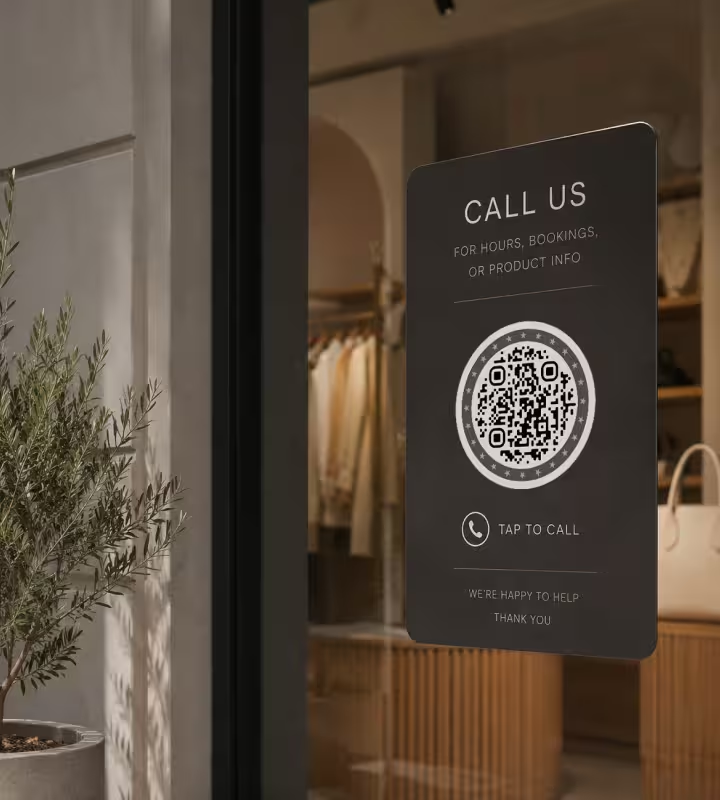
Shop Windows & Storefronts
Let passers-by call about hours, bookings, or stock even when the door is locked.
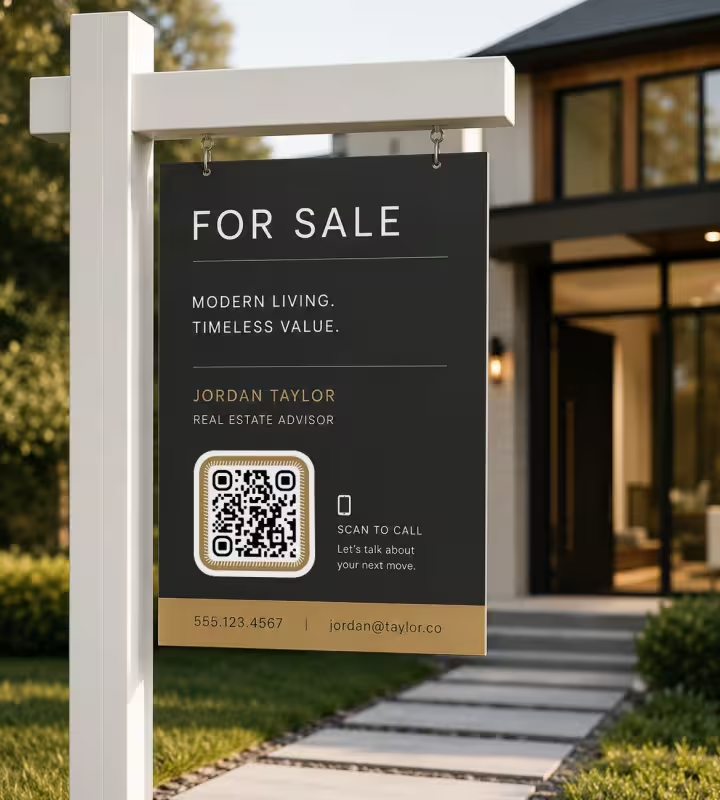
Real Estate & For-Sale Signs
Drivers and walkers reach the agent directly from the yard sign, while interest is fresh.
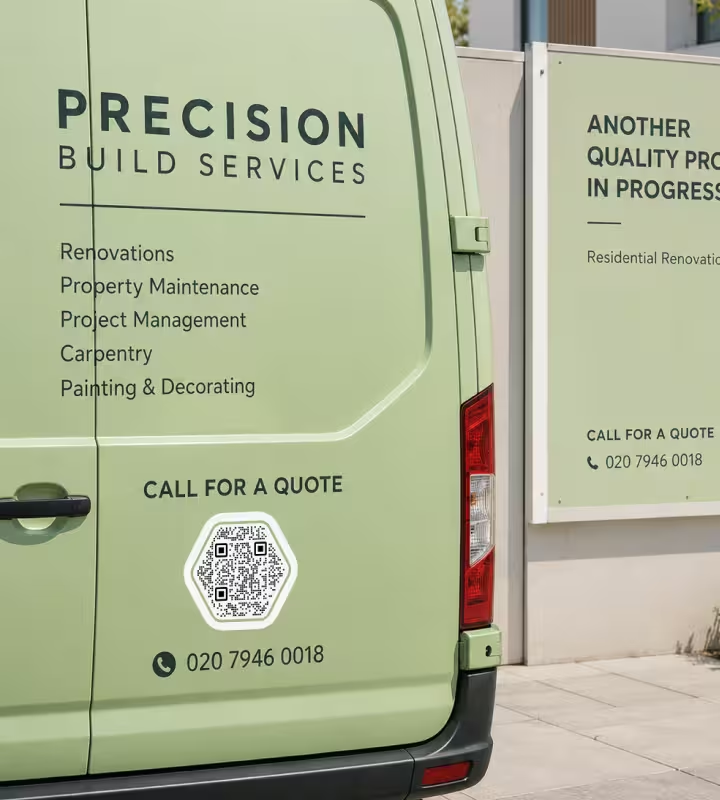
Service Vehicles & Site Boards
Vans, trucks, and hoardings become a one-tap call for a quote or a callout.
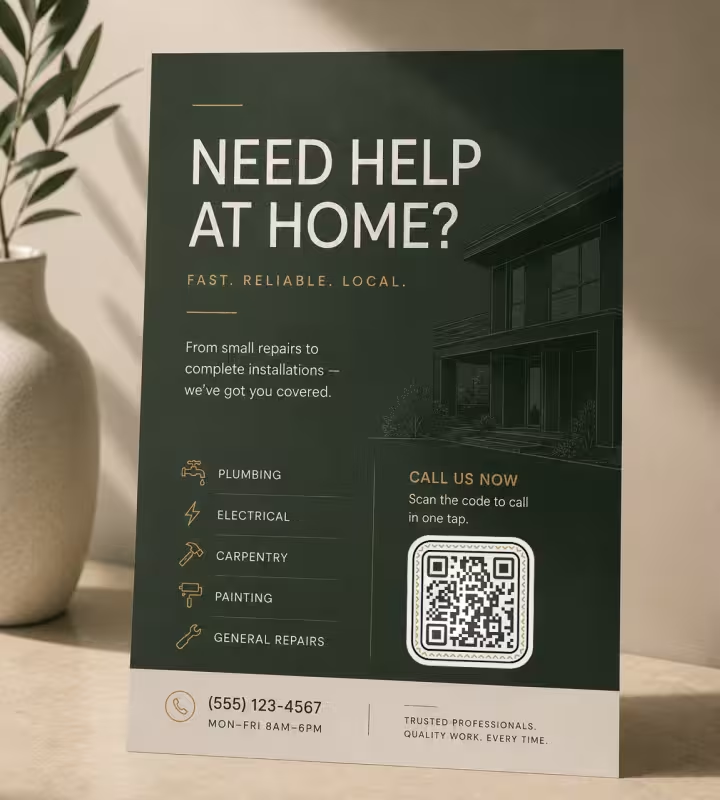
Printed Ads & Flyers
Move a reader from paper to a phone call without building a landing page first.
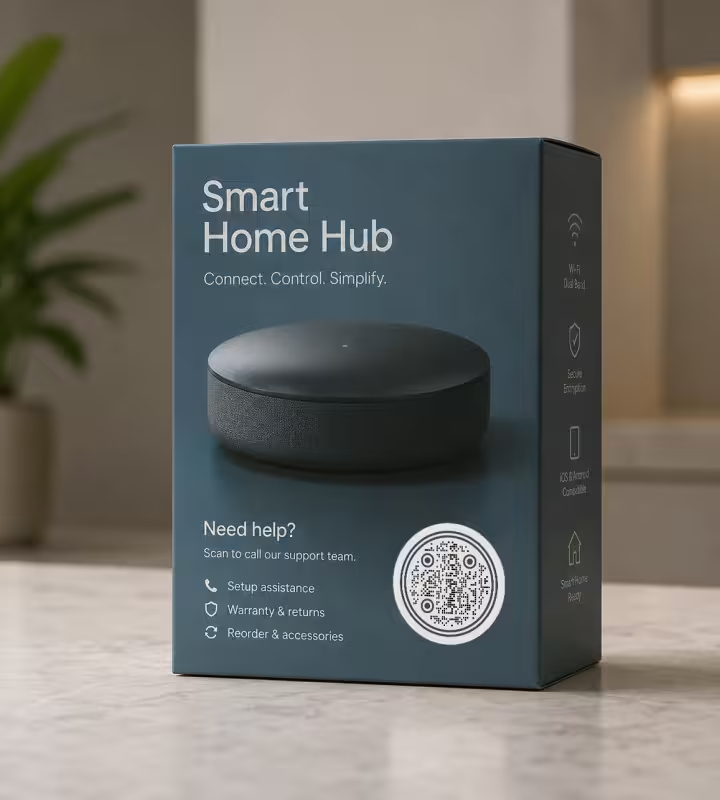
Product Packaging & Support
Point customers to your helpline for setup, warranty, or repeat orders.
How to Create a Phone Number QR Code
You can have a working phone number QR code in under a minute.
Generate QR Code- 1
Enter Your Phone Number
Type it in full international format - a plus sign, your country code, then the number.
- 2
Customize the Design
Pick your colors, add a logo, or choose a round shape so the code matches your brand.
- 3
Test the Scan
Scan it once with an iPhone and once with an Android before you commit anything to print.
- 4
Download and Share
Export a PNG for screens or an SVG for large, perfectly sharp prints.
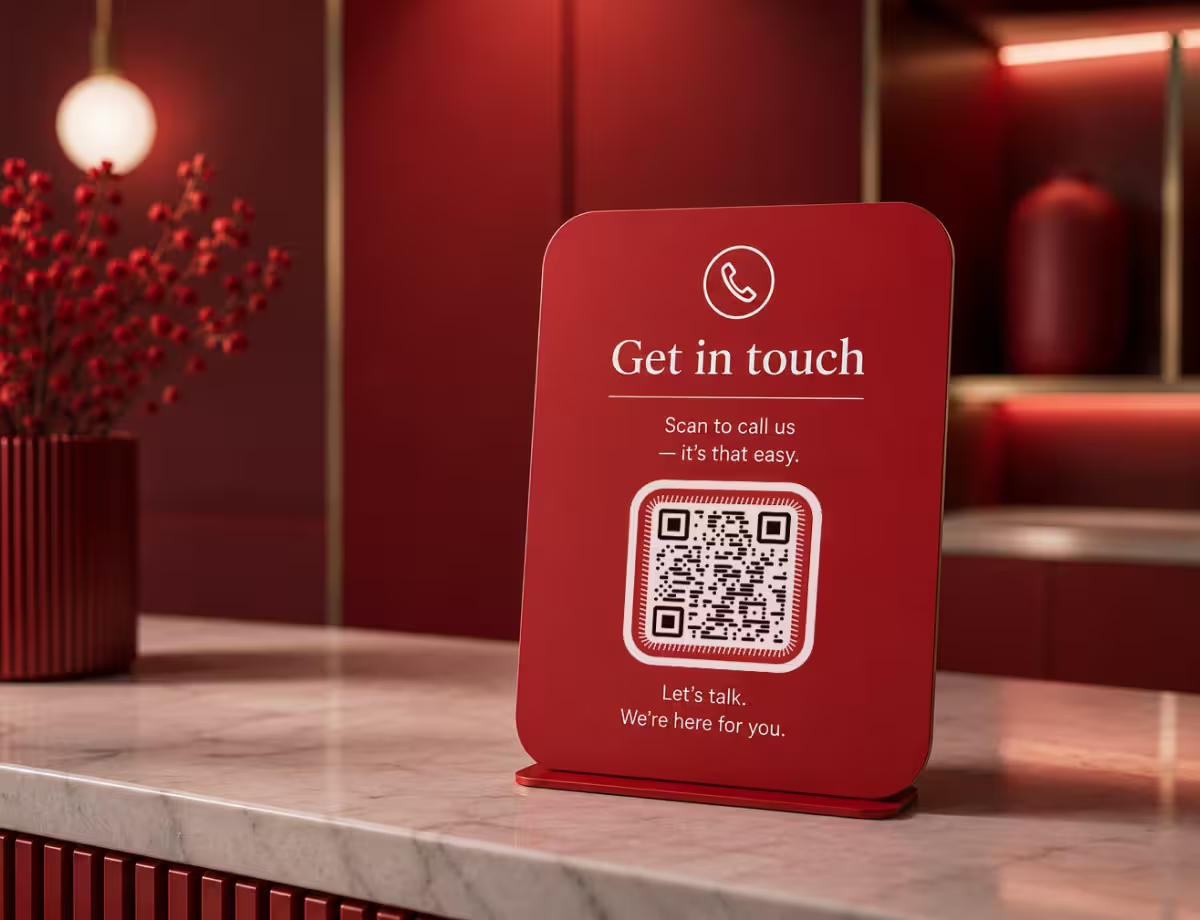
Choosing the Right File Format
The format you export decides how sharp the code looks and where you can use it.
- PNG for websites, social posts, digital menus, and everyday printing.
- SVG for signage, vehicle wraps, and anything that has to stay sharp at large sizes.
- Print-Ready Exports for professional runs where crisp edges and a clean quiet zone decide whether it scans.
If you’re printing large - a shop window, an A-frame, a vehicle panel - export SVG. Because it’s a vector file, it stays razor-sharp at any size. For screens and standard documents, PNG is simpler and supported everywhere.
Generate QR CodePhone Number QR Code Best Practices
A phone number QR code is only useful if it scans on the first try and reaches the right line. These habits keep it reliable.
Always Include the Country Code
Start with +48, +1, +44, and so on. Without it, the call can fail for anyone scanning from another country.
Show the Number as Text Too
Print the digits beside the code so people can dial manually if their camera struggles or they rely on a screen reader.
Keep It Large Enough to Scan
Aim for at least 2 cm on print, and add roughly one centimeter of size for every 10 cm of scanning distance.
Preserve the Quiet Zone
Leave clear space around the code - about four modules wide - so scanners can find its edges.
Keep Strong Contrast
A dark code on a light background reads fastest. Avoid light-on-dark unless you’ve tested it thoroughly.
Test on Both Platforms
iPhone and Android handle the tel: link slightly differently, so check both before printing thousands.
Use a Number That Will Last
A static code can’t be edited after printing, so point it at a line you’re confident you’ll keep.
Skip Extensions Unless You Need Them
Comma-separated extensions work on some phones and not others; a plain number is the safest choice.
Handle Call Tracking Separately
A tel: code can’t count its own scans; use a dedicated tracking number if you need call analytics.
Add a Short Prompt
A line like “Scan to call us” tells people what the code does and noticeably lifts scans.
Why Your Phone Number QR Code Isn't Working
Most phone codes that seem broken are working exactly as designed. These four cover both the real faults and the one that isn't.
It Dials the Wrong Number for Visitors From Abroad
- Cause
- The number was encoded in local form. With no country code, the phone dials it as though the caller were standing in your country - which they aren't.
- Fix
- Encode it in full international form, starting with + and the country code. That works for local callers too, so there's never a reason to print two codes.
It Doesn't Ring - It Just Opens the Keypad
- Cause
- That is the design. A phone-number code fills in the dialer and waits: no operating system will place a call off a scan without the person tapping to confirm.
- Fix
- Nothing to fix, but word the sign for it. Scan to call us sets the right expectation; anything promising to connect them makes a working code look broken.
Extensions Never Reach the Right Person
- Cause
- Digits added after the main number are dialed as part of it. Reaching an extension needs a pause the phone system waits through, and a scan can't reliably carry one.
- Fix
- Point the code at a direct line wherever one exists. Where it doesn't, print the extension beside the code and let the caller enter it at the prompt.
It Does Nothing on a Tablet or Laptop
- Cause
- A tel: link needs something able to place a call. A tablet with no SIM, or a desktop with no calling app installed, has nowhere to hand it.
- Fix
- That's fine for signage people scan with a phone. Where the code might be read off a screen - a slide, a PDF, an email - print the number in text beside it.
Still not sure whether the fault is the file or the print? Drop the exported image into the QR code scanner - if it decodes on a desktop and not on paper, the fault entered after the file.
Questions? Answered
No. Scanning it opens the phone’s dialer with your number already entered, but the person still has to tap the call button. This is intentional - phones never auto-dial from a QR code, since that would let a sticker placed over a poster trigger unwanted calls. It keeps the person in control.
Use full international format: a plus sign, your country code, then the number, with no spaces or dashes - for example +48 for Poland, +1 for the US, or +44 for the UK. Entering it this way means the code works no matter where the person scanning it is located.
No. Placing a call doesn’t require a data connection, so the code works even where signal is weak or Wi-Fi is unavailable - a basement bar, an underground car park, a rural site. This is one advantage it has over a website QR code, which needs a connection to load.
Not with a static code. The number is encoded directly into the pattern, so a new number means a new code. Before printing in bulk, point it at a line you’re confident you’ll keep. If you expect the number to change, route the code to a phone line that can forward calls instead. For written enquiries, an email QR code opens a new message with your address already filled in.
A phone number QR code does one thing: it opens the dialer to call you. A vCard QR code saves a full contact - name, phone, email, company, website - to the person's address book. KoloQR builds phone, email and URL codes rather than vCards, so when you want people to keep your full details, point the code at a profile page - the usual setup on a business card.
Yes. Both open the tel: link in their built-in dialer, and neither needs a separate QR app on current versions. The two platforms handle formatting slightly differently, so it’s worth testing on one of each before a large print run.
Sometimes. Adding a comma after the number creates a short pause before extra digits are sent, which can reach a department extension. Support for this varies between phones, though, so a plain number is the most reliable choice. If an extension is essential, test it on the devices your audience is likely to use.
Not from the tel: code itself - dialing happens on the person’s phone, out of reach of any analytics. If you need to measure response, put a dedicated call-tracking number in the code and read the reports from that service. That tracking is set up with your phone provider, separately from the QR code.
A phone number code opens the dialer to place a call. An SMS QR code opens the messaging app with your number, and often a pre-written message, ready to send as a text. Use a call code when you want a conversation, and an SMS code when a quick written reply suits better - bookings, keywords, or opt-ins, for instance.
Yes. You can generate, customize, and download a phone number QR code for free, including PNG and SVG exports. The code doesn’t expire and there’s no sign-up, so a code you print today keeps working for as long as the number stays active.
Keep Exploring
Pages that pick up where this one leaves off - the same setting, the same kind of code, or the next thing worth deciding.
Business Cards
The one surface where a code is read at arm's length - so it is designed into the card's layout rather than dropped in the corner of it.
Dental Practices
Booking links at the desk, review cards at the card machine, and recall mailers that still work months later.
SMS QR Code
Open a new text message with your number - and the wording - already filled in.
Email QR Code
Let people email you in one scan, with the address, subject, and message ready to send.
WhatsApp QR Code
Open a WhatsApp chat with your number in one scan, without anyone saving your contact first.
Business Cards
85 x 55 mm leaves room for one code and nothing else - where it goes, how small it can get, and which finishes kill it.
Why KoloQR?
- Create QR codes for websites, menus, Wi-Fi, PDFs, and business cards
- Customize colors, logos, and unique shapes
- Download high-quality PNG and SVG files
- Built for both print and digital
