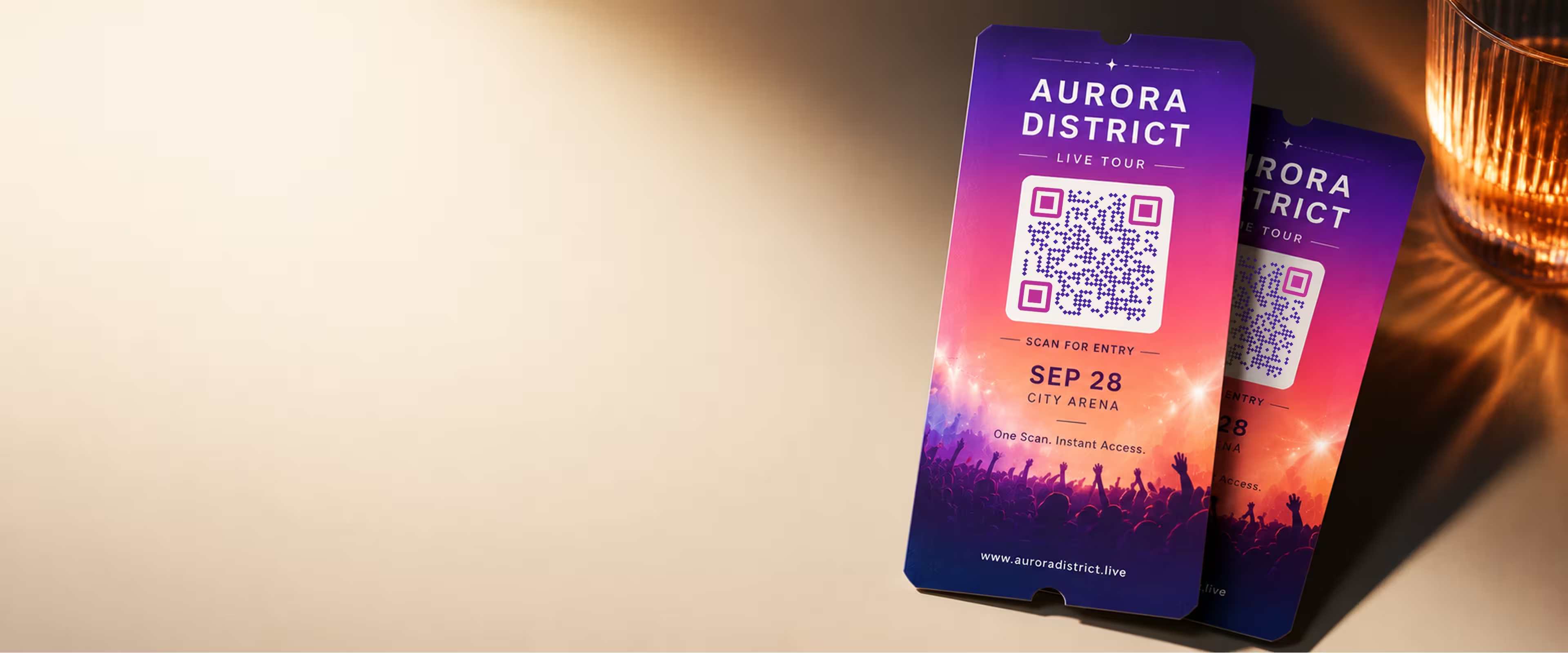
QR Codes That Guide Guests From Invite to Entrance
Give attendees one scan to reach everything they need - registration, tickets, directions, the schedule or an RSVP. Design a code that matches your event branding and export it print-ready for invitations, posters and on-site signage.
Generate QR Code- Print-ready PNG & SVG
- Custom colors, shapes & logo
- Free, no sign-up
Why Events Run Smoother With a QR Code
A well-placed QR code removes the small frictions that slow guests down - retyping links, hunting for the venue, or emailing to ask for the schedule.
Fewer Questions at the Door
Point guests to check-in, tickets or directions before they arrive, so your team spends less time answering the same questions.
One Link for Everything
Send scanners to a single event page that holds the agenda, map, speakers and RSVP - instead of scattering details across emails.
Works on Any Modern Phone
Recent iPhone and Android cameras scan QR codes natively, so guests don't need a separate app to open your link.
Branding That Looks Intentional
Custom colors, a center logo and rounded or circular shapes make the code feel part of your invitation, not a sticker slapped on top.
What to Link Your Event QR Code To
The destination matters more than the code itself. Pick the one action you most want guests to take, then send the code there.
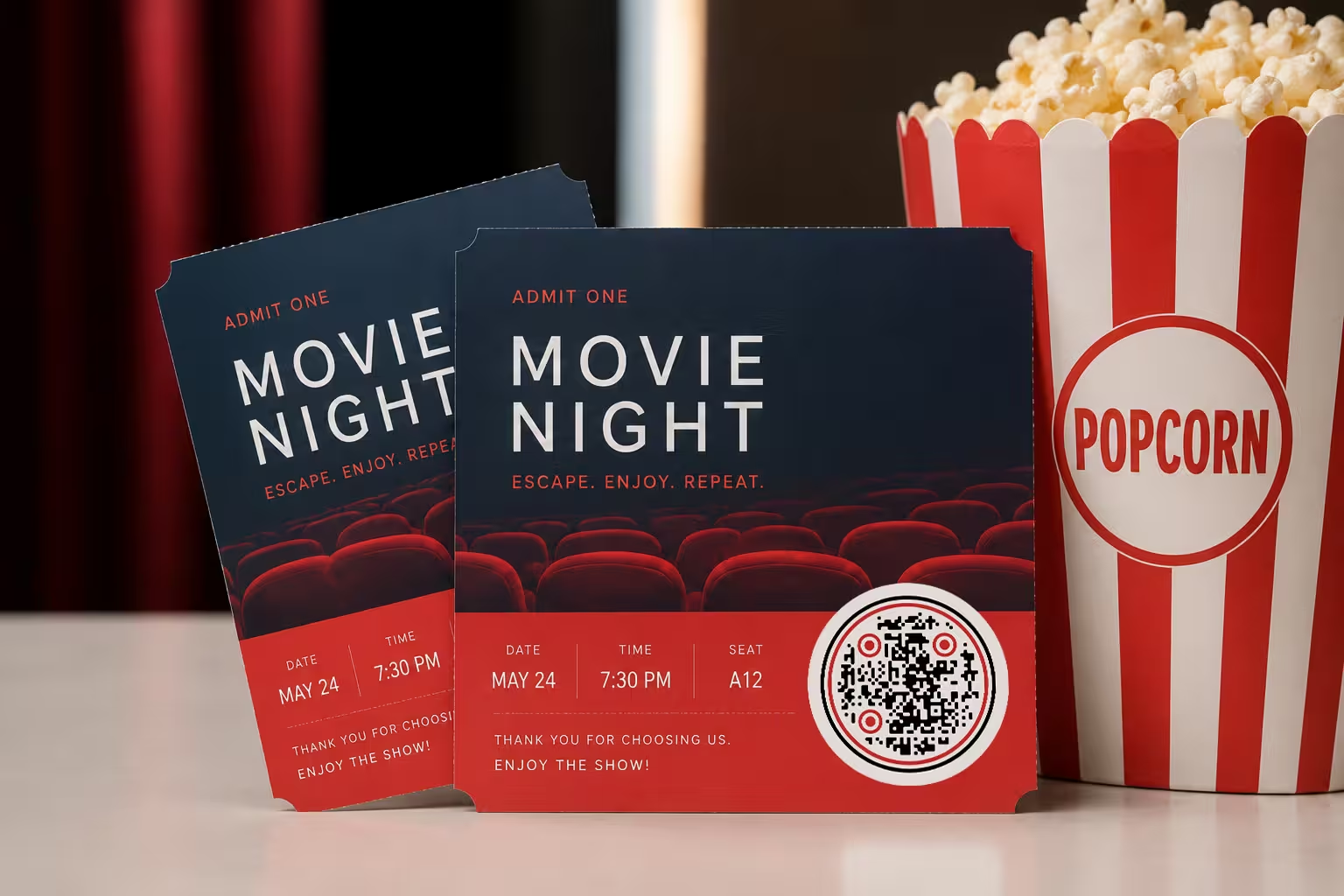
Popular Destinations
Match the link to the moment. What helps someone holding an invitation is different from what helps someone standing at the entrance.
- Registration or Ticketing - send guests straight to your sign-up or ticket page so they can reserve a spot in a tap.
- Event Details Hub - a single page with date, venue map, agenda and dress code that you can keep updated.
- RSVP or Calendar Add - link an RSVP form or an add-to-calendar file so the date lands in their phone instantly.
Keep the Destination Stable
KoloQR creates static QR codes, which encode a fixed web address. You can't change the address after printing, but you can change everything on the page it points to. Link to a URL you control - your site, a form or a shared document - and update the content there anytime without reprinting a single code.
Generate QR Code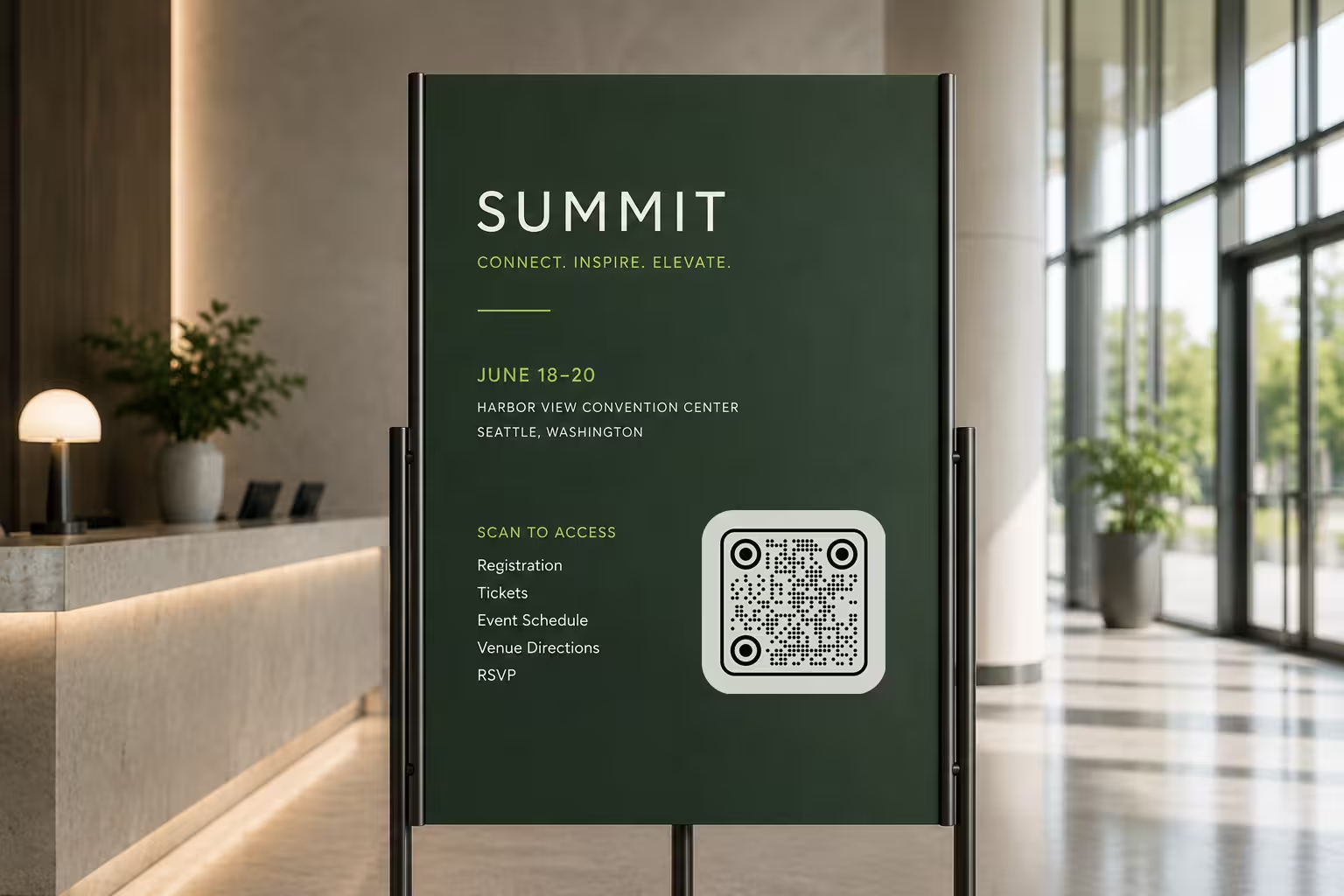
- 1
Add Your Link
Paste the web address for your registration, event page, RSVP form or map. Open it on a phone first to confirm it works.
- 2
Design It to Match
Choose your colors, add a center logo, and pick a square, rounded or circular style so the code fits your invitation and signage.
- 3
Export Print-Ready
Download a high-resolution PNG for digital use or an SVG for large-format print that stays sharp at any size, then test the final file before you send it to print.
Where to Put Your Event QR Code
Place the code where guests naturally pause and have a moment to scan.
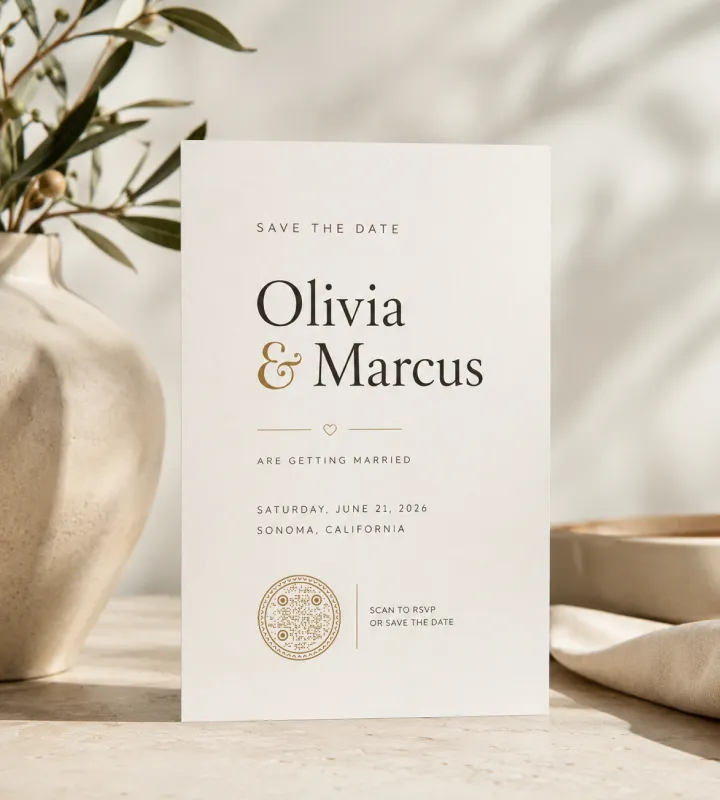
Invitations & Save-the-Dates
Add a small code near the details so recipients can RSVP or add the date without typing a link.
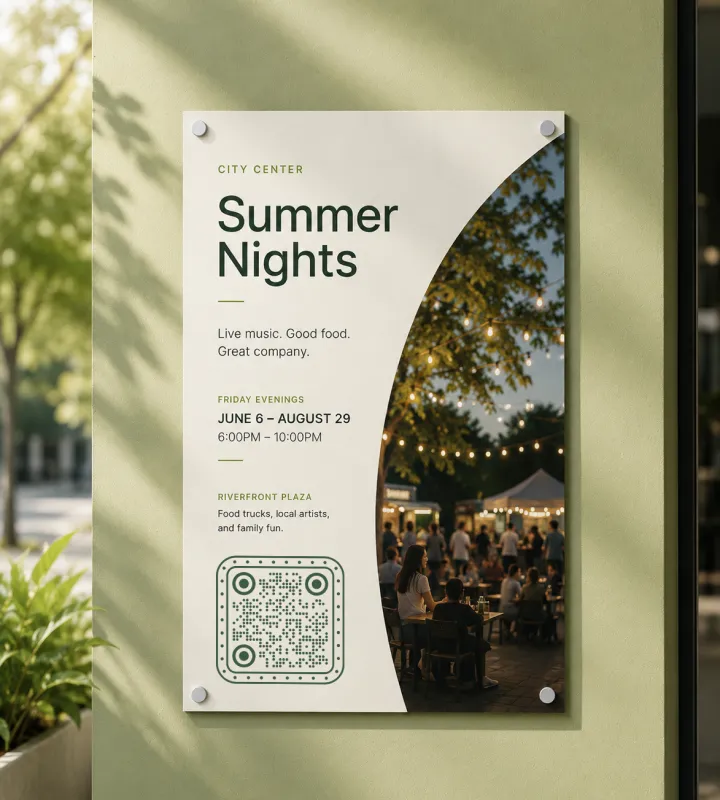
Posters & Flyers
Give the code room and enough size to scan from a step or two back on a wall or noticeboard.
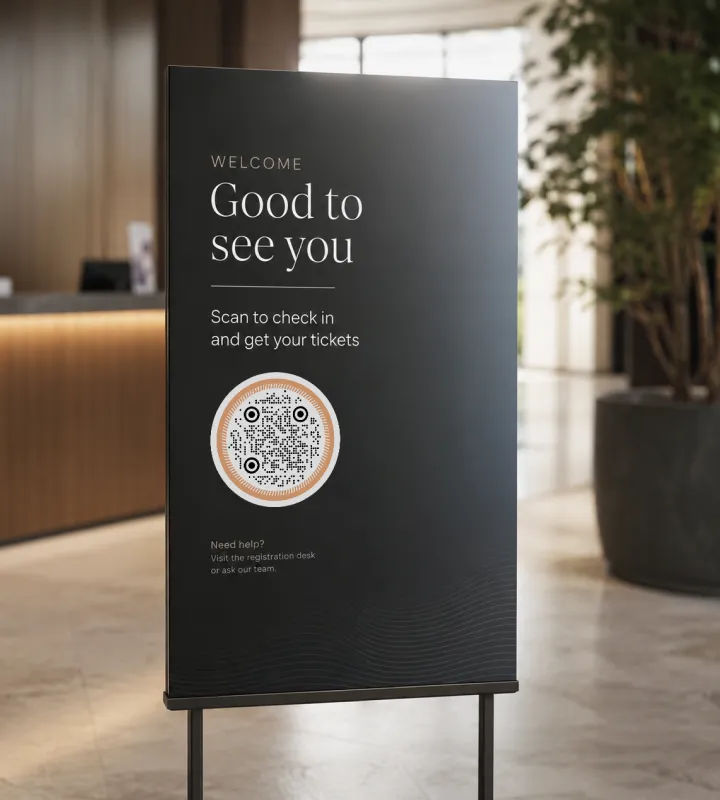
Entrance & Welcome Signage
Speed up check-in by linking to tickets or a registration list right where guests arrive.

Table Tents & Programs
Let seated guests open the agenda, menu, speaker bios or a feedback survey during the event.

Banners & Stage Backdrops
Use a large SVG code so it scans from a distance across a room or hall without pixelation.
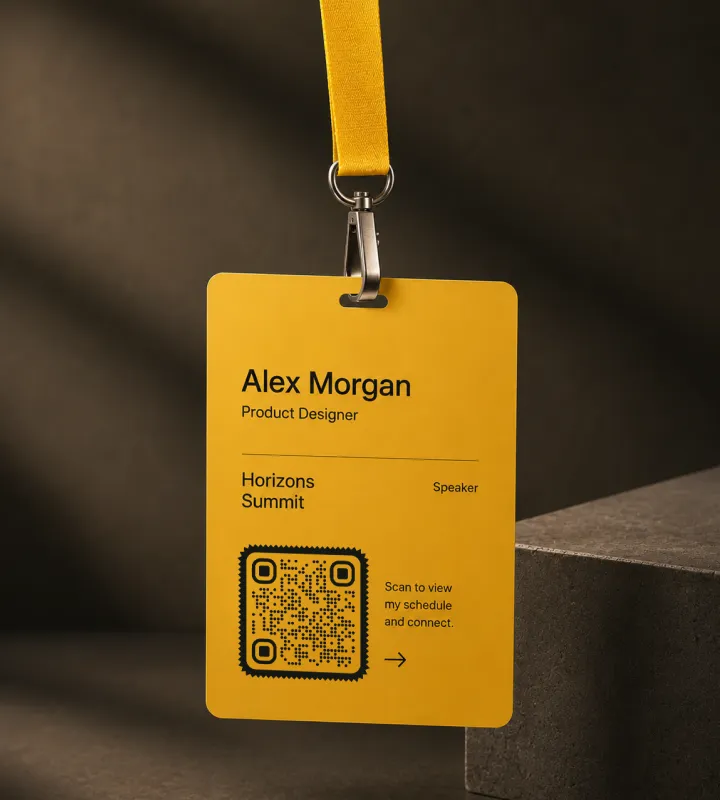
Badges & Lanyards
Share contact details or a personal schedule that attendees can scan while networking.
Best Practices for Event QR Codes
Small details decide whether a code scans on the first try - especially in the varied lighting and distances of a live event.
Test Before You Print
Scan the final exported file with at least two different phones. A code that works on screen can still fail once it's shrunk, printed or laminated.
Size It for the Scan Distance
As a rough guide, a code should be at least a tenth as wide as the distance people scan from. A banner read from 2 m (about 6 ft) away wants a code around 20 cm (8 in) wide.
Keep a Clear Margin
Leave a quiet zone - empty space of about four modules - around the code so the camera can find its edges. Don't crowd it with text or graphics.
Hold Strong Contrast
A dark code on a light background scans most reliably. Very light codes, low-contrast color pairs, or busy photo backgrounds behind the code often fail.
Add a Visible Short Link
Print a readable URL beside the code as a fallback for guests whose camera won't cooperate or who prefer to type.
Tell People What They'll Get
A one-line prompt such as “Scan to RSVP” or “Scan for the schedule” lifts scans far more than a bare code on its own.
Keep the Logo Modest
A center logo is fine, but keep it small enough that the surrounding pattern stays intact, and re-test scanning after adding it.
Make the Landing Page Mobile-First
Guests scan on phones, so send them to a fast, mobile-friendly page - not a heavy PDF or a desktop-only site.
Point at a Link You Control
Because the code is static, link to your own domain, form or shared doc. You can update what's there later without reprinting.
Use Separate Codes for Separate Jobs
If check-in, the schedule and feedback each deserve their own action, give each its own code rather than overloading one page.

Design an Event QR Code That Fits Your Brand
Create a custom, print-ready code for your invitations, posters and signage in minutes - with your colors, logo and shape. Free, no account needed.
Generate QR CodeQuestions? Answered
Paste the link you want guests to reach - a registration page, RSVP form, event site or map - then customize the colors, shape and logo and export a print-ready file. With KoloQR you can do this in a few minutes without an account.
Link it to the single most useful action for your guests. For most events that's registration or ticketing, an event details page with the agenda and map, or an RSVP form. Pick one clear destination rather than trying to cover everything at once.
Not the web address itself - KoloQR codes are static, so the encoded link is fixed. But if you point the code at a page you control, such as your website or a shared document, you can change everything on that page anytime without reprinting the code.
No. The built-in camera on recent iPhone and Android phones reads QR codes automatically. Guests open the camera, point it at the code, and tap the link that appears.
Match the size to the scan distance: a code should be roughly a tenth as wide as the distance people scan from. For a poster read from about 1.5 m (5 ft), aim for at least 15 cm (6 in). Go larger for banners and stage backdrops.
Yes. KoloQR supports a center logo, custom colors and square, rounded or circular shapes. Keep good contrast and a modest logo size so the code still scans reliably, and re-test after any design change.
Use SVG for large-format print like banners and posters, since it stays sharp at any size. PNG works well for smaller items and digital use. KoloQR exports both.
It can if you link to a hub page that holds all three. But if each action matters on its own, separate codes are clearer - one to check in, one for the schedule, one for a post-event survey.
The usual causes are low contrast, a code printed too small for the distance, a missing quiet zone (margin), or a logo that covers too much of the pattern. Test the exact exported file on more than one phone before printing at scale. A code scanned after dark, at a haunted house or a Halloween party, also needs light on the front of the sign.
Yes. You can design and export event QR codes for free, with no sign-up. Print-ready PNG and SVG downloads are included.
Keep Exploring
Pages that pick up where this one leaves off - the same setting, the same kind of code, or the next thing worth deciding.
Nonprofits
Donation codes for appeal letters, collection tins, event banners and charity shop windows, with sizes in cm and the trust rules that keep them safe.
Posters
A3 to A0 - how big the code has to be for the distance people can actually stand at, and how high off the floor it belongs.
Healthcare
Booking pages, intake forms and aftercare instructions on posters, leaflets, prescription bags and bedside cards.
Schools & Classrooms
Permission forms, newsletters, library links and student work, with the print sizes and privacy rules a school actually needs.
URL QR Code
Send anyone straight to a web page, landing page, or link with a single scan.
Hotel QR Codes
Menus, WiFi, check-in and guest info - one scan from every room, desk and table.
Why KoloQR?
- Create QR codes for websites, menus, Wi-Fi, PDFs, and business cards
- Customize colors, logos, and unique shapes
- Download high-quality PNG and SVG files
- Built for both print and digital
