Halloween QR Codes That Still Scan After Dark
A Halloween QR code is an ordinary QR code drawn in a Halloween palette - pumpkin orange, witch purple, slime green, bone white - and usually printed for one night: a party invitation, a porch sign, a scavenger-hunt clue or a costume. The grid and the way a phone reads it do not change. What changes is the risk: the orange-on-black and purple-on-black looks most people reach for first are the ones a camera struggles with. Make one below, then see the nine designs that keep the mood and the numbers that keep them scanning.
Opens in Google Maps. Coordinates work too - "37.4224, -122.0841".
The code opens your business's "Write a review" form. Paste the Place ID, or a Google Maps link that carries one.
A UPI link carries no checksum, so a mistyped ID produces a code that scans perfectly and pays somebody else. Paste the ID from your payment app rather than typing it, and send yourself one rupee before printing.
Paste it exactly as copied. KoloQR does not assemble the payload - it encodes the one your bank issued, and checks it before you print it.
SVG, PNG, JPG • Max 2 MB
$9 $4 / month
55% off for early supporters
Dynamic QR Codes Are Coming
Change your link anytime, even after printing. See who scans, when and where.
- Edit without reprinting
- Scan analytics
- Bulk & custom domains
You're on the List
We'll email you once, when dynamic codes with scan analytics launch.
Nine Halloween QR Code Designs, and Why Each One Scans
Every code below is drawn rather than photographed, so each one is a working symbol you can point a phone at. Under each design: the pattern and eye setting that made it, its two colours, and the measured contrast between them. The rule they share is that the Halloween colour goes in the background or the eyes, and the pattern stays dark.
Black on Pumpkin Orange
Near-black square modules on a light pumpkin orange (#F7931E) measure 8.23:1, past the 7:1 print target. A deeper orange such as #FF7518 drops to 7.03:1, so the lighter, yellower pumpkin is the one to print.
- Pattern
- Square
- Eyes
- Rounded
- Colors
- #111110#F7931E
- Contrast ratio
- 8.23:1
Midnight Pills on Pale Pumpkin
Vertical pills in a midnight navy on a pale pumpkin measure 7.65:1. Navy reads as black at night and as a colour by daylight, which keeps the classic pumpkin pairing without a pure black.
- Pattern
- Vertical pills
- Eyes
- Circle
- Colors
- #10243F#FF9F43
- Contrast ratio
- 7.65:1
Burnt Orange Diamonds on Cream
Diamonds in a burnt orange (#7A3300) on cream measure 8.32:1. This is how orange gets into the pattern itself: darkened until it is a brown in brightness, while still reading as orange by eye.
- Pattern
- Diamonds
- Eyes
- Rounded
- Colors
- #7A3300#FFF3E0
- Contrast ratio
- 8.32:1
Witch Purple Speckle on Lilac
Two-size dots in a deep witch purple on a pale lilac measure 13.36:1. The purple carries the mood because it is nearly black; a bright violet on black, the usual choice, measures about 2:1.
- Pattern
- Two-size dots
- Eyes
- Circle
- Colors
- #2E1446#EFE7F6
- Contrast ratio
- 13.36:1
Swamp Ink on Slime Green
Horizontal pills in a near-black swamp green on a bright slime green measure 11.89:1. The neon goes in the background, where its brightness helps; as the pattern on black it would be an inverted code.
- Pattern
- Horizontal pills
- Eyes
- Rounded
- Colors
- #14290A#C9F04F
- Contrast ratio
- 11.89:1
Blood Red Triangles on Bone
Triangles in a dried-blood red (#6E0A12) on bone measure 10.58:1. A bright blood red on black, the horror-poster look, measures under 2:1 and does not scan.
- Pattern
- Triangles
- Eyes
- Circle
- Colors
- #6E0A12#F4EEE0
- Contrast ratio
- 10.58:1
Charcoal Stars on Ghost White
Stars in charcoal on a cold ghost white measure 14.10:1. Stars cover less of each cell than squares, so this design wants the largest print size on the page rather than the highest contrast.
- Pattern
- Stars
- Eyes
- Rounded
- Colors
- #24222A#F3F2F7
- Contrast ratio
- 14.10:1
Candy Corn Eyes
A near-black pattern on white with the three corner squares in orange. The pattern measures 17.40:1; the orange eyes measure 5.18:1 against white, which is why the accent goes on the eyes and not on the data.
- Pattern
- Square
- Eyes
- Rounded
- Colors
- #1A1A1A#FFFFFF
- Contrast ratio
- 17.40:1
- Eye contrast
- 5.18:1
Bone Dots on Black, for Screens
Bone-white dots on black measure 16.29:1, yet this is an inverted code: phone cameras generally read it, fixed scanners often do not, and black ink spreads in print. Use it on a party screen or a story, not on paper.
- Pattern
- Dots
- Eyes
- Circle
- Colors
- #F2EFE6#121212
- Contrast ratio
- 16.29:1
What Makes a QR Code a Halloween QR Code?
A Halloween QR code is a standard QR code styled with a seasonal palette, a themed module pattern, an optional frame with a short label, and sometimes a small pumpkin, bat or ghost in the centre. None of those choices touches the data the code holds. Two of them - the pattern colour and the module pattern - cost scanning margin; the rest are free. Colored QR codes covers which colours qualify in general, and creative QR codes collects design directions for the rest of the year.
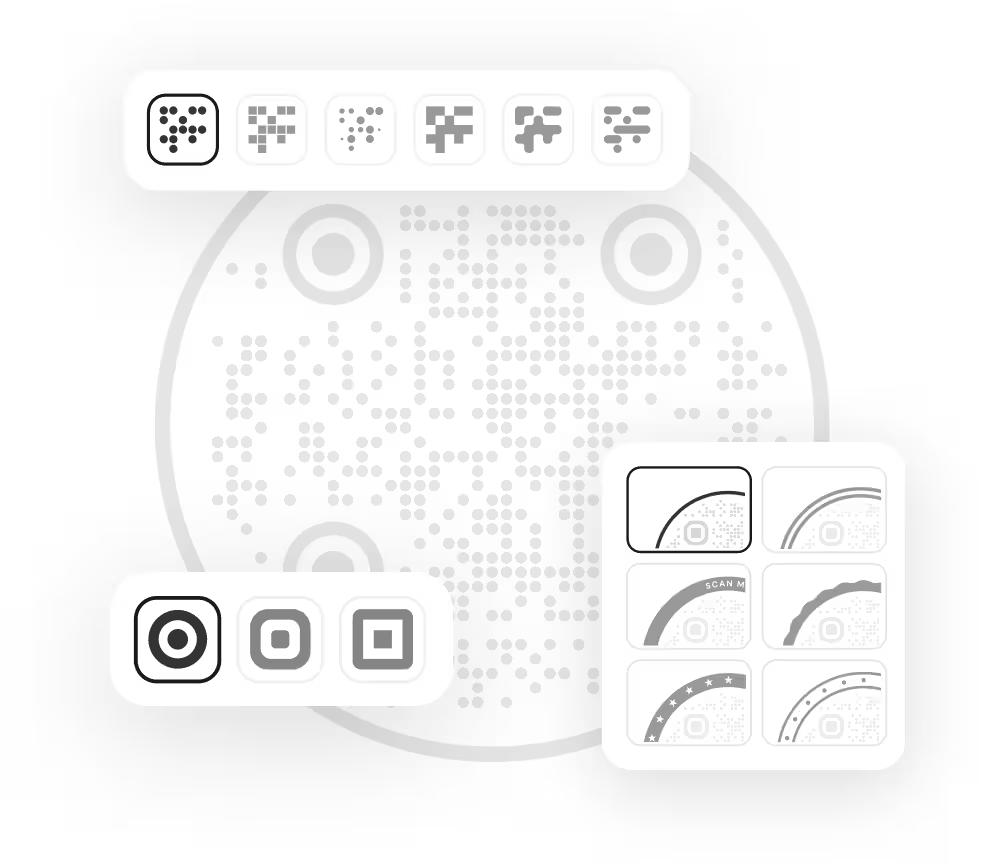
The Five Choices Behind a Halloween Look
A Halloween look is built from five choices, listed here from the one that carries the most risk to the ones that carry none.
- The Palette - one dark colour for the pattern and one light colour for the ground. Pumpkin orange, slime green, bone and lilac make good grounds; black, midnight navy, deep purple and dried-blood red make good patterns. Pumpkin orange is the one colour that only works as the ground, because it measures 2.69:1 against white.
- A Themed Module Pattern - triangles read as fangs, stars and two-size dots as a night sky, pills as dripping slime. Each one carries less ink than a square, so each one needs a little more print size. Dot QR codes has the measurements for the dotted patterns.
- Eyes in an Accent Colour - the three corner squares, called finder patterns, can take an orange or purple accent while the data stays dark. A finder pattern is the large square in three corners of a QR code that tells a scanner where the symbol is and which way up it sits.
- A Frame With a Short Label - a frame around the code with “Trick or Treat”, “Scan for the Party” or “Clue 3” tells people what the scan does. The scanner ignores the frame, so it can carry any Halloween colour, including the ones the pattern cannot. QR code frames compares the shapes.
- A Small Pumpkin, Bat or Ghost in the Centre - a centre icon up to about 20% of the symbol area is recoverable at error correction level H, the level every KoloQR code uses. A bigger pumpkin spends the margin the printed code needs for ink spread and dim light.
KoloQR, a free QR code generator with circular and custom-shaped QR codes, draws all of these: eleven module patterns including Triangles, Stars and Two-size dots, a separate eye colour, frames with a label, a centre logo, and a contrast badge that measures the pair you pick before you download.
Why Orange or Purple on Black Is the Failure Mode
Orange and purple on black fail for two different reasons. Pumpkin orange #FF7518 on black measures 7.03:1, which looks fine, but light modules on a dark ground make an inverted code: our contrast post explains that current iPhone and Android cameras generally read inverted codes while fixed scanners and older apps often do not, and that solid black coverage spreads into the light modules in print. Bright violet #6A0DAD on black is worse: it measures 2.05:1, below the 3:1 line under which a code should not ship at all. The fix keeps the colours and swaps their jobs: black on pumpkin measures 8.23:1 with a light orange, and deep purple on lilac 13.36:1.
Generate QR Code
Where Halloween QR Codes Go
Halloween QR codes are mostly printed for one evening and scanned in poor light, by people in a hurry or in costume. Each placement below has a size, light or payload detail that decides whether the code works on the night. The invitation, costume, event, scavenger hunt, retail and sticker cards open the pages that cover each placement in full.
Party Invitations
A code on a printed invitation links to the RSVP form, the playlist or the costume theme. Invitations are read at arm's length in good light, so 2.5 cm is enough even for a dotted pattern on heavy card.
Porch and Front Door Signs
A sign on the door links to the party address, a donation page or a list of allergy-friendly treats. It is read after dark from a metre or two away, so print it 10 to 20 cm wide and put it under the porch light, not beside it.
Scavenger Hunts and Escape Games
Each clue is its own code, often hidden in a garden or a dark room. A text QR code stores the clue inside the code itself, so it appears on the phone without a website or a signal in the back of the garden.
Costumes and T-Shirts
A code on a costume links to a joke, a sound or a social profile. Fabric stretches and folds, so put the code on a flat part of the chest or back, print it 8 cm or wider, and avoid stretch fabrics that distort the grid.
Haunted Houses and Halloween Events
Tickets, maps, waivers and timed-entry slots. Queue signs are scanned from about a metre in low light, so 10 cm is the floor, and a lit sign beats a dark one every time.
Shop Windows and Seasonal Promotions
A window decal for the costume rail, the pumpkin-spice menu or a Halloween discount. Windows are read from 1 to 2 metres, so the code needs 15 to 20 cm of width and matte film to stay readable under evening street light.
Treat Bags and Candy Labels
A small sticker on a treat bag links to a game, a greeting or the ingredients. Stickers are scanned close up, so 2.5 cm works, and the ingredients link matters for the parents checking allergens.
The Numbers That Keep a Halloween QR Code Scanning
Three things decide whether a Halloween code works on the night: the contrast between its two colours, the light it is scanned in, and the surface it is printed on. The targets below are design targets with print losses priced in, not thresholds measured on any named phone.

Contrast: What the Halloween Palette Measures
The site's contrast checker and the generator's badge compute the WCAG contrast ratio, and our contrast post sets the targets: 7:1 for print, 4:1 for a screen, and 3:1 as the line below which a code should not ship. The pairs below were computed from their hex values with that same formula on 8 October 2026, so anyone can check them in the QR code contrast checker.
- Orange Modules on White Fail - pumpkin orange #FF7518 on white measures 2.69:1 and a pale pumpkin #FF9F43 2.04:1, both under the 3:1 line. Pumpkin orange sits close to the middle of the brightness scale, so it is too light to be ink and only just dark enough to be ground under black.
- Black on Orange Passes, if the Orange Is Light - near-black #111110 on #FF7518 measures 7.03:1, barely the print target. The lighter #F7931E measures 8.23:1, and that extra margin is worth having on an absorbent card stock or in porch light.
- Bright Purple and Blood Red on Black Fail - violet #6A0DAD on black measures 2.05:1 and blood red #8A0303 on black 1.88:1. Both look high-contrast to an eye, because the colour is saturated, but a camera reads brightness, and both colours are dark.
- Deep Purple, Dried Red and Swamp Green on Light Grounds Pass - deep purple #2E1446 on lilac measures 13.36:1, dried-blood red #6E0A12 on bone 10.58:1, swamp green #14290A on slime green 11.89:1, and burnt orange #7A3300 on cream 8.32:1. Every one is a dark ink in a Halloween hue on a light ground.
- Glow-in-the-Dark Ink Is Two Problems at Once - by day, a glow pigment is a pale yellow-green; a tint like #D4F542 on white measures 1.24:1, right at the ZXing floor. In the dark, the glowing modules turn light on dark, which is an inverted code. Print the code in black on white and put the glow paint on the frame.
The practical rule: the Halloween colour goes in the background, the eyes or the frame, and the pattern stays near-black in brightness. A pale or bright pattern is never rescued by a darker frame, a logo or a higher error correction level.
Light, Size and Surface on the Night
Halloween codes are scanned in the dark, at a door or in a garden, by phones held at odd angles. The rules below cover what that changes; each is quoted from the page that measured or sourced it.
- Light the Code From the Front - a phone camera needs light on the code, not behind it. Put a porch sign under the light rather than beside a bright window, and lay a scavenger-hunt clue where a torch can reach it. A backlit code reads as a dark smudge.
- Tell People to Use the Normal Camera Mode - on many phones, night, portrait and video modes switch QR detection off, as how to scan a QR code on Android notes. A guest who switches to night mode to see the sign may lose the scan.
- Size by Distance: 1 cm per 10 cm - allow about 1 cm of code width for every 10 cm of scanning distance, with 2 cm as the floor, as the minimum print size guide sets out. A door sign read from 1.5 m wants 15 cm; an invitation read from 25 cm wants 2.5 cm.
- Keep Dots at 80% of the Cell - in the decoder test on dot QR codes, dots at 80% of the cell decoded at every position tested and 70% was the floor. Stars and two-size dots carry less ink still, so print them at 4 cm or larger.
- Print on the Flattest Face of a Pumpkin - a code on a curved surface loses accuracy towards its edges as the surface turns away from the camera; distorted QR codes explains why. Stick a printed code on the flattest face of the pumpkin and keep it small next to the pumpkin's width.
- Leave Four Modules of Quiet Zone - ISO/IEC 18004 sets the empty margin around a code at four modules on every side. Cobwebs, bats and drips drawn into that margin are the most common reason a decorated Halloween code stops scanning. QR code quiet zone has the figures.
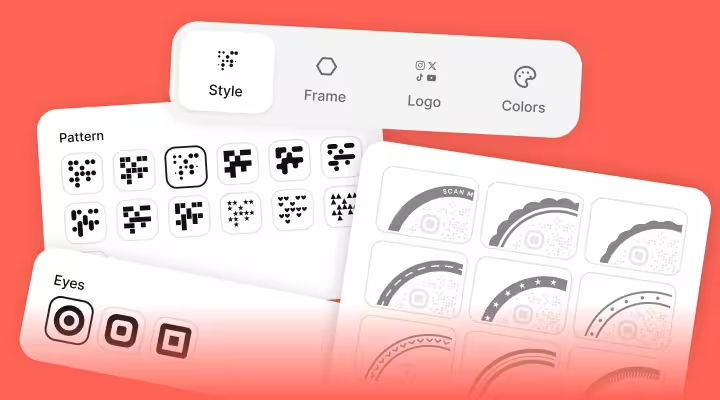
Halloween QR Code Ideas
Eight Halloween QR code ideas, each with the detail that keeps it scanning on the night rather than only on the screen it was designed on.
How to Make a Halloween QR Code
A Halloween QR code takes a minute or two to make. The Colors tab is already open when the generator loads on this page.
Generate QR Code- 1
Add Your Content
Paste the link - an RSVP form, a playlist, a ticket page, a map - or switch to Text for a scavenger-hunt clue that works without a signal. The shortest form of the link keeps the modules large.
- 2
Set the Colours: Dark Pattern, Halloween Ground
Choose the pattern colour first and keep it near-black, deep purple or dried red, then set the background to pumpkin orange, slime green, lilac or bone. The contrast badge under the preview turns green at 4:1; aim for 7:1 or more for anything printed.
- 3
Pick a Spooky Pattern and Eye Colour
Triangles, Stars and Two-size dots give a Halloween texture; Square and Grouped rounded are the safest. Put an orange or purple accent on the eyes rather than the pattern, and add a frame with a short label.
- 4
Test in the Dark, Then Export
Scan the preview with a phone, then print one copy and scan it where it will hang, at night, from the distance a guest will stand at. Download SVG or PDF for print and PNG for screens.
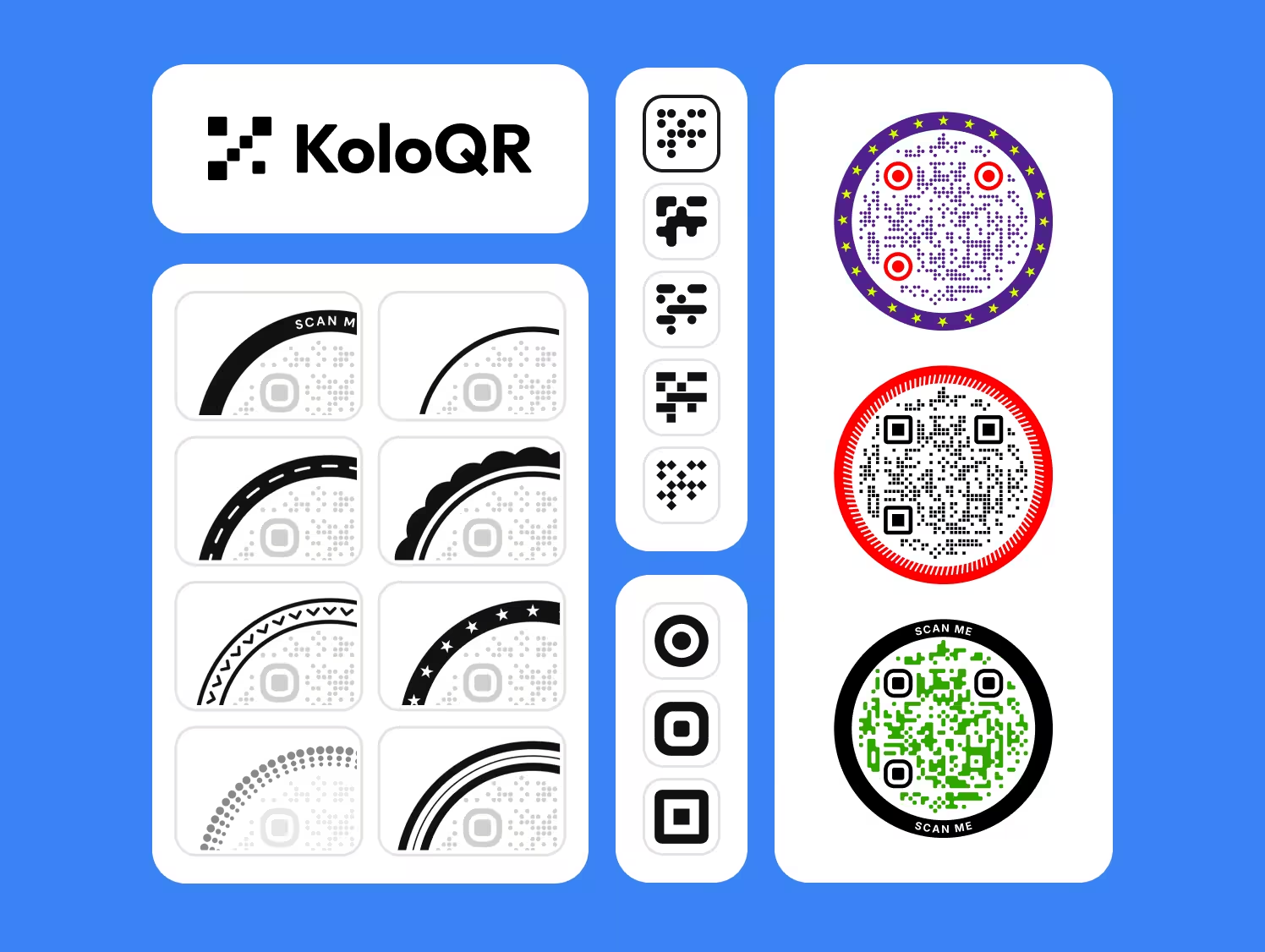
Spooky Look, Same Reliable Grid
A Halloween QR code does not need a template pack or a design tool. KoloQR draws the themed patterns directly, keeps the three finder patterns solid so a phone can find the code, measures the contrast of the pair you choose, and puts the orange accent where it costs nothing - on the eyes, the frame and the label.
KoloQR exports SVG, PDF and EPS for print and PNG for screens, with no account and no watermark. KoloQR makes static QR codes only, so a code cannot be re-pointed after printing and no scans are tracked; for a party that is usually fine, and for a shop promotion the fix is to point the code at a short URL on your own domain.
Generate QR CodeExport Formats for Halloween QR Codes
The right format depends on where the code ends up: a printed card, a window decal, an iron-on transfer or a story on a screen.
PNG
For a TV at the party, Instagram stories and invitations made in Canva. Export large: a small star or dot pattern at low resolution turns into a grey smudge. A transparent PNG drops onto a pumpkin-orange card without a white box around it.
SVG
For anything printed: invitations, porch signs, window decals and iron-on transfers. Every triangle, star and dot is stored as a true shape, so the code stays sharp from a 2.5 cm treat-bag sticker to a 20 cm door sign.
PDF or EPS
For handing artwork to a print shop or a sign maker. Both keep the modules as vectors and the colours as the hex values you chose, so the pumpkin orange on the proof is the one you measured.
Questions? Answered
Yes, as the background, not the pattern. Pumpkin orange #FF7518 on white measures 2.69:1, under the 3:1 line below which a code should not ship. Near-black on a light pumpkin #F7931E measures 8.23:1, past the 7:1 print target. To get orange into the pattern itself, darken it to a burnt orange like #7A3300, which measures 8.32:1 on cream.
On most current phones, usually yes; on paper and on older scanners, not reliably. Light modules on a black ground make an inverted code, which current iPhone and Android cameras generally read and many fixed scanners do not. Black ink also spreads into the light modules in print. Keep light-on-black codes for screens and print dark on light.
Yes, inside about 20% of the symbol area - a shape roughly half the code's width - and on a solid background. KoloQR generates every code at error correction level H, which can recover close to 30% of the symbol, and staying at 20% leaves the rest for dim light, ink spread and a hurried scan at the door.
It can work, but it is hard. Even a very short link makes at least a version 2 code of 25 × 25 modules, and every dark module has to be cut cleanly. Lit from inside, the cut areas glow light and the skin stays dark, which is an inverted code, and the curve distorts the grid. A printed sticker on the flattest face is the reliable version.
Not as the pattern. Glow pigment is a pale yellow-green in daylight, which barely differs from white - a tint like #D4F542 on white measures 1.24:1 - and in the dark the glowing modules become light on dark, an inverted code. Print the code in black on white and use the glow paint for the frame or the label around it.
Usually because of the light, not the code. A code lit from behind, or by a dim coloured bulb, reaches the camera as low contrast, and on many phones night mode switches QR detection off. Put the code under a white porch light, keep the camera in its normal photo mode, and print it about 1 cm wide per 10 cm of scanning distance.
Use text QR codes. A text QR code stores the clue itself inside the code, so the phone shows it without loading a page or needing a signal. Keep each clue short so the code stays small, number each card on its frame, and test every code in the spot where it will be hidden before the hunt starts.
Yes, if the destination still makes sense next October. A static QR code never expires, so a printed porch sign or shop decal keeps working for as long as its link does. For anything with a changing destination, encode a short URL on your own domain and update where it points each year instead of reprinting.
KoloQR makes Halloween QR codes for free, in the browser, with no account and no watermark: triangle, star, dot and pill patterns, a separate eye colour, frames with a label, a centre logo, a contrast badge, and SVG, PDF, EPS and PNG export. The codes are static, so there is no scan tracking and a printed code cannot be re-pointed later.
Keep Exploring
Pages that pick up where this one leaves off - the same setting, the same kind of code, or the next thing worth deciding.
Weddings
One code on the invitation, linking guests to your RSVP form, the schedule and directions, and a shared photo album afterwards.
Photographers
Client galleries, print reorders, portfolio links and guest photo uploads, on cards, albums, prints and event signs.
Aesthetic QR Codes
Soft palettes, rounded modules and minimal layouts for invitations, bios, planners and packaging - with the contrast and size numbers that keep each one scanning.
Event QR Code
Put the date, time, and venue straight into someone's calendar in one scan.
Invitations
Weddings, parties and formal invitations - where the code belongs, how small it can go, and which finishes and overlays block it.
QR Code Shapes
The whole shape taxonomy - modules, eyes and frames - with the trade-offs behind round, triangle, hexagon and square codes.
Why KoloQR?
- Create QR codes for websites, menus, Wi-Fi, PDFs, and business cards
- Customize colors, logos, and unique shapes
- Download high-quality PNG and SVG files
- Built for both print and digital
