Triangle QR Code Design, Done Right
Triangular styling gives a QR code a sharp, geometric look. Here's how to lean into angular design while keeping the code reliable enough to scan every time.
Opens in Google Maps. Coordinates work too - "37.4224, -122.0841".
The code opens your business's "Write a review" form. Paste the Place ID, or a Google Maps link that carries one.
A UPI link carries no checksum, so a mistyped ID produces a code that scans perfectly and pays somebody else. Paste the ID from your payment app rather than typing it, and send yourself one rupee before printing.
Paste it exactly as copied. KoloQR does not assemble the payload - it encodes the one your bank issued, and checks it before you print it.
SVG, PNG, JPG • Max 2 MB
First month free
then $9/month
Dynamic QR Codes Are Coming
Change your link anytime, even after printing. See who scans, when and where.
- Edit without reprinting
- Scan analytics
- Bulk & custom domains
You're on the List
We'll email you once, when dynamic codes with scan analytics launch.
What Is a Triangle QR Code?
A triangle QR code is a standard QR code styled with triangular elements - angular module shapes, geometric framing, or a triangular composition around the code. The scannable matrix itself stays square, but the surrounding design creates a sharp, triangular aesthetic. It is the most expensive of the four shape families to print; QR code shapes sets them side by side. The gentler of the two angular families is the hexagon QR code, which reads as geometric without asking for the same width.

Why the Code Stays Square
To scan reliably, a QR code needs a few fixed structural elements. These are what a phone camera looks for, and they're why the code itself can't become a literal triangle:
- Finder Patterns - the three square markers in the corners that tell a scanner where the code is and how it's rotated.
- Timing and Alignment - the reference rows and points that keep the grid readable, even on curved or printed surfaces.
- The Quiet Zone - the clear margin around the code; crowding it with artwork is the fastest way to break a scan.
Because these live on a square grid, a true triangular data matrix won't scan. The good news: everything else - module shape, color, framing, and layout - is yours to design.
Where the Triangle Comes In
You get the angular look through styling, not by reshaping the data. Triangular or diamond module shapes, a triangular frame, or a bold geometric composition around a square code all read as "triangle" to the eye while staying fully scannable.
Generate QR Code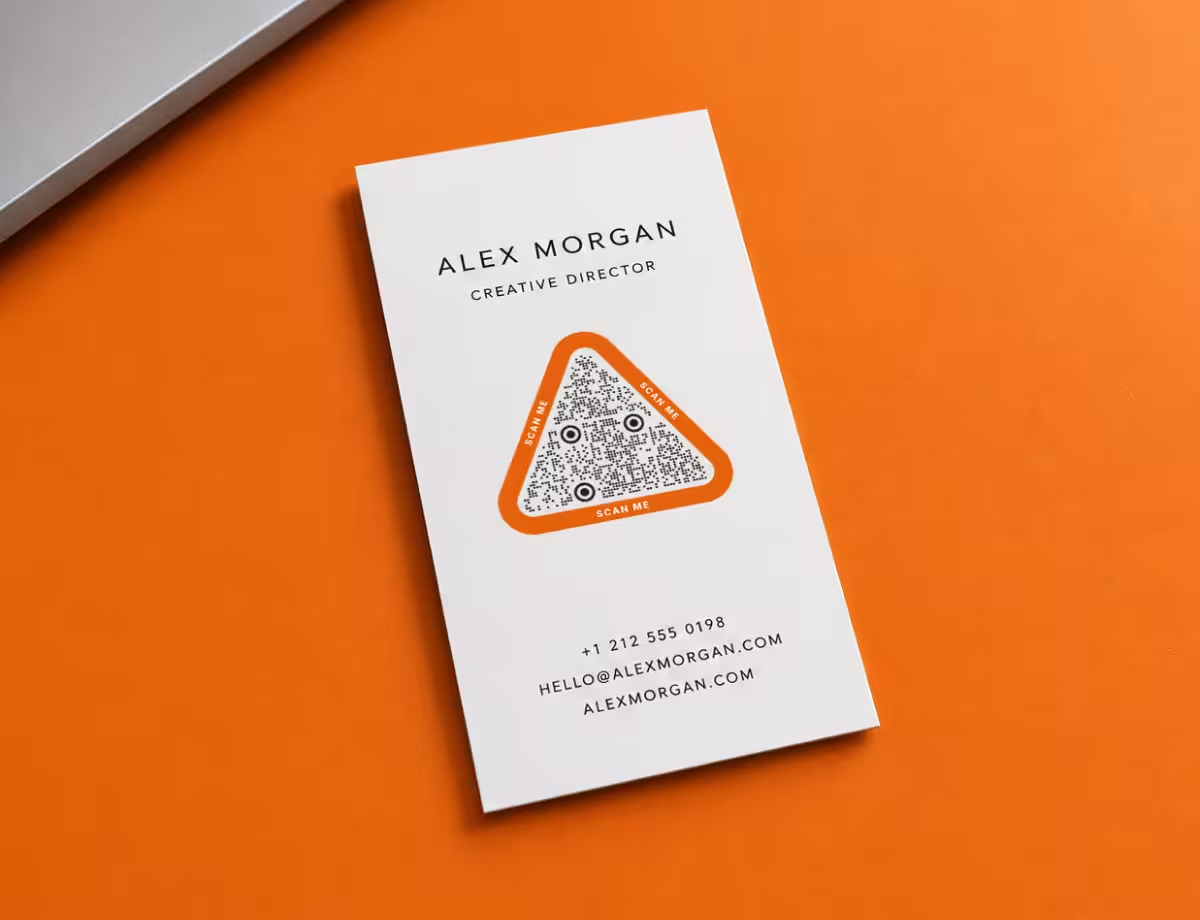
Triangle QR Code Ideas That Work
Angular styling suits brands that want to feel modern, technical, or bold. Here's where triangular QR designs tend to land well.

Tech and Startup Branding
Triangular modules and sharp framing echo the geometric logos common in tech, giving marketing pieces a consistent, engineered feel.
Event and Festival Posters
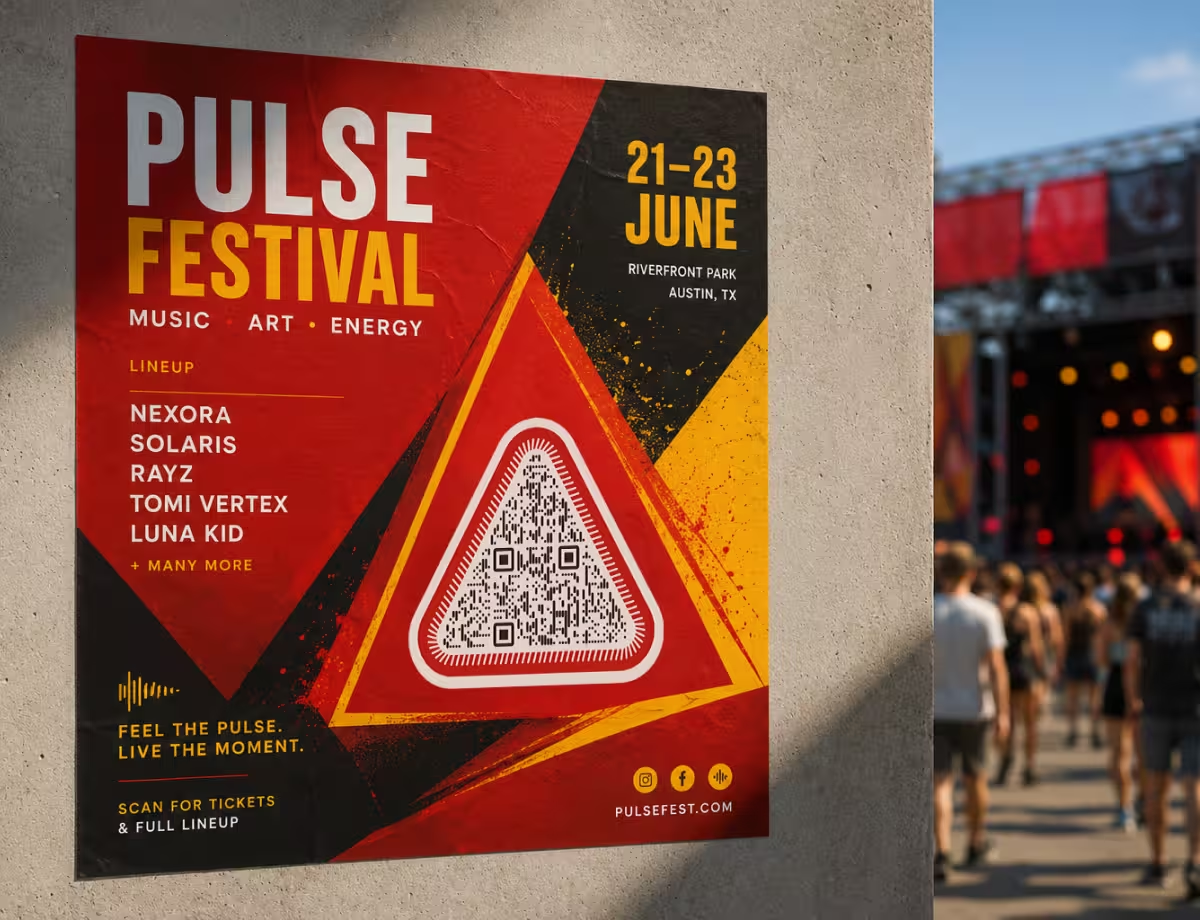
A large triangular frame around the code draws the eye from a distance and fits angular, high-energy poster layouts.

Geometric Packaging
Diamond or triangle module styling ties the code into faceted, origami-style, or low-poly package artwork.
Architecture and Design Studios
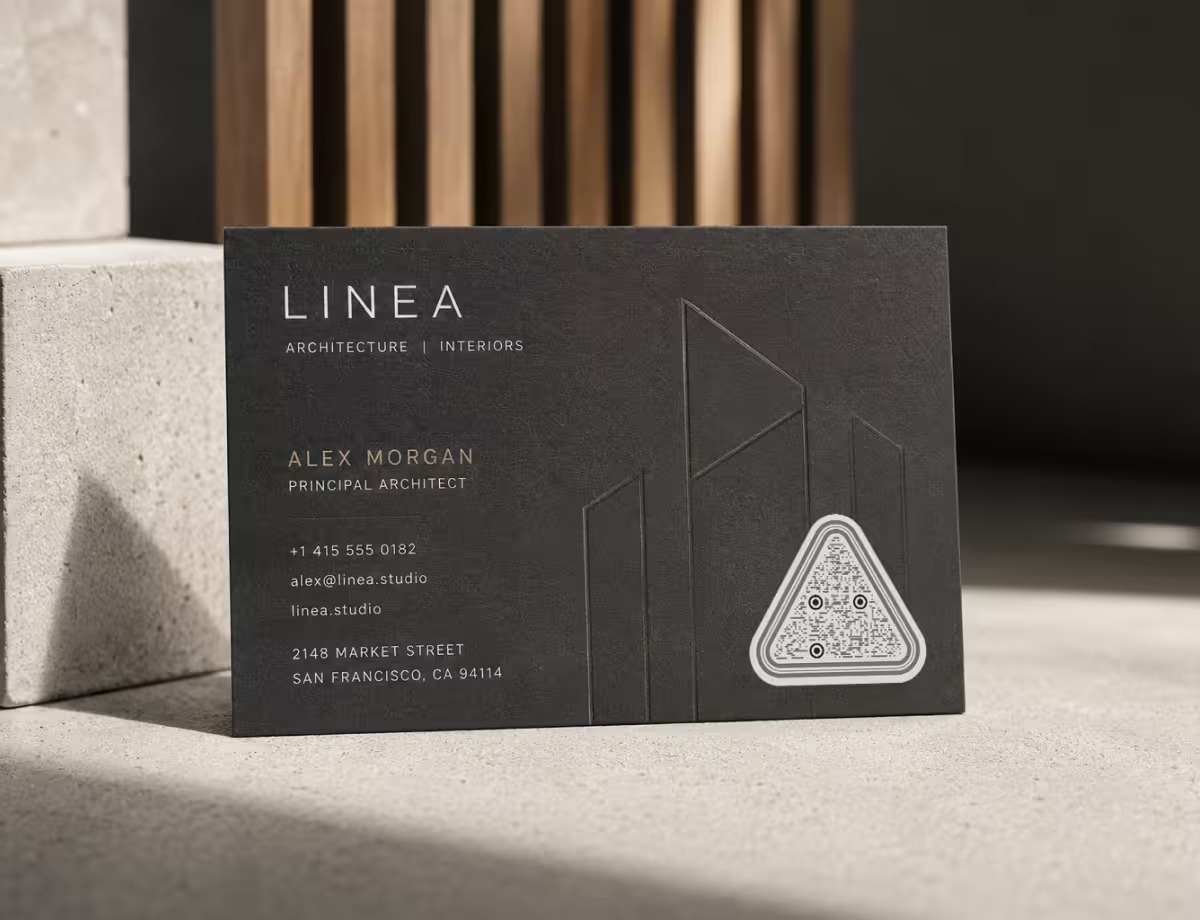
Angular codes match portfolios and business cards where clean lines and structure are already part of the brand.
Product and Spec Labels
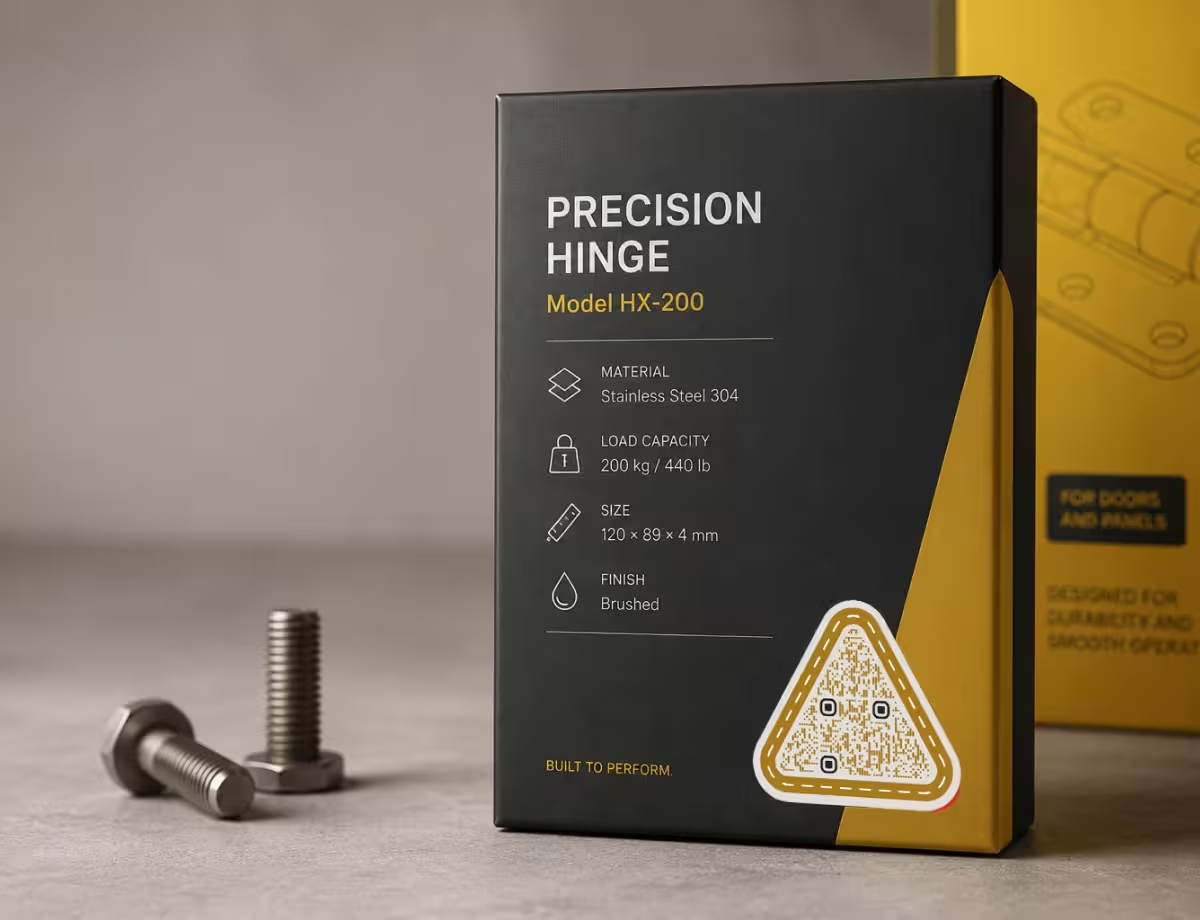
A compact, geometric code reads as precise and technical - a fit for tools, hardware, and industrial goods.
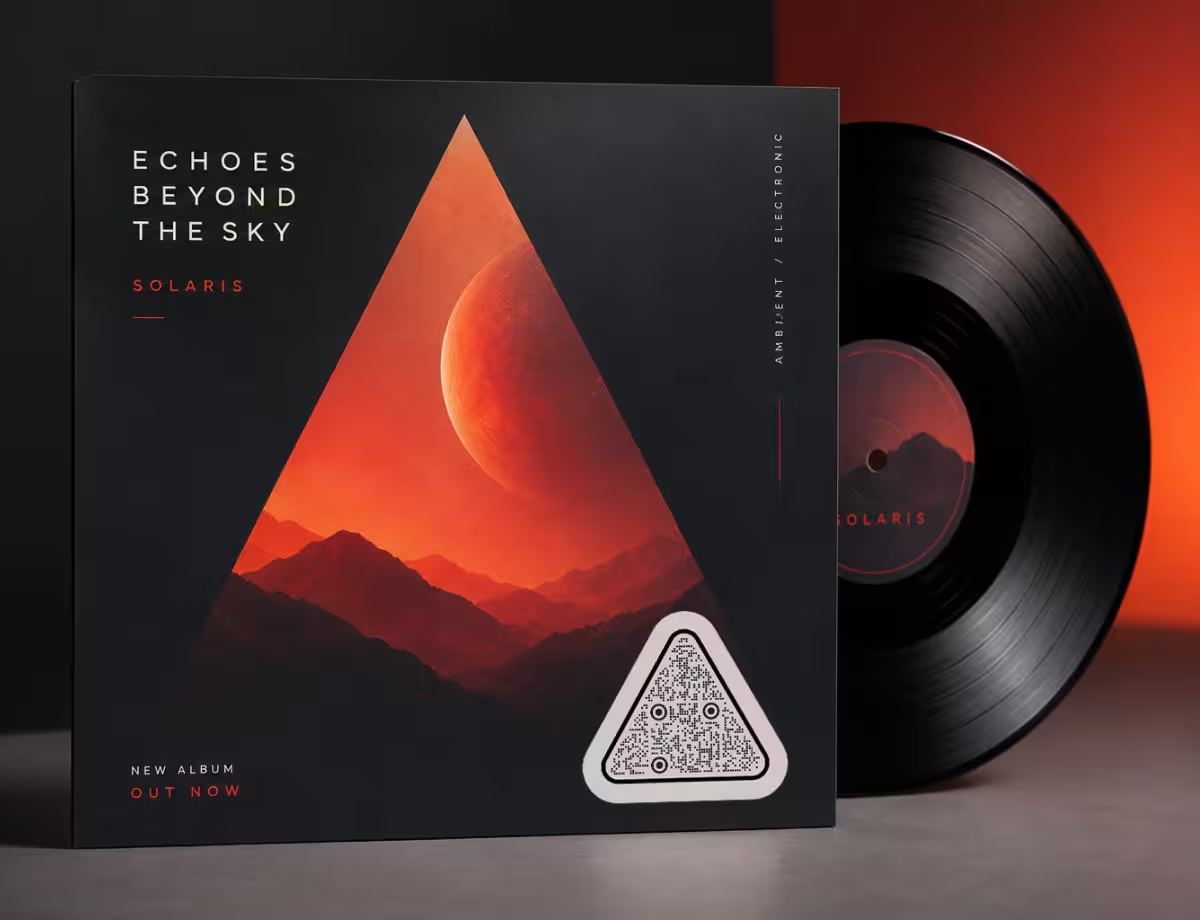
Album Art and Music Promo
Triangular framing and bold contrast make a scannable code feel like part of the cover, not a sticker on top of it.
Best Practices for Triangular QR Codes
Angular designs look great, but geometry can fight scannability if you push it too far. These rules keep a triangle QR code sharp and reliable, and they hold for the other creative QR code designs too - colors, logos and rounded frames included.
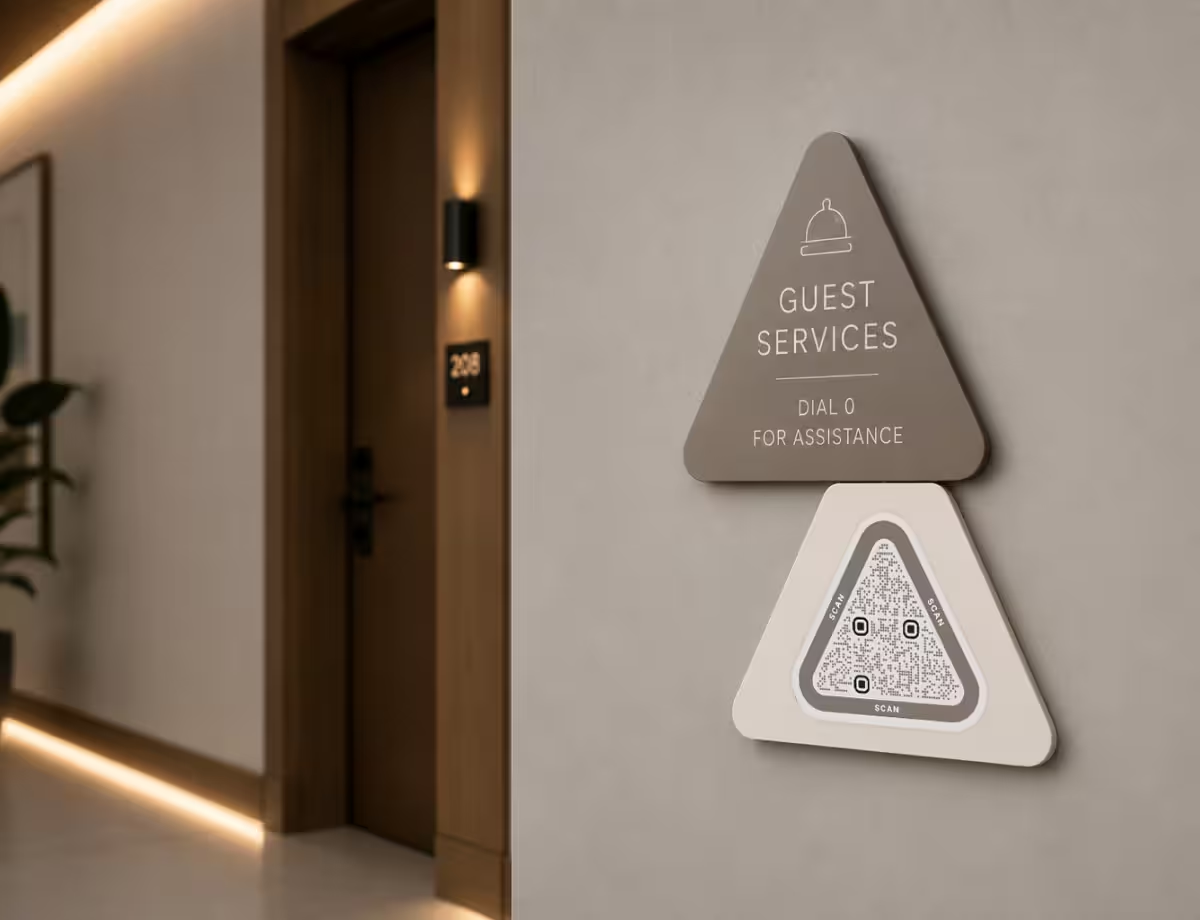
Keep the Geometry Scannable
The angular look lives in the styling, not the grid. Guard the parts a camera depends on and the design stays safe.
- Keep the Code Itself Square - style the modules and the frame, not the data matrix. A literal triangular grid won't scan on any standard reader.
- Protect the Quiet Zone - leave clear space on all four sides. Triangular frames tend to creep inward; give the code room to breathe.
- Hold Strong Contrast - dark modules on a light background scan best. Angular styling doesn't change the physics of contrast.
- Don't Invert Light and Dark - a light code on a dark background is unreliable. If your design is dark, place the code on a light patch.
- Keep the Finder Patterns Clean - the three corner squares must stay recognizable, even when the rest of the modules are angular.
From Design to Print
Angular edges are where production gets fussy. These steps keep them crisp all the way to the finished piece.
- Raise Error Correction for Busy Layouts - a higher error-correction level tolerates decorative framing and small logos, at the cost of a slightly denser code.
- Size It for the Scan Distance - a poster code read across a room needs to be far larger than one on a business card held at arm's length.
- Test on More Than One Phone - camera quality varies. Scan with both an older and a newer device before sending anything to print.
- Export Vector for Print - SVG keeps triangular edges crisp at any scale, so nothing turns soft or pixelated on large formats.
- Match the Code to the Brand - angular styling suits geometric, technical, or bold identities. If your brand is soft and rounded, triangles may feel off.
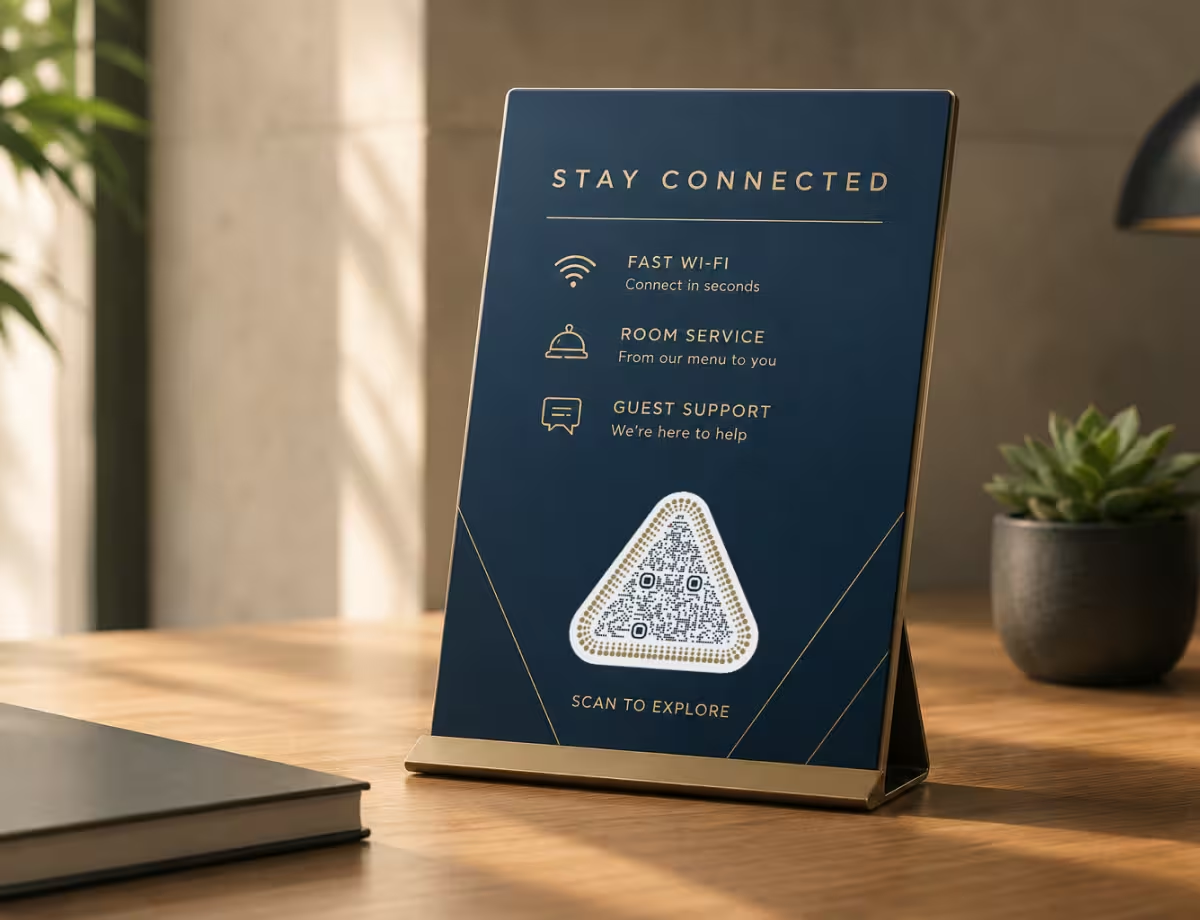
Real-World Examples
Seeing the idea applied to real projects makes it easier to plan your own.

Tech Product Launch
Diamond-cut modules and a sharp frame match a geometric logo on the launch page and packaging. The code links to a demo or spec sheet while looking engineered rather than added on.
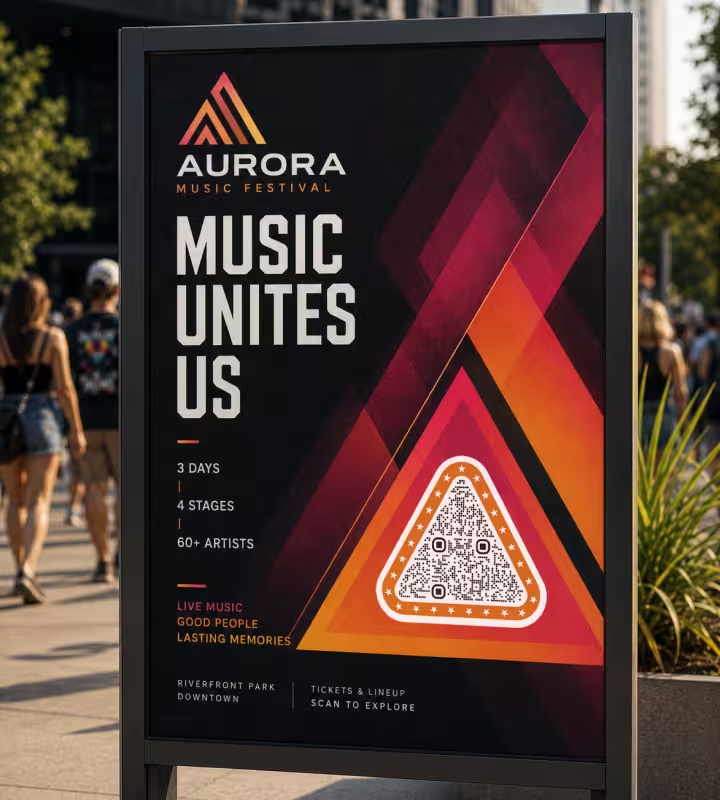
Music Festival Poster
A large triangular frame around a high-contrast code pulls the eye from across a venue. It sends attendees to the lineup or ticketing and fits the angular, high-energy layout.
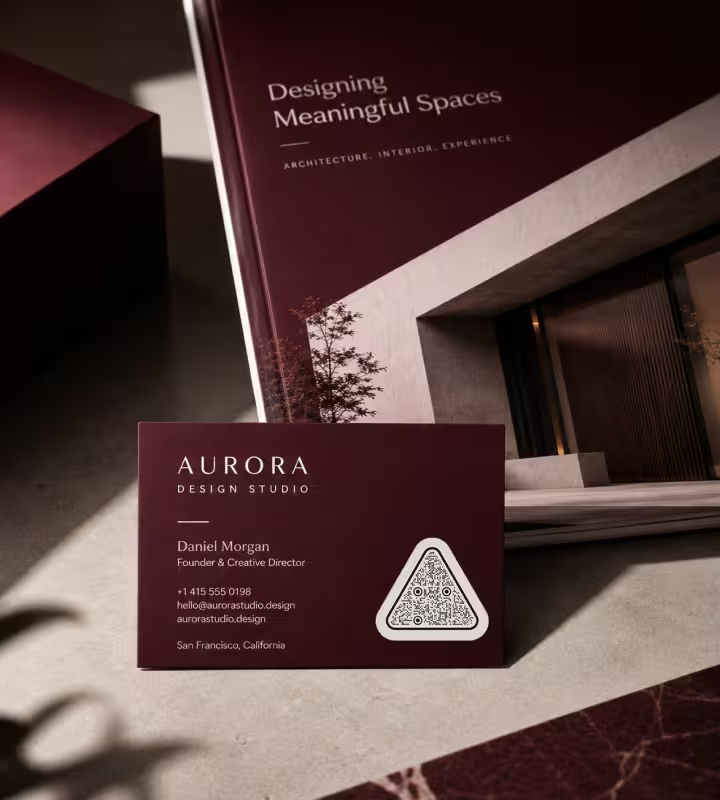
Design Studio Portfolio
On a business card and portfolio, an angular code echoes the clean lines the studio is known for, opening a project reel without breaking the composition.
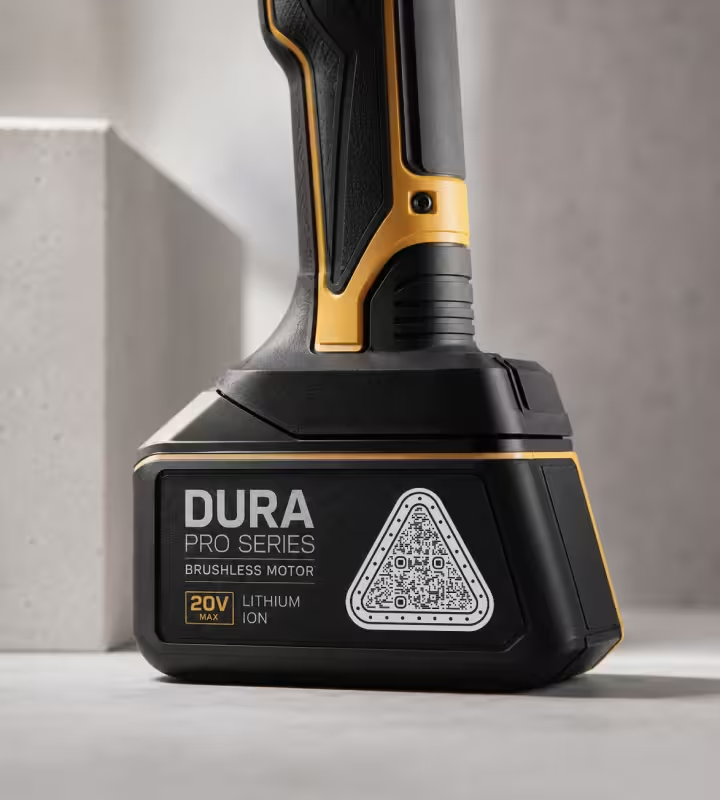
Hardware and Spec Labels
A compact, geometric code on a tool or device reads as precise and technical, linking to manuals or a warranty page while sitting neatly in industrial artwork.
How to Design a Triangle QR Code
You don't need design software. Build the code first, style it second, and test before you commit to print.
Generate QR Code- 1
Add Your Link or Content
Start with what the code should do - open a URL, share Wi-Fi, or load a menu - so the data is locked before you style it.
- 2
Choose Angular Module Styling
Swap the default squares for triangular or diamond-cut modules, and pick a high-contrast color pair to keep edges crisp.
- 3
Frame It With Geometry, Not Clutter
Add a triangular border or set the square code inside an angular composition, keeping the quiet zone clear on all four sides.
- 4
Test, Then Export
Scan it with a couple of phones, then download an SVG for print or a PNG for screens so the edges stay sharp at any size.
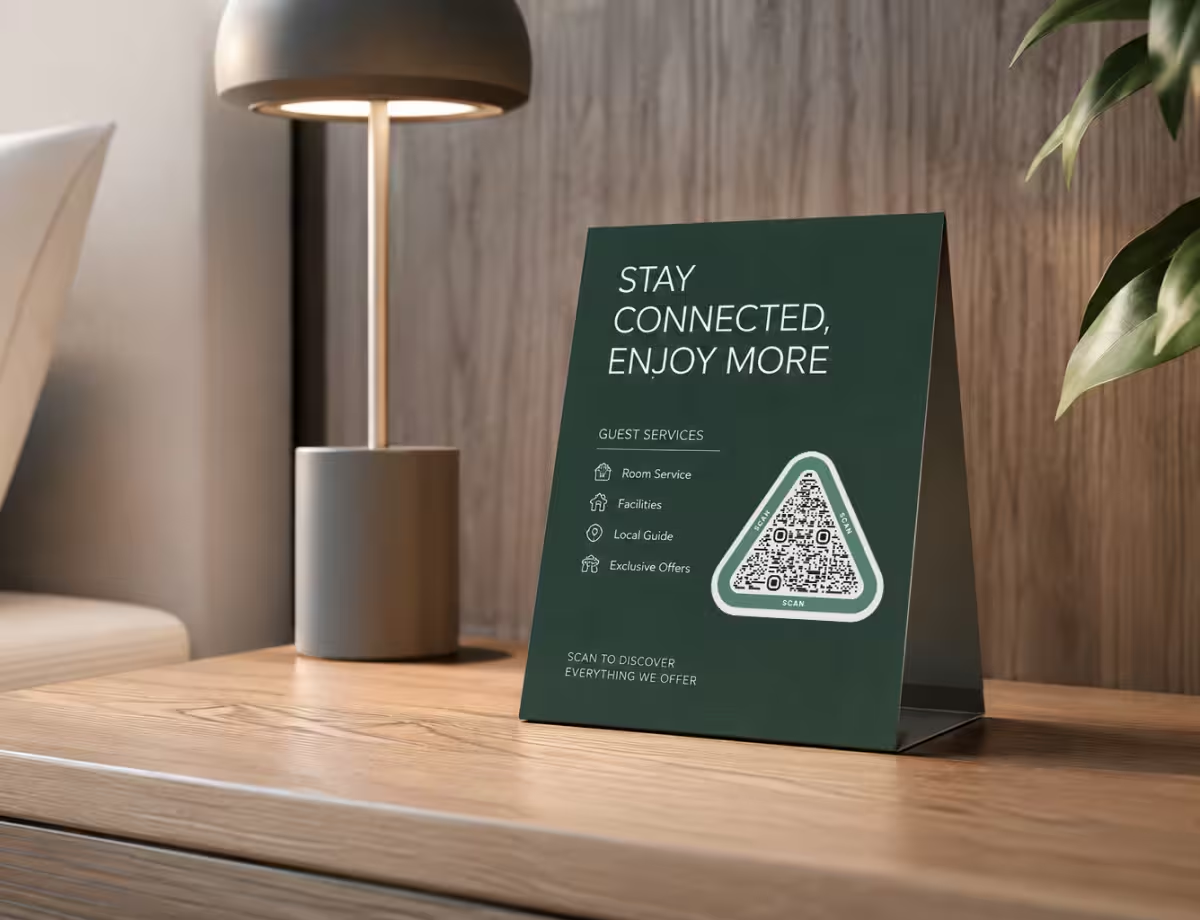
Start Angular, Keep It Scannable
You don't need a design tool to get the triangular look. Drop in your link, switch the modules to a triangular or diamond cut, and set an angular frame - the square grid underneath keeps the code readable while the styling does the work.
KoloQR lets you style the modules, frame, and colors in seconds, then export a print-ready SVG so those clean triangular edges hold at any size.
Generate QR CodeChoosing a Format for Triangular Designs
Angular edges are where file format matters most. Sharp corners that look crisp on screen can turn soft or jagged in print if you export the wrong file.
SVG
Keeps triangular modules and frames perfectly sharp at any size - the right choice for print, signage, and large formats.
PNG
Works well for websites, slides, and social posts where a fixed pixel size is all you need.
Print-Ready Export
Holds contrast and clean edges at production size, so the code works on everything from a business card to a banner.
Questions? Answered
Not the code itself. A QR code has to be a square grid to scan reliably, because scanners look for fixed square markers in the corners. You can get a triangular look through angular module shapes and framing, but the readable matrix stays square.
Yes, as long as you style the modules and frame rather than distorting the grid. Keep strong contrast, protect the quiet zone, and test on a couple of phones before printing.
Use triangular or diamond-cut module shapes, add a triangular border, and place the square code inside a bold geometric composition. The eye reads the overall shape as a triangle even though the code is square.
QR codes rely on three square finder patterns and a timing grid arranged on a square matrix. Reshaping that into a triangle removes the reference points a scanner needs, so it won't decode.
They're safe when contrast stays high and the finder patterns remain clean. Very thin or widely spaced triangular modules can hurt readability, so always test before committing to print.
SVG for anything printed, because it keeps angular edges perfectly sharp at any size. PNG is fine for screens, slides, and social posts.
No. A QR generator with shape and color options lets you style triangular modules and framing directly, then export a print-ready file without touching a design tool.
Yes. Keep the logo small and centered, and raise the error-correction level so the code stays readable. Don't let the logo or frame touch the corner finder patterns.
When angular styling fits the brand - tech, architecture, events, or geometric packaging. If your identity is soft or rounded, a circular or classic square code will usually feel more natural.
Only if it crowds the code. Keep the quiet zone clear between the frame and the modules, and the frame becomes pure decoration that a scanner ignores.
Keep Exploring
Pages that pick up where this one leaves off - the same setting, the same kind of code, or the next thing worth deciding.
QR Code Shapes
The whole shape taxonomy - modules, eyes and frames - with the trade-offs behind round, triangle, hexagon and square codes.
Hexagon QR Codes
Honeycomb-styled codes for tech, gaming, and eco brands - with the design tips that keep them scannable.
Dot QR Codes
Round modules instead of square ones - how large the dots have to stay, what we measured when they shrink, and where the softer look fits.
A Round QR Code Is a Square QR Code in a Costume
Shaped codes scan, because the shape never touches the data. What a shape actually costs is width: a triangular code needs a base about 2.6 times the width of the matrix inside it.
Etsy QR Code
Send a scan to your Etsy shop or to a single listing, from a tag or a stall sign.
QR Code Validator
Measure a code against what breaks in print: contrast, quiet zone, module size, symbol version and error correction.
Why KoloQR?
- Create QR codes for websites, menus, Wi-Fi, PDFs, and business cards
- Customize colors, logos, and unique shapes
- Download high-quality PNG and SVG files
- Built for both print and digital
