QR Code Shapes: What You Can Change and What You Can't
A QR code can be round, hexagonal, triangular or framed, but only three parts of it are yours to restyle. This page maps every shape family, names the layer each one touches, and gives the limits that decide whether the result still scans.
Opens in Google Maps. Coordinates work too - "37.4224, -122.0841".
The code opens your business's "Write a review" form. Paste the Place ID, or a Google Maps link that carries one.
A UPI link carries no checksum, so a mistyped ID produces a code that scans perfectly and pays somebody else. Paste the ID from your payment app rather than typing it, and send yourself one rupee before printing.
Paste it exactly as copied. KoloQR does not assemble the payload - it encodes the one your bank issued, and checks it before you print it.
SVG, PNG, JPG • Max 2 MB
First month free
then $9/month
Dynamic QR Codes Are Coming
Change your link anytime, even after printing. See who scans, when and where.
- Edit without reprinting
- Scan analytics
- Bulk & custom domains
You're on the List
We'll email you once, when dynamic codes with scan analytics launch.
What Can Actually Change Shape in a QR Code?
A QR code shape is styling applied to one of three parts of the symbol: the modules, the three finder patterns, or the frame drawn around them. A triangle QR code and a hexagon QR code both reshape the modules. The data always sits in a square grid, so a shape changes how a QR code looks - never what it encodes or where it points.
The Three Layers You Can Reshape
Every shaped QR code is one square symbol with styling applied to one or more of these three layers. Knowing which layer a design touches tells you how much risk it carries.
- Modules - the small dark and light cells that carry the data. Drawing them as circles, rounded squares, hexagons or triangles is the lowest-risk change, because every cell keeps its position and its centre.
- Finder Patterns - the three square-in-square markers in the corners, often called the eyes. A scanner uses them to locate and orient the symbol, so they can be softened but never redrawn freely.
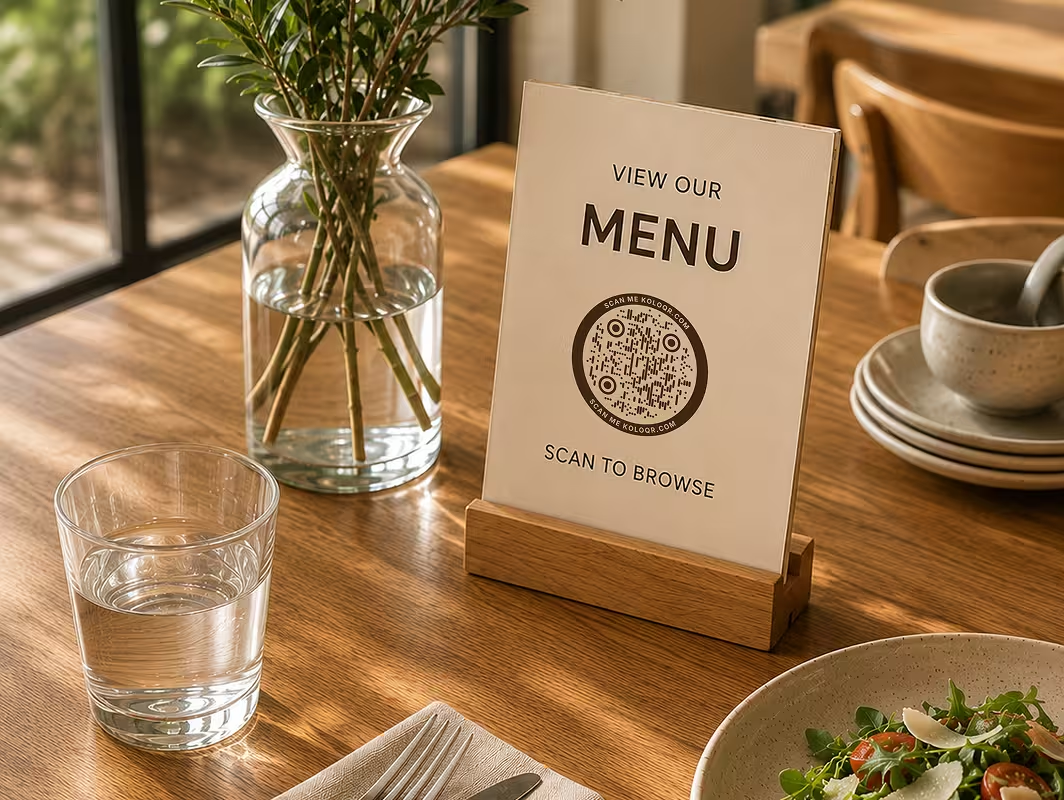
- The Frame - the border or badge drawn around the symbol. A circular or hexagonal frame changes the silhouette without touching a single module, which is why most creative QR code designs start there.
Three things never change. The data grid stays square, the three finder patterns stay in three of the four corners, and the quiet zone - the empty margin around the symbol, four modules wide - stays clear. ISO/IEC 18004, the QR code standard, fixes all three, and no styling tool can move them.
Shape Never Changes What a Scanner Reads
Styling a QR code is a paint job, not a re-encoding. A round code and a square code built from the same link hold identical data, so the shape only affects legibility - how cleanly a camera resolves the pattern. That is also why no shape scans faster than another: custom shapes succeed or fail on contrast and resolution, not on outline.
Generate QR Code
The Main QR Code Shape Families
Five families cover almost every shaped QR code in the wild. Each one changes a different layer of the symbol, and each carries a different amount of risk at small sizes.

Classic Square
Square modules, square eyes, no frame. The plainest form and the most forgiving: it survives low resolution, weak ink and awkward lighting better than any styled variant, which is why signage and packaging often stay here.
Round and Circular
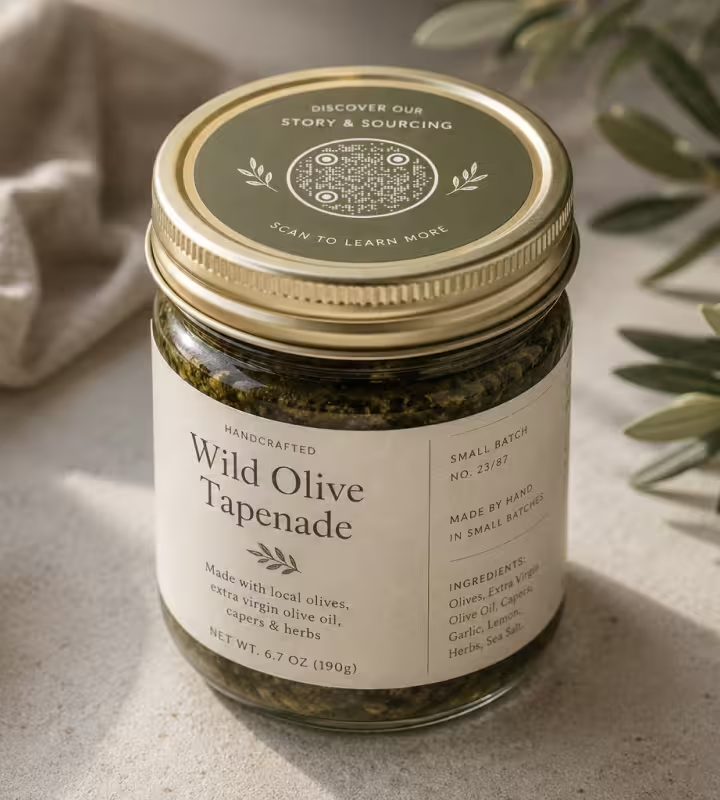
Dot-shaped modules, rounded eyes, or a circular frame around a square grid. The softest of the families and the easiest to place on lids, coasters, stickers and anything else that is already a circle.

Hexagon
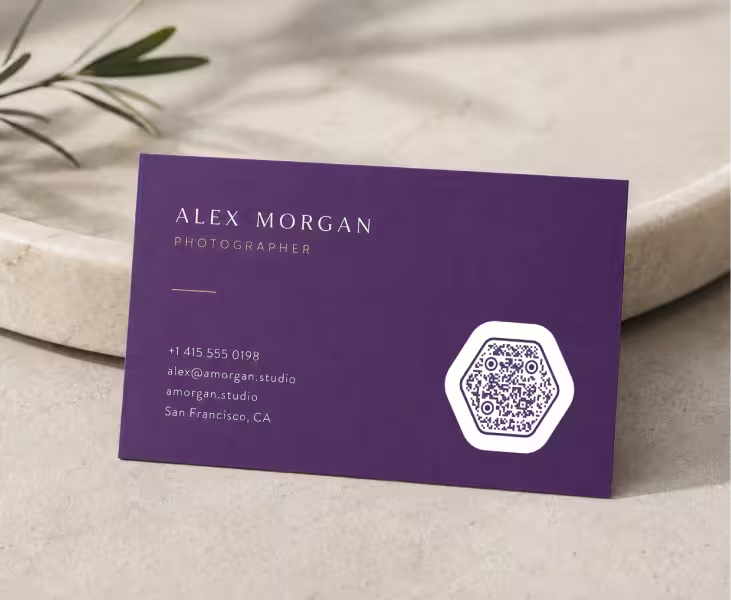
Hexagonal modules or a six-sided frame, giving a honeycomb texture. It reads as engineered rather than decorative, which suits technical, gaming and sustainability brands.
Triangle
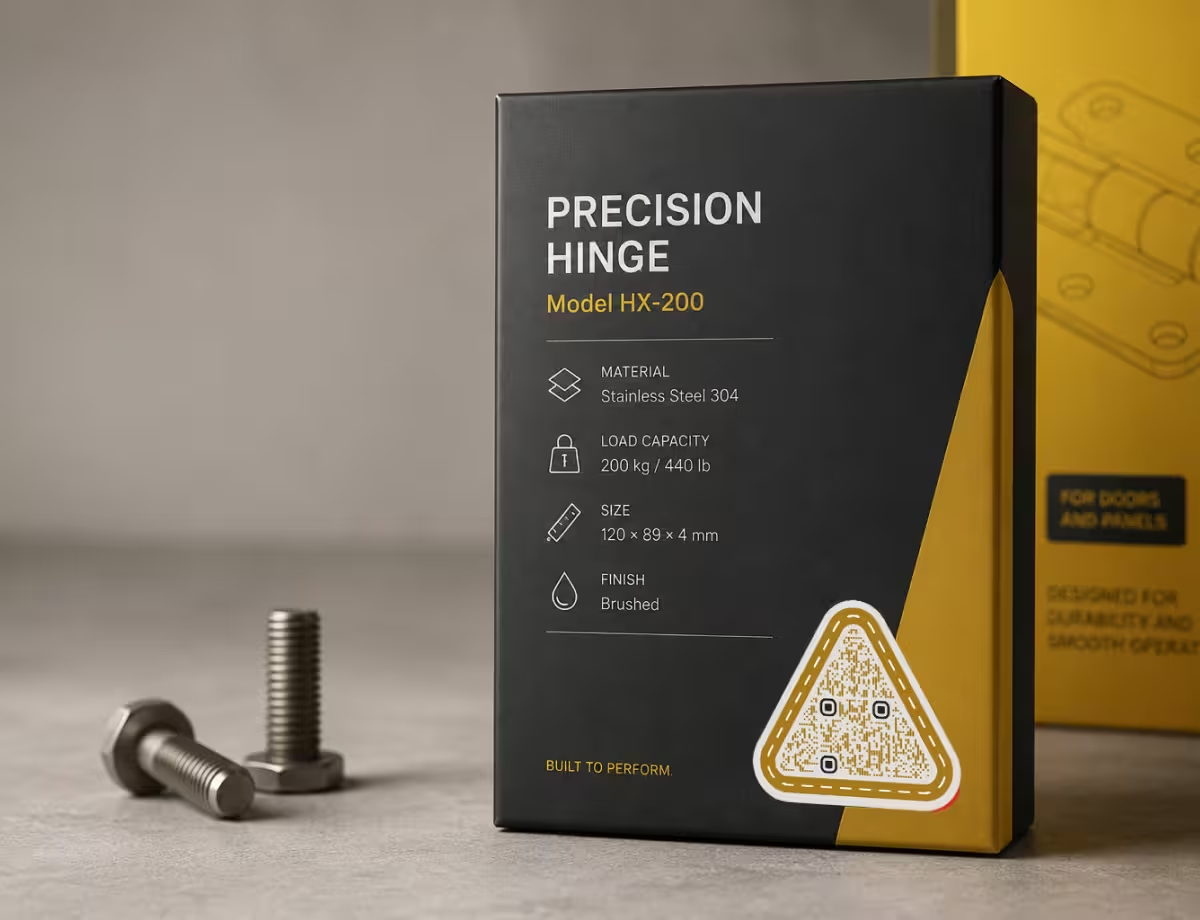
Triangular modules or a three-sided frame. The sharpest and least forgiving family, because a triangle fills less of each cell than a square does - it wants larger print sizes and strong contrast.
Branded Frames and Colour
A standard grid wrapped in brand colour, a call to action, or a centred logo. Nothing about the geometry changes, so this is the safest way to make a code look like it belongs to you.

Mixed Styling
Two or three layers restyled at once - round modules inside a coloured frame, say, with a logo in the middle. The most expressive option and the one that most often needs a scan test before it goes to print.
How to Choose a QR Code Shape
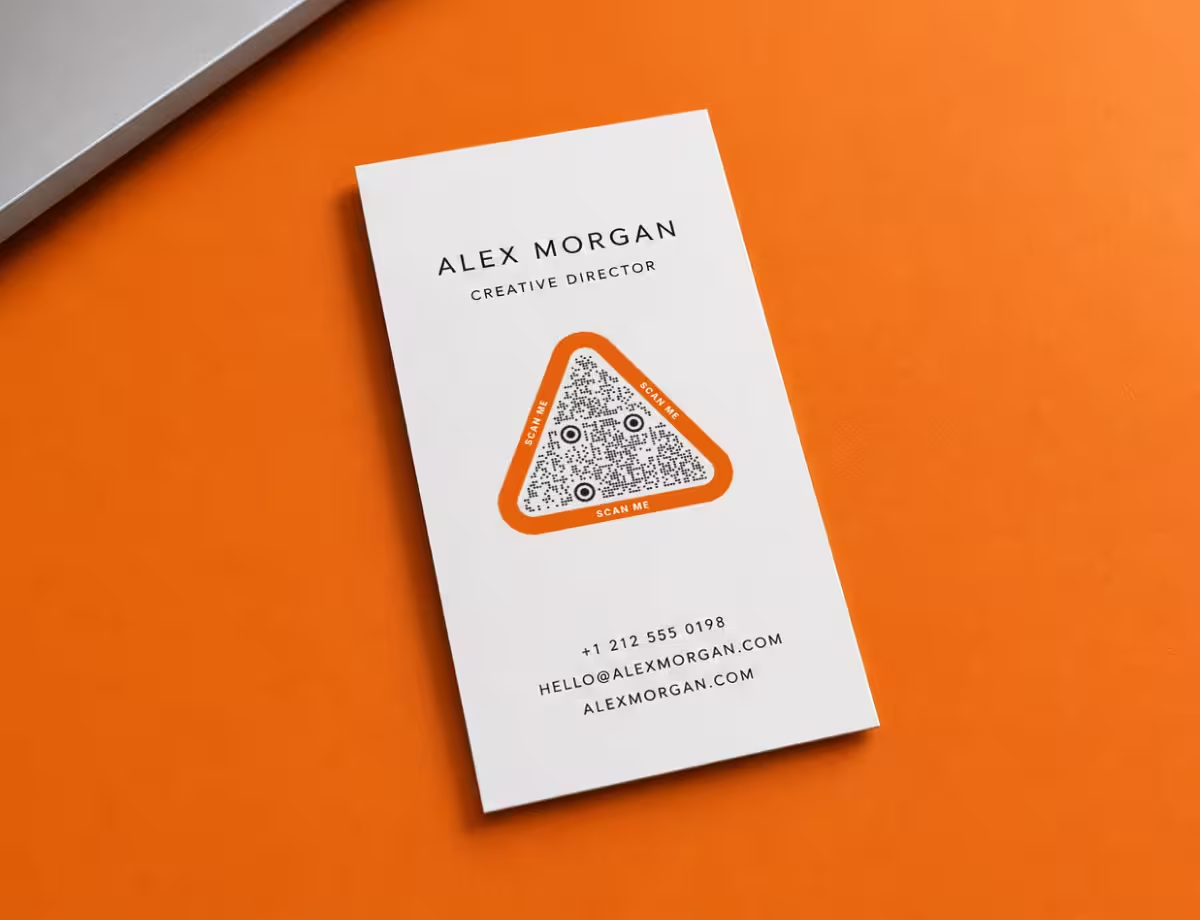
Choose the shape from the surface the code will live on and the distance people will scan it from, not from a mood board. Each geometric family has a natural home: round QR codes suit lids, coasters and invitations, triangle QR codes suit angular layouts and posters, and hexagon QR codes suit technical and eco brands.
Decide by Surface and Size
Five rules settle most shape decisions before any design work starts. Each one is a trade the shape is making on your behalf.
- Under About 2 cm, Stay Square - at small print sizes each module is fractions of a millimetre wide, and any shape that trims the corners off a cell trims the margin you had left. Square modules keep the most ink per cell.
- Round Surfaces Take Round Frames - a bottle lid, a coaster or a badge already has a circular boundary, so a circular frame costs nothing in layout and the code stops looking bolted on.
- Angular Layouts Take Triangles - posters and packaging built on diagonals absorb a triangular code, but give it room. Triangular modules need more physical size than square ones to stay distinct.
- Technical Brands Take Hexagons - the honeycomb texture reads as structure rather than decoration, which is why it lands well on software boxes, conference badges and eco packaging.
- One Print Run Means One Test - if the artwork is going to a printer and cannot be reissued, choose the safest shape that still fits the design, and scan a proof at final size before signing off.
A shape is worth choosing when it saves the reader a moment of confusion or makes the code look intentional. It is not worth choosing when it costs a scan. If those two pull in opposite directions, the scan wins every time.
Keep Any Shape Scannable
The limits below apply to every shape family equally. A styled code that respects them scans about as well as a plain one; a styled code that breaks one of them fails no matter how good it looks.
- Keep Dark on Light - dark modules on a light background is what phone cameras expect. Light-on-dark can work, but it is the single most common reason a shaped code fails, so test it before committing.
- Protect the Quiet Zone - leave a clear margin about four modules wide around the whole symbol. A decorative frame is fine as long as it sits outside that margin rather than inside it.
- Do Not Shrink the Modules - styled modules are often drawn at 80 or 90 percent of their cell so they look separated. That gap is exactly what a camera loses first, so keep the shapes close to full size.
- Raise the Error Correction - level H recovers roughly 30 percent of a damaged symbol and buys room for a logo or heavier styling. See how QR code error correction works for what each level costs in density.
- Size It for the Distance - a rough rule is one centimetre of code for every ten centimetres of scanning distance, and never below the minimum print size a QR code can hold.
If a shaped code stops scanning, work through those five in order before changing the design. In practice the cause is almost always contrast or a crowded quiet zone, not the shape itself. Adding colour and a logo on top is a separate decision - see branded QR codes for how far that can be pushed.

Real-World Examples
The same link, four shape families, four different surfaces. Each one shows the shape earning its place rather than being applied for its own sake.
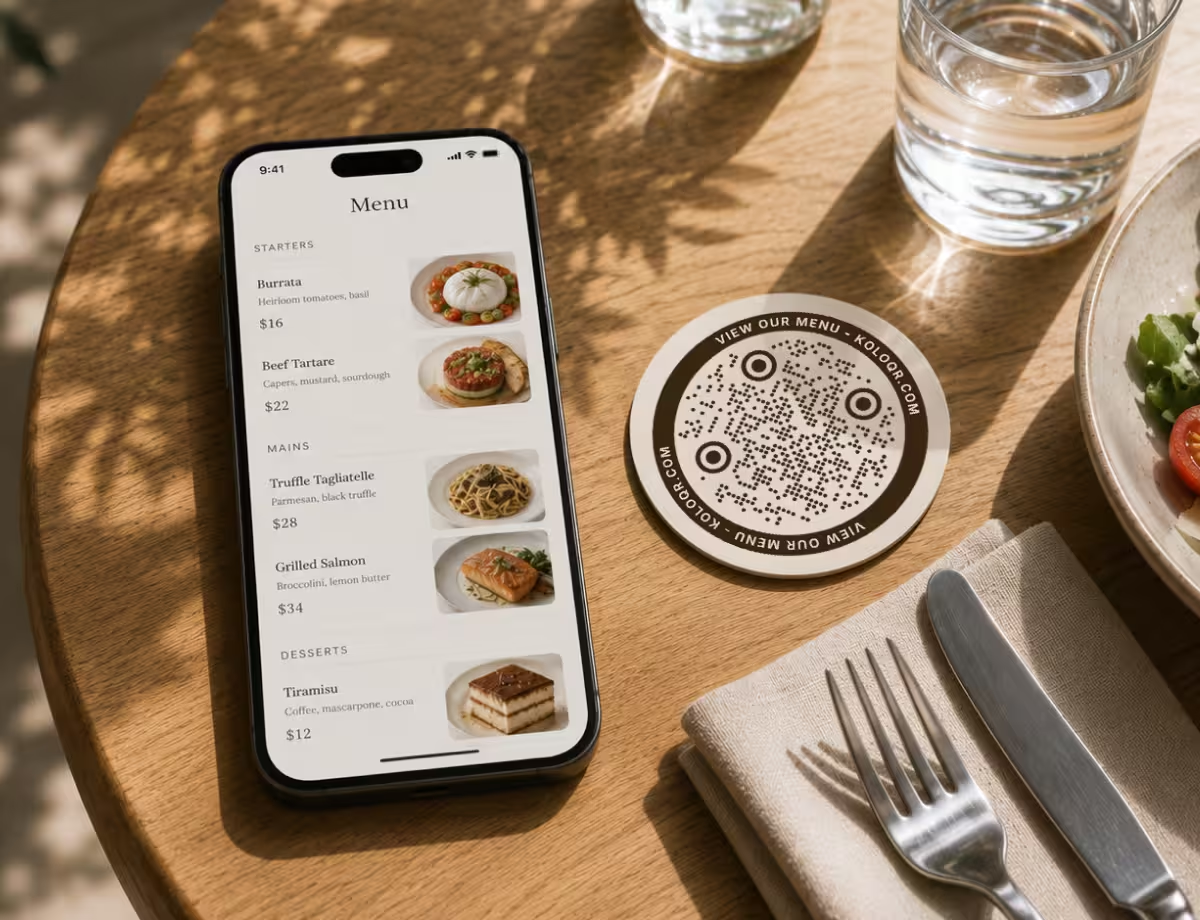
Round Code on a Drinks Coaster
A circular frame follows the coaster's own edge, so the code reads as part of the object instead of a square sticker on a circle. Scanning distance is about 30 cm, so the code can stay small.
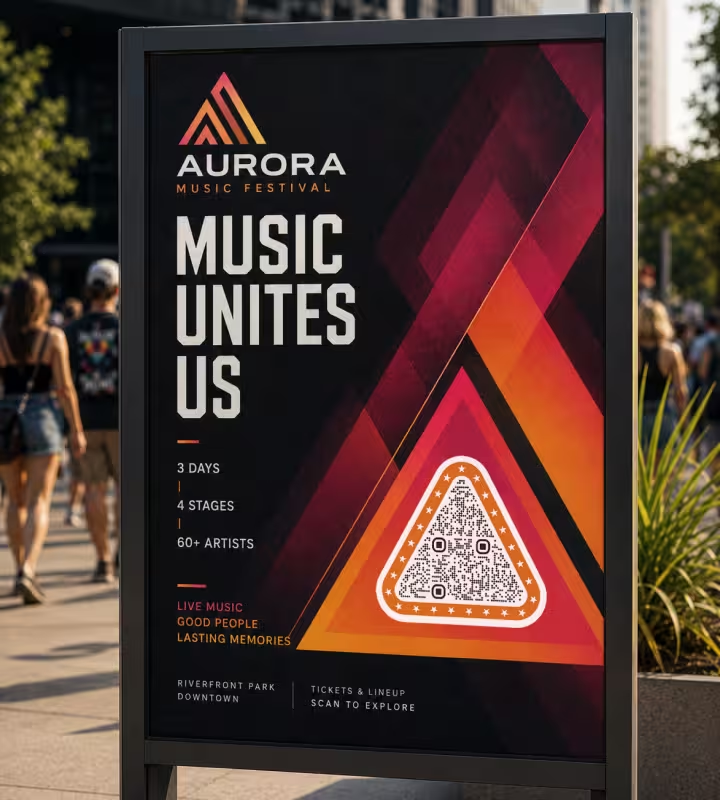
Triangular Code on a Street Poster
A poster read from two or three metres has room for a large symbol, which is what makes triangular modules safe here. The same code shrunk onto a ticket stub would be the risky version.
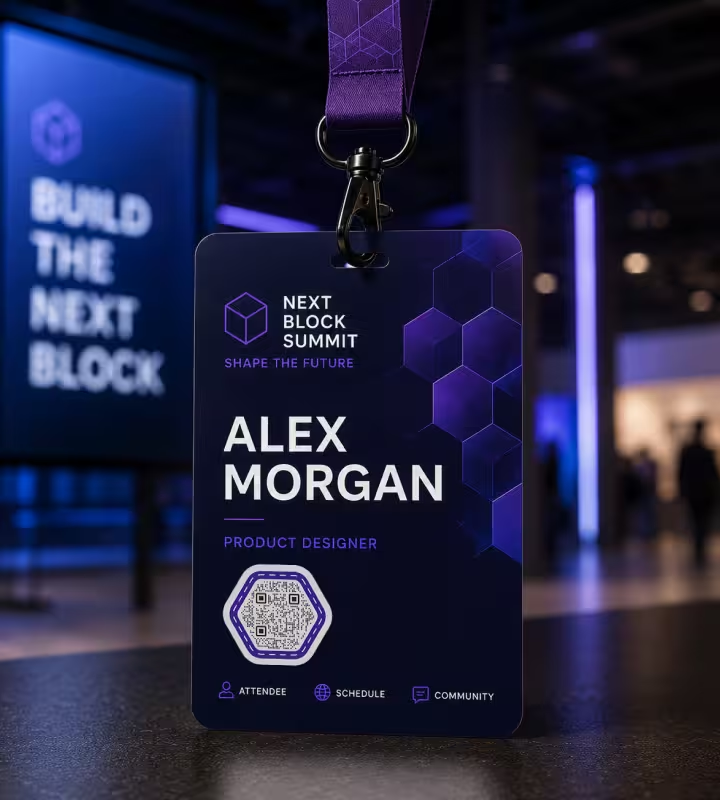
Hexagon Code on a Conference Badge
A six-sided frame around a high-contrast grid matches an event's geometric identity and stays legible at arm's length on a lanyard, where the code is scanned dozens of times a day.

Round Code on a Product Label
On a small jar the label is the constraint, not the shelf. A circular code sits inside the label's own geometry and links to sourcing details, and the tight print size is why the styling stops at the frame.
How to Make a Shaped QR Code
Four steps take a plain link to a shaped, print-ready code, in whichever family you picked above.
Generate QR Code- 1
Add Your Content
Paste the link, text or details the code should open. A shorter link produces fewer modules, and fewer modules leave more room for styling.
- 2
Pick the Layer to Restyle
Change the module shape, the eyes, the outer frame, or a combination. Start with one layer and add the next only once the code still scans.
- 3
Set Colours and a Logo
Keep a dark foreground on a light background, apply your brand palette, and add a centred logo if you want one - raising the error correction to compensate.
- 4
Test, Then Export
Scan the result with an iPhone and an Android using the native camera, then download SVG for print or PNG for screens.
Try Every Shape Before You Commit
Shape decisions are cheap to reverse on screen and expensive to reverse in print. Generating the same link as a square, a round, a hexagonal and a triangular code takes a minute, and comparing them at final size is the fastest way to see which one your design can actually carry.
KoloQR, a free QR code generator with circular and custom-shaped QR codes, lets you switch the module shape, the eyes, the frame, the colours and the logo without regenerating the link, then export a print-ready SVG or PDF.
Generate QR CodeExport Formats for Shaped Codes
Shaped codes carry more edges than plain ones, so the export format matters more here than it does for a square grid.
PNG
For screens, slides and social posts, where the code is displayed at a fixed pixel size and never scaled up.
SVG
For print and large formats. Curved and angled module edges are exactly what a low-resolution raster smears first, and a vector file has no resolution to run out of.
For handing artwork to a printer with the code already sized, positioned and colour-managed as intended.
Questions? Answered
The symbol itself is always a square grid, but three layers can be reshaped: the modules (circles, rounded squares, hexagons, triangles), the three corner finder patterns, and the frame drawn around the code. A circular or hexagonal outline comes from the frame, not from the data.
Plain square modules scan most reliably, because each cell is filled edge to edge and holds the most contrast at small sizes. Round, hexagonal and triangular modules all trim a little ink from each cell, which matters below about 2 cm of printed width and rarely matters on a poster.
No. Decoding time depends on how quickly the camera resolves the pattern, not on the outline. A shaped code with strong contrast and a clear quiet zone scans in the same moment as a plain one; a low-contrast code of any shape is what makes people hold their phone there longer.
Yes, within limits. The finder patterns can be rounded, recoloured or given a soft outline, but they must keep their square-in-square structure and their contrast, because a scanner uses them to locate and orient the symbol. Redrawing them as circles or removing the inner block is where codes usually break.
Keep shaped codes at 2 cm and above, and treat 2.5 cm as the safe floor for triangular or heavily gapped modules. Below that, switch back to square modules - the shape is the first thing to sacrifice when physical space runs out.
No. Modules, eyes, frames and colours are purely visual. The encoded content is identical whether the code is square or round, so you can restyle a finished code as often as you like without the destination changing.
Usually contrast or ink spread rather than shape. Coated stock, low-contrast colour pairs and printers that thicken small marks all blur styled modules that looked fine on screen. Reprint with dark on light, a wider quiet zone, and modules drawn close to full size.
Match the package. A round frame suits lids, caps and jars; a square or lightly rounded code suits boxes and pouches where space is tight. Whatever the shape, packaging is printed once in volume, so scan a physical proof at final size before the run.
Yes, but budget for both. A shape and a centred logo each spend part of the same error-correction margin. Raise error correction to level H, keep the logo well under a fifth of the code, and re-test - a logo added after a shape is chosen is where most failures appear.
Yes. KoloQR generates round, hexagonal, triangular and square codes free, with PNG and SVG export and no account required. The codes are static, so they keep working with no subscription and no link that expires.
Skip the styling when the code prints under 2 cm, when it goes onto a busy photograph, when it is engraved or embroidered rather than printed, or when you cannot test the final artwork. In all four cases a plain square code is the version that still works.
Keep Exploring
Pages that pick up where this one leaves off - the same setting, the same kind of code, or the next thing worth deciding.
Dot QR Codes
Round modules instead of square ones - how large the dots have to stay, what we measured when they shrink, and where the softer look fits.
A Round QR Code Is a Square QR Code in a Costume
Shaped codes scan, because the shape never touches the data. What a shape actually costs is width: a triangular code needs a base about 2.6 times the width of the matrix inside it.
Triangle QR Codes
Angular, geometric QR designs - how triangular styling works and when to use it.
Hexagon QR Codes
Honeycomb-styled codes for tech, gaming, and eco brands - with the design tips that keep them scannable.
QR Code Error Correction: How L, M, Q and H Actually Work
What each error correction level recovers, how much data it costs, how large a logo it allows, and why raising the level can make a printed code harder to scan.
How to Copy a QR Code Into Figma as Editable Vectors
The clipboard SVG route into Figma, what the pasted layers actually contain, which edits keep the code scannable, and how the workflow compares with a Figma plugin.
Why KoloQR?
- Create QR codes for websites, menus, Wi-Fi, PDFs, and business cards
- Customize colors, logos, and unique shapes
- Download high-quality PNG and SVG files
- Built for both print and digital
