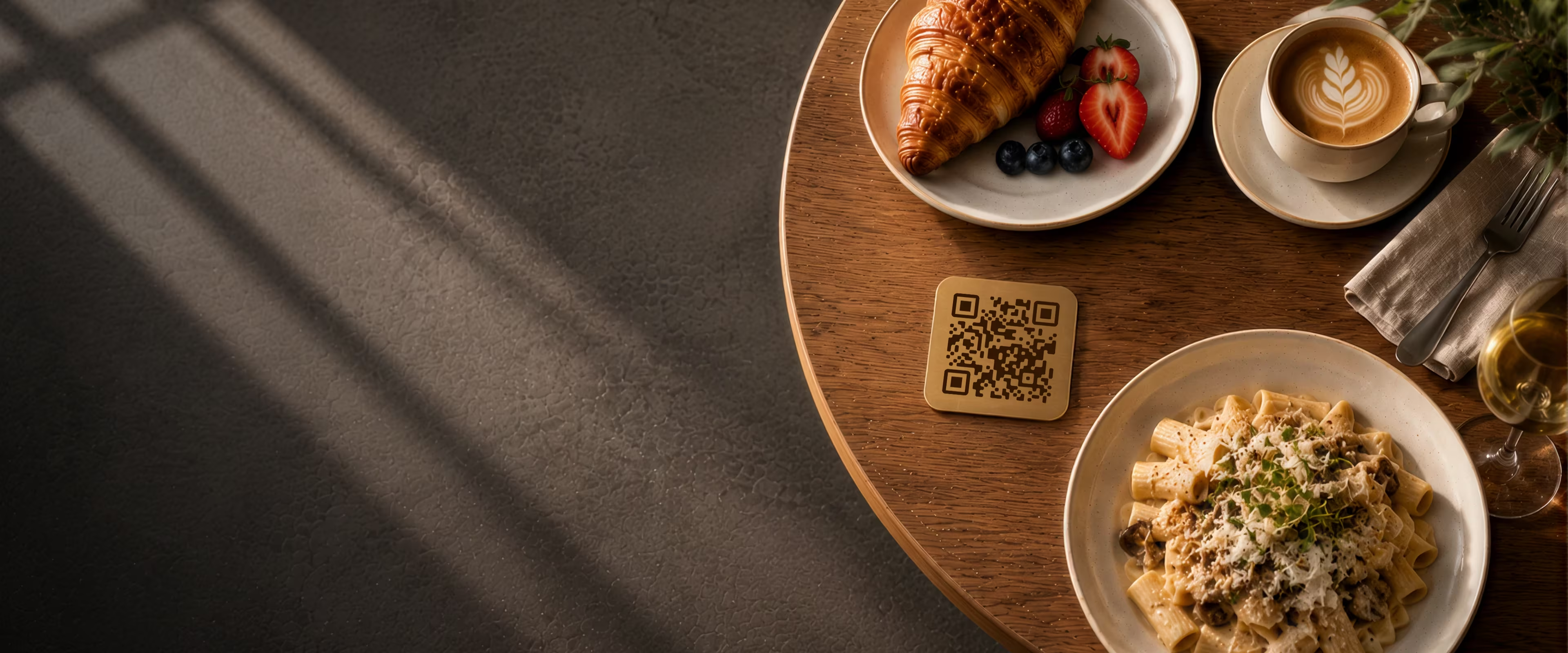
How to Put Your Restaurant Menu Behind a QR Code
Create a custom QR code for your restaurant menu in minutes. Add your logo, pick your colors, and get a print-ready file that works on every phone.
Generate QR Code- No sign-up required
- Works on iPhone & Android
- Free forever
Why Restaurants Use QR Code Menus
Switching to a QR code menu isn't about following a trend. It solves real, recurring problems that restaurant owners run into every week.
No Reprinting Every Time Your Menu Changes
Every time you update a price, add a seasonal dish, or pull an item that's out of stock, a printed menu goes stale. With a QR code pointing at a live link, you update the menu once and every table reflects the change - no reprinting, no crossed-out lines.
Works on Every Smartphone - No App Required
Your guests don't need to download anything. Both iPhone and Android scan QR codes straight from the built-in camera app. Point, scan, done - the menu opens in the browser like any other page.
Cleaner Tables, Faster Service
Physical menus get handled by dozens of people a day. A table card or tent stand takes up less space, stays cleaner, and gives the table a more finished look - especially in smaller rooms where every inch counts.
Lower Printing Costs
A single QR code replaces the recurring cost of reprinting every time a price changes or a dish is added. Instead of paying for a print run each season, you update the linked page and every table shows the current version.
What You Need Before You Start
Creating the QR code itself takes a couple of minutes. Before you do, make sure these two things are ready.
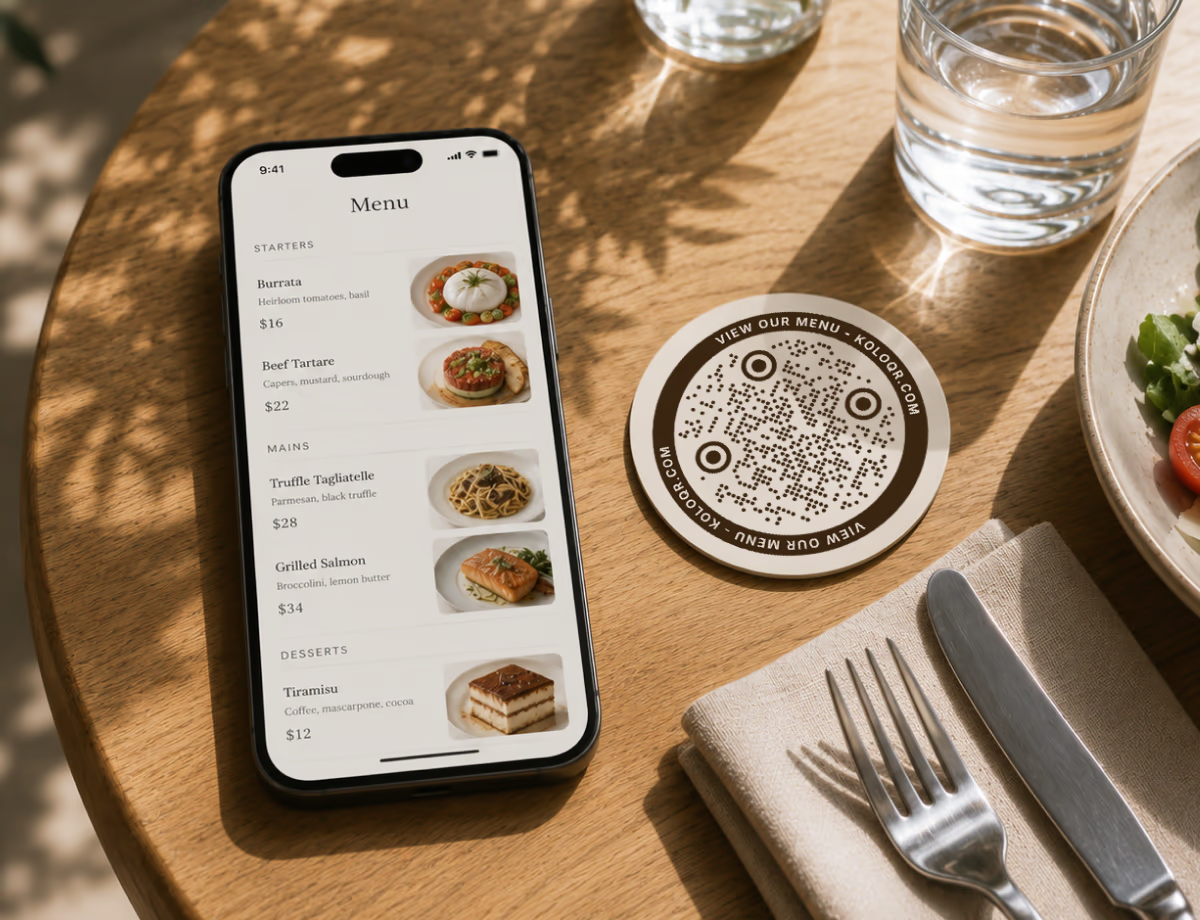
Your Menu As A Live URL
A QR code doesn't hold your menu - it holds a web address. So you need somewhere the menu already lives that anyone can open without logging in.
- A Page on Your Own Website - the most reliable option. You control the address, the design, and can edit it whenever the kitchen changes something.
- A Hosted PDF - quick to set up, but check it on a phone first: a PDF laid out for A4 is usually painful to read on a small screen.
- A Link From a Menu Platform - most menu builders and delivery platforms give you a public link that works fine as a QR code destination.
A Phone To Test The Scan
Before you print anything, scan the code with a real phone - ideally one on each of iOS and Android. It takes thirty seconds and saves you from printing fifty table cards that point at a broken link.
Generate QR Code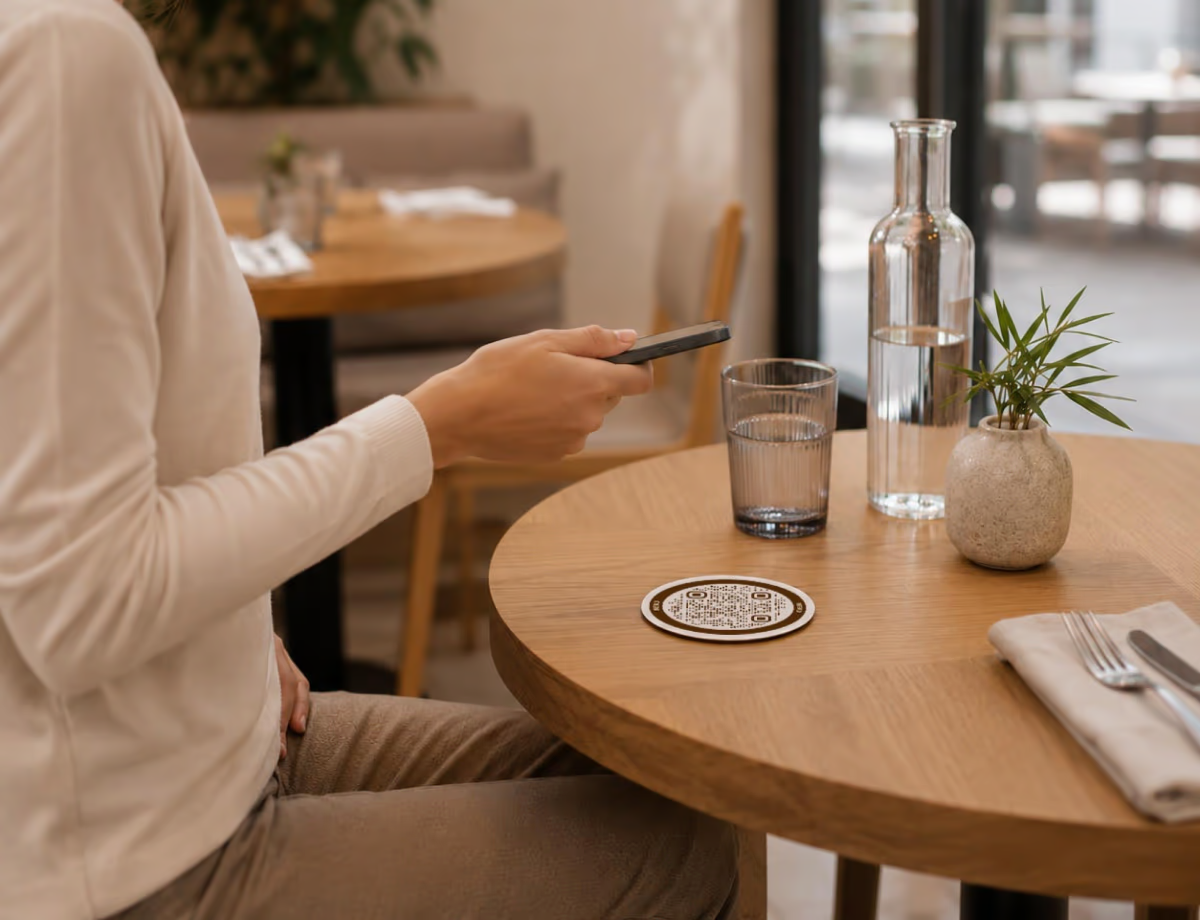
Generate Your Restaurant Menu QR Code
Create a custom restaurant menu QR code in seconds. Add your menu link, customize the design, and download a print-ready file for tables, menus, and takeaway packaging.
Generate QR Code- 1
Paste Your Restaurant Menu URL
Drop the link to your menu into the generator and a restaurant menu QR code appears straight away.
- 2
Customize Your Restaurant QR Code
Add your logo, set your brand colors, and pick a dot style that suits the room.
- 3
Download and Print Your QR Code
Export a PNG or SVG and print it on table tents, menus, window stickers, or takeaway packaging.
Where to Place QR Codes in Your Restaurant
Placement decides how often the code actually gets used.
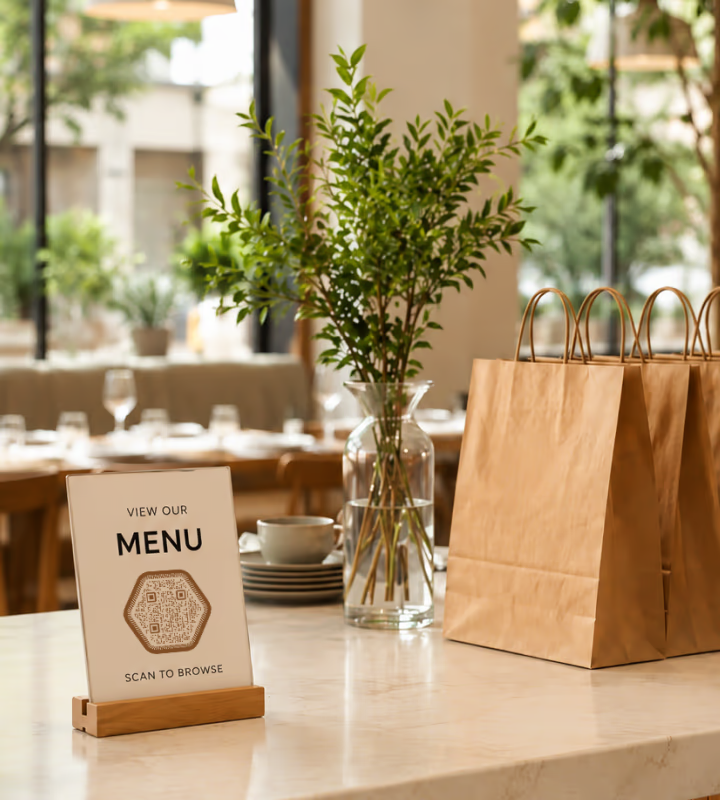
Counters and Takeaway Packaging
In a counter-service café, put the code by the register and on your bags and boxes. People waiting for an order have time to browse, and it surfaces the full menu to someone who only came in for coffee.
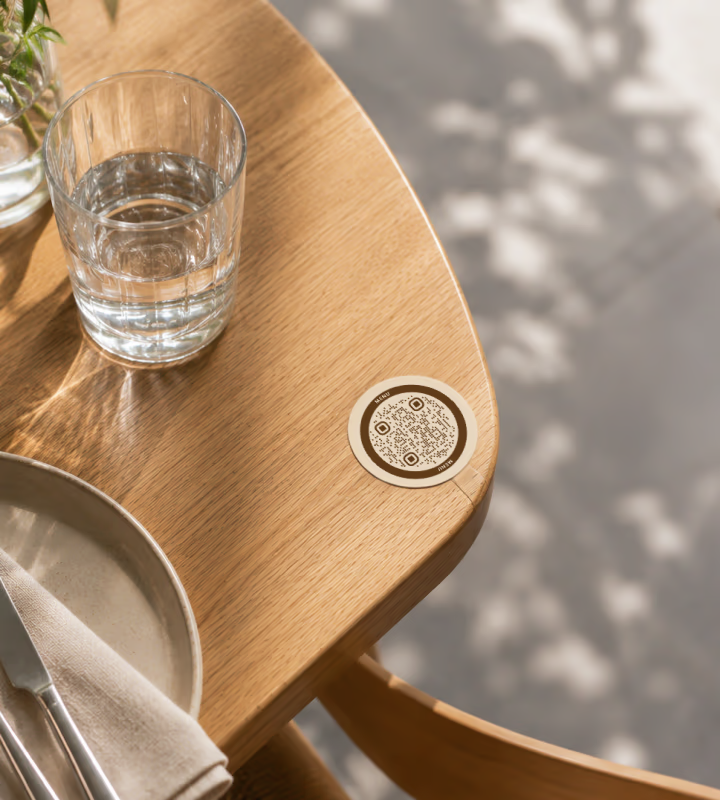
Table Tents and Table Cards
The most common placement, and the one that gets scanned most. Keep the label short - “Scan to view our menu” and a small arrow is enough.
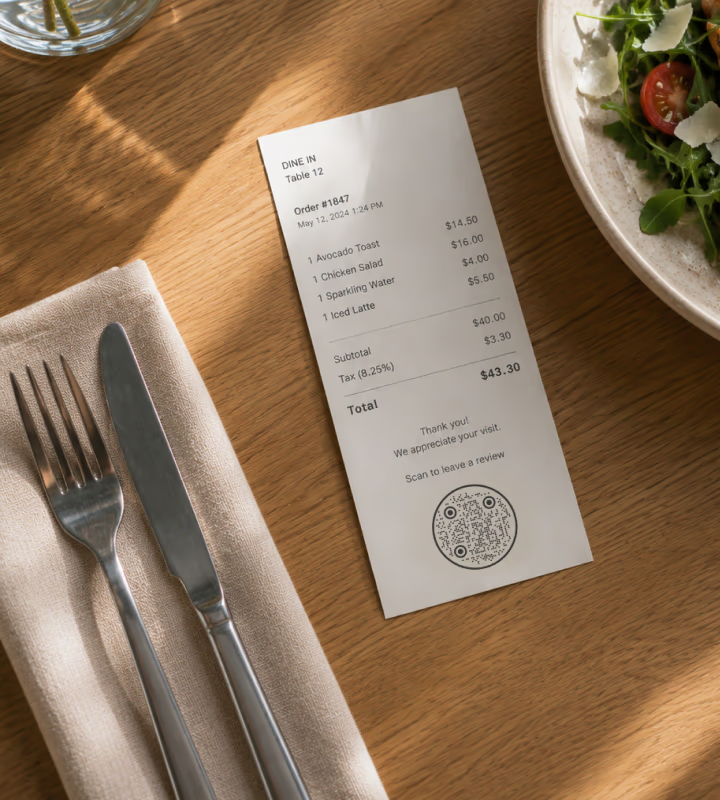
Receipts and Loyalty Cards
A code at the bottom of a receipt costs nothing to add and can point at a review page, a feedback form, or next week's promotion.
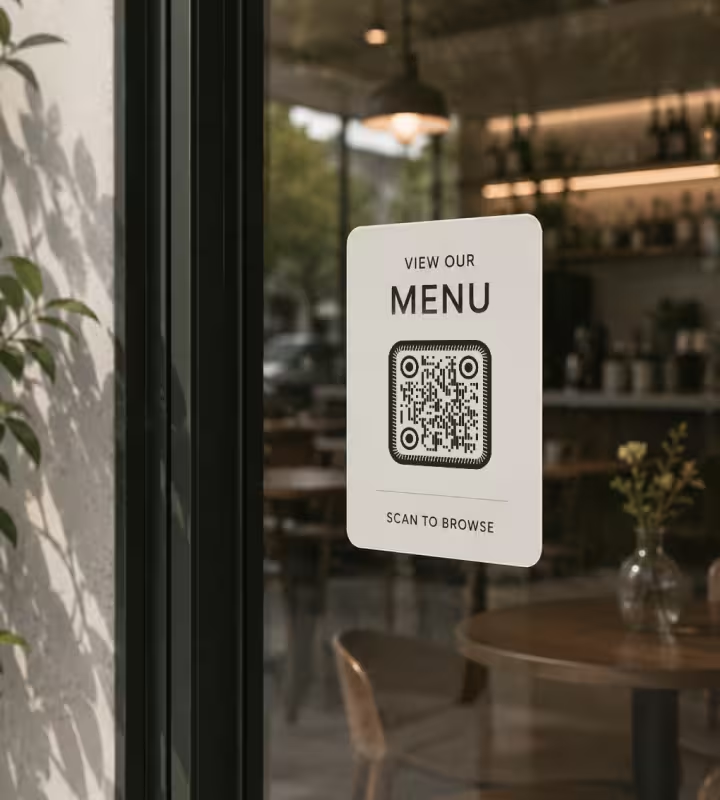
Window Stickers
A code on the door lets people read the menu before they decide to come in. Worth it for lunch spots and anywhere with a queue outside.
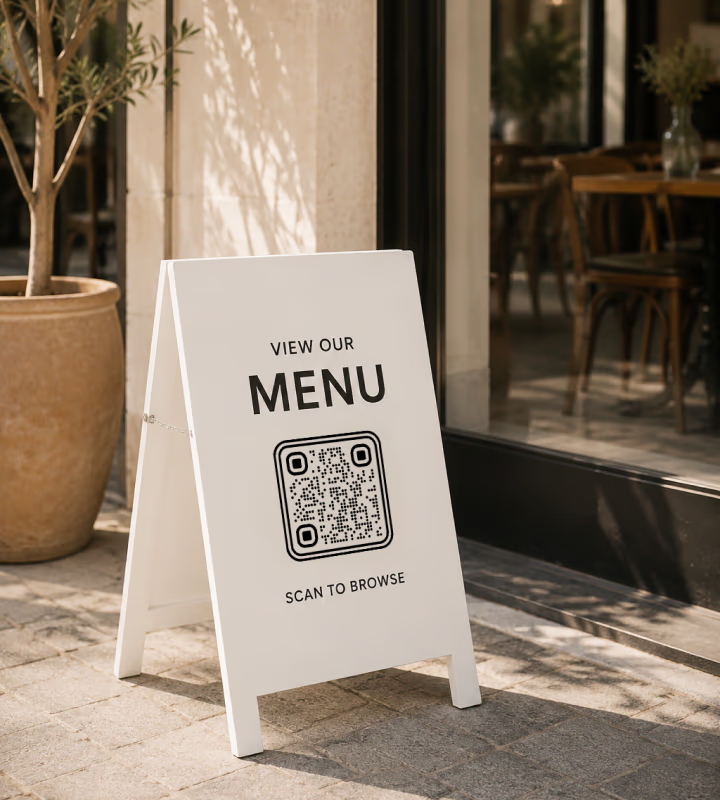
Terrace Tables and A-Frames
Outdoor seating rarely gets its own run of printed menus. A weatherproof sticker on each terrace table, or a code on the A-frame by the entrance, covers the seats your paper menus never reach.
Best Practices for Restaurant Menu QR Codes
Worth knowing before you print and put the code on every table.
Match Your Restaurant Brand Colors
Use colors that match the room and the menu, but keep enough contrast that a phone camera still reads the code instantly.
Add Your Logo to the Center
A logo in the middle makes the code recognizably yours. Error correction covers the space it takes up.
Use High-Contrast Colors
Dark modules on a light background scan fastest, in daylight and in a dim dining room alike.
Choose the Right QR Code Size
Print at least 2.5 × 2.5 cm. For table tents and menus, 4-6 cm is comfortable at arm's length.
Test Before Printing
Scan it on both iPhone and Android, from different distances, under your actual lighting - not at your desk.
Make Sure Your Menu Is Mobile-Friendly
Avoid anything that asks for a login or a download. The menu should open the moment the code is scanned.
Keep Your Menu Link Updated
When the menu moves, update the destination rather than reprinting. A dynamic QR code makes that a one-click change.
Add a Clear Call to Action
“Scan to view our menu” or “Scan for today's specials” tells people what they get before they lift their phone.
Place the QR Code Where It's Easy to Scan
Flat, well lit, and unobstructed. A code behind a candle or a napkin holder may as well not be there.
Don't Overcomplicate the Design
Rounded shapes and brand colors look good. Gradients, patterns, and heavy styling start costing you scans.
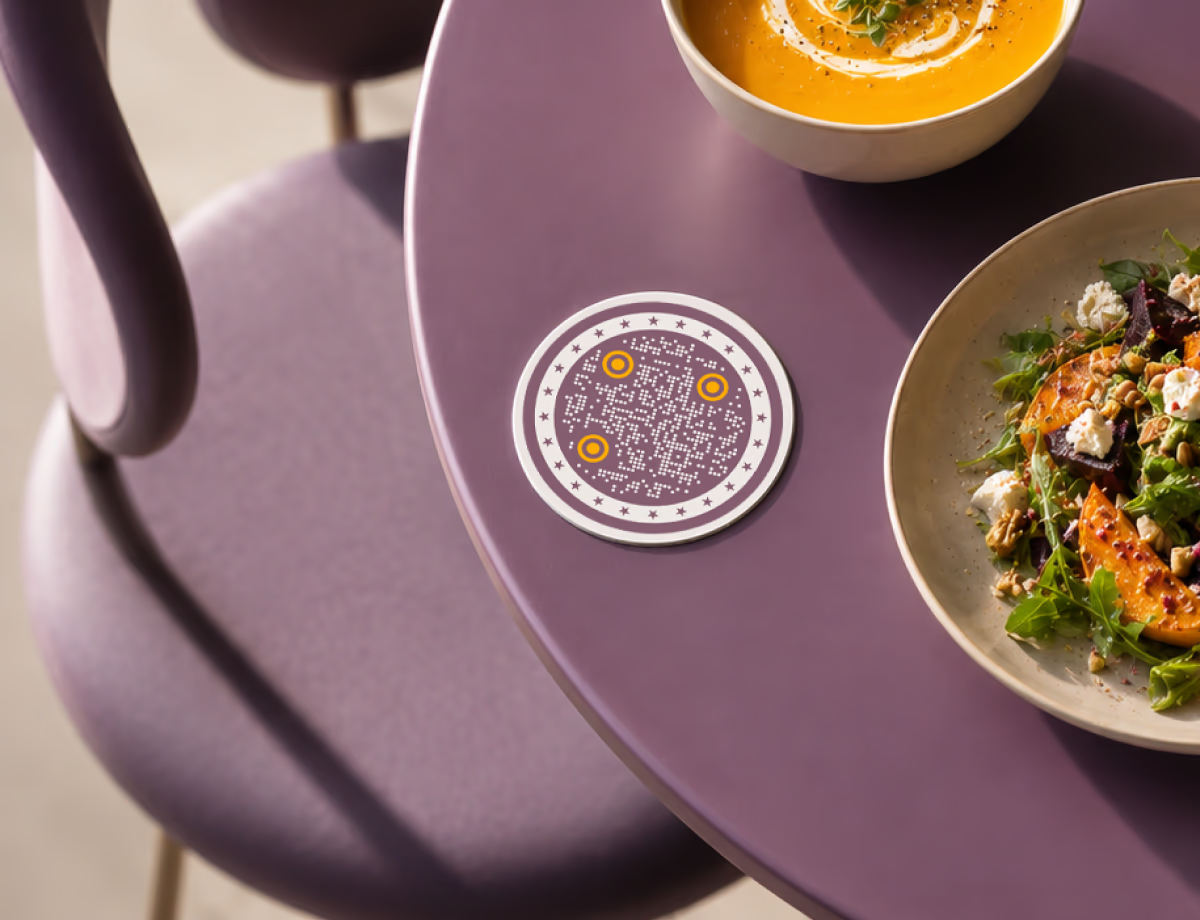
Ready to Create Your Menu QR Code?
Creating a QR code for your restaurant menu takes a few minutes. You don't need design experience or any technical knowledge - just the link to your menu and a couple of choices about color and style.
It's free, and you can download a print-ready file straight away.
Generate QR CodeQuestions? Answered
Put your menu online as a web page or a hosted PDF, paste that link into a QR code generator, then customize and download a print-ready file. With KoloQR you can add your logo and brand colors and export a PNG or SVG in a couple of minutes, no account needed.
Yes. KoloQR creates menu QR codes for free with no sign-up and no watermark, including print-ready vector files. You'd only pay if you separately choose a service to host a dynamic, editable menu link.
No. Every modern iPhone and Android reads QR codes straight from the built-in camera - point it at the code and the menu opens in the browser. No app, no account, no typing.
Print it at least 2.5 x 2.5 cm. On table tents and menus, 4-6 cm scans comfortably at arm's length; on a window sticker or A-frame read from further away, go larger. Always test the printed size before a full run.
Wherever a guest has a moment and a clear line of sight. Table tents and table cards get scanned most, but counters, takeaway packaging, receipts, window stickers, and terrace A-frames all reach people a paper menu misses. Keep it flat, well lit, and unobstructed. A counter-service coffee shop is the exception: there the till and the cup sleeve matter more than the table.
Yes, as long as the code points at a link you control. Change the page or PDF behind that link and every printed code shows the new menu instantly - no reprinting. A dynamic QR code also lets you repoint the link itself later.
Usually low contrast, too little quiet zone, a heavily styled pattern, or a printed size that's too small. Use dark modules on a light background, leave a clear margin, keep the design simple, and test on a real phone under your actual lighting.
Static is fine when the menu link is stable - it never expires and costs nothing. Choose dynamic if you need to change the destination after printing or track scans; the trade-off is an account and usually a subscription.
Yes. Add a centered logo and set colors to match your room, keeping strong contrast so the code still scans. KoloQR also offers rounded and circular styles - just avoid heavy gradients or patterns, which start costing you scans.
Keep Exploring
Pages that pick up where this one leaves off - the same setting, the same kind of code, or the next thing worth deciding.
Menus & Table Tents
The code sits 40 cm from a seated guest in dim light on a laminated card - what that costs in size, finish and page speed.
Hotel QR Codes
Menus, WiFi, check-in and guest info - one scan from every room, desk and table.
Bars & Pubs
Drinks menus, rotating tap lists, Wi-Fi and gig calendars on codes that still scan in a dim room.
Coffee Shops
Menu, Wi-Fi, loyalty signup and review links on table tents, takeaway cups and window signs.
LINE QR Code
Add a LINE official account or a personal contact with a single scan.
Business Cards
The one surface where a code is read at arm's length - so it is designed into the card's layout rather than dropped in the corner of it.
Why KoloQR?
- Create QR codes for websites, menus, Wi-Fi, PDFs, and business cards
- Customize colors, logos, and unique shapes
- Download high-quality PNG and SVG files
- Built for both print and digital
