
Guides to QR Codes That Actually Work
The details that decide whether a QR code does its job are the ones nobody writes down: what it can hold, how big it has to be for the distance it's read from, and where a different symbol would serve you better. These guides answer one of those questions each.
Basics
Three Ways to Count QR Code Scans, and What Each One Misses
Design
How to Put a QR Code in a Microsoft Word Document
Basics
Fake QR Codes and Quishing: How to Spot One Before You Scan
Basics
How to Make QRIS for Your Business - Register, Print and Protect Your Payment Code
Basics
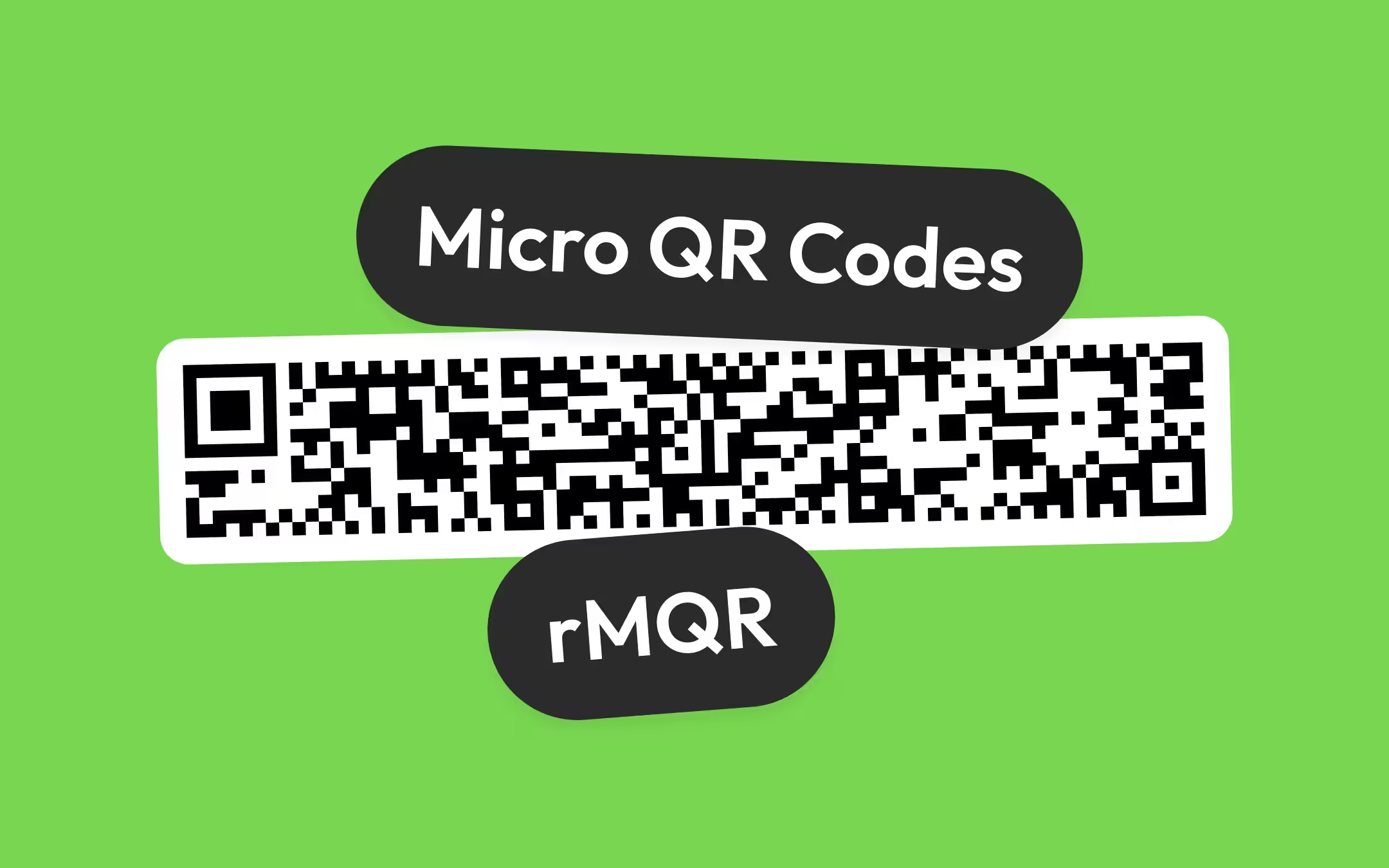
Micro QR Codes and rMQR: The Small QR Codes Built for Parts, Not Phones
Basics
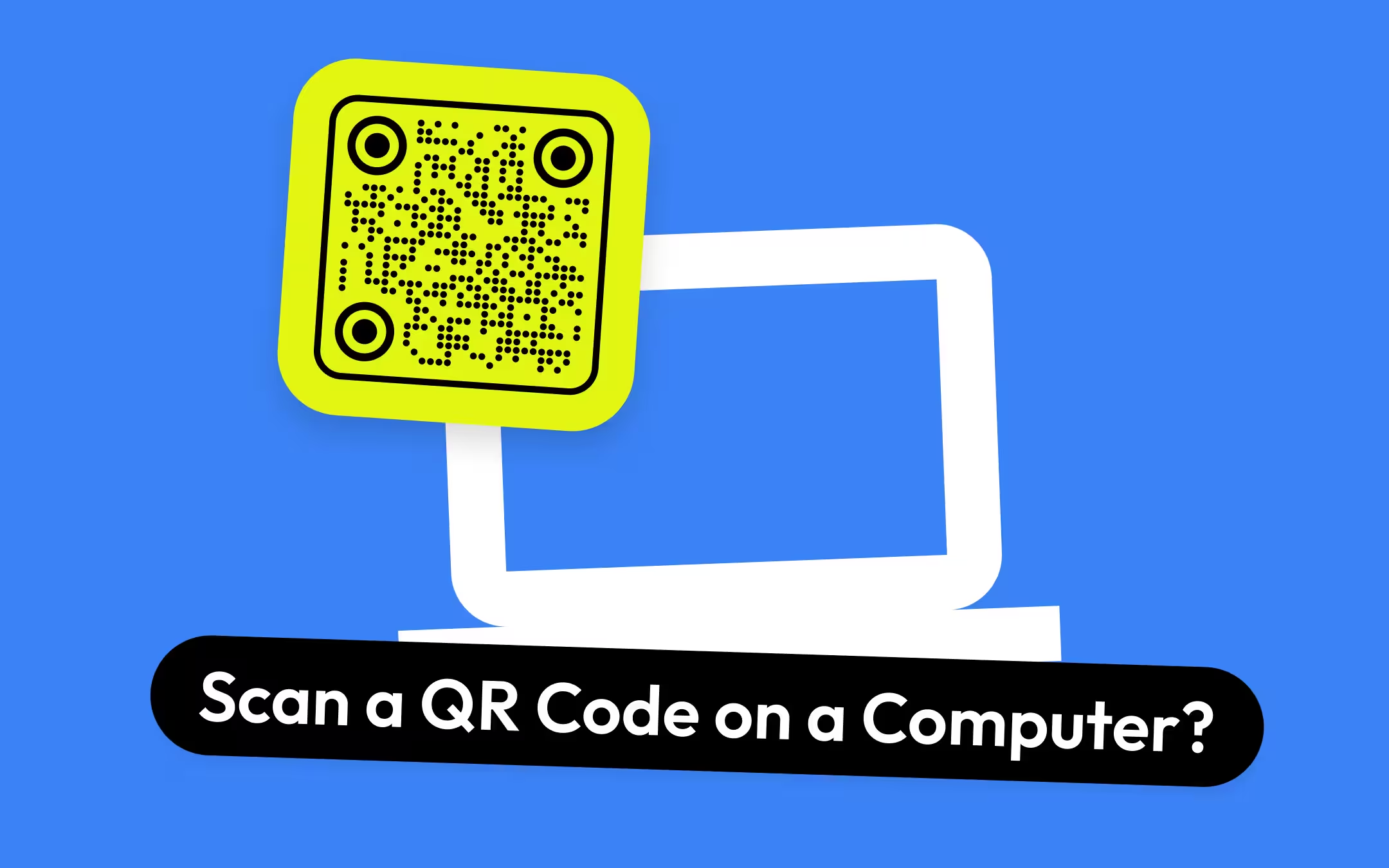
How to Scan a QR Code on a Computer: Windows, Mac, Chromebook and Linux
Basics
How to Share Your Wi-Fi Password From an iPhone - With an iPhone, an Android Phone or a Room Full of Guests
Design
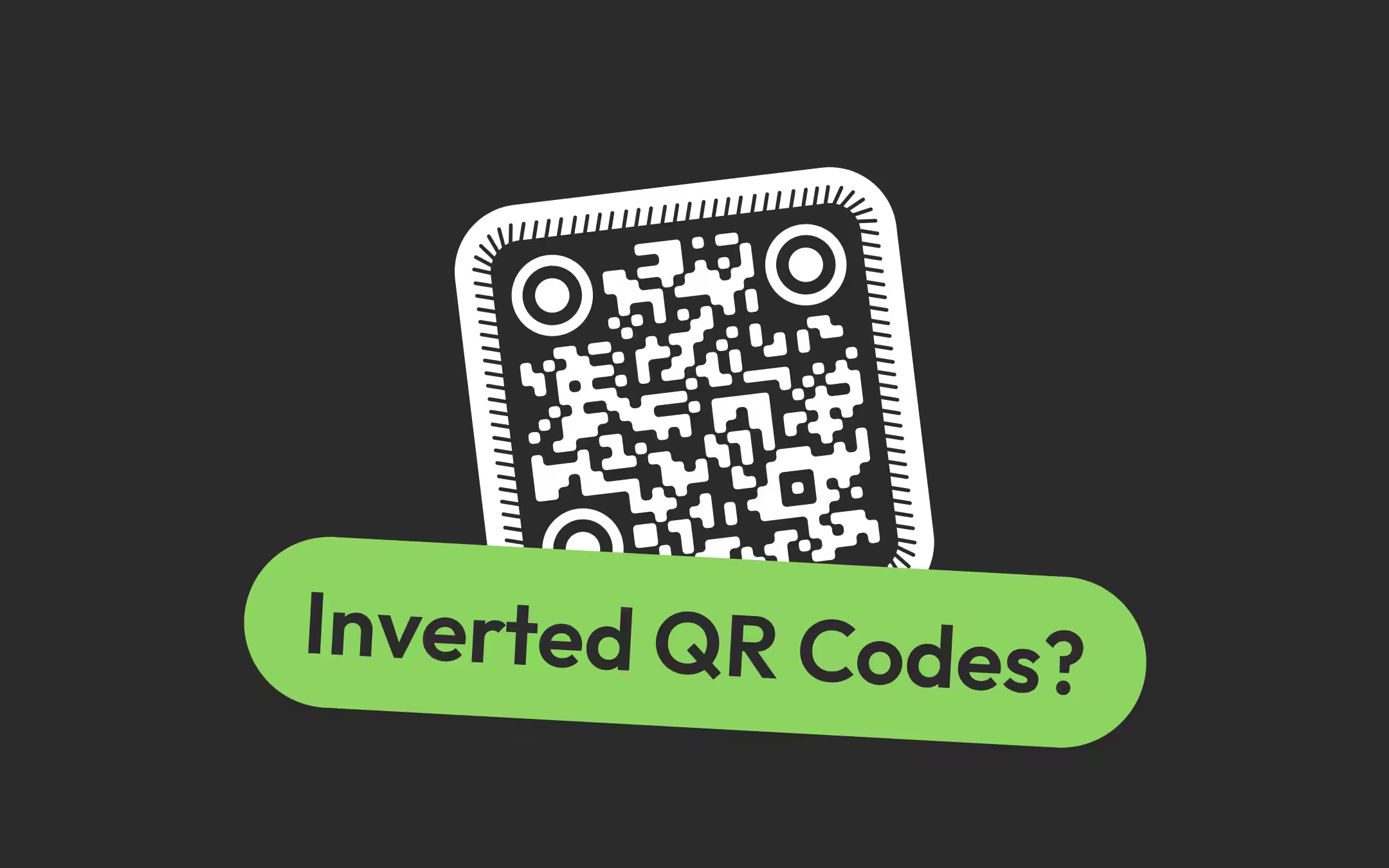
Inverted QR Codes: When a White Code on a Dark Background Scans, and When It Does Not
Troubleshooting
Distorted QR Codes: What a Scanner Corrects, What It Cannot, and How to Fix Yours
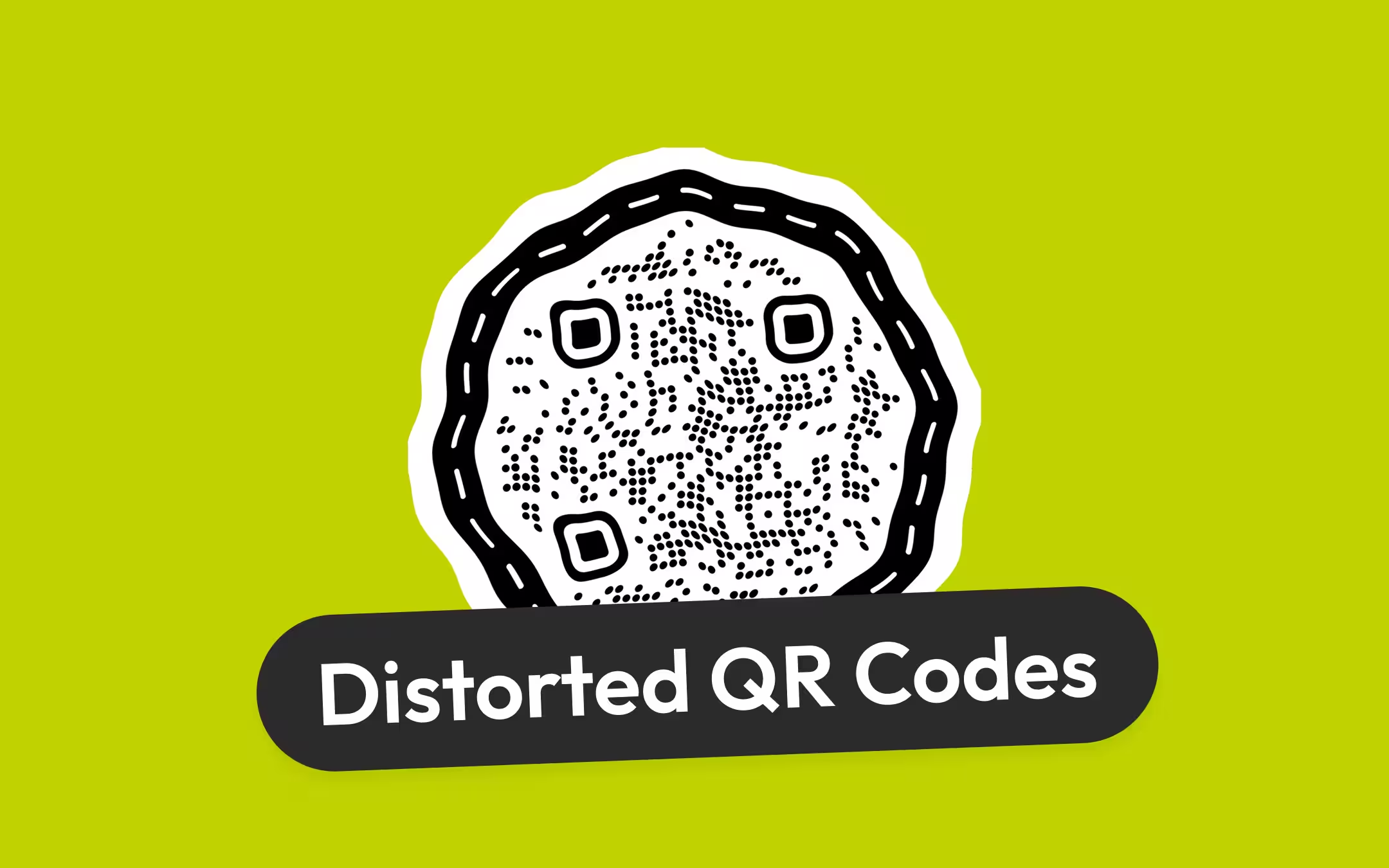
Design
QR Code SVG and Vector Files: Download a Sample, See What Is Inside, Use It Anywhere
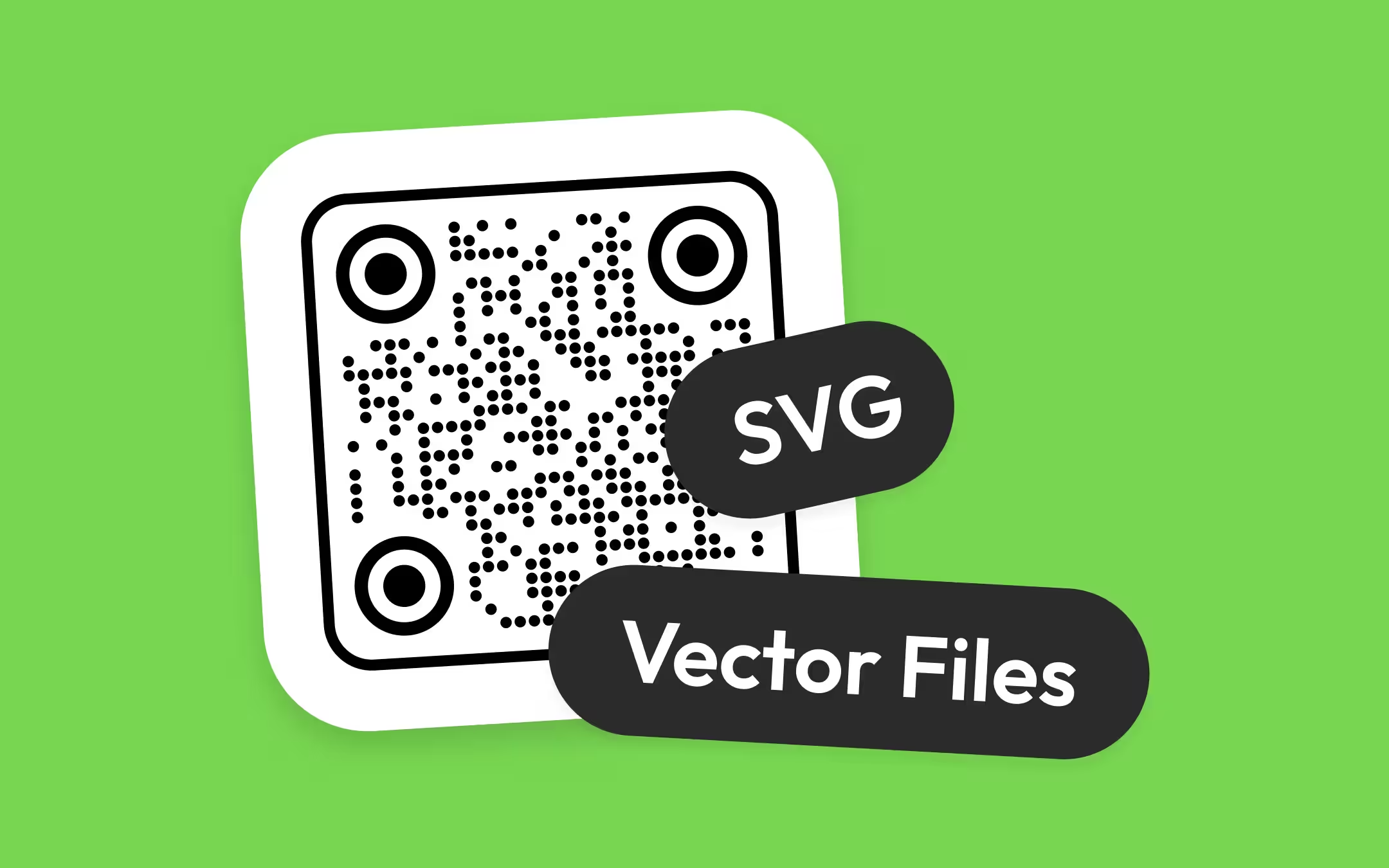
Basics
How to Scan a QR Code From an Image on Any Phone or Computer
Basics
How to Scan a QR Code With an Android Phone, on Any Brand
Basics
How to Scan a QR Code on an iPhone, From the Camera or From a Photo
Basics
Do QR Codes Expire? The Pattern Never Does
Basics
Static or Dynamic? Decide It Before Anything Is Printed
Basics
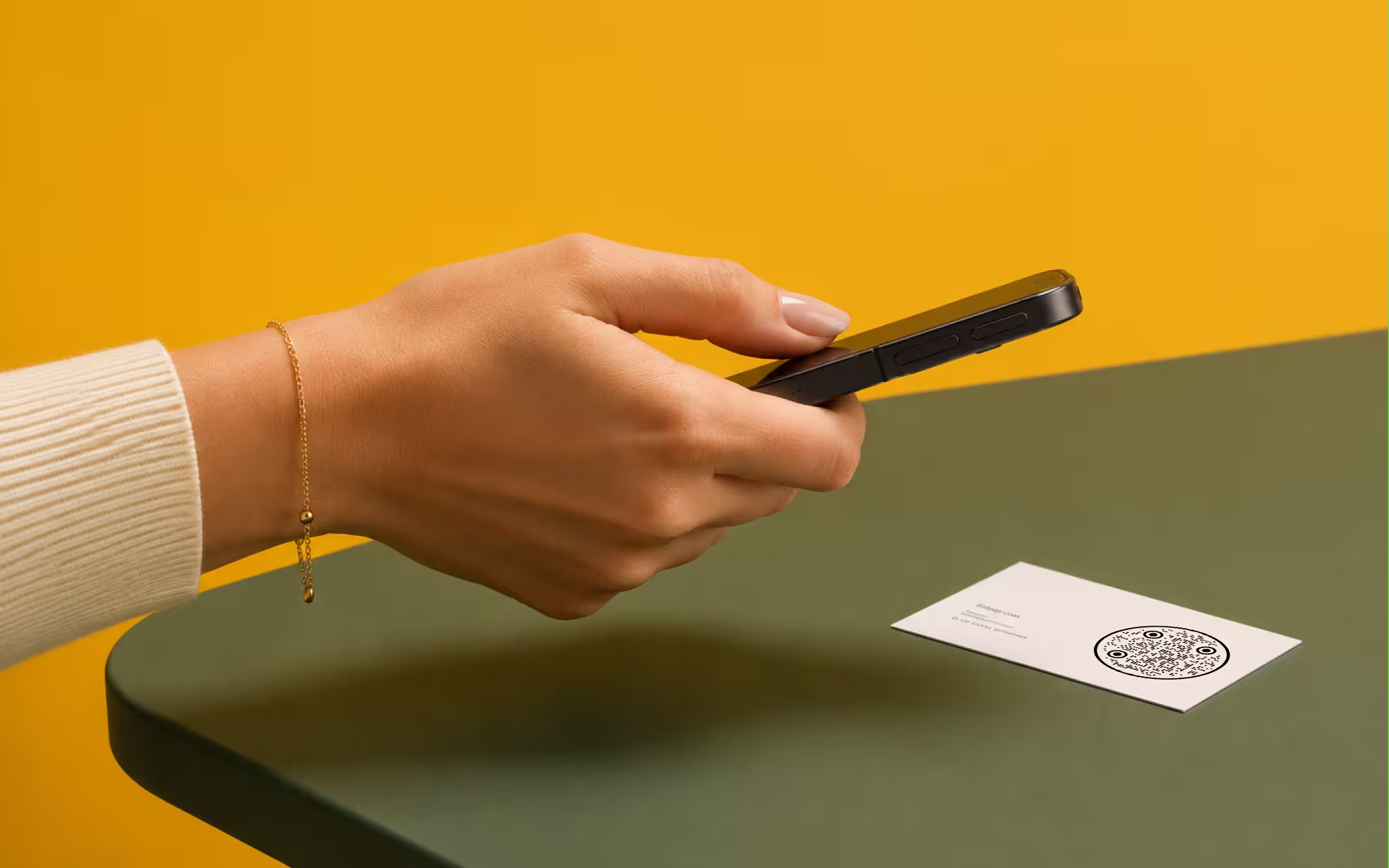
How to Scan a QR Code With a Phone, a Screenshot, or a Second Device
Nine Things to Check Before a QR Code Goes to Print
Basics
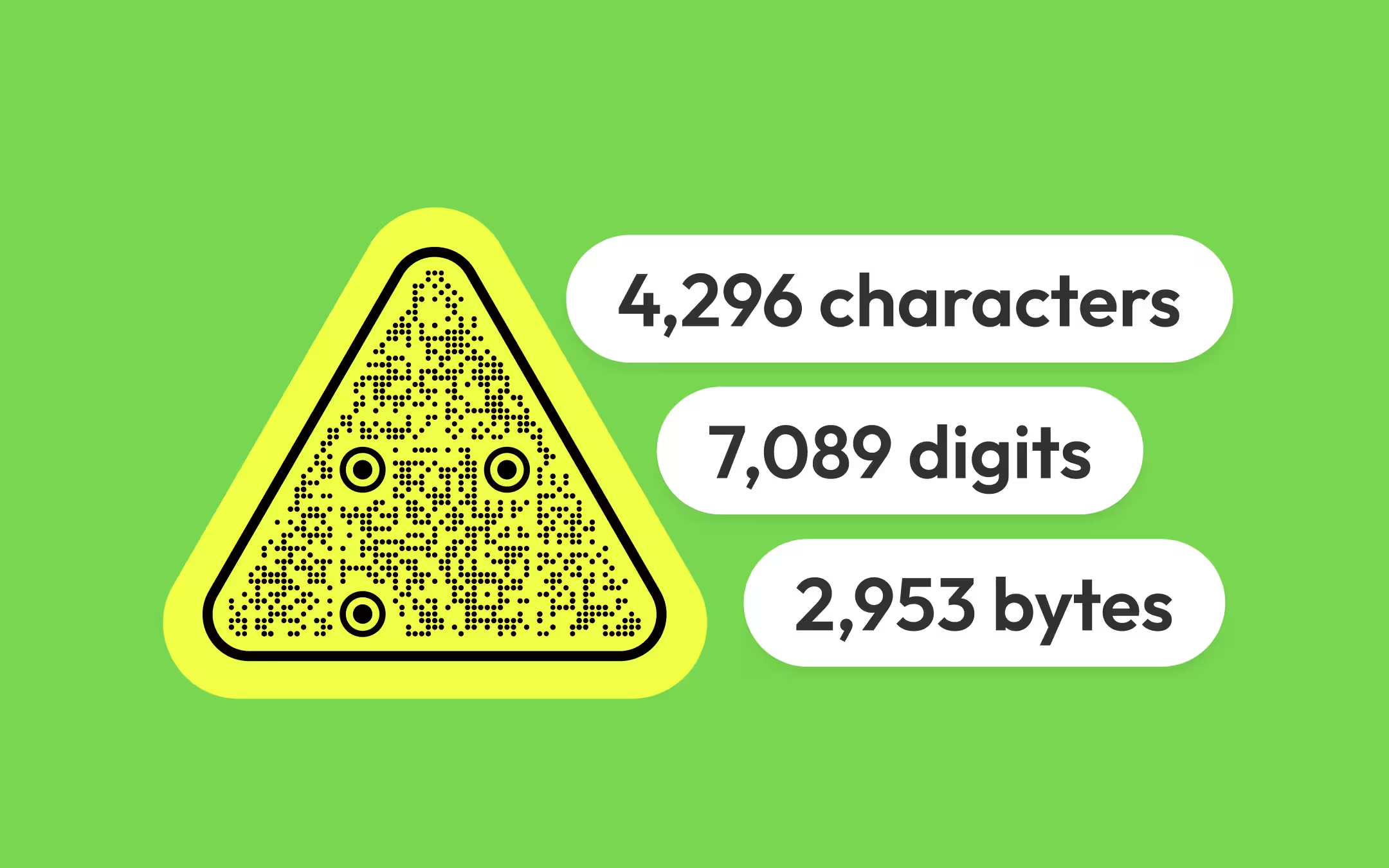
QR Code Capacity: How Much Data Fits, by Symbol Version and Encoding Mode
Basics
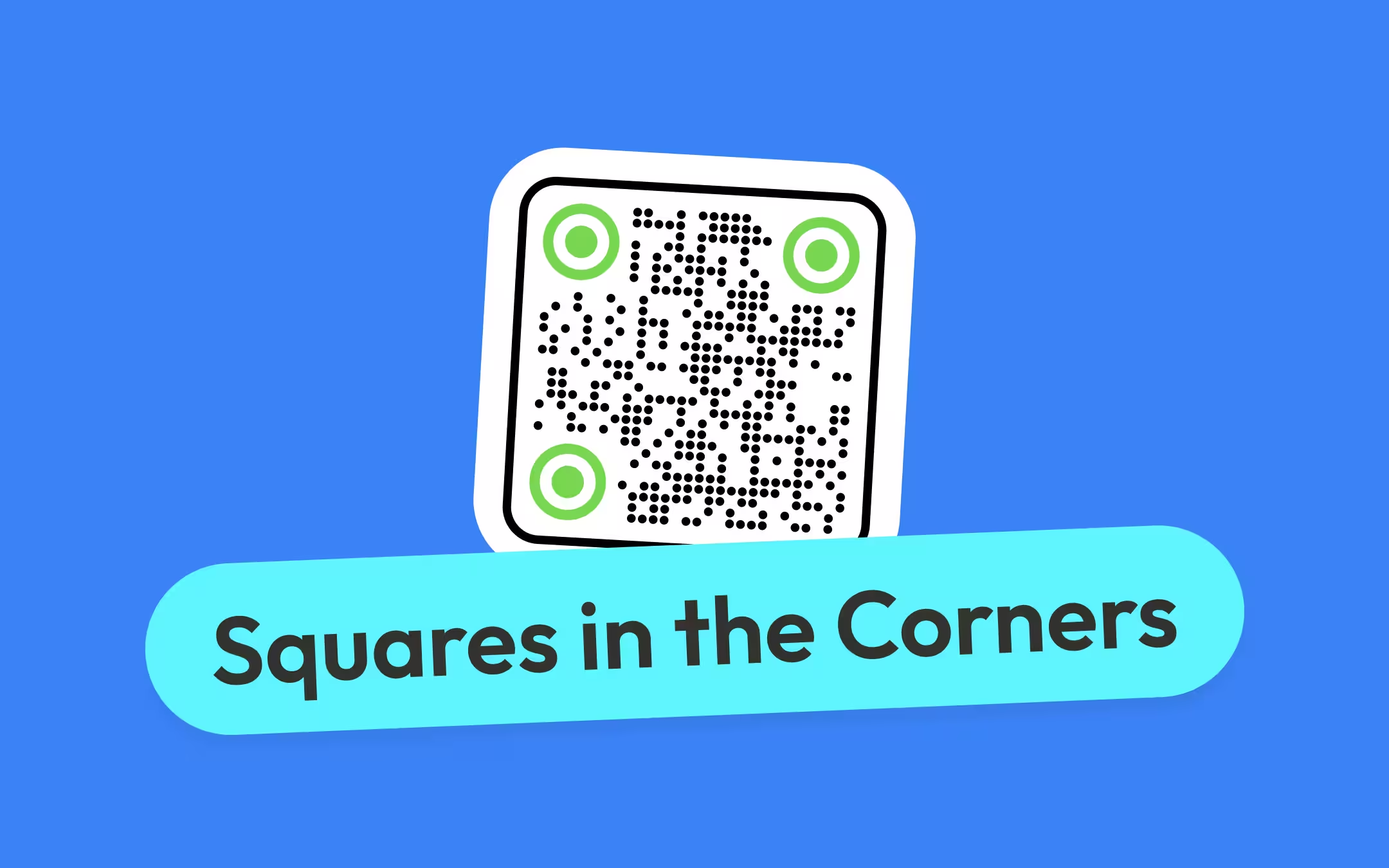
QR Code Finder Patterns: Why There Are Squares in the Corners of Every QR Code
Troubleshooting
Why a QR Code Is Not Scanning, and How to Tell Which Fault You Have
Basics
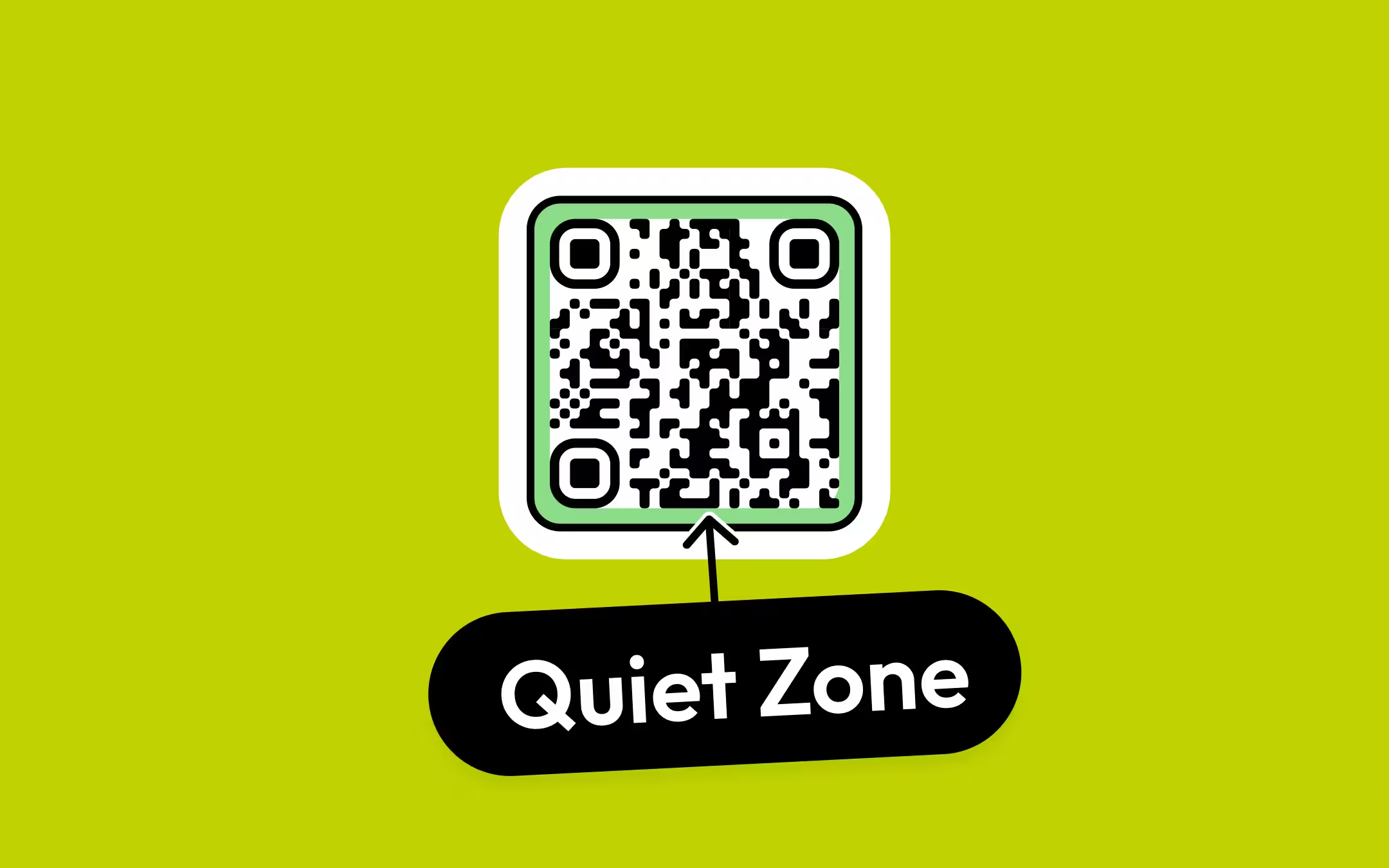
QR Code Quiet Zone: The Empty Margin That Decides Whether a Code Is Found
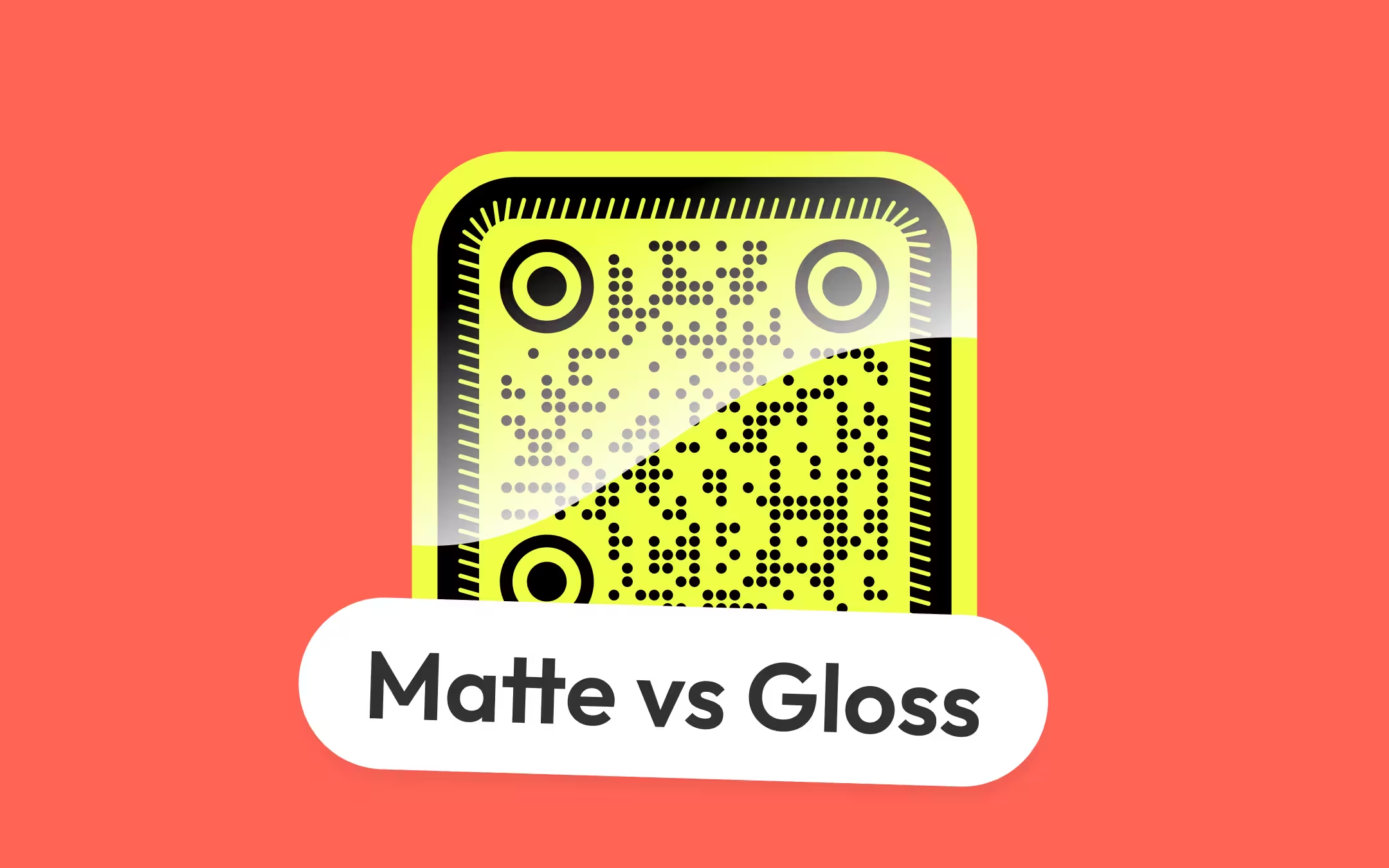
Matte or Gloss: How the Finish Decides Whether a Printed QR Code Scans
Basics
SVG vs PNG vs PDF vs EPS: Which QR Code File Goes Where
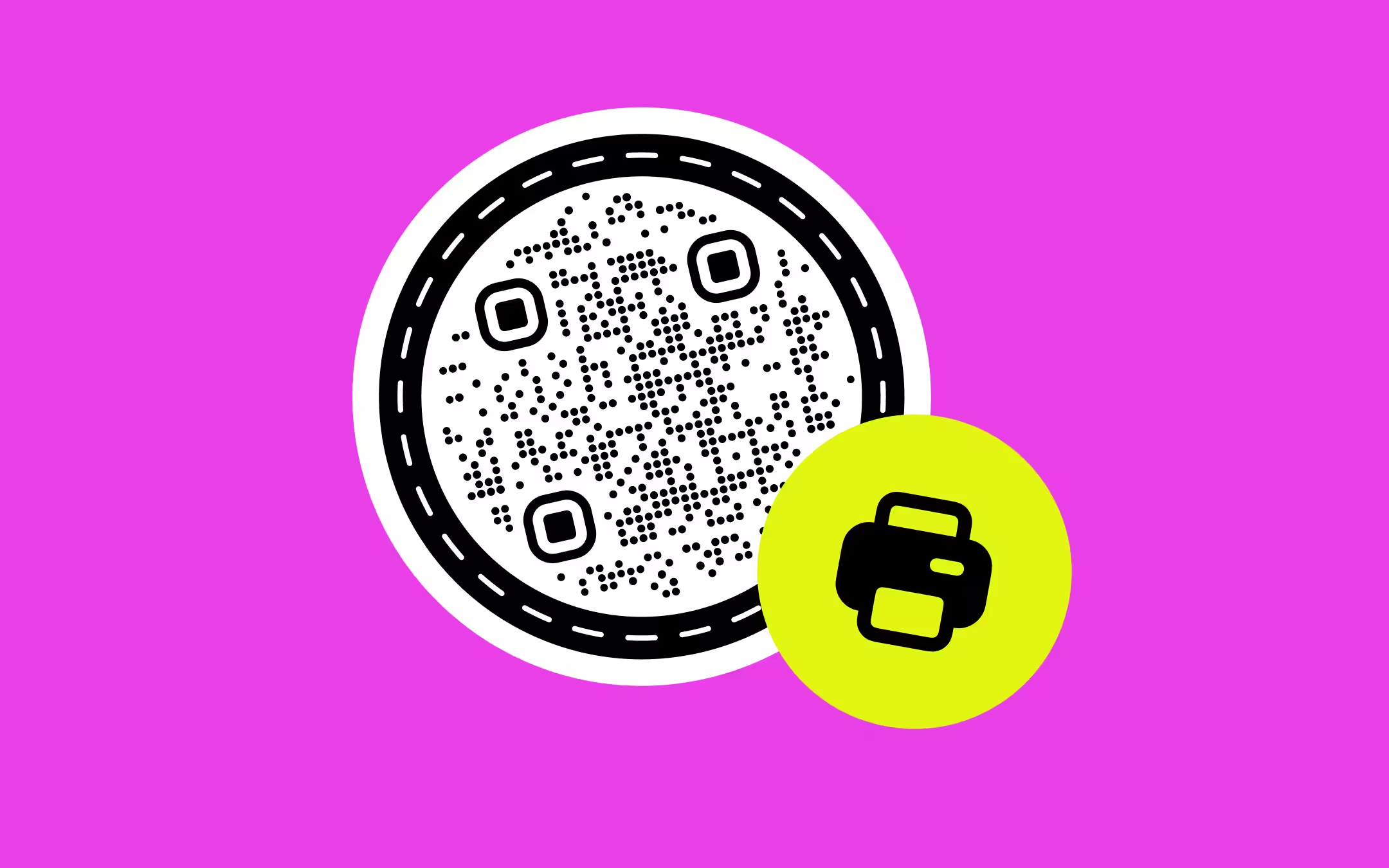
QR Code Minimum Size for Print: How Small a Code Can Go Before It Stops Scanning
Design
How to Copy a QR Code Into Figma as Editable Vectors
Basics
QR Code Error Correction: How L, M, Q and H Actually Work
QR Code Resolution: How Many Pixels and How Much DPI a QR Code Actually Needs
Basics
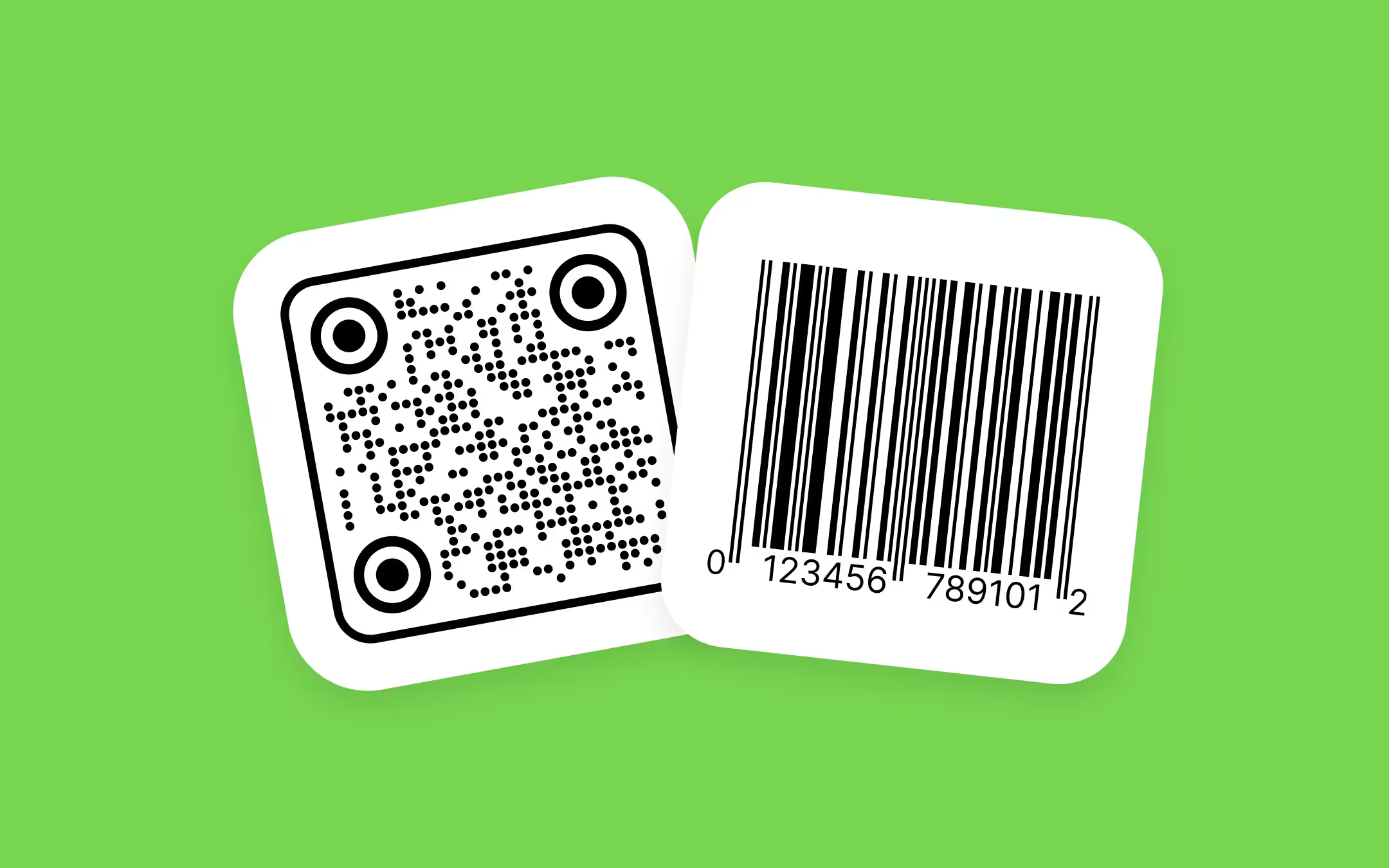
QR Code vs Barcode: How They Differ and When to Use Each
Questions? Answered
No. The generator's defaults produce a code that scans, and most people never need to change them. These guides are for the cases where the defaults aren't enough - a logo in the middle, a billboard, or a code that won't read.
Whichever names the decision in front of you - each guide takes one and answers it end to end, so there's no order to work through. If you're choosing between symbol types at all, start with QR code vs barcode, since that decision sits above the rest.
No. Error correction levels, quiet zones, and module sizes are part of the QR standard, so everything here holds for a code made with any generator. Where a setting is named, KoloQR exposes it in the generator on the homepage.
When something changes that would change the advice. Each guide shows the date it was published, and a revised guide shows when it was last updated, so you can see how current what you're reading is.
Why KoloQR?
- Create QR codes for websites, menus, Wi-Fi, PDFs, and business cards
- Customize colors, logos, and unique shapes
- Download high-quality PNG and SVG files
- Built for both print and digital
