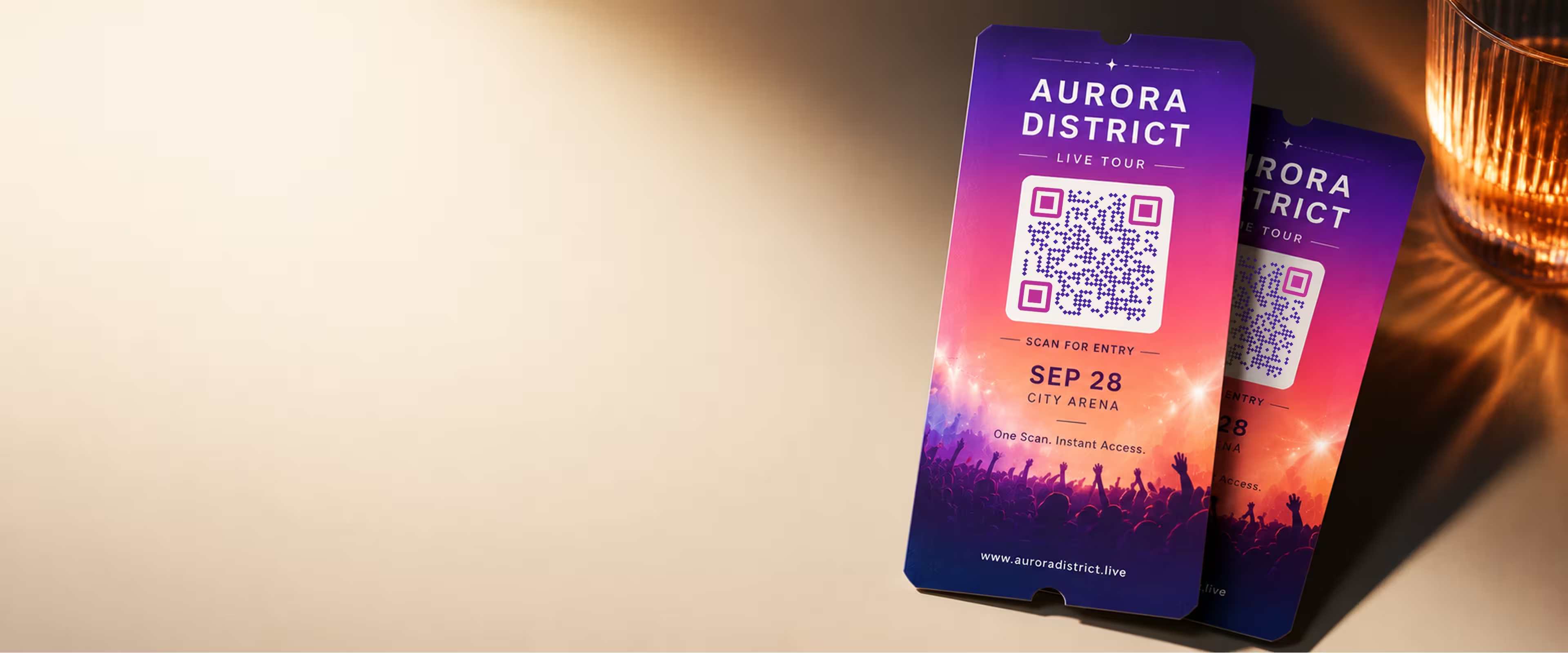
招待状から入場まで、ゲストを迷わせないQRコード
参加者が必要なものすべてに、スキャン1回でたどり着けます。受付、チケット、道順、スケジュール、出欠確認まで。イベントのブランディングに合わせたコードをデザインし、招待状・ポスター・会場サイン用に印刷対応で書き出せます。
QRコードを作成- 印刷対応のPNG・SVG
- 色・形・ロゴを自由に調整
- 無料・登録不要
QRコードでイベントがスムーズに進む理由
適切な場所に置いたQRコードは、ゲストの足を止める小さな手間をなくします。リンクを打ち直す、会場を探す、スケジュールをメールで問い合わせる、といった手間です。
受付での質問が減る
到着前にチェックイン・チケット・道順へ案内できるので、同じ質問に答える時間が減ります。
すべてが1つのリンクに
スキャンした人を、プログラム・地図・登壇者・出欠確認がまとまったイベントページ1つに案内します。詳細をあちこちのメールに散らさずに済みます。
最近のスマホならそのまま使える
最近のiPhoneとAndroidのカメラはQRコードをそのまま読み取るので、ゲストは別のアプリなしでリンクを開けます。
意図が伝わるブランディング
カスタムカラー、中央のロゴ、角丸や円形の形にすると、コードが招待状の一部として馴染み、後から貼ったシールのようには見えません。
イベントのQRコードは何にリンクするか
コードそのものより、リンク先のほうが大事です。ゲストに最もしてほしいアクションを1つ選び、コードをそこに向けましょう。
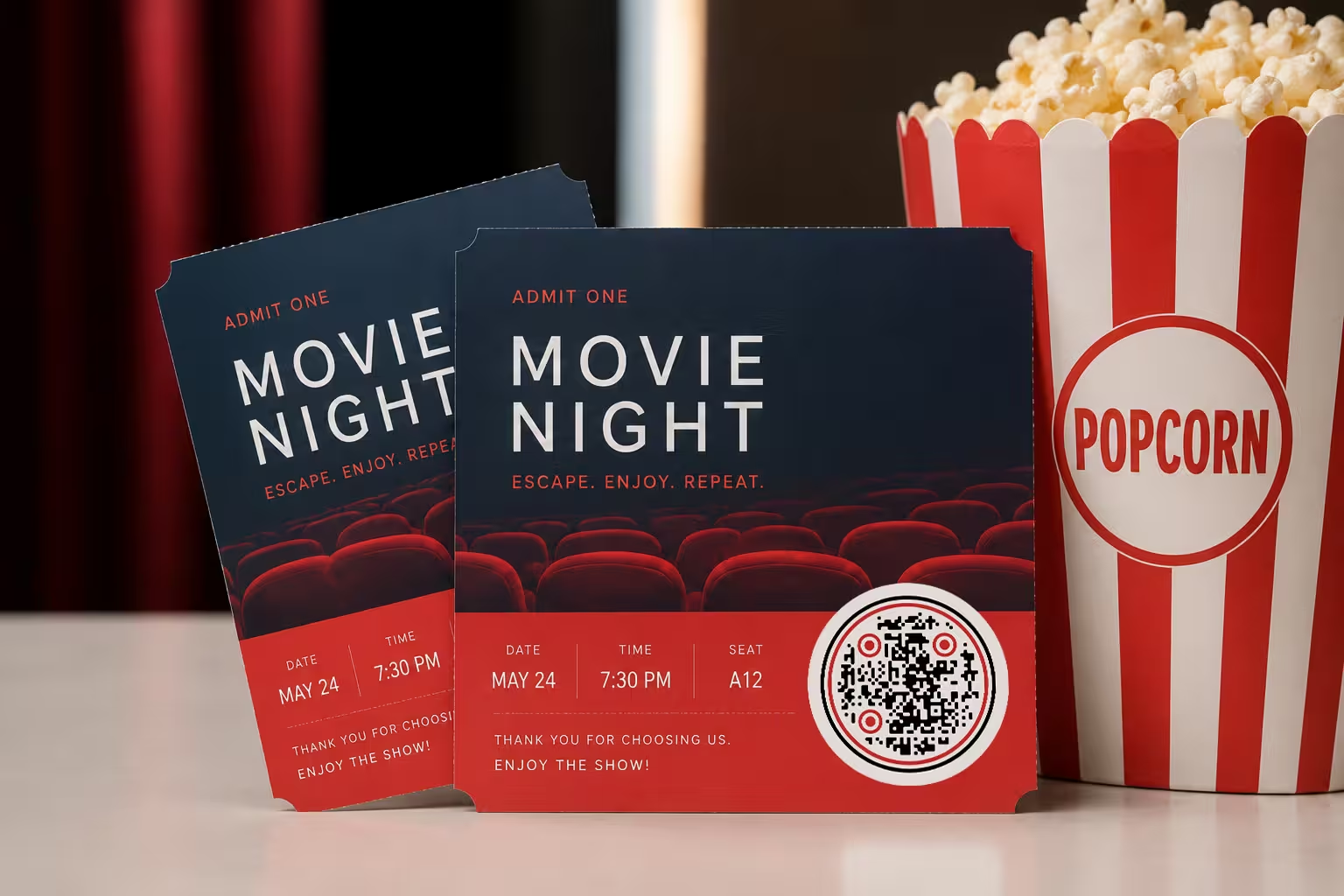
よく使われるリンク先
その場面に合ったリンクを選びましょう。招待状を手にしている人に役立つものと、入口に立っている人に役立つものは違います。
- 受付・チケット販売 - 申し込みページやチケットページへ直接案内すれば、ワンタップで席を確保できます。
- イベント詳細ページ - 日付・会場の地図・プログラム・ドレスコードをまとめた1ページで、内容は後から更新できます。
- 出欠確認・カレンダー登録 - 出欠フォームやカレンダー追加用のファイルにリンクすれば、日付がすぐスマホに入ります。
- 1
リンクを入力する
受付、イベントページ、出欠フォーム、地図のURLを貼り付けます。先にスマホで開いて、動作を確認しましょう。
- 2
デザインを合わせる
色を選び、中央にロゴを加え、四角・角丸・円形のスタイルから選ぶと、コードが招待状や会場サインに馴染みます。
- 3
印刷対応で書き出す
デジタル用には高解像度のPNG、どのサイズでも鮮明な大判印刷用にはSVGをダウンロードし、印刷に出す前に最終ファイルをテストしましょう。
イベントのQRコードを置く場所
ゲストが自然に足を止め、スキャンする余裕がある場所にコードを置きましょう。
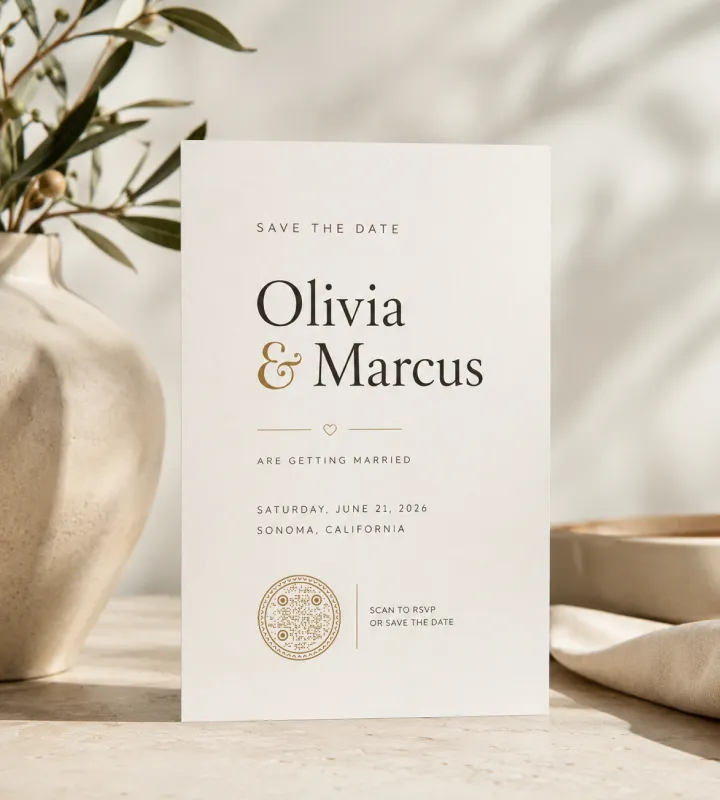
招待状とセーブ・ザ・デート
詳細の近くに小さなコードを置けば、受け取った人がリンクを打たずに出欠を返したり日付を登録したりできます。
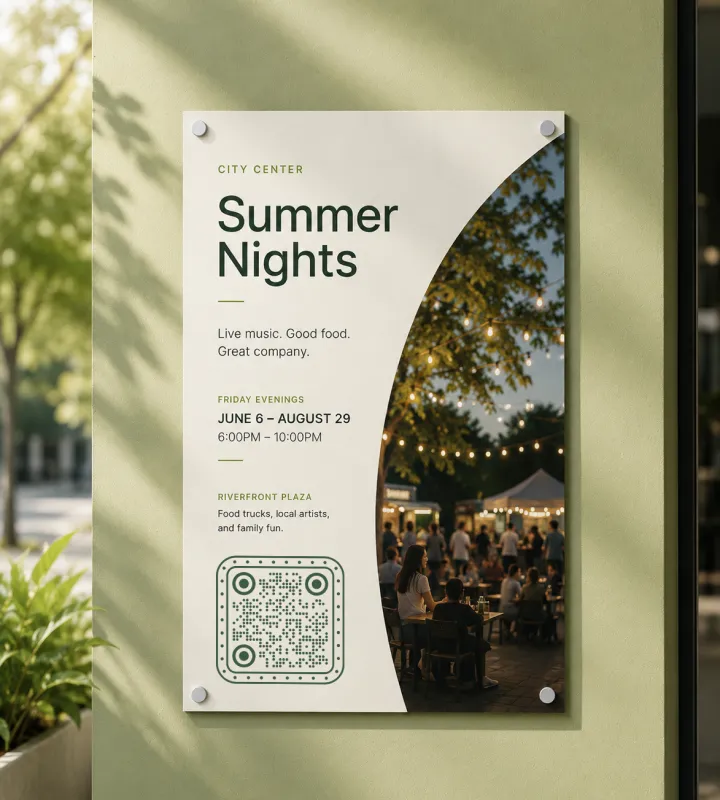
ポスターとチラシ
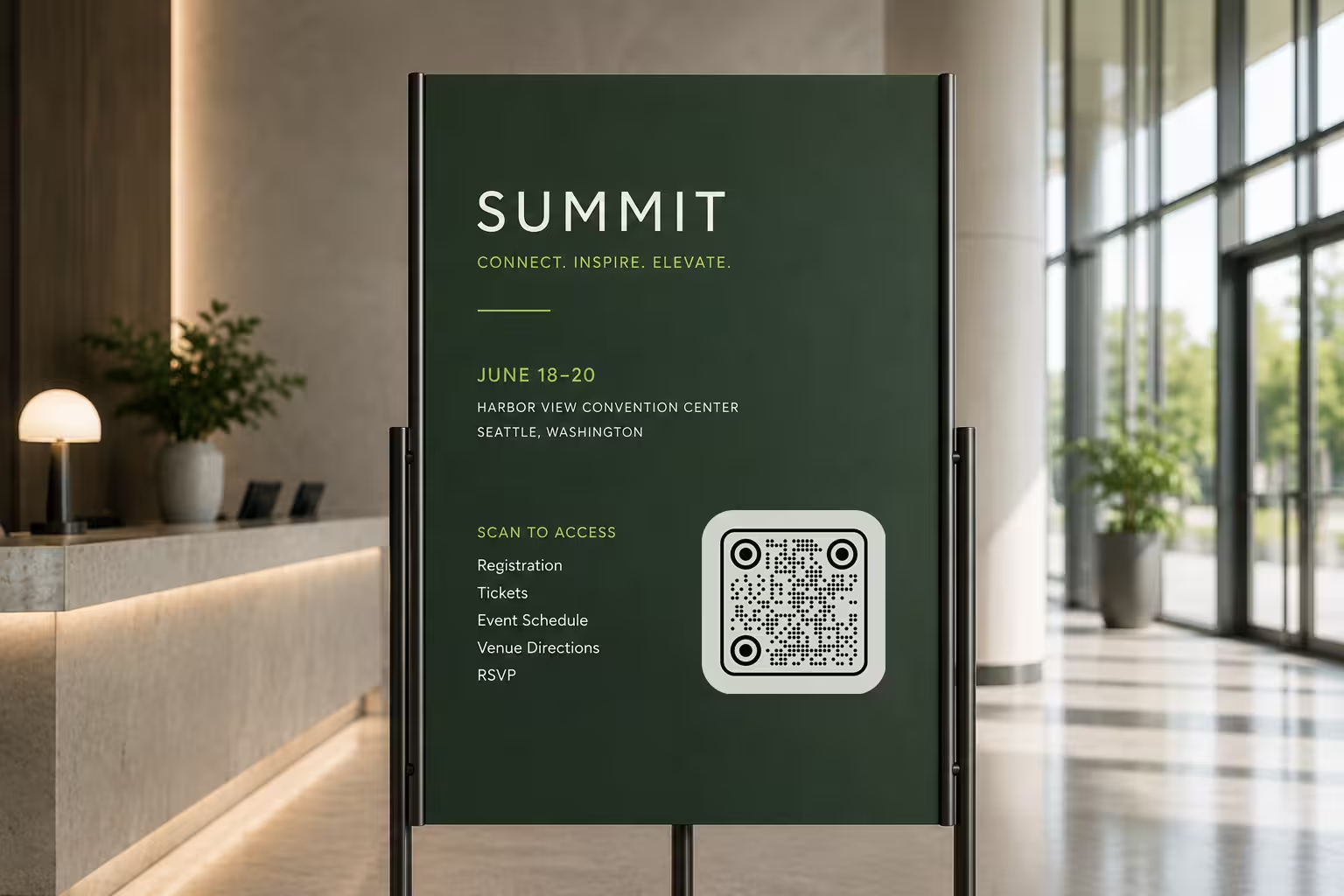
壁や掲示板では、1〜2歩下がってもスキャンできる余白と大きさを確保しましょう。
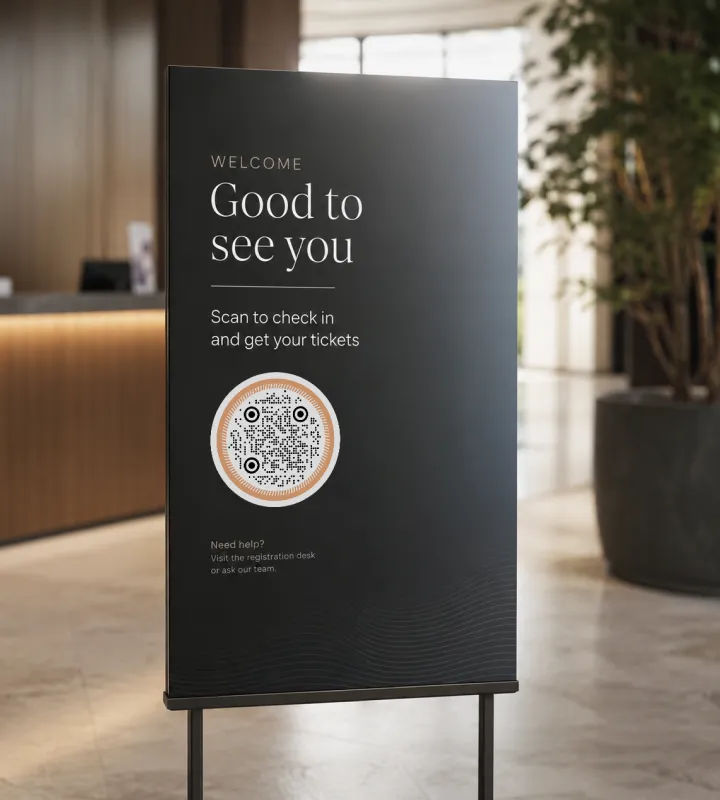
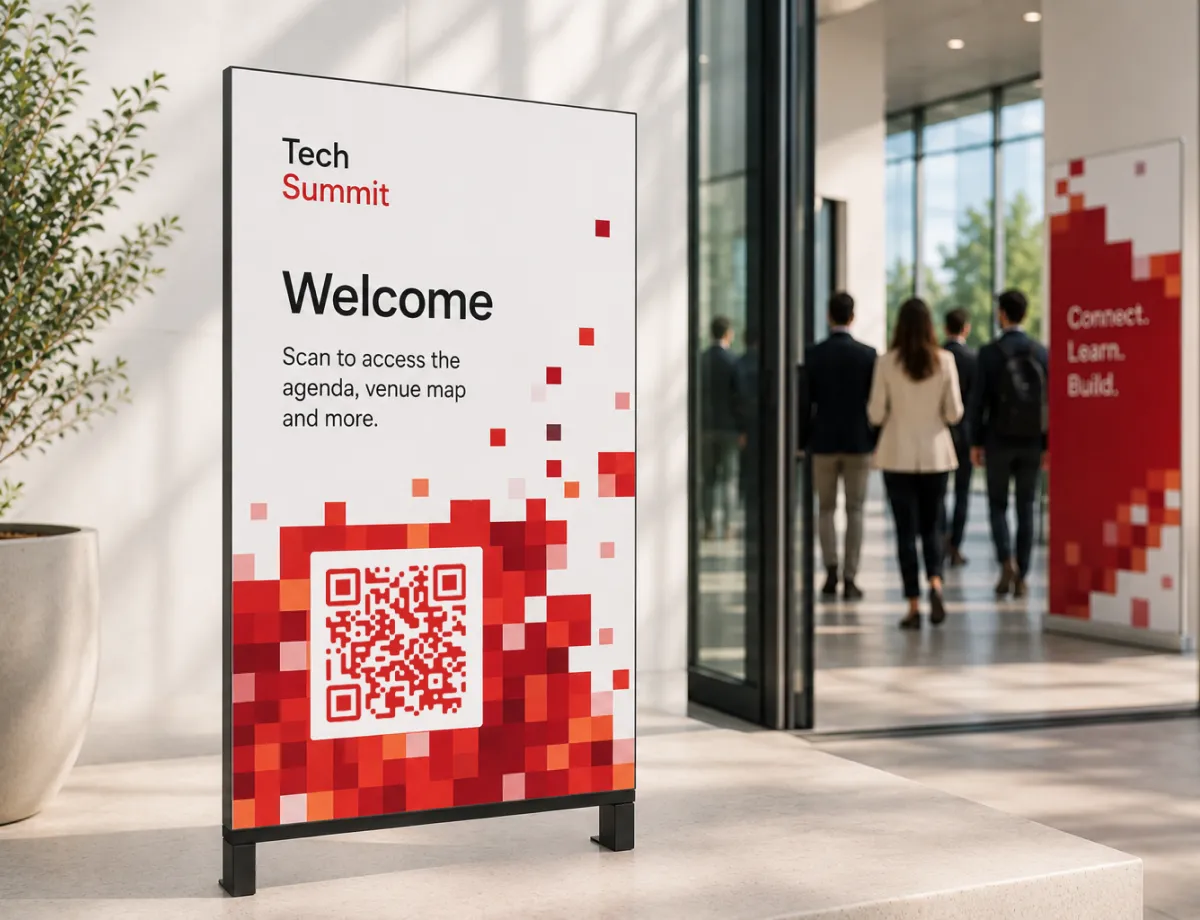
入口とウェルカムサイン
ゲストが到着する場所でチケットや受付リストにリンクすれば、チェックインが速くなります。
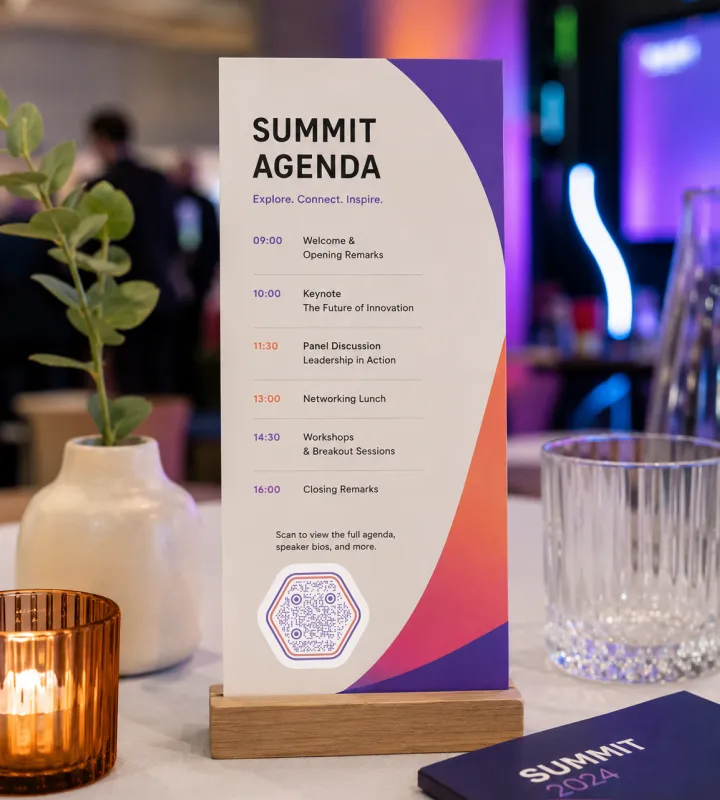
テーブルスタンドとプログラム
着席したゲストが、イベント中にプログラム・メニュー・登壇者紹介・アンケートを開けます。
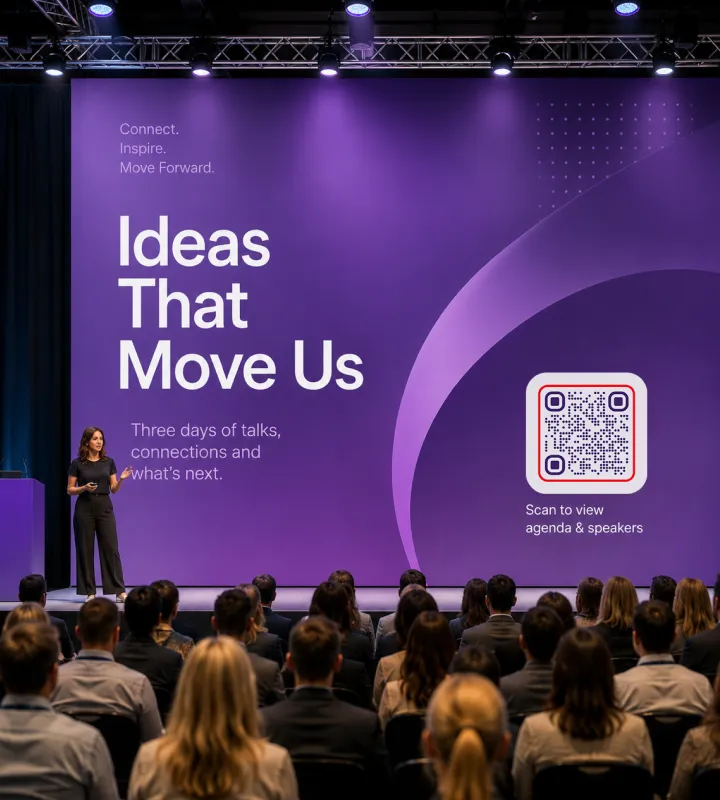
バナーとステージの背景
大きなSVGのコードを使えば、広い会場やホールの向こうからでも、ぼやけずにスキャンできます。
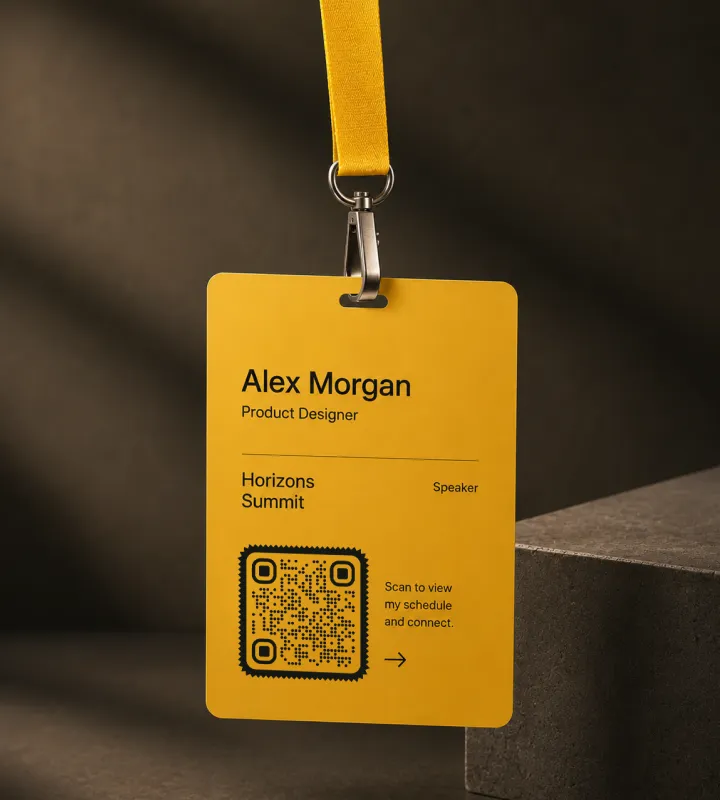
参加証とネックストラップ
参加者がネットワーキング中にスキャンできる連絡先や個人スケジュールを共有できます。
イベントのQRコードのベストプラクティス
コードが一発でスキャンできるかは細部で決まります。照明も距離もさまざまなライブイベントでは、なおさらです。
印刷前にテストする
書き出した最終ファイルを、少なくとも2台の別のスマホでスキャンしましょう。画面では読めても、縮小・印刷・ラミネート後に失敗することがあります。
スキャン距離に合わせてサイズを決める
おおよその目安として、コードの幅はスキャンする距離の10分の1以上にします。2m(約6フィート)離れて読むバナーなら、幅20cm(8インチ)ほどが必要です。
はっきりした余白を保つ
コードの周囲に、クワイエットゾーン(コードの周囲の余白)としてモジュール4つ分ほどの空白を残し、カメラが端を見つけられるようにします。文字や図版で詰め込まないようにしましょう。
強いコントラストを保つ
明るい背景に暗いコードが、最も確実にスキャンできます。とても薄い色のコード、コントラストの低い配色、コードの背後にある賑やかな写真は、失敗しがちです。
読める短縮URLを併記する
カメラがうまく働かないゲストや、入力したい人のために、コードの隣に読めるURLを印刷しておきましょう。
何が得られるかを伝える
「スキャンして出欠を回答」や「スキャンしてスケジュールを見る」のような一行の案内は、コードだけを置くよりスキャン数をずっと増やします。
ロゴは控えめに
中央のロゴは問題ありませんが、周囲のパターンが損なわれない大きさに抑え、追加したあとにもう一度スキャンをテストしましょう。
リンク先はモバイル前提で作る
ゲストはスマホでスキャンするので、重いPDFやPC専用サイトではなく、速くてモバイルに適したページへ案内しましょう。
自分が管理するリンクに向ける
コードは静的なので、自分のドメイン、フォーム、共有ドキュメントにリンクしましょう。中身は後から、刷り直さずに更新できます。
役割ごとにコードを分ける
チェックイン・スケジュール・アンケートがそれぞれ独立したアクションなら、1つのページに詰め込まず、それぞれに専用のコードを用意しましょう。
Questions? Answered
ゲストに開いてほしいリンク(受付ページ、出欠フォーム、イベントサイト、地図など)を貼り付け、色・形・ロゴをカスタマイズして、印刷対応ファイルを書き出します。KoloQRなら、アカウントなしで数分で作れます。
ゲストにとって最も役立つアクション1つにリンクしましょう。多くのイベントでは、受付やチケット販売、プログラムと地図が載ったイベント詳細ページ、または出欠フォームです。一度にすべてを詰め込もうとせず、明確なリンク先を1つ選びます。
URL自体は変えられません。KoloQRのコードは静的なので、エンコードされたリンクは固定です。ただし、自社サイトや共有ドキュメントのように自分が管理するページにコードを向けておけば、そのページの内容はコードを刷り直さずにいつでも変更できます。
いいえ。最近のiPhoneとAndroidの標準カメラが、QRコードを自動で読み取ります。ゲストはカメラを開いてコードに向け、表示されたリンクをタップするだけです。
サイズはスキャン距離に合わせます。コードの幅は、スキャンする距離のおよそ10分の1が目安です。約1.5m(5フィート)から読むポスターなら、少なくとも15cm(6インチ)を目指しましょう。バナーやステージ背景はもっと大きくします。
はい。KoloQRは中央のロゴ、カスタムカラー、四角・角丸・円形の形に対応しています。コードが確実にスキャンできるよう、良いコントラストと控えめなロゴサイズを保ち、デザインを変えたら必ず再テストしましょう。
バナーやポスターのような大判印刷にはSVGを使いましょう。どんなサイズでも鮮明なままです。PNGは小さなものやデジタル用途に向きます。KoloQRはどちらも書き出せます。
3つすべてをまとめたハブページにリンクすれば可能です。ただし、それぞれのアクションが単独で重要なら、コードを分けたほうが分かりやすくなります。チェックイン用、スケジュール用、イベント後のアンケート用に1つずつです。
よくある原因は、コントラストが低い、距離に対してコードが小さすぎる、クワイエットゾーン(余白)がない、ロゴがパターンを覆いすぎている、のいずれかです。大量に印刷する前に、書き出したファイルそのものを複数のスマホでテストしましょう。お化け屋敷やハロウィンパーティーなど、暗くなってから読み取るコードには、看板の正面を照らす明かりも必要です。
はい。イベント用のQRコードは、登録なしで無料でデザイン・書き出しできます。印刷対応のPNGとSVGのダウンロードも含まれます。
関連ページ
このページの続きになるページ - 同じ場面、同じ種類のコード、あるいは次に決めることについて。
非営利団体
募金の手紙、募金箱、イベントのバナー、チャリティショップのウィンドウに使う寄付用のコード。cm単位のサイズと、安全を保つ信頼のルールも合わせて。
ポスター
A3からA0まで。人が実際に立てる距離に対してコードがどれだけ大きくあるべきか、そして床から何センチの高さに置くべきか。
医療機関
ポスター、リーフレット、薬袋、ベッドサイドカードから、予約ページ、問診票、アフターケアの説明へ。
学校・教室
同意書、おたより、図書室のリンク、児童生徒の作品に。学校に本当に必要な印刷サイズとプライバシーのルールも合わせて。
URL QRコード
1回のスキャンで、ウェブページやランディングページ、任意のリンク先へまっすぐ案内できます。
ホテル
メニュー・Wi-Fi・チェックイン・館内案内を、客室やフロント、テーブルからワンスキャンで。
KoloQRを選ぶ理由
- ウェブサイト、メニュー、Wi-Fi、PDF、名刺用のQRコードを作成
- 色・ロゴ・オリジナルの形をカスタマイズ
- 高品質なPNG・SVGファイルをダウンロード
- 印刷にもデジタルにも対応
