Make a QR Code for a Vimeo Video
Paste your Vimeo link, style the code, and download it print-ready - so a poster, a packaging insert, or an exhibition label plays the video without anyone typing an address.
Opens in Google Maps. Coordinates work too - "37.4224, -122.0841".
The code opens your business's "Write a review" form. Paste the Place ID, or a Google Maps link that carries one.
A UPI link carries no checksum, so a mistyped ID produces a code that scans perfectly and pays somebody else. Paste the ID from your payment app rather than typing it, and send yourself one rupee before printing.
Paste it exactly as copied. KoloQR does not assemble the payload - it encodes the one your bank issued, and checks it before you print it.
SVG, PNG, JPG • Max 2 MB
First month free
then $9/month
Dynamic QR Codes Are Coming
Change your link anytime, even after printing. See who scans, when and where.
- Edit without reprinting
- Scan analytics
- Bulk & custom domains
You're on the List
We'll email you once, when dynamic codes with scan analytics launch.
What Is a Vimeo QR Code?
A Vimeo QR code is a QR code that stores the web address of a Vimeo video, showcase, or profile, so scanning it opens that page in the phone's browser or in the Vimeo app. The video never enters the code - only its address - which is why a two-hour film and a ten-second clip produce identical-looking codes.

Vimeo Links Are Short, Except When They Carry a Permission
Vimeo identifies videos by a numeric id rather than a random string, which makes its links unusually good for printing. The exceptions are the ones that carry an access token:
- vimeo.com/123456789 - a public video, around 25 characters. This is as short as a video link gets, and it produces a small code with large, forgiving modules.
- vimeo.com/123456789/abcdef1234 - an unlisted video. The second segment is the permission, not decoration: drop it and the link returns a private-video error.
- player.vimeo.com/video/123456789 - the embed player, meant to sit inside an iframe on someone's page. Scanned on its own it opens a bare player with none of your page around it.
- vimeo.com/showcase/1234567 - a showcase, which is a collection rather than a single video. Right when the printed piece is about a body of work rather than one film.
Vimeo also accepts a start time as a fragment, so vimeo.com/123456789#t=1m30s opens the video ninety seconds in. That is worth having on an exhibition label or a manual, where a reader wants one section of a long video rather than the beginning - but fragments are the part of a URL most often lost to copying and shortening, so scan the printed proof and watch where it actually starts rather than assuming.
Privacy Settings Break Printed Codes Silently
Vimeo has more privacy options than any other mainstream video host, and several of them produce a code that scans perfectly and plays nothing. A video set to “Only me” or protected by a password refuses everyone who is not you. A video hidden from vimeo.com stays embeddable on your site but returns an error at its own address, which is the exact address most people copy. A video restricted to specific domains plays only inside pages on those domains, so a direct link from a QR code fails by design. And an unlisted video's link works only with its full permission segment attached. All four are invisible from your own account, because you are the owner. The only reliable check is to scan the printed proof from a phone in a private browser window, signed out of Vimeo, and watch the video actually play.
Generate QR Code
Where Vimeo QR Codes Are Used
Vimeo codes turn up wherever the video is the finished work rather than the marketing for it:
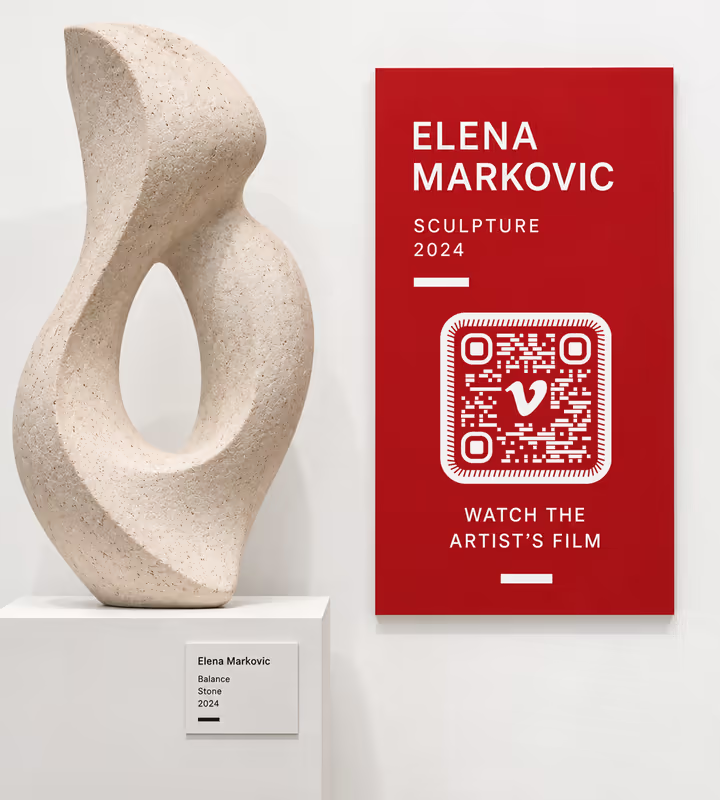
Gallery and Museum Labels
A code beside the work plays the artist's film without a screen, a speaker, or a queue in front of a monitor.
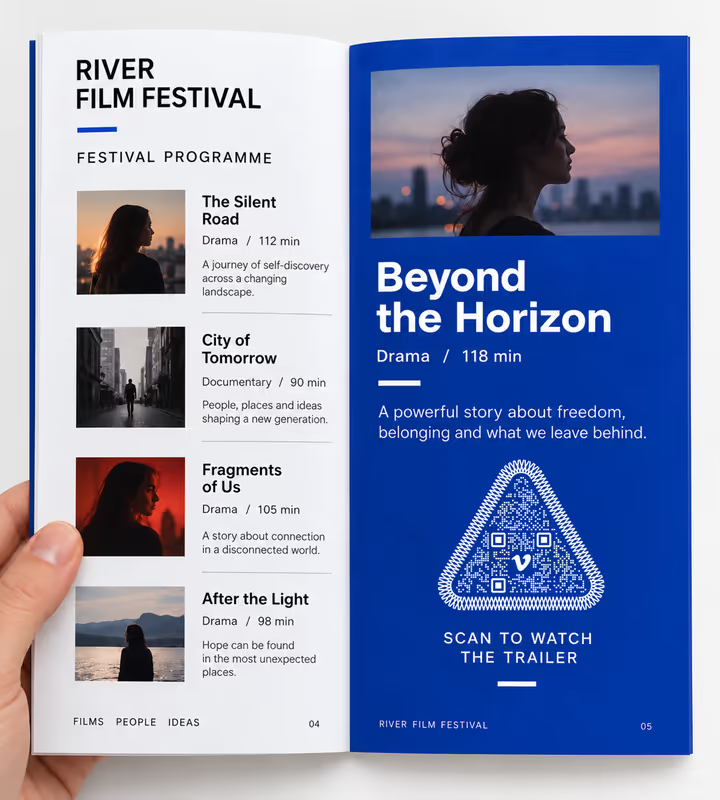
Film Festival Programmes
A code per entry opens the trailer at the moment somebody is deciding what to see.
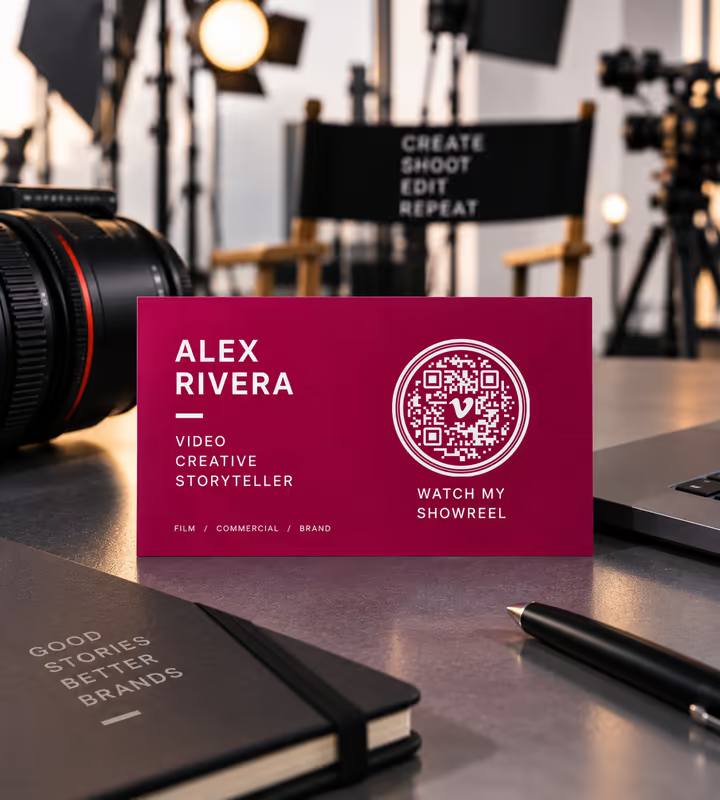
Portfolios and Show Reels
A code on a business card or a leave-behind plays the reel in full quality rather than through a compressed social upload.
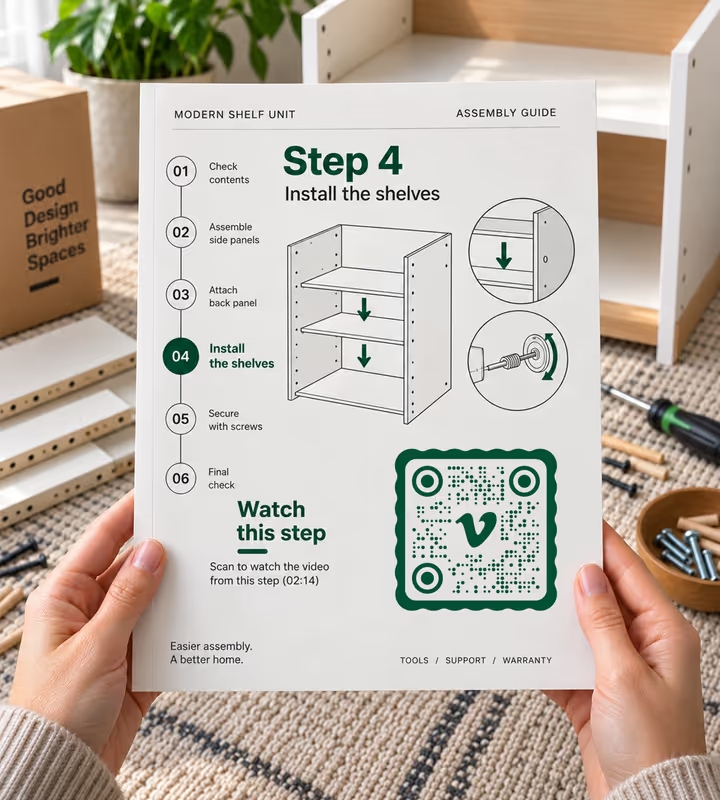
Product Manuals and Assembly Guides
A code beside a step opens the demonstration, with a timestamp so it starts at that step rather than at the beginning.

Wedding and Event Films
A code on a thank-you card hands guests the film privately, which is what an unlisted Vimeo link is built for.
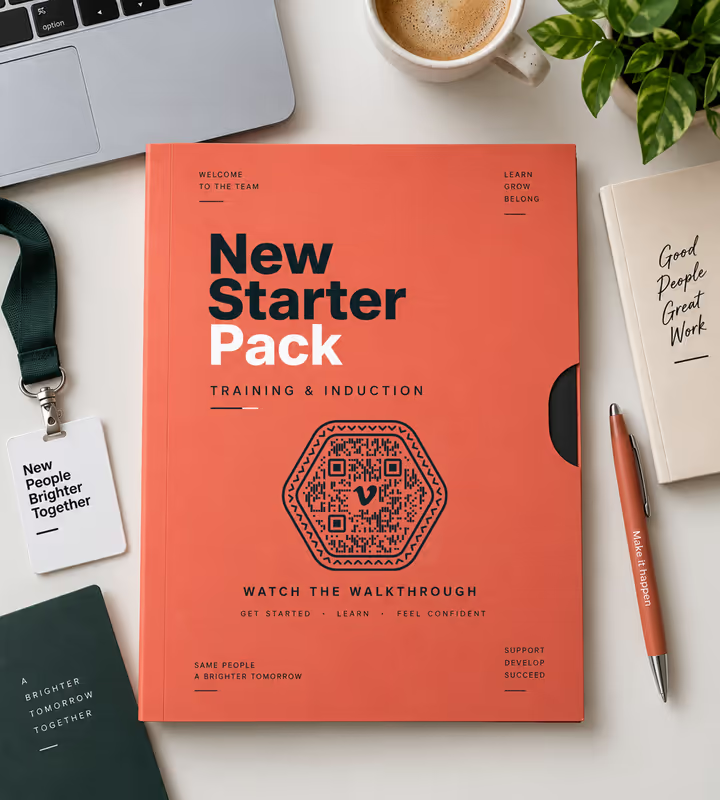
Training and Induction Packs
A code on the printed pack plays the walkthrough, and the walkthrough can be replaced without reprinting the pack.
- 1
Check the Video's Privacy Setting
Public or unlisted. Password protection, “Only me”, hide-from-Vimeo, and domain-level privacy all break a direct link from a printed code.
- 2
Copy the Full Video Address
Take it from the browser bar with the video open. For an unlisted video, keep the second path segment - it is the permission, not a decoration.
- 3
Paste the Link and Design the Code
Choose the URL type, paste the link, add #t=1m30s if you want it to start partway through, then style the code to suit the label or page it will sit on.
- 4
Test Signed Out, Then Export
Scan the proof in a private browser window, watch the video actually play, then export SVG or PDF for print and PNG for screens.

Which File Format Should You Download?
KoloQR exports your Vimeo QR code in three formats. Pick by where it will be seen:
- PNG for slide decks, social posts, and screens - anywhere the code appears at one fixed size on a display.
- SVG for exhibition labels, programmes, packaging, and cards - anything a printer scales without softening the edges.
- PDF for handing to a print shop, or for a programme produced at print-ready quality.
Gallery labels deserve their own note, because they are usually small, matte, and lit from an angle. A short vimeo.com link is a real advantage there: around 25 characters fits a low symbol version with large modules, which is what stays readable at 20 mm under a spotlight. Print matte rather than gloss so the light does not blow out the pattern, and if the label design demands a code smaller than 20 mm, put the video behind a short link on your own domain rather than shrinking the symbol.
Generate QR CodeBest Practices for Vimeo QR Codes
Vimeo codes are easy to make and easy to break with a privacy toggle. These habits cover both halves:
Fix the Privacy Setting Before You Generate
Public or unlisted is what a printed code needs. Everything else on Vimeo's privacy list produces a code that scans and does not play.
Keep the Whole Unlisted Link
The characters after the video number are the permission. A link tidied down to vimeo.com plus the number returns a private-video error.
Encode the Page, Not the Player
player.vimeo.com is built to sit inside an iframe. Scanned directly it opens a bare player, without your title, description, or anything else on the page.
Use a Timestamp for Long Videos
#t=1m30s starts the video where the reader needs it. On a manual or a label that is the difference between an answer and forty minutes of scrubbing.
Say How Long the Video Is
“2 min film” beside the code sets the commitment. People decline unknown video lengths far more often than short ones.
Don't Rely on Autoplay With Sound
Phone browsers block it, and a gallery visitor may have no headphones. Caption anything that carries information in the audio.
Protect the Quiet Zone
Four modules of clear margin on every side. On a museum label crowded with credits this is the first thing a layout squeezes out.
Size It for the Distance
Roughly a tenth of the reading distance: about 2 cm on a label read at arm's length, about 20 cm on a poster read from 2 metres.
Print Matte Under Directional Light
Gloss laminate under a spotlight reflects straight into the camera. Matte is the standard choice for exhibition and packaging codes for exactly this reason.
Test on a Phone Without the Vimeo App
A phone with the app may open the video there rather than in the browser. Both paths should work, and only one of them is the one you tested.
Why Your Vimeo QR Code Isn't Working
Nearly every Vimeo code failure is a privacy setting or a truncated link. Both scan perfectly, which is what makes them hard to spot before printing.
The Scan Says the Video Is Private
- Cause
- The video is set to “Only me”, password protected, or hidden from vimeo.com - or an unlisted link lost its permission segment when it was copied.
- Fix
- Set the video to public or unlisted, and for an unlisted video re-copy the full address including the characters after the video number.
The Video Plays on Your Site but Not From the Code
- Cause
- Domain-level privacy. The video is restricted to playing inside pages on named domains, so a direct link from a phone is refused by design.
- Fix
- Either switch the video to unlisted, or point the code at a page on one of the permitted domains rather than at Vimeo.
The Scan Opens a Bare Player With No Context
- Cause
- The player.vimeo.com embed address was encoded instead of the video page.
- Fix
- Regenerate from the vimeo.com address you see when the video is open in a browser.
The Video Starts at the Beginning, Not the Timestamp
- Cause
- The #t= fragment was stripped - by a link shortener, a link cleaner, or a copy that stopped before the hash.
- Fix
- Encode the link with the fragment intact and verify by scanning, not by clicking. If a shortener is in the chain, remove it.
The Printed Code Scans Slowly
- Cause
- An unlisted link with its permission segment, or a link with tracking parameters, is much longer than a plain numeric video link.
- Fix
- Remove anything after a question mark, print the code larger, or put the video behind a short link on a domain you control.
The Code Worked and Now Doesn't
- Cause
- The video was deleted, replaced with a new upload, or moved to an account whose plan no longer allows that privacy setting.
- Fix
- Use Vimeo's replace-video feature so the id stays the same, and for large print runs encode a short link on your own domain so the destination stays editable.
Still not sure whether the fault is the file or the print? Drop the exported image into the QR code scanner - if it decodes on a desktop and not on paper, the fault entered after the file.
Questions? Answered
A Vimeo QR code stores the web address of a Vimeo video, showcase, or profile. Scanning it opens that page in the phone's browser or the Vimeo app. The video stays on Vimeo, so the code is the same size whatever the film's length.
Check the video is public or unlisted, copy its address from the browser bar, then paste it into a QR generator as a URL. Style the code, scan the proof signed out of Vimeo, and export SVG for print or PNG for screens.
Because the video's privacy is set to something a stranger cannot open - “Only me”, password protected, or hidden from vimeo.com - or an unlisted link lost the permission characters after the video number when it was copied.
Yes, and it is a good fit for wedding films, client work, and training material. Keep the whole address: the segment after the video number is the access permission, and a link trimmed without it returns a private-video error.
Yes. Add #t=1m30s to the end of the video address and the scan opens ninety seconds in. It suits manuals and exhibition labels, but fragments are easily lost in copying - always confirm by scanning the printed proof.
The video page. player.vimeo.com addresses are built to sit inside an iframe on a website, so scanning one opens a bare player with no title, description, or related content around it.
No. A public or unlisted video plays in any phone browser with no sign-in and no app. An account is only needed if you have restricted the video to specific Vimeo users or a password-protected review page.
Yes, if you use Vimeo's replace-video feature, which keeps the same video id and therefore the same address. Deleting the video and uploading a new one creates a new id and breaks every printed code.
About 15 to 20 mm for a plain vimeo.com link of around 25 characters, which suits a gallery label or a packaging insert. Unlisted links are longer and want more room, so measure the actual payload rather than assuming.
Vimeo when the video is the finished work and you want it without recommendations, ads, or a related-video wall after it. YouTube when reach and search matter more. Both produce short links; the difference is what surrounds the video after the scan.
Keep Exploring
Pages that pick up where this one leaves off - the same setting, the same kind of code, or the next thing worth deciding.
Spotify QR Code
Open a playlist, album, artist, or track in Spotify with one scan from any camera.
X (Twitter) QR Code
Send people straight to your X profile, a single post, or a one-tap follow prompt.
Twitch QR Code
Open your Twitch channel from a stream overlay, a convention stand, or a merch insert.
Event QR Codes
One scan connects guests to tickets, schedules, directions and RSVPs - on invites, posters and signage.
Photographers
Client galleries, print reorders, portfolio links and guest photo uploads, on cards, albums, prints and event signs.
Patreon QR Code
Turn a merch table, a zine, or a stage screen into a membership sign-up.
Why KoloQR?
- Create QR codes for websites, menus, Wi-Fi, PDFs, and business cards
- Customize colors, logos, and unique shapes
- Download high-quality PNG and SVG files
- Built for both print and digital
