Make a QR Code for Patreon
Paste your Patreon link, style the code, and download it print-ready - so a poster, a record sleeve, or a merch table opens your page without anyone typing an address.
Opens in Google Maps. Coordinates work too - "37.4224, -122.0841".
The code opens your business's "Write a review" form. Paste the Place ID, or a Google Maps link that carries one.
A UPI link carries no checksum, so a mistyped ID produces a code that scans perfectly and pays somebody else. Paste the ID from your payment app rather than typing it, and send yourself one rupee before printing.
Paste it exactly as copied. KoloQR does not assemble the payload - it encodes the one your bank issued, and checks it before you print it.
SVG, PNG, JPG • Max 2 MB
First month free
then $9/month
Dynamic QR Codes Are Coming
Change your link anytime, even after printing. See who scans, when and where.
- Edit without reprinting
- Scan analytics
- Bulk & custom domains
You're on the List
We'll email you once, when dynamic codes with scan analytics launch.
What Is a Patreon QR Code?
A Patreon QR code is a QR code that stores the web address of a Patreon page, so scanning it opens that page in the phone's browser or in the Patreon app. Only the address sits inside the code, never the tiers or the posts, which means you can restructure your membership completely without touching anything already printed.

Which Patreon Page Should the Code Open?
Patreon publishes several addresses for the same creator, and the further into the funnel you land the reader, the fewer decisions stand between the scan and a membership:
- Your main page - patreon.com followed by your page name, usually around 25 characters. The safe default: it explains what you do before asking for anything.
- The membership or join page - opens straight on the tiers. Right when the printed piece has already explained who you are, such as a code on your own album sleeve.
- A specific tier - skips the comparison entirely. Best when the print names one offer, like a code on a poster advertising a single reward.
Patreon has changed its URL structure more than once, so copy the address from your own live page rather than typing one from memory or from an old article - the format you remember may now redirect, and redirects are exactly the sort of thing that quietly stops working years into a printed code's life. Open the page you want, including the tier or join view, and take whatever is in the browser bar at that moment.
The Scan Is the Easy Part
A Patreon scan asks for far more than a follow does. After the code opens the page, the reader has to choose a tier, create an account, enter a card, and commit to a recurring charge - four steps, on a phone, usually while standing at a merch table or in a venue with bad signal. That is why the words beside the code matter more than the code: a bare square marked “Patreon” converts a fraction of what “Join for £3 a month - early tracks and the monthly livestream” does, because the second one answers the price question before the reader spends a tap on it. Expect a low conversion rate from scan to member, and judge the placement by memberships rather than by scans. And print something the reader can act on later - your page name in plain text under the code - so the ones who cannot finish the sign-up in the room can find you afterwards.
Generate QR Code
Where Patreon QR Codes Are Used
Patreon codes work in front of an audience that has just had the experience you are asking them to fund:
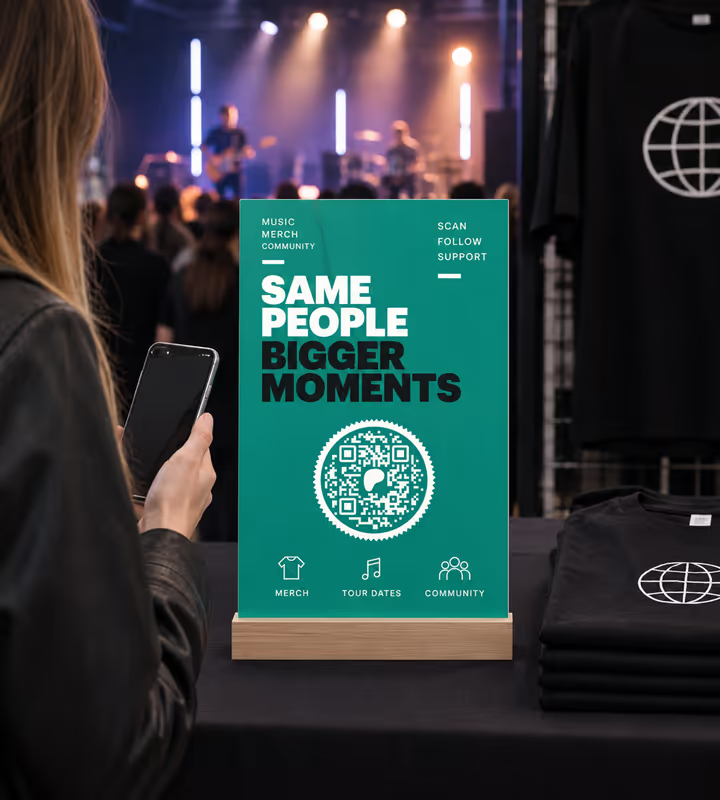
Merch Tables at Gigs
A code on the table catches the person who just watched the set and has their phone out to pay for a shirt anyway.

Zines, Comics and Record Sleeves
A code inside the back cover reaches the reader at the end, when they have finished the thing and want more of it.

Stage and Venue Screens
A code between sets is scanned by a room at once, which no spoken URL ever achieves.
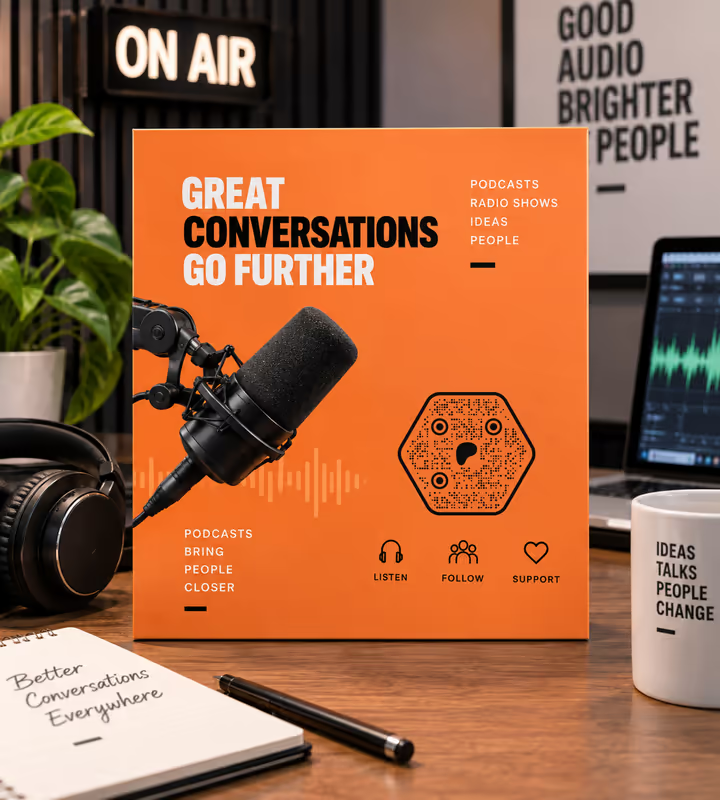
Podcast and Radio Show Artwork
A code in the cover art works from a paused screenshot, where a spoken address is lost the moment it is said.
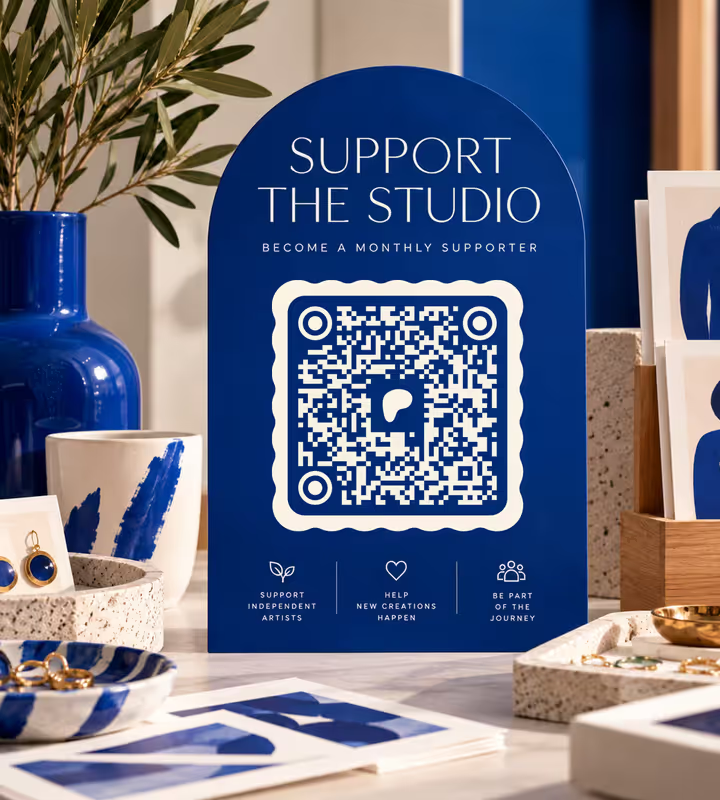
Craft Fairs and Studio Open Days
A code beside the work turns a browser who is not buying today into someone who supports the studio monthly.
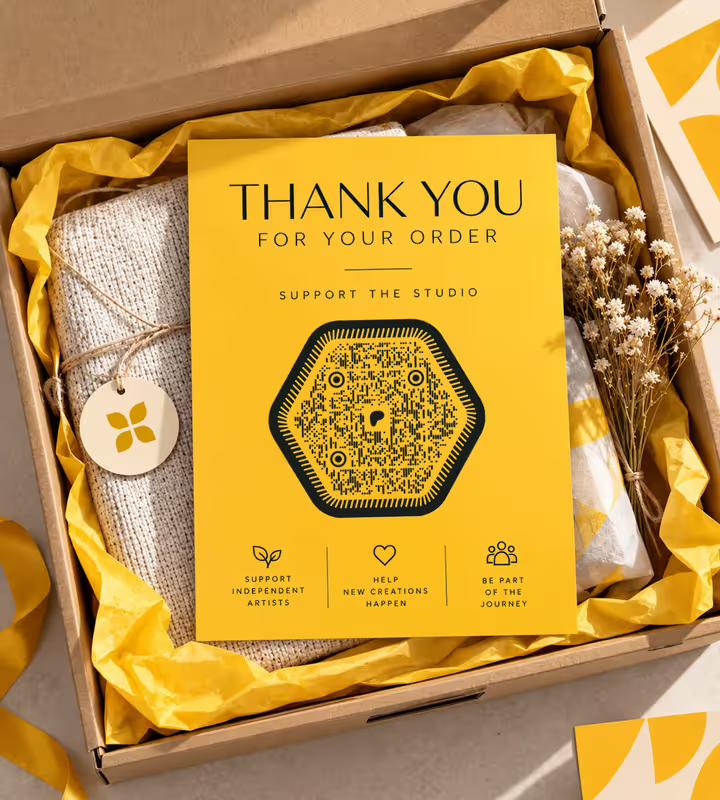
Thank-You Cards in Orders
A card in the parcel reaches an existing customer, which is the audience most likely to become a member.
- 1
Open the Page You Want the Scan to Land On
Your main page, the tier list, or one specific tier. Navigate to it in a browser so the address bar holds the real, current address.
- 2
Copy the Address Without Tracking Parameters
Delete anything after a question mark. Those parameters lengthen the code, and some of them are tied to the session you copied them from.
- 3
Paste the Link and Design the Code
Choose the URL type, paste the link, then style the code - keep the modules dark against a light background so it works under venue lighting.
- 4
Test Signed Out, Then Export
Scan the proof from a phone that is not signed into Patreon, walk through to the payment step without paying, then export SVG or PDF for print and PNG for screens.

Which File Format Should You Download?
KoloQR exports your Patreon QR code in three formats. Pick by where it will be seen:
- PNG for stream overlays, podcast artwork, and social posts - anywhere the code appears at one fixed size on a screen.
- SVG for zines, sleeves, posters, stickers, and table signs - anything a printer scales without softening the edges.
- PDF for handing to a print shop, or for artwork produced at print-ready quality.
Venues are the hard environment here. A merch table is dim, a stage screen is bright and often coloured, and both are scanned at an angle by somebody holding a drink. Print the table code larger than the design wants - 4 to 5 cm rather than 2 - keep it dark on a light panel rather than reversed out of your artwork, and use matte stock so the stage lighting does not reflect straight back into the camera. A short page link keeps the module count low, which is what buys the tolerance for all three.
Generate QR CodeBest Practices for Patreon QR Codes
The code is trivial. What surrounds it, and which page it opens, is where the memberships come from:
Print the Price and the Reward
“£3 a month - early tracks and the monthly livestream” beside the code answers the two questions that decide the scan. “Patreon” alone answers neither.
Land the Reader Where the Print Left Off
A poster that names one tier should open that tier. Making somebody re-read a comparison table they have already read on paper costs sign-ups.
Print Your Page Name in Plain Text Too
Signal fails, batteries die, and some people would rather sign up at home. A readable address is a second chance the code cannot give.
Don't Change Your Page Name After Printing
The address contains it. A rename breaks every code already printed, and Patreon offers no way to restore an old address you have released.
Keep the Payload Short
Around 25 characters gives a small symbol with large modules, which is what survives dim venues, angles, and cheap printing.
Keep the Modules Dark on Light
Reversing a code out of a dark sleeve or a stage graphic is where most artistic Patreon codes stop scanning. Give it a light panel.
Protect the Quiet Zone
Four modules of clear margin on every side. On a zine back cover crowded with credits this is the first thing to get squeezed.
Size It for the Room
Roughly a tenth of the reading distance: about 4 cm on a merch table people lean over, and a fifth of the screen height on a stage display.
Use One Code per Placement
A separate link for the merch table, the sleeve, and the stream tells you which one actually recruits members rather than which one gets looked at.
Judge It by Members, Not Scans
A membership is four steps past the scan. Counting scans flatters a placement that produced nobody; counting joins tells you where to print next.
Why Your Patreon QR Code Isn't Working
Patreon codes rarely fail at the camera. They fail at the rename, at the funnel, and at the venue lighting.
The Code Stopped Working After You Renamed Your Page
- Cause
- Your page address contains the page name, so changing it invalidates every printed code pointing at the old one.
- Fix
- Change the name back if a large run is already out, and route future codes through a short link on a domain you control so a rename costs an edit rather than a reprint.
Plenty of Scans, Almost No Members
- Cause
- The scan is one step of a four-step funnel - tier, account, card, commitment - and the print gave the reader no reason to finish it.
- Fix
- Put the price and the reward beside the code, and land the scan on the tier the print described rather than on a page of options.
The Code Won't Scan at the Merch Table
- Cause
- Low light, an angle, and a code reversed out of dark artwork - three things that each cost the camera contrast, and together defeat it.
- Fix
- Print it larger, dark on a light panel, on matte stock, and stand it up rather than laying it flat on the table.
The Scan Opens the App Instead of the Page You Expected
- Cause
- A phone with the Patreon app installed may hand the link to the app, which sometimes lands on a different view from the browser.
- Fix
- Test on a phone with the app and one without, and choose a destination that makes sense in both rather than a deep link that only works in one.
The Link You Copied Redirects or 404s
- Cause
- Patreon has changed its URL structure over time, so an address copied from an old post or typed from memory may no longer be the canonical one.
- Fix
- Open your page in a browser, navigate to the exact view you want, and copy whatever the address bar shows at that moment.
The Printed Code Scans Slowly
- Cause
- Tracking parameters were left on the end of the address, adding characters and forcing a denser symbol than the placement can carry.
- Fix
- Remove everything after the question mark, regenerate, and if you need attribution use a separate code per placement instead.
Still not sure whether the fault is the file or the print? Drop the exported image into the QR code scanner - if it decodes on a desktop and not on paper, the fault entered after the file.
Questions? Answered
A Patreon QR code stores the web address of a Patreon page. Scanning it opens that page in the phone's browser or the Patreon app. The code holds only the address, so you can restructure your tiers without breaking anything already printed.
Open your Patreon page, copy its address from the browser bar, then paste it into a QR generator as a URL. Style the code, test it from a phone that is not signed into Patreon, and export SVG for print or PNG for screens.
Open the main page when the reader may not know who you are, and a specific tier when the printed piece has already made the pitch. Every decision you remove between the scan and the payment step is a decision that cannot lose you a member.
The price and what it buys - for example “£3 a month: early tracks and the monthly livestream”. A code labelled only “Patreon” asks the reader to spend a scan finding out what it costs, and most of them will not.
Yes. Your page address contains the page name, so a rename invalidates every printed code. If you expect to rebrand, encode a short link on a domain you own and point that at Patreon, so the printed artwork never has to change.
No. The page opens in any phone browser without signing in, so anyone can read what you make and what the tiers cost. An account and a payment method are only needed at the point of actually joining.
Because a membership sits four steps past the scan: choosing a tier, making an account, entering a card, and accepting a recurring charge. Scans measure curiosity; only joins measure the placement. Print the price and land the scan deeper in the funnel.
About 4 to 5 cm, dark on a light panel, standing up rather than lying flat. Merch tables are dim and scanned at an angle, so give the code more room than the design wants and use matte stock to avoid reflections.
Yes, if you generate a separate code per placement - a distinct short link for the merch table, the sleeve, and the stream. Then compare joins rather than scans, because scans flatter placements that recruited nobody.
Only if the code holds a link you control. A direct Patreon address is fixed for the life of the print run, so anything printed in quantity is safer pointed at your own domain with a redirect behind it.
Keep Exploring
Pages that pick up where this one leaves off - the same setting, the same kind of code, or the next thing worth deciding.
Twitch QR Code
Open your Twitch channel from a stream overlay, a convention stand, or a merch insert.
LinkedIn QR Code
Share your LinkedIn profile or company page with a code any phone camera can read.
Pinterest QR Code
Open a Pinterest board, profile, or Pin from a printed page in one scan.
Photographers
Client galleries, print reorders, portfolio links and guest photo uploads, on cards, albums, prints and event signs.
Aesthetic QR Codes
Soft palettes, rounded modules and minimal layouts for invitations, bios, planners and packaging - with the contrast and size numbers that keep each one scanning.
Google Review QR Code
Open your business's Google review form in one scan, with the stars ready to tap.
Why KoloQR?
- Create QR codes for websites, menus, Wi-Fi, PDFs, and business cards
- Customize colors, logos, and unique shapes
- Download high-quality PNG and SVG files
- Built for both print and digital
