QR Code Print Size Calculator
Enter how far the code will be scanned from, how much data it carries, and what it is printed on. The calculator returns the minimum width including the quiet zone, the size worth printing, and the module size behind both.
How far the reader stands from the code - a menu is about 30 cm, a poster about 2 m.
The length of the URL or text the code carries, including https:// and any tracking parameters.
Higher correction survives more damage and needs a larger symbol for the same data. A centre logo needs H.
Absorbent stock spreads ink into the light gaps between modules, so it needs a larger module.
Minimum width
30.0 mm
3.0 cm / 1.18 in
The scanning distance set this size: one centimetre of width for every ten centimetres of reading distance.
Recommended width
37.5 mm / 1.48 in
A quarter wider than the minimum - the margin that absorbs bad light, an older phone and a reader standing further back than planned.
Module size
0.91 mm
One black or white square at the recommended width.
Quiet zone
3.66 mm per side
Four modules of flat, light margin on every side, included in the widths above.
Symbol
Version 4, 33 x 33 modules
41 modules with the quiet zone
Readable from
4 cm - 38 cm
A code is readable from about its own width out to ten times it. Check the near limit is somewhere a person can actually stand.
Size Is the First Thing a Scanner Sees
Two constraints set the width of a printed QR code, and whichever asks for more wins: the distance it is read from, and the number of modules the payload forces into the symbol. The minimum print size guide works through both.
Distance Sets the Floor
A printed QR code needs roughly 1 cm of width for every 10 cm between the code and the person reading it. That ratio is a rule of thumb rather than a clause of ISO/IEC 18004, and it holds because a phone camera has to resolve individual modules - nothing about the colours or the module shape changes it.
- A menu is read at about 30 cm, so 3 cm of code before anything else is considered.
- A poster is read at two metres, so 20 cm - which is usually the whole layout decision.
- A shelf label is read at arm's length, where the 2 x 2 cm working floor takes over.
The Payload Sets the Rest
Every character in the destination adds modules to the symbol, and more modules means each one is narrower at the same printed width. A 40-character link is a version 3 symbol at error correction level M - 29 modules across. At 100 characters it becomes version 6 at 41 modules, and every module is about a quarter narrower on the same piece of paper.
Shortening the destination is the cheapest print-size fix there is. Cutting a 100-character URL to 25 characters takes the symbol from version 6 back to version 2, which makes every module close to half again as wide without moving anything in the layout.

How to Size a QR Code for Print
Four steps from a reading distance to a width you can put in a layout file.
Generate a QR Code- 1
Measure the Reading Distance
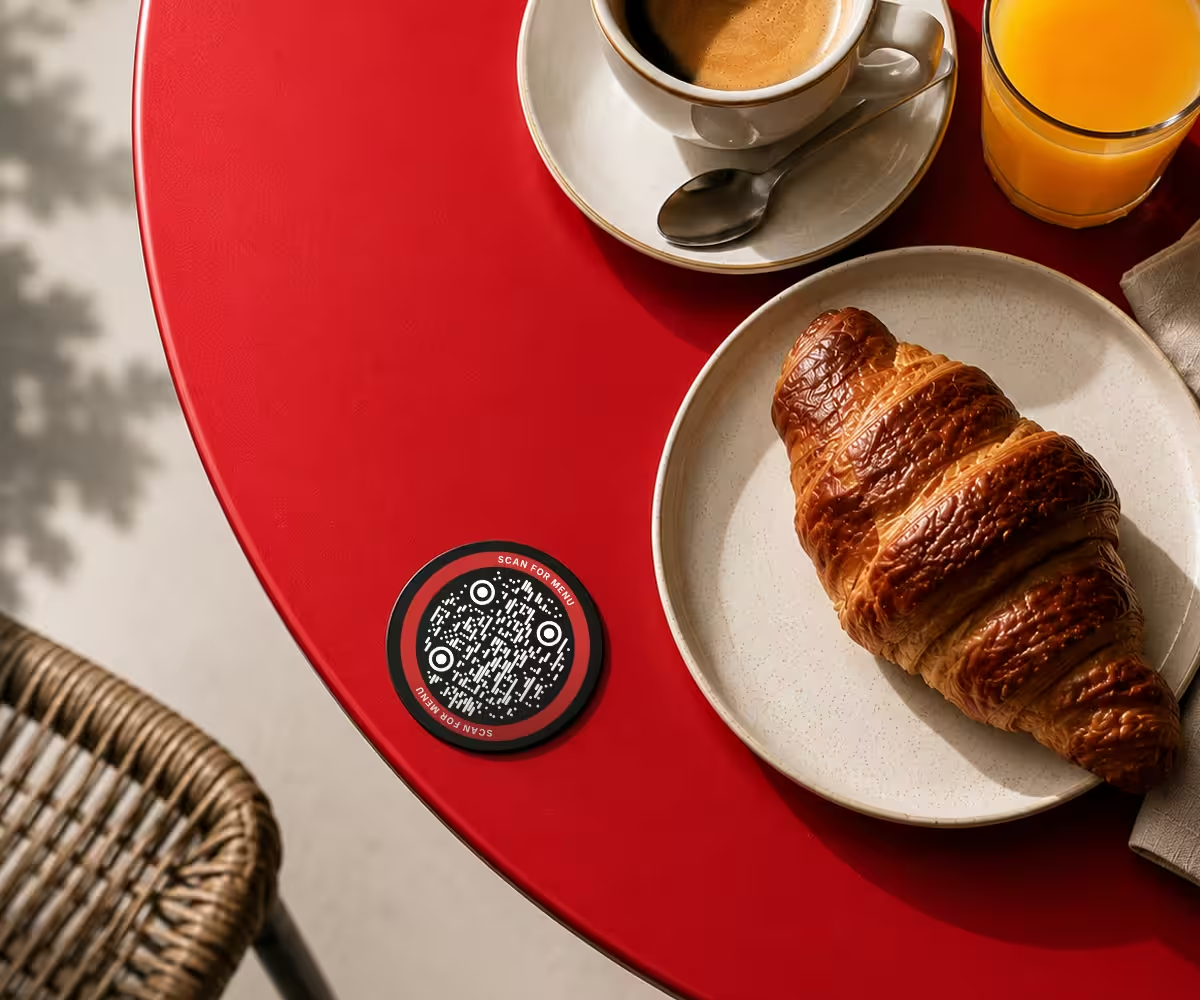
Measure from where the reader will stand, not from the design desk. A table tent is read at about 30 cm, a wall poster at 2 m, a window decal from the far side of the pavement.
- 2
Count the Payload
Count the characters the code actually encodes - the https://, the domain, the path and every tracking parameter. A UTM string can double the length of a link without changing where it goes.
- 3
Name the Material
Coated and glossy stock holds a module down to about 0.4 mm. Uncoated, kraft, corrugated and thermal receipt paper need about 0.5 mm, because ink spreads into the fibres and closes the light gaps between dark modules.
- 4
Take the Recommended Width
The minimum is the edge of what works; the recommended width is 25% wider. That margin is what pays for dim light, a scratched lens and a reader standing further back than the brief assumed.
Where the Number Gets Used
The same calculation, in the four jobs it comes up in most.
Before It Goes to Print
Ten checks between a calculated width and a code a phone reads on the shelf.
Measure the Whole Footprint
The width includes the four-module quiet zone on every side, not just the dark modules. On a 29-module symbol that margin adds eight modules, so measuring the symbol alone under-sizes the code by roughly a fifth.
Keep the Quiet Zone Empty
Four modules of flat, light margin on all four sides, with no rule, photograph, gradient or caption inside it. A cropped quiet zone is the most common way a correctly sized code stops scanning.
Check the Module Against the Stock
0.4 mm is the working floor on coated stock and 0.5 mm on anything absorbent. If the calculator returns a module below the floor for your material, the payload is too long for the width you have.
Round Up, Never Down
Trimming 34.7 mm to 34 mm to fit a grid takes 2% off every module in the symbol. Round up to 35 mm instead and take the space back from the white margin around the code.
Shorten the Destination First
Every character removed from the payload buys module width for nothing. A short link, no tracking parameters and no chained redirects are worth more than any change to the artwork.
Check the Near Limit Too
A QR code is comfortably read from about its own width out to ten times it. A 30 cm code cannot be scanned from 15 cm away, so a large code needs standing room in front of it.
Raise Error Correction Only Where a Logo Needs It
Level H recovers 30% of the symbol and spends modules doing it. A 40-character link is version 3 at level M and version 5 at level H - about 22% more width to hold the same module size.
Export Vector for Print
SVG, PDF or EPS scales to the width you just calculated with no resolution ceiling. A raster export has to be regenerated at the larger size rather than enlarged in the layout.
Proof at Final Size on the Real Stock
One sheet printed at 100% on the material the job runs on answers more than any calculator. Print it rather than zooming to 100% on a monitor - the monitor is not the variable being tested.
Scan the Proof on Two Phones
One iPhone and one Android, at the distance the code will really be read from, in the light it will really live in. If the proof takes two attempts, the artwork needs more width.

Make the Code You Just Sized
KoloQR, a free QR code generator with circular and custom-shaped QR codes, draws at any size and exports SVG, PDF, EPS and PNG - with the four-module quiet zone where ISO/IEC 18004 puts it.
No account, no watermark and no per-code charge. Codes are generated in your browser, so the destination is never sent to a server.
Generate a QR CodeQuestions? Answered
About 2 x 2 cm including the quiet zone, and that is a floor rather than a target. Above it, size follows distance: roughly 1 cm of width for every 10 cm between the code and the reader. A code read at 50 cm wants 5 cm, whatever the floor would allow.
Yes. ISO/IEC 18004 specifies four modules of clear margin on every side, and that margin is part of the printed footprint. On a 29-module symbol the quiet zone adds eight modules, so a code measured across its dark area alone is about a fifth smaller than the space it actually needs.
About ten times its own width in good light, so a 3 cm code reads from roughly 30 cm and a 20 cm poster code from about 2 m. That far limit falls with dim light, glare, a moving hand or an older camera, which is why the recommended width sits 25% above the minimum.
At the same module size, yes. A 40-character link fits a version 3 symbol at level M - 29 modules across - while 100 characters needs version 6 at 41 modules. Printed at the same width, every module in the longer code is about a quarter narrower, which is exactly what a camera struggles to resolve.
2 to 2.5 cm square including the quiet zone. At 2 cm on coated stock the 0.4 mm module floor leaves room for about 50 modules, which is a version 6 symbol carrying roughly 100 characters at level M. A longer link needs a short URL or a wider code.
Size it from the distance people actually read it at, not from the poster's own dimensions: about 1 cm of code per 10 cm of distance. Read at 2 m, that is 20 cm; at 3 m, 30 cm. Where the layout cannot give that, place the code low enough for a reader to step up to it.
Yes, in one specific way. A code is awkward to read closer than about its own width, because the camera cannot fit the whole symbol plus its quiet zone in frame. A 30 cm code on a wall is hard to scan from 20 cm away, so large codes need standing room in front of them.
Indirectly. A centre logo needs error correction level H, and level H holds less data per symbol, so the same payload moves up several versions. A 40-character link is version 3 at level M and version 5 at level H - about 22% more printed width to keep the same module size.
Yes. Coated and glossy stock holds a module down to about 0.4 mm; uncoated, kraft, corrugated and thermal receipt paper need about 0.5 mm, because ink spreads into the fibres and closes the light gaps between modules. Same payload, same distance, roughly 25% more width on absorbent stock.
Because a screen gives perfect contrast, even light and usually a larger code than the printed one. Print spends that margin on ink spread, paper reflectance, glare and distance. Size from the reading distance, proof one sheet on the real stock, and run the export through the QR code validator first.
No upper limit exists in the standard - QR codes are printed on buildings. The practical constraints are the near limit, which rises with the code, and the module count: past version 20 a symbol carries so many modules that shortening the payload is a better answer than printing wider.
Keep Exploring
Pages that pick up where this one leaves off - the same setting, the same kind of code, or the next thing worth deciding.
Barbershops
Window bookings, one code per chair for rebooking, reviews and Instagram - with sizes in cm and finishes that survive hairspray and station lights.
Marketing Agencies
Produce campaign codes for client print runs: sized per placement, exported as vector, and pointed at a redirect the client keeps.
Pix QR Code
Encode the Pix Copia e Cola string your bank issued as a code you can style and print.
QR Code Minimum Size for Print: How Small a Code Can Go Before It Stops Scanning
The 2 cm floor and where it comes from, the distance rule, minimum sizes for cards, menus, packaging and posters, and how URL length pushes the minimum up.
Matte or Gloss: How the Finish Decides Whether a Printed QR Code Scans
Why gloss fails under a downlight and matte does not, the finish to specify for each print job, what coated and uncoated stock do to the modules, and the CMYK build to hand a printer.
QR Code DPI Calculator
Convert a printed size to a pixel count at any resolution and back, and check what a file actually delivers at the size it is placed.
Why KoloQR?
- Create QR codes for websites, menus, Wi-Fi, PDFs, and business cards
- Customize colors, logos, and unique shapes
- Download high-quality PNG and SVG files
- Built for both print and digital
