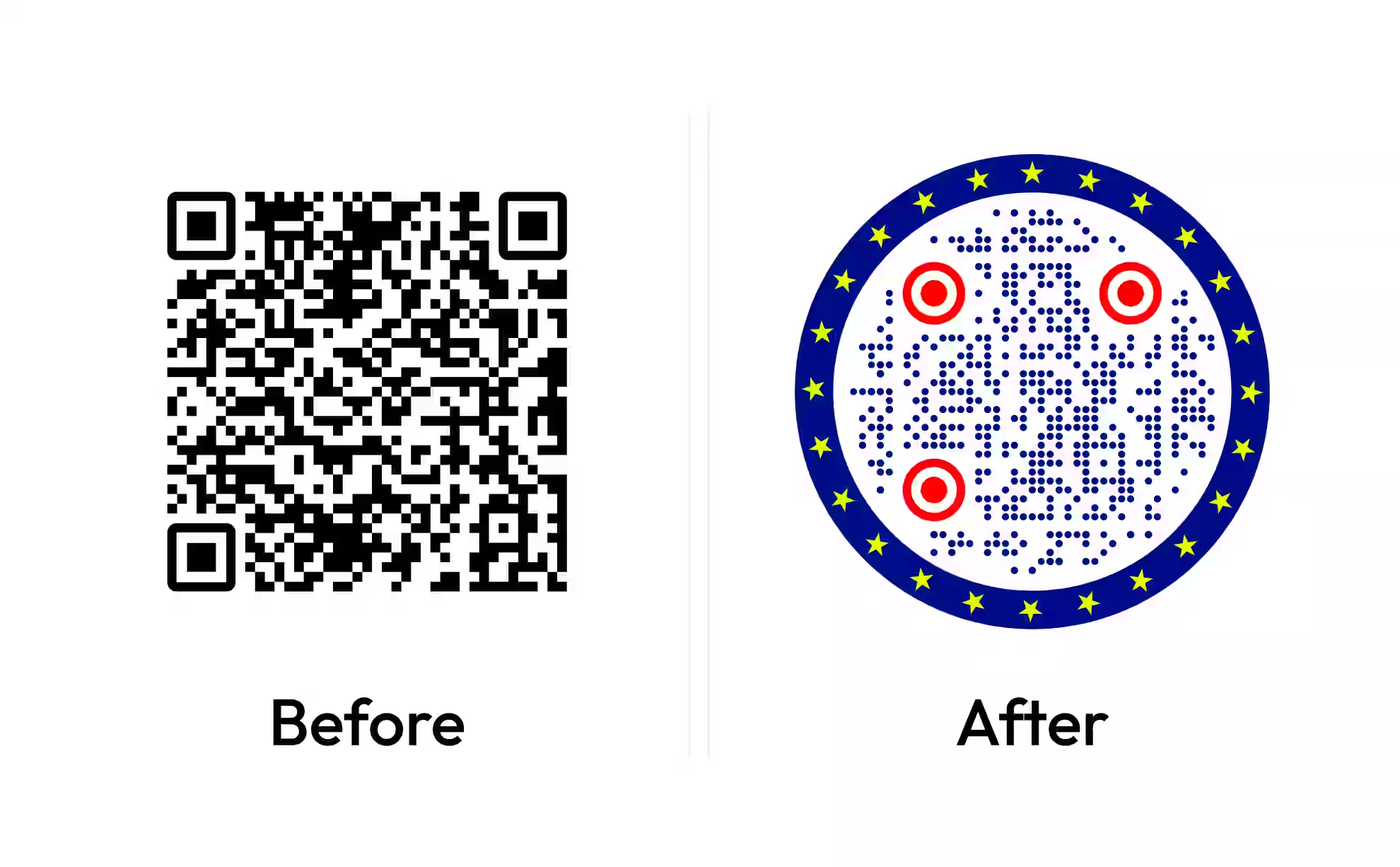
Free Business Card Maker With a QR Code
Add your logo, name and contact details, pick a layout, and the card gets a QR code that opens your website or portfolio. Download the front and back together as a PDF with 3 mm bleed and crop marks for a print shop, or as PNG, SVG or EPS.
SVG, PNG, JPG • Max 2 MB
SVG, PNG, JPG • Max 2 MB
What a QR Code on a Business Card Should Do
A QR code on a business card is a printed code that opens a page the card has no room for - a website, a portfolio, a booking link or a profile. The reader scans it instead of typing an address, so the code has to be easy to find, large enough to scan and pointed at a page that will still be there next year.
Front or Back: Where the Code Fits
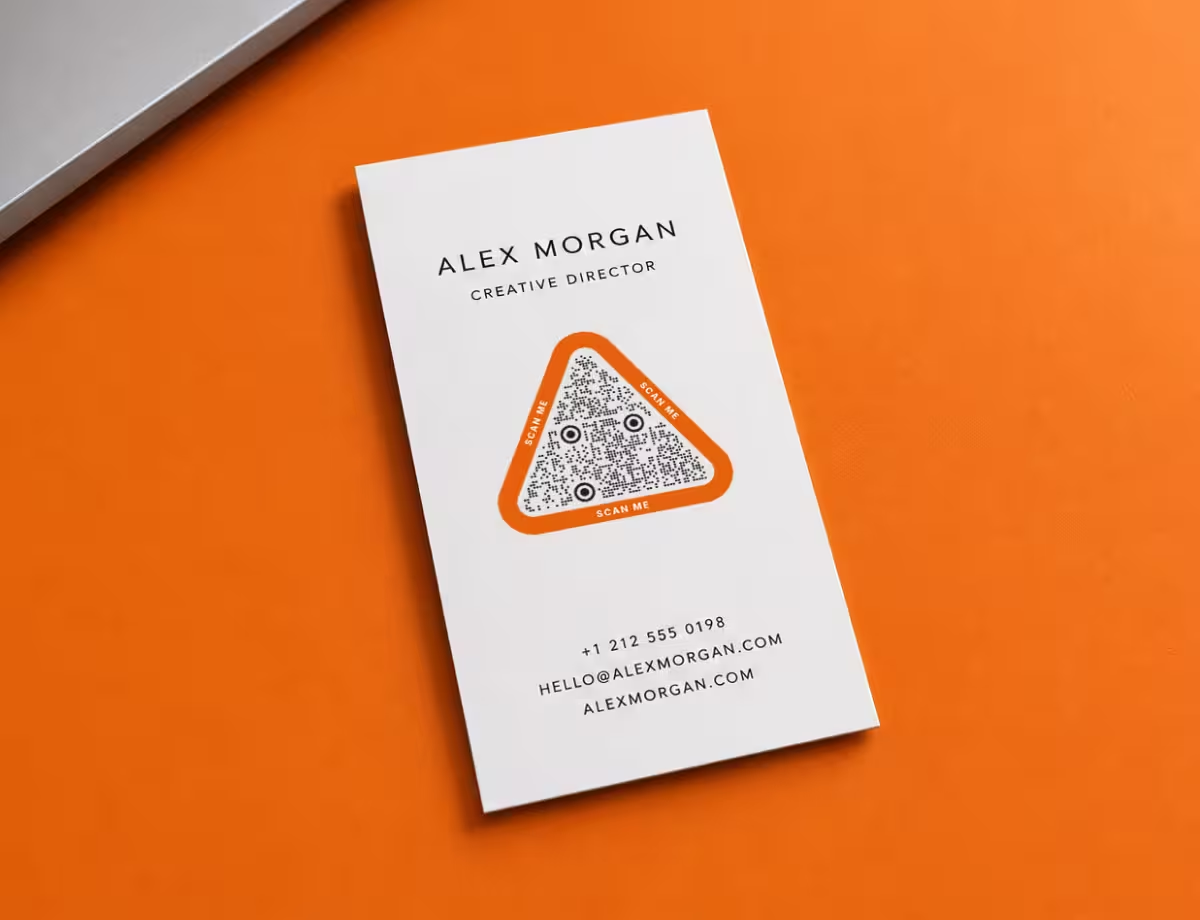
The length of the link decides how big the code has to be, and the size decides where it goes. A link of about 30 characters fits in a version 4 QR code of 33 x 33 modules; one of about 60 characters needs version 6, 41 x 41 modules, and every extra module has to stay printable.
- Short link fits the 2 x 2 cm floor on coated card stock, quiet zone included, so it can sit on the front beside the name - the Classic layout puts it there.
- Long link needs about 2.5 cm on uncoated stock to keep every module at 0.5 mm. Give it the back of the card, which the other five layouts keep for the code and the logo.
- Rule of thumb shorten the address before you make the code. A link on your own domain, such as yourname.com/card, is short and stays under your control.
A Static Code That Never Expires
The QR code on every card from this maker is static: the address is written into the pattern itself, with no redirect in between. A static QR code keeps working for as long as the card exists, whether or not anyone still runs the service that made it.
A static code cannot count scans and cannot be pointed somewhere else after printing. If the destination is likely to change, encode an address you control - your own domain rather than a profile on a platform - so the page behind it can move while the printed code stays right.
How to Make a Business Card With a QR Code
Four steps from your logo and contact details to the files a print shop or a desktop printer can use.
Generate a QR Code- 1
Add Your Logo and Details
Upload your company logo as SVG, PNG or JPG and type your name, then add a role, phone, email and website. Company, address and social handles are one click away. Remove any field you do not want printed and it disappears from the card.
- 2
Enter the Link for the QR Code
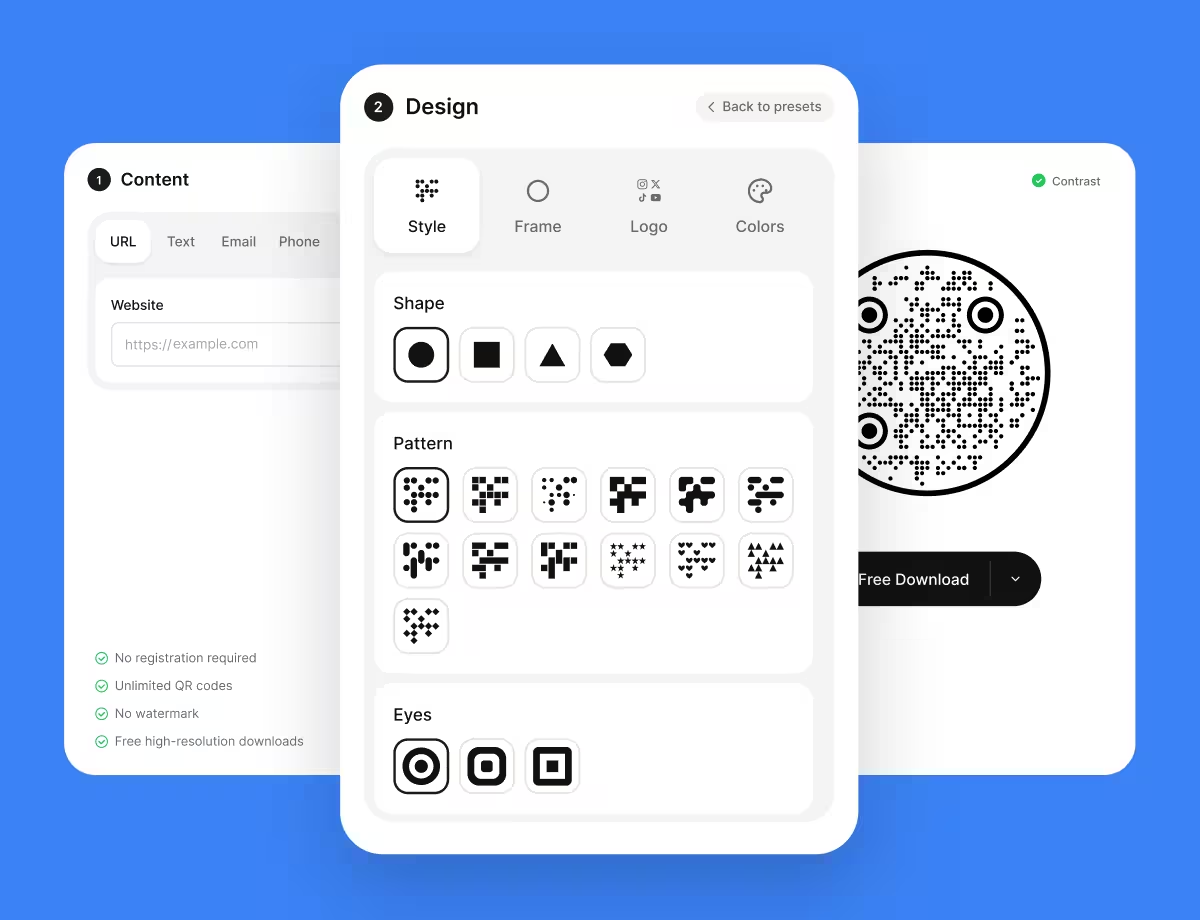
In the QR Code tab, type the page the code should open. The code takes the same shapes, patterns, frames and colors as the KoloQR generator, including the circular code, and a logo of its own in the middle.
- 3
Pick a Layout and a Style
Choose one of six layouts, a font pair, the card colors, the EU or US size and the corner shape, and check both sides in the preview. Keep the QR code on a light, plain area of the card, with its quiet zone clear of text and artwork.
- 4
Download Both Sides
Every format downloads as one ZIP with the front and the back. Take the PDF with 3 mm bleed and crop marks to a print shop, use the PNG online, and the SVG or EPS in a design program. Scan the printed card with a phone before ordering a full run.
Who Makes a Business Card With a QR Code
Four situations where the code on the card does a job the printed text cannot.
Business Card Sizes and Print Settings
The measurements to check before a business card with a QR code goes to print, whether at a shop or on a home printer.
Use the Card Size Your Country Uses
The standard business card size is 3.5 x 2 in (88.9 x 50.8 mm) in the US and Canada and 85 x 55 mm across most of Europe; Japan uses 91 x 55 mm. Cutters and card holders are built for the local size, so a card in the wrong one looks wrong in a stack.
Add 3 mm of Bleed on Every Side
Bleed is the strip of artwork printed past the trim line so a color or photo runs to the edge after cutting. Print shops in Europe ask for 3 mm per side and US shops for 1/8 in, which turns an 85 x 55 mm card into a 91 x 61 mm file - the size of the PDF this maker exports.
Keep the QR Code Inside the Safe Zone
The safe zone is the area at least 3 mm (1/8 in) inside the trim line where nothing important is cut off. A guillotine drifts by a millimetre or two across a stack, so a QR code placed hard against the edge can lose its quiet zone on some cards.
Give the Code at Least 2 x 2 cm
A QR code on a business card should be at least 2 x 2 cm, quiet zone included. A long link needs more, and the QR code print size calculator works out the size for any link and stock.
Leave the Quiet Zone Clear
The quiet zone is the empty margin of four modules around a QR code that tells a scanner where the symbol starts. Text, a border or a background pattern running into it is one of the most common reasons a card scans badly.
Keep Dark Modules on a Light Background
Dark on light is the safe direction. A brand color on a cream card is fine when the contrast stays high, while a gold foil code on black stock is a gamble - check the pair with the QR contrast checker before printing.
Expect Uncoated Stock to Spread the Ink
Uncoated, textured and recycled card soaks up ink and closes the light gaps between modules. Plan for 0.5 mm modules rather than 0.4 mm on uncoated stock, which grows a short-link code from about 1.6 cm to 2 cm.
Send the File the Printer Asks For
A print shop wants the PDF: one card per page with bleed and crop marks, text outlined so no font goes missing. A designer placing the card in a larger layout wants the SVG or EPS. The PNG, at 600 dpi, is for screens and email, not for the press.
Scan a Printed Card Before the Full Run
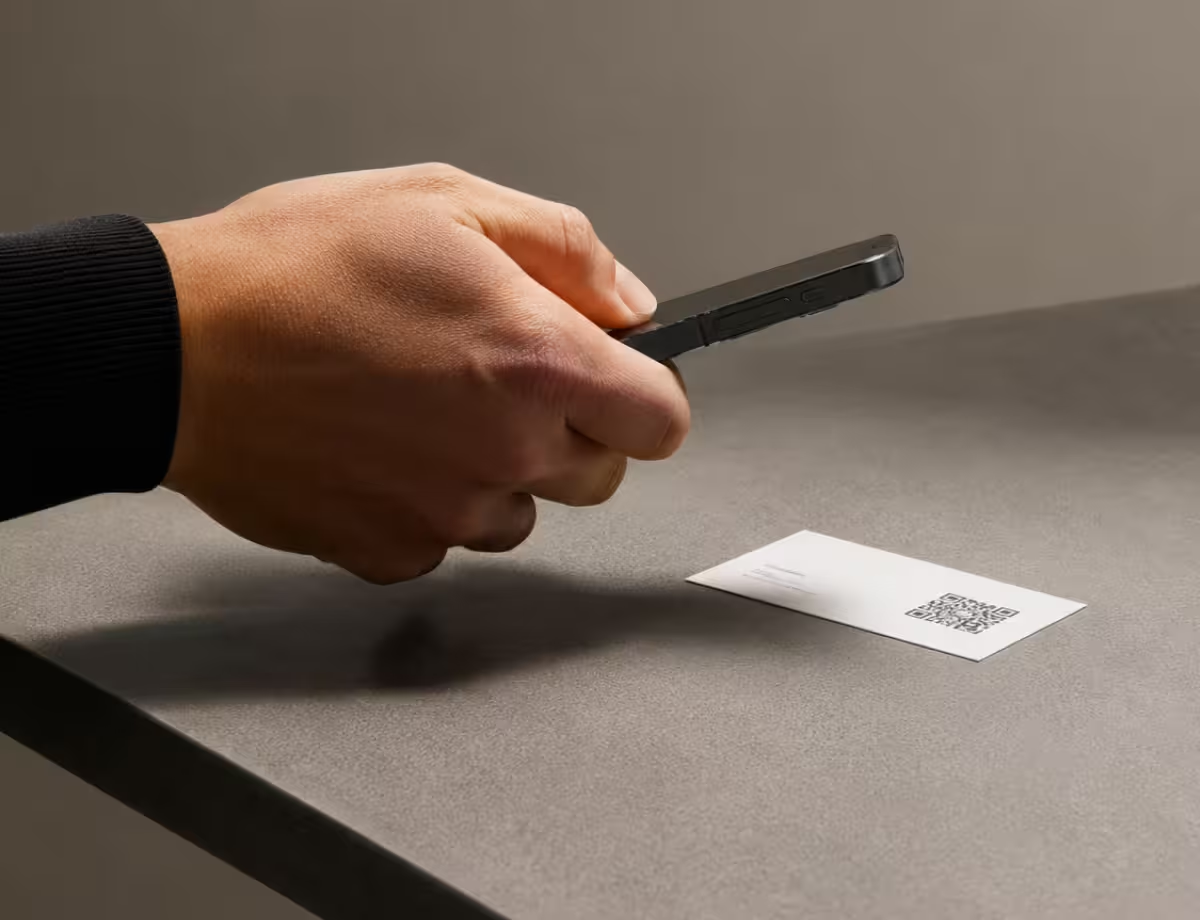
Print one card on the real stock, then scan it with an iPhone and an Android phone at arm's length. A screen preview cannot show ink spread, foil glare or a cutter that bites into the quiet zone.
Need Only the QR Code for Your Card?
KoloQR, a free QR code generator with circular and custom-shaped QR codes, makes the code on its own when the card is designed somewhere else. It exports SVG, PDF, EPS and PNG, so the code drops into InDesign, Illustrator, Canva or a print shop's template at any size.
Every KoloQR code is static and generated at error correction level H, which leaves room for a logo in the middle. The generator does not make dynamic QR codes, so the code on the card encodes the destination itself rather than a redirect that can be switched off.
Generate a QR CodeQuestions? Answered
Yes. The business card maker is free, with no account, no watermark and no limit on downloads. The PDF, PNG, SVG and EPS are the same files whether you make one card or a hundred, and the QR code on them is static, so it keeps working without a subscription.
One ZIP per format, holding two files: the front and the back of the card. The PDF has 3 mm bleed and crop marks for a print shop, the PNG is 600 dpi, and the SVG and EPS are vector files with the text turned into outlines, so they open the same on any computer.
Link to a page you control and will keep: your own website, a portfolio, or a contact page on your domain. A social profile works, but it is the first thing to change when you switch platforms, and a short address makes a smaller, easier code.
Yes. Print the PDF at 100% scale - turn off "fit to page" - on card stock of about 250-350 g/m² (90-130 lb cover), then cut along the crop marks with a paper trimmer rather than scissors. Feed the sheet back in and print the back's PDF on the reverse, testing the alignment on plain paper first.
Most failures come from four things: the code is printed smaller than 2 cm, the quiet zone is cut into by text or the trim, the colors are too close in contrast, or uncoated stock has spread the ink. The QR code validator checks a photo of the printed card for all four.
Yes. The code is generated at error correction level H, which recovers about 30% of the symbol, so a logo covering the middle still scans. Keep the logo well under that share and keep the three corner squares clear. A logo makes the code look on-brand; it does not make the code scan better.
Put the QR code on the back when the front carries a name, a title and a logo, because a code squeezed beside them ends up under 2 cm. The front works for minimal cards with a short link - the Classic layout. Either way, a line of text next to the code - "Scan for my portfolio" - tells the reader what the scan does.
No. The QR code on the card is static, so its contents are fixed once printed. To keep the option of changing the destination, encode a short address on your own domain and redirect it from your site. That keeps the redirect under your control instead of a QR service's, which can stop working if the subscription lapses.
Most printed business cards use 300-400 g/m² stock, roughly 110-150 lb cover. Home printers usually feed up to about 250-300 g/m², so check the printer's specification for the heaviest card it takes. Coated stock keeps QR code modules sharp; uncoated stock looks warmer but needs a larger code.
Keep Exploring
Pages that pick up where this one leaves off - the same setting, the same kind of code, or the next thing worth deciding.
Business Cards
85 x 55 mm leaves room for one code and nothing else - where it goes, how small it can get, and which finishes kill it.
Business Cards
The one surface where a code is read at arm's length - so it is designed into the card's layout rather than dropped in the corner of it.
Dental Practices
Booking links at the desk, review cards at the card machine, and recall mailers that still work months later.
QR Code Shapes
The whole shape taxonomy - modules, eyes and frames - with the trade-offs behind round, triangle, hexagon and square codes.
Colored QR Codes
Put your palette on a QR code without breaking it: which color goes on the pattern, and which belongs on the frame.
QR Code Print Size Calculator
Turn a scanning distance, a payload and a material into a minimum width in millimetres, with the module size and quiet zone behind it.
Why KoloQR?
- Create QR codes for websites, menus, Wi-Fi, PDFs, and business cards
- Customize colors, logos, and unique shapes
- Download high-quality PNG and SVG files
- Built for both print and digital