Make a QR Code for OnlyFans
Paste your profile link, style the code, and download it print-ready - so a card, a banner, or a stream overlay opens your page without anyone spelling out a username.
Opens in Google Maps. Coordinates work too - "37.4224, -122.0841".
The code opens your business's "Write a review" form. Paste the Place ID, or a Google Maps link that carries one.
A UPI link carries no checksum, so a mistyped ID produces a code that scans perfectly and pays somebody else. Paste the ID from your payment app rather than typing it, and send yourself one rupee before printing.
Paste it exactly as copied. KoloQR does not assemble the payload - it encodes the one your bank issued, and checks it before you print it.
SVG, PNG, JPG • Max 2 MB
First month free
then $9/month
Dynamic QR Codes Are Coming
Change your link anytime, even after printing. See who scans, when and where.
- Edit without reprinting
- Scan analytics
- Bulk & custom domains
You're on the List
We'll email you once, when dynamic codes with scan analytics launch.
What Is an OnlyFans QR Code?
An OnlyFans QR code is a QR code that stores the web address of an OnlyFans profile, so scanning it opens that profile in the phone's browser or in the OnlyFans app. Nothing about the account is inside the code - only the address - which means the code keeps working through every change you make to the page behind it.

Encode the Profile Link, or a Link You Control
There are two sensible payloads, and the choice is about who owns the address rather than about length:
- onlyfans.com/yourname - the direct profile address, usually around 25 characters. It gives the smallest, cleanest code and the shortest path to the page.
- A link-in-bio or your own domain - one address that lists everywhere you are. It survives a platform change, and it passes on sites that refuse the onlyfans.com domain outright.
- Anything with a session or tracking token in it - avoid. Long, unstable, and occasionally tied to the browser you copied it from, which makes it useless the moment it is printed.
The practical reason most creators route through a link-in-bio is not the code at all - it is that a great many platforms, ad networks, and print suppliers refuse adult-platform domains, and a code that resolves to an intermediate page passes checks that a direct one does not. Weigh that against the extra tap it costs the reader, and check the intermediate service's own rules first: several link-in-bio tools restrict adult content in their terms, and a page removed for a policy breach takes every printed code with it.
Where a Printed Code Can and Cannot Go
A QR code cannot be age-gated, and that is the fact that decides where it may be shown. The pattern itself carries no rating and no warning, so any control has to be exercised by the place the code is displayed - which is why public advertising space, transport, most print classifieds, and a large share of event venues refuse adult-platform links regardless of how discreet the artwork is. A printed code is also permanent in a way a post is not: it ties an account to a physical place, a stall, or a piece of merchandise, and it can be photographed and reposted with that context attached. Before printing, decide whether you want the account associated with anything that carries your legal name, your home address, or a venue you can be found at regularly - and where the answer is no, use a link-in-bio you can repoint rather than a direct profile code.
Generate QR Code
Where OnlyFans QR Codes Are Used
The code works best on surfaces you control, in front of an audience that already knows who you are:
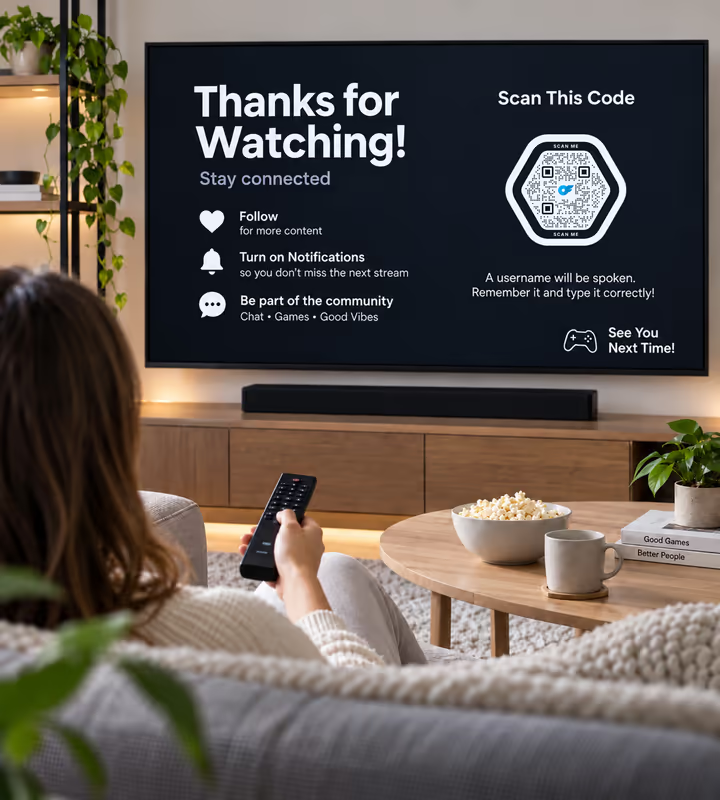
Stream Overlays and End Screens
A code on screen is scanned from the sofa in a second, where a username has to be heard, remembered, and typed correctly.

Convention and Expo Tables
A code on the table converts the person already standing in front of you, at an event whose rules permit it.
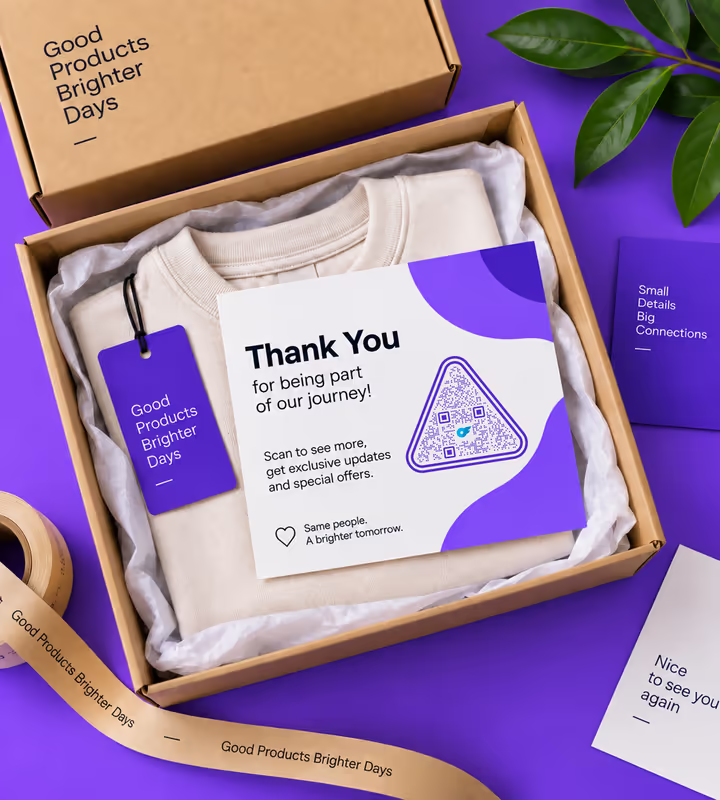
Thank-You Cards With Merchandise
A card in the parcel reaches an existing customer privately, which is the placement with the fewest platform problems.
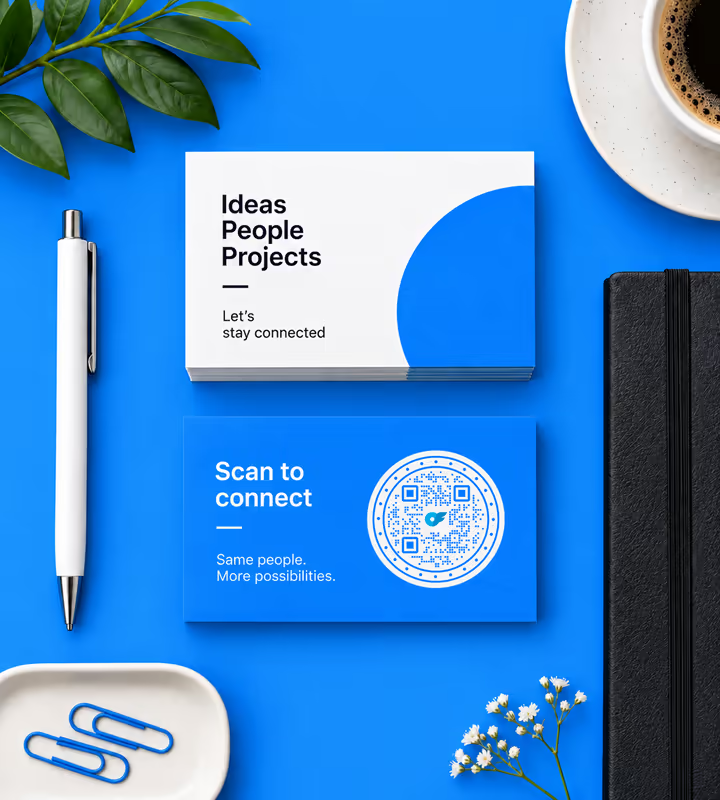
Business and Contact Cards
A card handed over in person removes the spelling problem that costs the most followers.
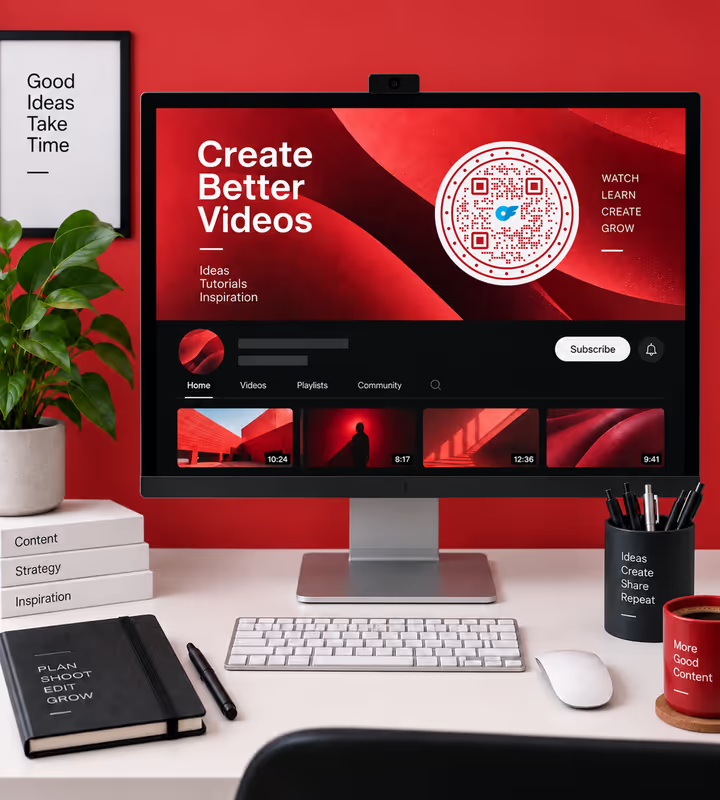
Video Thumbnails and Profile Banners
A code inside an image is readable from a paused frame or a screenshot, which text in a caption is not.

Collaborations and Guest Appearances
A code in a shared post sends traffic from someone else's audience without either of you posting a link that gets stripped.
- 1
Copy Your Profile Address
Open your page and take the address from the browser bar - onlyfans.com followed by your username. Leave off anything after a question mark.
- 2
Decide Whether to Route Through a Link You Control
A link-in-bio or your own domain lets you repoint the code later and passes on platforms that block the direct domain. It costs the reader one extra tap.
- 3
Paste the Link and Design the Code
Choose the URL type, paste the link, then style it - keep the modules dark against a light background, whatever colours the rest of the artwork uses.
- 4
Test on Two Phones, Then Export
Scan from an iPhone and an Android with the native camera, check the profile opens, then export SVG or PDF for print and PNG for screens and overlays.

Which File Format Should You Download?
KoloQR exports your OnlyFans QR code in three formats. Pick by where it will be seen:
- PNG for stream overlays, thumbnails, banners, and posts - anywhere the code appears at one fixed size on a screen.
- SVG for cards, stickers, and anything a printer scales without softening the edges.
- PDF for handing to a print shop, or for a card produced at print-ready quality.
For a stream overlay, the constraint is video compression rather than print. A code shown at a small size in a busy scene loses definition to the encoder, and dark themes make it worse - so give the code a solid light panel, keep it on screen for at least ten seconds, and export PNG at a size well above the space it occupies rather than scaling a small file up. A short profile link helps here more than anywhere: fewer characters means fewer, larger modules, and larger modules survive compression.
Generate QR CodeBest Practices for OnlyFans QR Codes
Half of these are about the code and half are about where it ends up, which for this platform is the harder half:
Check the Venue's Rules Before You Print
Conventions, markets, and print suppliers frequently refuse adult-platform links. Ask first; artwork rejected on the day is a wasted print run.
Route Through a Link You Can Repoint
A link-in-bio or your own domain means a platform change, a rebrand, or a banned domain costs you an edit rather than a reprint.
Keep the Account Away From Identifying Places
A printed code is permanent and photographable. Avoid putting one on anything tied to your legal name, your home address, or a place you are regularly found.
Say What the Code Opens
A handle or a short line beside the code. An unlabelled code asks a stranger to scan an unknown destination, which most people decline.
Keep the Payload Short
A 25-character profile link produces a small symbol with large modules, which is what survives video compression, small print, and a quick scan.
Keep the Modules Dark on Light
Phone cameras are tuned for dark-on-light. An inverted code on a dark overlay is the single most common reason a stylish code hesitates.
Protect the Quiet Zone
Four modules of clear margin on every side, and on a card do not let a border or a photograph crowd it.
Size It for the Distance
Roughly a tenth of the reading distance: about 2 cm on a card in the hand, more on a table sign read across a stand.
Leave It on Screen Long Enough
Ten seconds minimum on a stream, and longer if the scene is busy. A code that flashes past is decoration rather than a link.
Test on a Phone That Has the App and One That Doesn't
A phone with the app installed may open the profile there instead of in the browser. Both paths should end somewhere sensible.
Why Your OnlyFans QR Code Isn't Working
The failures split cleanly: some are the code, some are the platform refusing the destination. They need different fixes.
The Scan Opens a Login or Sign-Up Screen
- Cause
- The profile requires an account to see the content behind it, and the visitor has none. This is the platform working as designed, not a code fault.
- Fix
- Nothing to change in the code. Print a line saying what is behind it so the reader expects the sign-up rather than meeting it as a surprise.
A Platform Rejected the Image With the Code In It
- Cause
- Some services scan images for QR codes and resolve the destination, so a code linking to a blocked domain is treated the same as a written link to it.
- Fix
- Point the code at a link-in-bio or your own domain instead, and check that service's terms allow the content you are linking to.
The Code Won't Scan From a Stream or a Video
- Cause
- Compression. A small code in a busy or dark scene loses the definition between modules before it reaches the viewer's screen.
- Fix
- Enlarge it, put it on a solid light panel, keep the payload short, and leave it on screen for at least ten seconds.
The Printed Code Scans on Your Phone Only
- Cause
- Your phone has the app installed and handles the link differently from a phone that does not - or you are testing a link that only resolves while signed in.
- Fix
- Test in a private browser window and on a second phone without the app, and encode the plain public profile address.
The Code Stopped Working After You Changed Your Username
- Cause
- The profile address contains the username, so changing it invalidates every code already printed.
- Fix
- Change the username back if the printed run is large, or route future codes through a link you control so a rename costs an edit rather than a reprint.
Scans Are High and Subscriptions Are Not
- Cause
- The code is being scanned by people who do not know what it opens, or the profile's free preview gives them no reason to go further.
- Fix
- Label the code, and treat the profile's public preview as the landing page it is - that is what the scan actually converts on.
Still not sure whether the fault is the file or the print? Drop the exported image into the QR code scanner - if it decodes on a desktop and not on paper, the fault entered after the file.
Questions? Answered
An OnlyFans QR code stores the web address of an OnlyFans profile. Scanning it opens that profile in the phone's browser, or in the app if it is installed. The code holds the address only, so it keeps working as the page behind it changes.
Copy your profile address - onlyfans.com followed by your username - paste it into a QR generator as a URL, style the code, and export PNG for screens or SVG for print. No account or subscription is needed to create the code.
Link directly for the smallest, fastest code. Route through a link-in-bio or your own domain when you need to repoint it later, or when the platform you are posting on refuses the destination domain - which many do.
No. A QR code is a printed pattern with no rating and no warning, and it cannot check who is scanning it. Any age control has to come from the place the code is displayed and from the site it opens, not from the code.
Anywhere the venue or platform forbids adult-platform links - most public advertising space, transport, many conventions and markets, and a range of print suppliers. Ask before you print, because artwork is refused on the day.
It can be. A printed code permanently ties an account to a physical place or object, and it can be photographed and reposted with that context. Keep codes off anything carrying your legal name, home address, or a place you are regularly found.
Either, depending on the phone. A device with the app installed may open the profile there; one without it opens the browser. Test both, and make sure the destination makes sense in each.
Not to reach the profile page, which opens in any browser. An account is required to subscribe or to see anything behind the paywall, which is worth saying beside the code so the sign-up is expected.
Only if you encoded a link you control. A direct profile code is fixed forever, and changing your username breaks it. A link-in-bio or your own short domain lets you repoint the same printed code any time.
Video compression softens the boundaries between modules, especially at small sizes and on dark backgrounds. Put the code on a solid light panel, make it larger than looks necessary, and leave it up for at least ten seconds.
Keep Exploring
Pages that pick up where this one leaves off - the same setting, the same kind of code, or the next thing worth deciding.
Linktree QR Code
Send a scan to your link-in-bio page, and edit the destinations later without reprinting.
Photographers
Client galleries, print reorders, portfolio links and guest photo uploads, on cards, albums, prints and event signs.
X (Twitter) QR Code
Send people straight to your X profile, a single post, or a one-tap follow prompt.
TikTok QR Code
Send people straight to your TikTok profile, a single video, or a campaign hashtag.
Beauty Salons
Rebooking at the chair, per-service aftercare and a portfolio per stylist, with codes that survive acetone, colour and hairspray.
Vimeo QR Code
Play a video, a showcase, or a portfolio from anything printed.
Why KoloQR?
- Create QR codes for websites, menus, Wi-Fi, PDFs, and business cards
- Customize colors, logos, and unique shapes
- Download high-quality PNG and SVG files
- Built for both print and digital
