

KoloQR vs The QR Code Generator: Which One Gives You the File You Need?
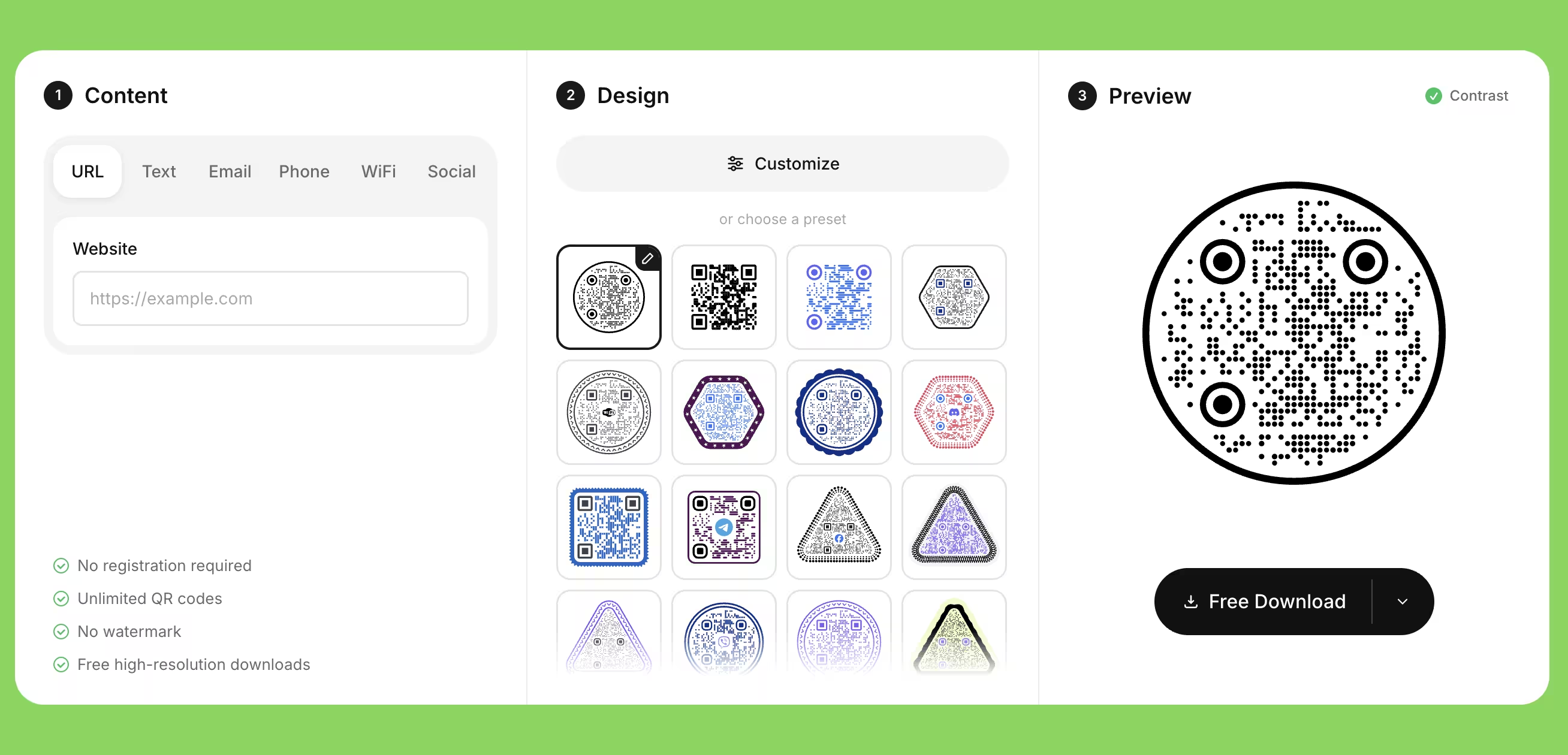
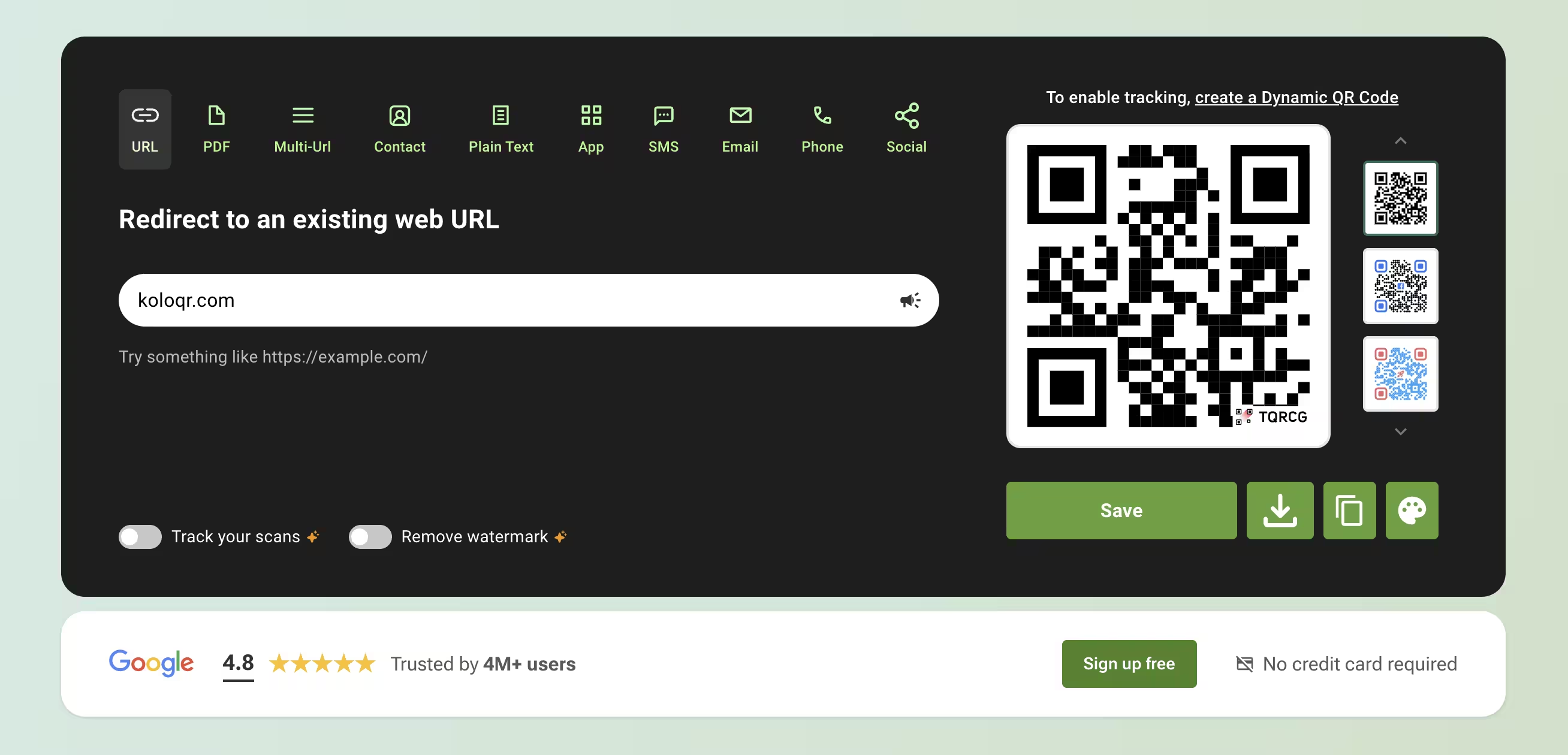
KoloQR and The QR Code Generator both put a working QR code on screen before you type an email address, and they part company at the download button. KoloQR, a free QR code generator with circular and custom-shaped QR codes, exports SVG, PDF, EPS and PNG with no account, no watermark and no paid tier holding a format back. The QR Code Generator - TQRCG on its own site, and owned by Uniqode Phygital, Inc. - gives away unlimited static codes and two dynamic ones, but its editor offers the logo panel only on dynamic codes, its upgrade prompt lists SVG exports among the premium features, and its Free plan marks "Watermark-free QR codes" with a cross. In exchange it offers what KoloQR does not have at all: 30-plus code types, editable destinations, and scan analytics. Decide on the file, not the price. If the code has to reach a printer as vector with a logo on it, KoloQR finishes the job in the browser. If the destination has to change after printing, or the scans have to be counted, The QR Code Generator is the tool that can do it.
Feature Comparison
These rows cover the free design and export workflow - what you can get out of each tool and on what terms. They do not cover dynamic codes, scan analytics, Linkpages, bulk generation or the API: The QR Code Generator sells all five and KoloQR offers none of them, and the overview under the table sets that out in full. Verified against the-qrcode-generator.com in August 2026.
Downloads Without Signup (All Formats)
Download QR codes in all available formats without creating an account. The QR Code Generator's widget hands over a PNG anonymously, but its own upgrade panel lists "higher resolution downloads, SVG exports, and more" as premium features, and the Free plan's feature list marks watermark-free codes unavailable.
KoloQRYesThe QR Code GeneratorNoOpen Source
Inspect, modify, and self-host the source code. The QR Code Generator is proprietary hosted software, operated by Uniqode Phygital, Inc.
KoloQRYesThe QR Code GeneratorNoCustom QR Shapes
Create rectangular, circular, triangular, and hexagonal QR codes. The QR Code Generator restyles the pixels inside the symbol - Classic, Rounded, Thin, Smooth or Circles - while the outline of the code itself stays square.
KoloQRYesThe QR Code GeneratorNoPremium QR Frames
Ready-to-use designer QR frames. The QR Code Generator's design panel covers style, colour, background, outer margin and a logo; a framed code with a call-to-action label is part of the advanced customization its Free and Flex plans mark unavailable.
KoloQRYesThe QR Code GeneratorNoVector Export
Export SVG, PDF, and EPS for professional printing. The QR Code Generator offers SVG alongside PNG, which is what a printer needs, but the widget puts SVG behind its "Unlock Premium Features" prompt rather than beside the PNG button.
KoloQRYesThe QR Code GeneratorYesCopy to Figma
Copy QR codes directly into Figma. A code from The QR Code Generator reaches a design file as a downloaded image placed by hand.
KoloQRYesThe QR Code GeneratorNoChrome Extension
Create QR codes from any webpage. The QR Code Generator publishes one too, listed by Uniqode Phygital Inc. and linked from its own footer; it creates a static or dynamic code from the active tab and syncs it with the TQRCG dashboard.
KoloQRYesThe QR Code GeneratorYesContrast Checker
Ensure your QR code has enough contrast for reliable scanning. The QR Code Generator's editor warns too: "Low contrast between background and pixels - QR may not scan reliably."
KoloQRYesThe QR Code GeneratorYes
What Each Tool Is Actually Built to Do
KoloQR is a design and export tool with nothing to sell you: the file is the product and there is no account behind it. The QR Code Generator is the free entry point to a QR management platform, and the free tier is shaped to lead somewhere. Both are worth using; they are worth using for different jobs.
KoloQR: Every Format, No Account, No Upgrade Prompt
KoloQR, a free QR code generator with circular and custom-shaped QR codes, encodes the destination directly into the symbol and hands you the file. A static QR code is a code whose destination is stored in the pattern itself, so no server sits between the scan and the page. Nothing counts the scans, nothing can deactivate the code, and there is no account to lose access to: a KoloQR code works for as long as the URL it points at works.
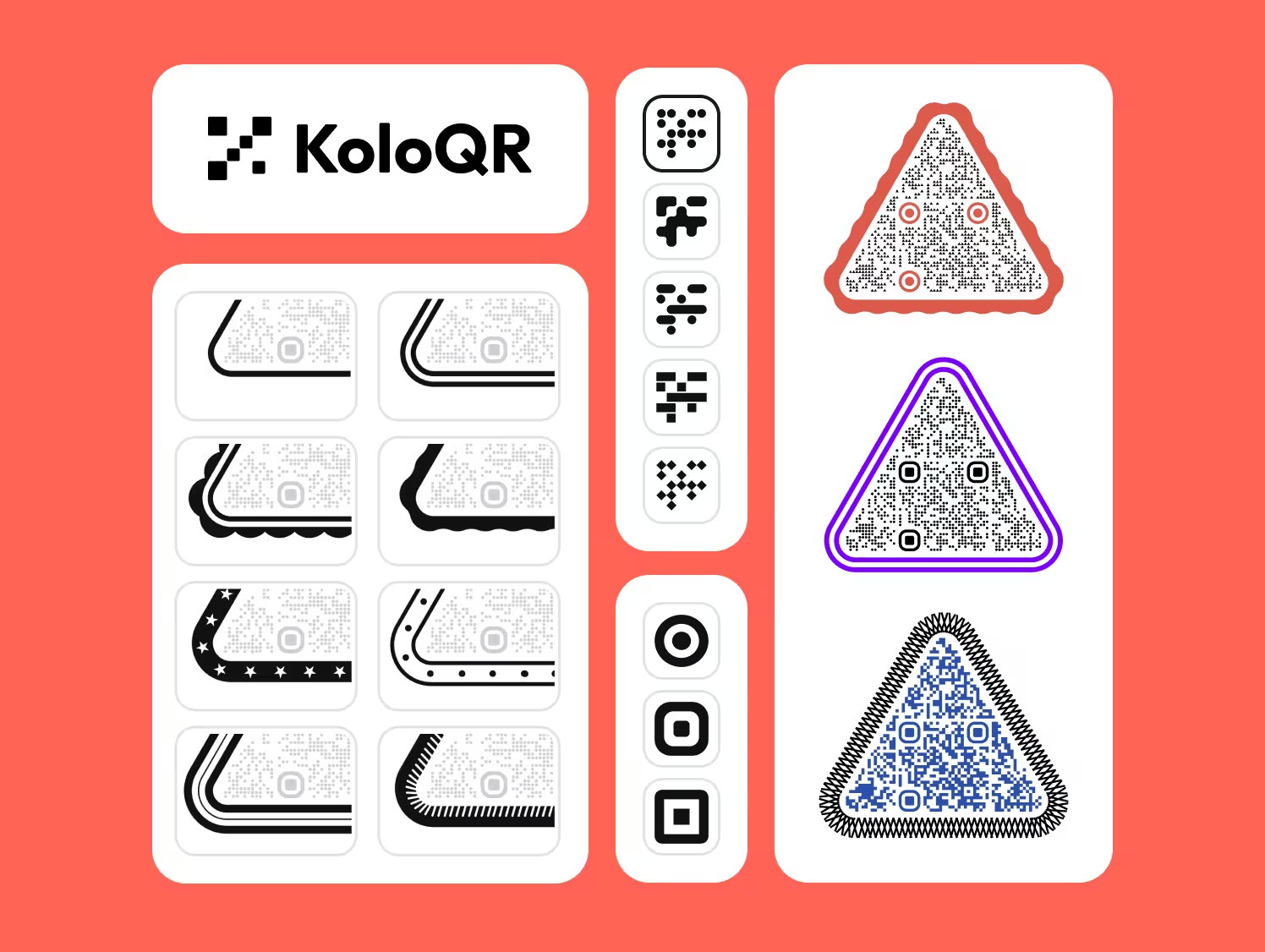
- Shapes Beyond the Square - KoloQR renders the whole symbol as a rectangle, circle, triangle or hexagon, not only the pixels inside a square outline. A circular code fills a bottle cap, a coaster or a round table decal where a square code wastes the corners.
- The Logo Is Not a Paid Feature - KoloQR places a logo in the centre of a static code with no account and no upgrade. The QR Code Generator's editor states the opposite in its own words - "Logo can be added to dynamic QR Codes only" - and its help answer for adding a logo begins by telling you to sign up.
- Vector Sits Beside the PNG, Not Behind It - KoloQR exports SVG, PDF and EPS for print and PNG for screen, all from the same download control, all free. No format is reserved for a paid tier and no watermark is added to any of them.
- Open Source and Self-Hostable - KoloQR's source code is published, so the generation logic can be inspected, modified or run on your own infrastructure. Teams that cannot send a destination URL to a third-party service can generate codes without one.
What Is The QR Code Generator? Uniqode's Free Front Door
The QR Code Generator, abbreviated TQRCG on its own site, is operated by Uniqode Phygital, Inc., and its pricing FAQ says so plainly: the Core and Plus plans "are offered by Uniqode, the parent company of The QR Code Generator", and buying either one redirects you to Uniqode's platform. That relationship explains the shape of the free tier. TQRCG states that it is "truly free for unlimited static QR Codes and 2 dynamic QR Codes", offers 30-plus code types including vCard, Wi-Fi, PDF, Multi-URL, WhatsApp and Google Review, runs in eight interface languages, and ships a Chrome extension and a mobile app. What it is not is a free print shop: the logo panel is reserved for dynamic codes, the upgrade prompt lists "higher resolution downloads, SVG exports" among the premium features, and the Free plan's own comparison row puts a cross beside "Watermark-free QR codes".
The paid product is the account, and the ladder is unusually long. Free is $0 with 2 dynamic QR codes marked "(with Ads)", 1 user and 14 days of scan analytics. Flex starts at $5 a month billed yearly and scales with the number of ad-free dynamic codes, from 5 up to 45, adding bulk creation, watermark-free codes and CSV export of scan data. Above that the page stops being TQRCG: Core is $49 a month billed yearly for 250 dynamic codes and 10 Linkpages, Plus is $99 a month for 500 codes and 3 users, and both say "Continue to Uniqode". A 14-day free trial runs on both products, and TQRCG is honest about the ending - "After your free trial ends, two dynamic QR Codes will remain active but they will display ads" - which is gentler than Uniqode, where the FAQ says all trial codes become inactive. Cancellation stops the next cycle but earns no refund on the current one. If that ladder is where you are heading, the full Uniqode comparison covers the platform end of it.
Create a Free QR Code
How to Tell a Genuinely Free Generator From a Free Tier
Both tools here are free to start, and the word covers two different deals. These checks apply to any QR code generator, and they are quicker to run before you have designed the code than after.
Download the File Before You Fall in Love With the Design
The cost of a free QR code generator is discovered at the download button, not on the pricing page. Type a URL, press download immediately, and see what comes out and in which format. Thirty seconds of that tells you more than any feature list: whether an email address is required, whether SVG is offered next to PNG, and whether the image carries a watermark. Design the code afterwards, once you know the file you will get.
Ask Which Features Are Tied to a Dynamic Code
Some generators bundle design features with the code type rather than with the price, and the effect is easy to miss. The QR Code Generator's editor says "Logo can be added to dynamic QR Codes only", so a branded code there means an account, a hosted redirect and, on the free tier, ads. If you only ever wanted a logo in the middle of a static code, that is a large amount of infrastructure to accept for a small design decision.
Treat a Watermark as a Print Problem, Not a Cosmetic One
A watermark on a QR code image is not only branding; it is ink in or beside the symbol that your layout has to accommodate and your scanner has to look past. Check the downloaded file at 100% before it reaches a layout, and if the free tier marks watermark-free codes as unavailable - as The QR Code Generator's Free plan does - assume the mark is there until you have seen a clean file with your own eyes.
Send Vector to a Printer, Never a PNG
SVG, PDF and EPS store the code as shapes and stay sharp at any size; PNG stores it as a fixed grid of pixels and softens at the module edges when it is enlarged past its pixel count. Ask the print shop which of the three it wants - PDF is the safest default - and only accept a PNG for screens, email signatures and slides. A generator that charges for vector is charging for the only file a printer actually wants.
Size the Code by Scanning Distance, Not by the Space in the Layout
As a rule of thumb, a QR code needs about 1 cm of width for every 10 cm of scanning distance, so a code read from 30 cm wants roughly 3 cm and a poster read from 3 m wants roughly 30 cm. Treat 2 × 2 cm as the absolute floor for a close-range printed code. Measure the real reading distance in the room rather than estimating it from the mock-up, where everything is read at arm's length.
Keep the Quiet Zone Clear Whichever Tool You Used
A quiet zone is the empty margin around a QR code that lets a scanner detect where the symbol begins and ends. The QR code standard, ISO/IEC 18004, specifies four modules of clear space on all four sides. Both editors here expose an outer margin setting; the mistake happens later, when a designer crops the export tight or drops it onto a busy background. A code that scans in the design file and fails on the printed sheet has usually lost its quiet zone.
Raise Error Correction Before Adding a Logo, Not After
Error correction is the redundancy built into a QR code that allows it to remain scannable when part of the symbol is damaged or covered. Levels L, M, Q and H recover roughly 7%, 15%, 25% and 30% of the symbol. Set the level to H before you place a logo, keep the logo to about a quarter of the code's area as a working ceiling, and keep it clear of the three corner squares - those are the finder patterns a camera locates first.
Trust the Contrast Warning, and Check the Pair Yourself Anyway
Both tools warn about weak contrast - The QR Code Generator says "Low contrast between background and pixels - QR may not scan reliably", and KoloQR measures the pair as you design. Neither warning knows what your ink and paper will do to it. Dark modules on a light background is the combination every camera expects; inverting it, or using two mid-tone colours, is where scanning gets conditional on the phone and the light.
Keep Your Own Redirect Between the Code and the Destination
Point a static QR code at a URL on your own domain, such as example.com/menu, and configure that path as a 302 redirect to the real page. The printed code never changes; the redirect target can be edited whenever you like. This gives you the main benefit of a dynamic code without a subscription, and the redirect keeps working as long as you own the domain - which is not true of a short link owned by a platform whose free tier may add ads to it. The 302 matters: a browser caches a 301, so it would keep going to the old destination after you change it.
Print One Copy at Final Size Before the Full Run
Print a single copy at the final size on the final material and scan it with at least two phones, one iOS and one Android, at the real distance and under the real lighting. Gloss lamination under a downlight and ink spread on uncoated stock are the two failures that never appear on screen. This is the last check that costs one sheet of paper instead of a reprint.
Questions? Answered
Yes, with limits worth knowing. The QR Code Generator states it is "truly free for unlimited static QR Codes and 2 dynamic QR Codes", and a static PNG comes out of the widget without an account. Its Free plan lists 1 user and 14 days of scan analytics, marks the two dynamic codes "(with Ads)", and puts a cross beside watermark-free codes and advanced customization.
Not from the anonymous widget. The QR Code Generator's upgrade panel lists "advanced QR code types, higher resolution downloads, SVG exports, and more" as premium features, so vector sits behind a signup or a paid plan. KoloQR exports SVG, PDF and EPS with no account and no watermark, which is the difference that matters if the code is going to a printer.
Uniqode Phygital, Inc. The QR Code Generator's own pricing FAQ describes Uniqode as "the parent company of The QR Code Generator", and its Core and Plus plans redirect you to Uniqode's platform after purchase. Uniqode was formerly called Beaconstac. If you are weighing up the platform rather than the free tier, the KoloQR vs Uniqode comparison covers it.
No, and the near-identical names cause real confusion. The QR Code Generator is the-qrcode-generator.com, abbreviated TQRCG, and belongs to Uniqode. QR Code Generator is qr-code-generator.com, abbreviated QRCG, and has belonged to Bitly since 2021. Check the address bar before comparing pricing pages - the plans, limits and free tiers are not the same.
Because The QR Code Generator ties the logo to the code type, not the price. Its editor states "Logo can be added to dynamic QR Codes only", and its help answer for adding a logo starts with signing up for the dashboard. A logo on a static code therefore means an account and a hosted redirect. KoloQR places a logo in a static code with no account at all.
No. Its designer changes the pixel style - Classic, Rounded, Thin, Smooth or Circles - along with colours, background and outer margin, but the symbol's outline stays square. KoloQR renders the entire code as a rectangle, circle, triangle or hexagon, which is what matters when the code has to fill a round sticker or a hexagonal label rather than sit in a square box inside one.
Static codes are unaffected: the destination is inside the pattern, so nothing on a server can switch them off. For dynamic codes, The QR Code Generator states that after the trial ends "two dynamic QR Codes will remain active but they will display ads", while Uniqode deactivates all trial codes. Confirm the current terms before printing anything that depends on a dynamic code.
No. KoloQR generates static QR codes and has no analytics, no dashboard and no account, so nothing is recorded on our side. If you need scan counts, either use a platform such as The QR Code Generator, or point a static code at a URL on your own site and read the visits in your existing web analytics. The second option gives you page visits rather than true scan counts.
Flex starts at $5 a month billed yearly and scales with the number of ad-free dynamic codes, from 5 up to 45, adding bulk creation, watermark-free codes and CSV export. Beyond that the plans belong to Uniqode: Core at $49 a month billed yearly for 250 codes, Plus at $99 for 500. Cancelling ends the next billing cycle, and the current one is not refunded.
Send PDF unless the printer asks otherwise: it carries vector artwork, embeds colour information reliably and opens in every prepress tool. SVG is the better file for web use and design tools, and EPS suits older print workflows. All three stay sharp at any size, which a PNG does not - a raster file enlarged past its pixel count softens the module edges first, and soft edges are what a camera struggles with.

Design Your QR Code and Download the Vector, Free
If the destination is not going to change, KoloQR finishes the job in the browser: pick a shape - rectangle, circle, triangle or hexagon - set the colors, add a logo, check the contrast, then download SVG, PDF, EPS or PNG. No account, no watermark, no upgrade prompt between you and the file, and no expiry date on the code.
If the destination has to change after the code is printed, or the scans have to be counted, KoloQR cannot help and The QR Code Generator can - two dynamic codes cost nothing there, with ads on the free tier, and the paid ladder runs up into Uniqode's platform. That is a real reason to use the other tool, and we would rather say so than have you find out mid-campaign. A middle path worth trying first is a free static code pointed at a redirect on your own domain, which keeps the destination editable without a subscription and costs nothing if the campaign never needs analytics.
Create Your QR CodeKeep Exploring
Pages that pick up where this one leaves off - the same setting, the same kind of code, or the next thing worth deciding.
Do QR Codes Expire? The Pattern Never Does
The pattern never expires, and four things behind it do. Which one failed, how to tell them apart, and which of them you can fix without reprinting.
Static or Dynamic? Decide It Before Anything Is Printed
The difference is where the destination lives, and price, analytics and every failure mode follow from it. Four questions that settle which one to print.
Best QR Code Generator in 2026: Six Free Tools Compared
Free resolves to three different arrangements - a code you keep, a code you rent, and a trial that ends - and the vendor's pricing page is rarely where the difference is stated.
Seven Flowcode Alternatives and What Each Replaces
Flowcode's free plan stops at 2 codes and 500 scans, and the first paid step is $25 a month - here is what seven alternatives cost, and why none of them can rescue a code that is already printed.
A Free QR Tiger Alternative, No Signup
A design-first, open-source QR generator compared with a campaign-focused tracking platform. See which one fits your project.
ME-QR Without the Ads or Account
A design-first, open-source static QR generator compared with a free tracking platform. See which one fits your project.
Why KoloQR?
- Create QR codes for websites, menus, Wi-Fi, PDFs, and business cards
- Customize colors, logos, and unique shapes
- Download high-quality PNG and SVG files
- Built for both print and digital
