

KoloQR vs Uniqode: Which QR Code Generator Fits the Job?
KoloQR and Uniqode solve two different problems, and the honest comparison starts there. KoloQR, a free QR code generator with circular and custom-shaped QR codes, produces a print-ready static code in the browser with no account, no watermark and no expiry, and its source code is open for inspection and self-hosting. Uniqode, formerly Beaconstac, is a QR management platform: dynamic codes whose destination stays editable after printing, scan analytics, bulk generation, team seats, and SOC 2, GDPR, HIPAA and ISO compliance for organizations that need it. The deciding question is not which tool is better but whether the code has to change or be measured after the print run. If it does, a platform subscription is the right purchase and KoloQR is not it. If it does not, a subscription buys infrastructure the project will never use.
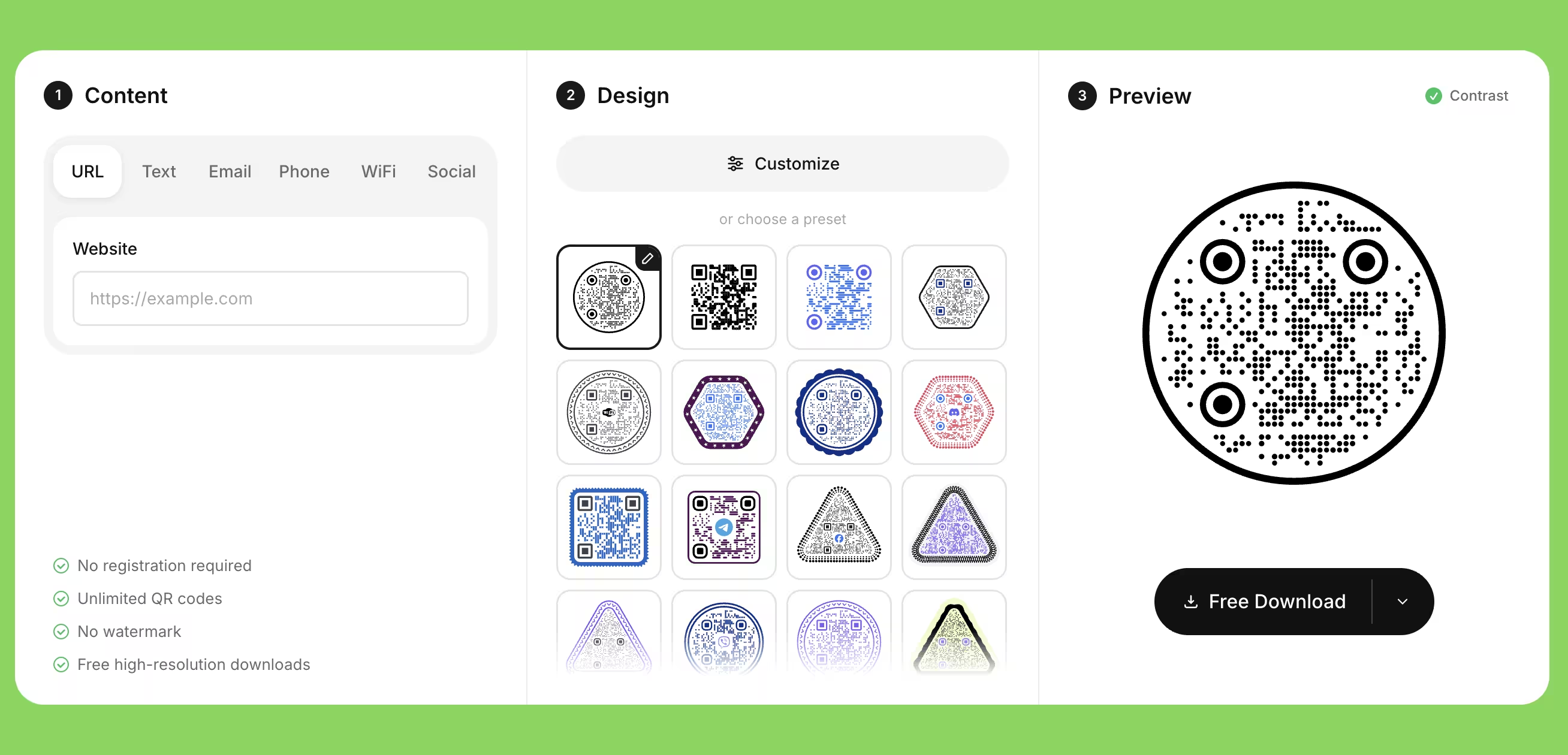
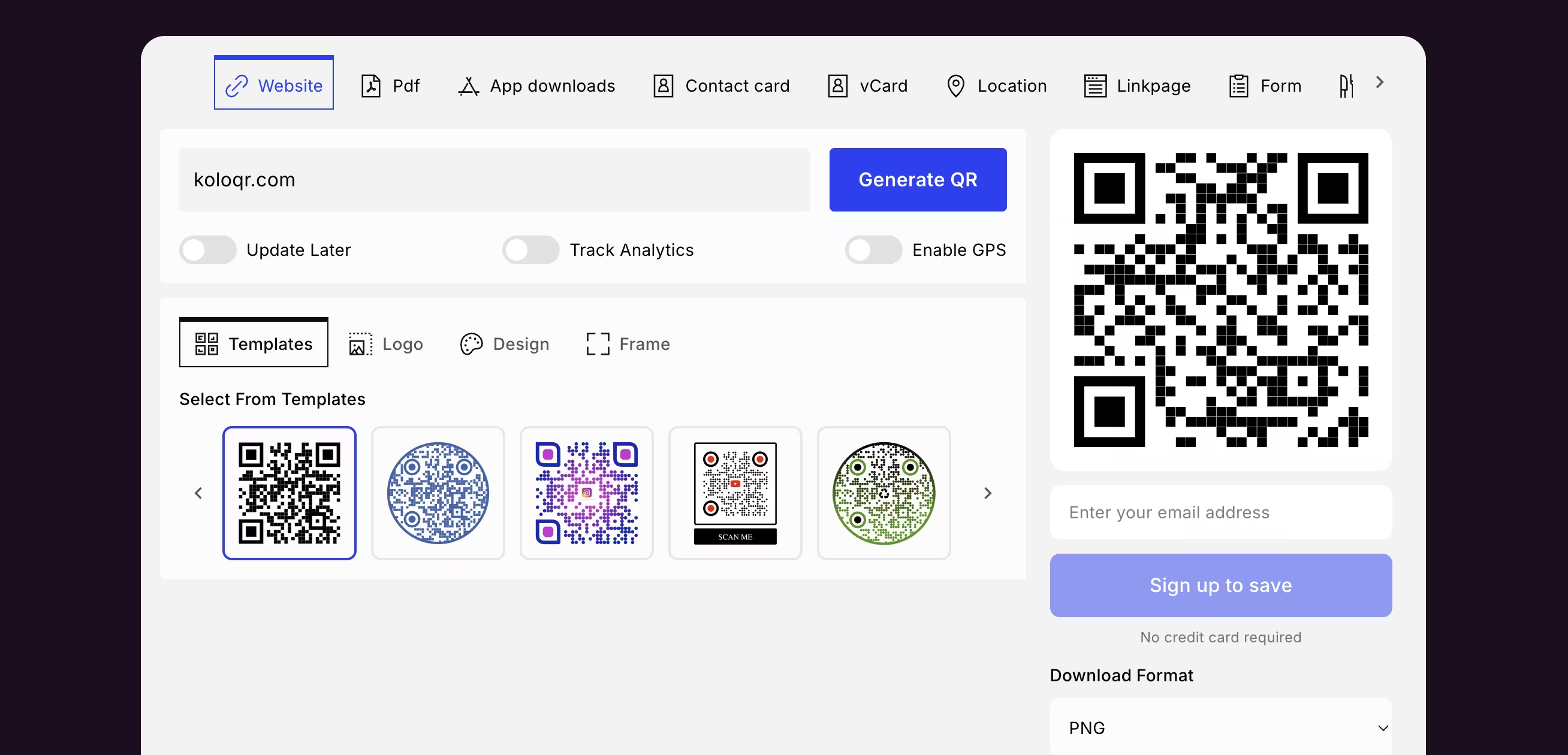
Feature Comparison
These rows cover code design, export and workflow, which is where the two tools diverge most. They do not cover dynamic codes, scan analytics, team seats or bulk creation - those are Uniqode capabilities KoloQR does not attempt, and the overview under the table sets them out in full. Verified against Uniqode's pricing page, free generator and help center in July 2026.
Downloads Without Signup
Download QR codes in all available formats without creating an account. Uniqode's free generator produces a code without login but downloads it as PNG; SVG, EPS and PDF require an account.
KoloQRYesUniqodeNoOpen Source
Inspect, modify, and self-host the source code. Uniqode is proprietary hosted software.
KoloQRYesUniqodeNoCustom QR Shapes
Create rectangular, circular, triangular, and hexagonal QR codes. Uniqode offers a circular frame plus module and eye shape options, but not triangular or hexagonal symbol outlines.
KoloQRYesUniqodeCircular onlyPremium QR Frames
Ready-to-use designer QR frames. Both tools ship frame styles with editable call-to-action text.
KoloQRYesUniqodeYesVector Export
Export SVG, PDF, and EPS for professional printing. Uniqode exports the same vector formats once you are signed in.
KoloQRYesUniqodeYesCopy to Figma
Copy QR codes directly into Figma. Uniqode integrates with Canva instead, so its codes reach a design file as a downloaded asset.
KoloQRYesUniqodeNoChrome Extension
Create QR codes from any webpage. The Uniqode platform has no browser extension; codes are made in the dashboard.
KoloQRYesUniqodeNoContrast Checker
Ensure your QR code has enough contrast for reliable scanning. Uniqode shows a broader real-time scannability score inside its dashboard rather than a dedicated contrast check.
KoloQRYesUniqodeIn dashboard
What Each Tool Is Actually Built to Do
KoloQR is a design and export tool. Uniqode is a redirect and measurement platform. Both produce a scannable QR code, but the thing you are paying for - or not paying for - is what happens after the code leaves the screen.
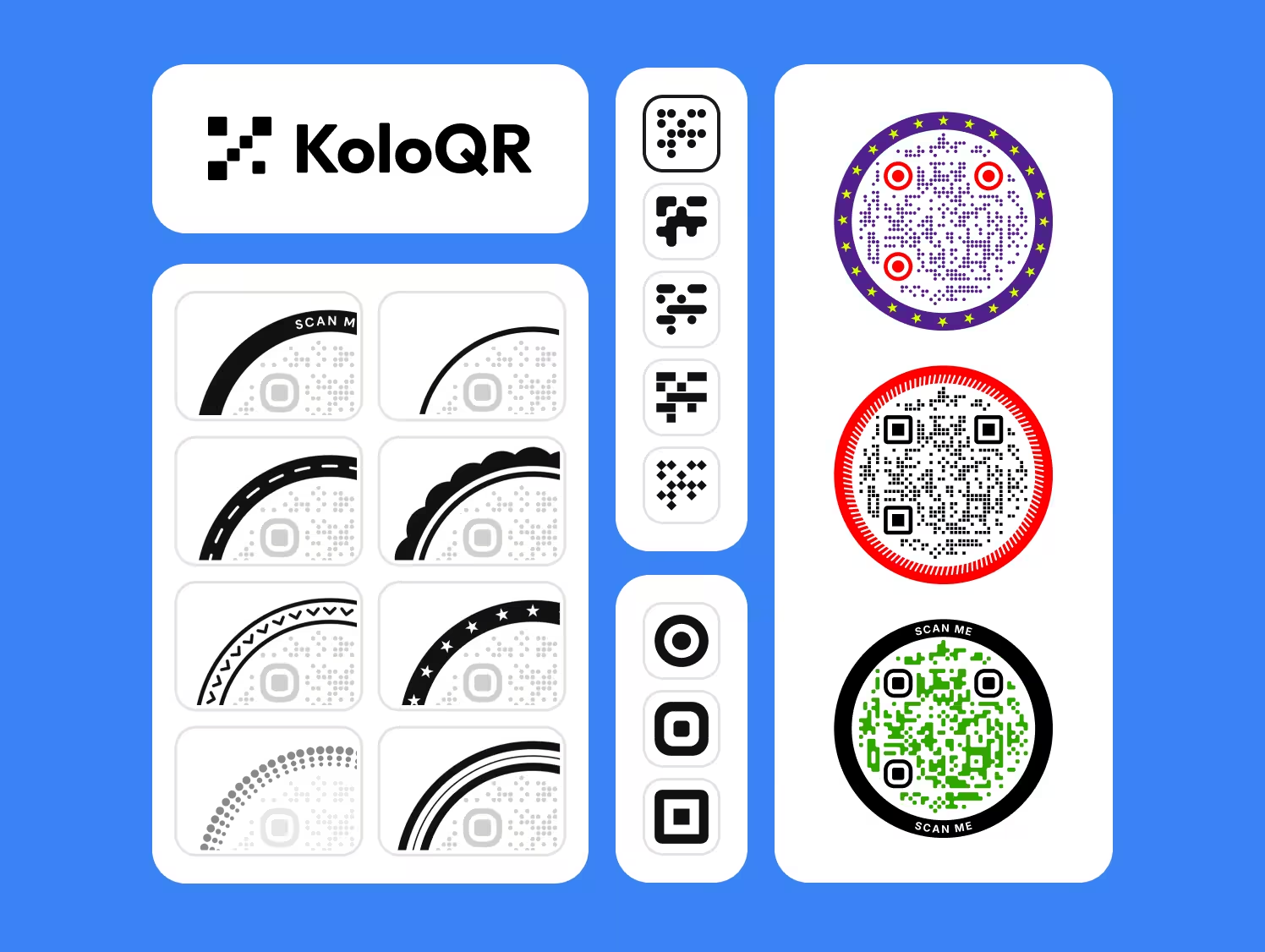
KoloQR: A Free Static QR Code Generator With Shape Control
KoloQR, a free QR code generator with circular and custom-shaped QR codes, encodes the destination directly into the symbol and hands you the file. There is no account, no dashboard, no subscription and no server between the scan and the destination, which also means there is nothing that can expire or be switched off. Every code KoloQR makes keeps working for as long as the URL it points at keeps working.
- Shapes Beyond the Square - KoloQR renders the whole symbol as a rectangle, circle, triangle or hexagon, not just the modules and eyes inside a square outline. A circular code fits a bottle cap, a coaster or a round table decal where a square code wastes the corners.
- No Account Between You and the File - KoloQR downloads in every supported format without a signup, an email address or a credit card. That matters for one-off jobs: a poster for a single event should not create a login you have to remember and a mailing list you have to leave.
- Print-Ready Vector Output - KoloQR exports SVG, PDF and EPS for print and PNG for screen. Vector files scale from a 2 cm sticker to a 3 m banner without pixel stepping on the module edges, which is what causes soft, hard-to-read codes at large sizes.
- Open Source and Self-Hostable - KoloQR's source code is published, so the generation logic can be inspected, modified or run on your own infrastructure. Organizations that cannot send a destination URL to a third-party service can generate codes without one.
What Is Uniqode? A QR Platform for Codes That Change and Get Measured
Uniqode is built around the dynamic QR code - a code that encodes a short redirect URL owned by the platform, so the destination can be changed at any time without reprinting. That single architectural choice is what unlocks the rest of the product: scan counts by time, device and location, A/B testing, smart rules, bulk generation from a spreadsheet, team seats and enterprise compliance. If a printed code will outlive the page it points at, or if the number of scans has to appear in a report, Uniqode is solving a problem KoloQR does not attempt.
The trade-off is structural rather than a matter of price. A dynamic QR code stops redirecting when the subscription behind it lapses: Uniqode states that dynamic codes go inactive once a free trial expires or a subscription is cancelled, while static codes keep working. Uniqode also bills annually - it confirms on its pricing page that it does not offer monthly plans - so the commitment is a year at a time, from roughly $9 a month for entry-level dynamic codes up to $49 a month for its Core plan, and a custom domain is a $2,000-per-year add-on on the Plus plan. Those figures were listed in July 2026 and should be checked against the current pricing page before you rely on them. The honest summary: Uniqode is a reasonable purchase for a marketing team running measurable campaigns, and an expensive way to put a menu link on a table tent.
Create a Free QR Code
How to Choose Between a Free Generator and a QR Platform
The choice is not about features. It is about one question - will anything about this code need to change or be counted after it is printed? These rules apply whichever tool you pick.
Decide Static or Dynamic Before You Design Anything
If the destination is fixed for the life of the printed material, a static QR code from a free generator is enough and costs nothing to maintain. If the destination will change, or scans have to be counted, buy a dynamic QR service and accept the subscription. Choosing wrongly is expensive in one direction and unrecoverable in the other, because a static code cannot be converted into a dynamic one after printing.
Get an Editable Destination Without a Subscription Using Your Own Redirect
Point a static QR code at a URL on your own domain, such as example.com/menu, and configure that path as a 302 redirect to the real page. The printed code never changes; the redirect target can be edited whenever you like. This gives you the main benefit of a dynamic code without a recurring fee, and the redirect keeps working as long as you own the domain - which is not true of a platform-owned short link. The 302 matters: a browser caches a 301, so it would keep going to the old destination after you change it.
Understand What Happens to Your Codes if You Stop Paying
Dynamic QR codes depend on the provider's redirect server, so they stop working when the account lapses. Uniqode states that dynamic codes become inactive once a trial expires or a subscription is cancelled, and that static codes continue to work. Before committing to any platform, find the sentence in its documentation that answers this question, and factor a permanent annual cost into any code you print on something durable like packaging or signage.
Size the Code by Scanning Distance, Not by What Looks Right on Screen
As a rule of thumb, a QR code needs about 1 cm of width for every 10 cm of scanning distance. A code read from arm's length at 30 cm needs roughly 3 cm; a poster read from 3 m needs roughly 30 cm. Keep 2 cm as the practical minimum for any printed code regardless of distance, because below that the modules approach the resolution limit of an ordinary print process.
Keep the Quiet Zone Clear on Every Design
A quiet zone is the empty margin around a QR code that lets a scanner detect where the symbol begins and ends. The QR standard, ISO/IEC 18004, specifies four modules of clear space on all four sides. Decorative frames, background images and tight layouts are the most common cause of a code that scans in the design file and fails on the printed sheet.
Raise Error Correction Before Adding a Logo, Not After
Error correction is the redundancy built into a QR code that allows it to remain scannable when part of the symbol is damaged or covered. Levels L, M, Q and H recover roughly 7%, 15%, 25% and 30% of the symbol. Use level H when placing a logo in the center, keep the logo under about a quarter of the code area, and test on a real phone rather than trusting the on-screen preview.
Keep the Code Dark on Light, Never Inverted
Most smartphone cameras expect dark modules on a light background. An inverted code - light modules on a dark background - is legal in the standard but decoded inconsistently across scanner apps and phone models. If a dark brand background is unavoidable, place the code inside a light panel rather than inverting it.
Export Vector for Anything That Goes to Print
SVG, PDF and EPS are vector formats that stay sharp at any size; PNG is a raster format that softens the module edges when scaled up. Send the printer a vector file and let the print process rasterize it at its own resolution. If a PNG is the only option, generate it at the final physical size at a minimum of 300 DPI rather than enlarging a small one.
Print the Destination in Text Beside the Code
A short readable URL and, where relevant, a phone number next to the QR code makes the content reachable for anyone whose camera fails, whose phone is old, or who simply does not scan codes. A QR code should always be the fast path to the content and never the only path - this is an accessibility requirement, not a nicety.
Test the Printed Code, on Paper, Before the Full Run
Print one copy at final size on the final material and scan it with at least two phones, one iOS and one Android, at the real distance and under the real lighting. Gloss lamination under a downlight and dark ink spread on uncoated stock are the two failures that never appear on screen. A single test print costs less than a reprint of the whole job.
Questions? Answered
KoloQR is free to use with no account, no watermark and no paid tier gating the export formats. You can download SVG, PDF, EPS and PNG without signing up. The trade-off is that KoloQR generates static QR codes only: the destination is encoded in the symbol itself, so it cannot be changed after printing and no scans are recorded.
Uniqode's free generator lets you create and download a static QR code without logging in, but the no-account download is PNG. Uniqode's own documentation directs you to sign up for an account to download print-ready SVG and EPS files. For a print job, that means an account either way. KoloQR exports every format without a signup.
Uniqode states that dynamic QR codes become inactive when a free trial expires or a subscription is cancelled - they stop redirecting and analytics pause. Static codes created on Uniqode keep working, because the destination is encoded in the symbol rather than served by the platform, though account access ends. Confirm the current terms on Uniqode's pricing page before you rely on this.
No. Uniqode's pricing FAQ states that it offers annual subscription plans only and that switching from annual to monthly is not possible. Entry-level dynamic plans were listed around $9 per month billed annually and the Core plan at $49 per month in July 2026, with a 14-day free trial and a 30-day money-back guarantee. Check the pricing page for current figures.
Yes. Uniqode states that it offers 10% off its plans for non-profits, on top of the 14-day free trial (checked on uniqode.com on 2 October 2026). The pricing page does not mention the discount, so ask sales to apply it before paying for the annual plan. A nonprofit that only needs printed codes for donation links, event sign-ups or volunteer forms may not need a subscription at all - QR codes for nonprofits covers which uses are static and cost nothing.
No. A static QR code encodes the destination in the pattern itself, so changing the destination means generating and reprinting a different code. Uniqode confirms in its own FAQ that a code's nature cannot be changed after creation. If there is any chance the destination will move, either buy dynamic codes from the start or point a static code at a redirect URL on a domain you control.
Point a static QR code at a URL on your own domain - for example yoursite.com/menu - and set that path to redirect to the real destination. Editing the redirect changes where every printed code lands, with no reprint and no monthly fee. The limitation compared with a dynamic platform is that you get no scan analytics unless your own server logs them, and you must keep the domain renewed.
No. KoloQR generates static QR codes and has no analytics layer, no dashboard and no account, so nothing is recorded on our side. If you need scan counts, either use a dynamic QR platform such as Uniqode, or point a static code at a URL on your own site and read the visits in your existing web analytics. The second option gives you page visits rather than true scan counts.
Yes, partly. Uniqode's frame options include a circular frame that turns a QR code into a round design, alongside module pattern and eye shape customization. What it does not offer is a full set of symbol outlines. KoloQR renders rectangular, circular, triangular and hexagonal codes, which matters when the code has to sit inside a specific physical shape such as a hexagonal label.
The three usual causes are a quiet zone eaten by a frame or background, ink spread on uncoated paper closing the gaps between modules, and gloss lamination throwing a specular reflection into the camera. Print one copy at final size on the final stock and scan it at the real distance under the real lighting before approving the run. On-screen previews never reproduce any of these.
Choose a free static code if the menu or landing page lives at a stable URL, and point it at your own domain so you keep the ability to redirect it. Choose Uniqode or another dynamic platform if you run seasonal campaigns, need per-location scan data, or manage codes across many sites. A single table tent rarely justifies an annual subscription; twenty tracked campaign codes usually do.

Make a Static QR Code Now, for Free
If the destination is not going to change, KoloQR gives you a print-ready code in the browser: pick a shape, set the colors, add a logo, download SVG, PDF, EPS or PNG. No account, no watermark, no expiry date on the code.
If the destination will change, or you need scan analytics, team seats or HIPAA compliance, a dynamic QR platform such as Uniqode is the right tool and we would rather say so than sell you the wrong one. A middle path worth trying first: generate a free static code here, point it at a redirect URL on your own domain, and keep the ability to change the destination without a subscription. That covers most menus, posters, packaging and signage - and if it turns out you also need per-code scan data, you have lost nothing by starting free.
Create Your QR CodeKeep Exploring
Pages that pick up where this one leaves off - the same setting, the same kind of code, or the next thing worth deciding.
Do QR Codes Expire? The Pattern Never Does
The pattern never expires, and four things behind it do. Which one failed, how to tell them apart, and which of them you can fix without reprinting.
Static or Dynamic? Decide It Before Anything Is Printed
The difference is where the destination lives, and price, analytics and every failure mode follow from it. Four questions that settle which one to print.
Best QR Code Generator in 2026: Six Free Tools Compared
Free resolves to three different arrangements - a code you keep, a code you rent, and a trial that ends - and the vendor's pricing page is rarely where the difference is stated.
Seven Flowcode Alternatives and What Each Replaces
Flowcode's free plan stops at 2 codes and 500 scans, and the first paid step is $25 a month - here is what seven alternatives cost, and why none of them can rescue a code that is already printed.
A Free QR Tiger Alternative, No Signup
A design-first, open-source QR generator compared with a campaign-focused tracking platform. See which one fits your project.
KoloQR vs QRCodeChimp
A free open-source designer for static, print-ready QR codes, compared with a QR management platform built around accounts, dynamic codes and scan analytics.
Why KoloQR?
- Create QR codes for websites, menus, Wi-Fi, PDFs, and business cards
- Customize colors, logos, and unique shapes
- Download high-quality PNG and SVG files
- Built for both print and digital
