

KoloQR vs QRCodeChimp: Which QR Code Generator Fits the Job?
KoloQR and QRCodeChimp overlap on design and part ways on everything else. KoloQR, a free QR code generator with circular and custom-shaped QR codes, runs in the browser, exports SVG, PDF and EPS without an account, and its source code is open for inspection or self-hosting. QRCodeChimp is a QR management platform: codes live in a dashboard behind a login, downloads are capped by plan resolution, and the paid tiers add dynamic codes, scan analytics, folders, forms and white labeling. The deciding question is whether the code is a design asset or a campaign. A logo-bearing code going onto packaging that ships next month is a design asset, and a free static export finishes the job. A code that has to be re-pointed after printing, or counted, is a campaign, and a platform with dynamic codes is the right tool - KoloQR does not do that.
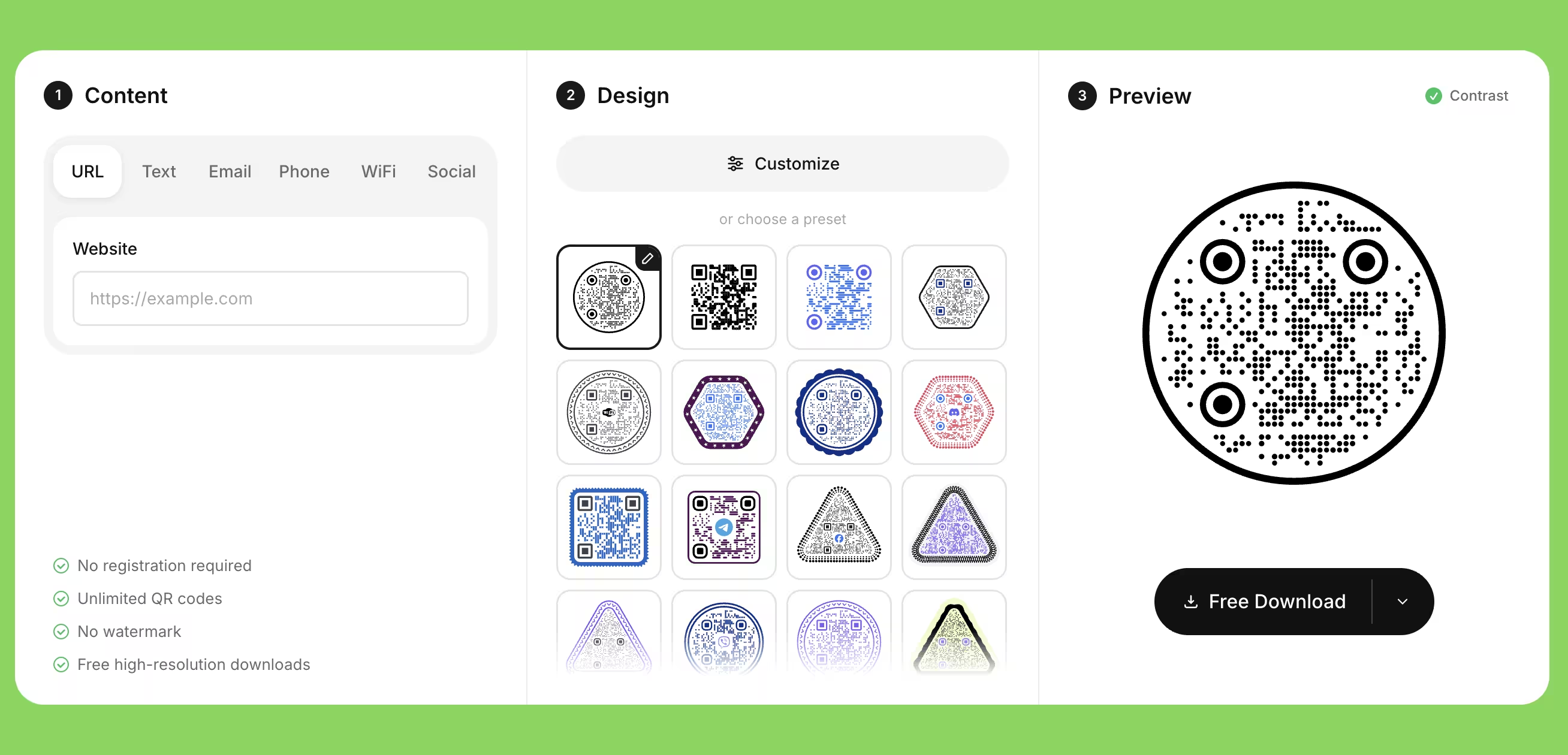
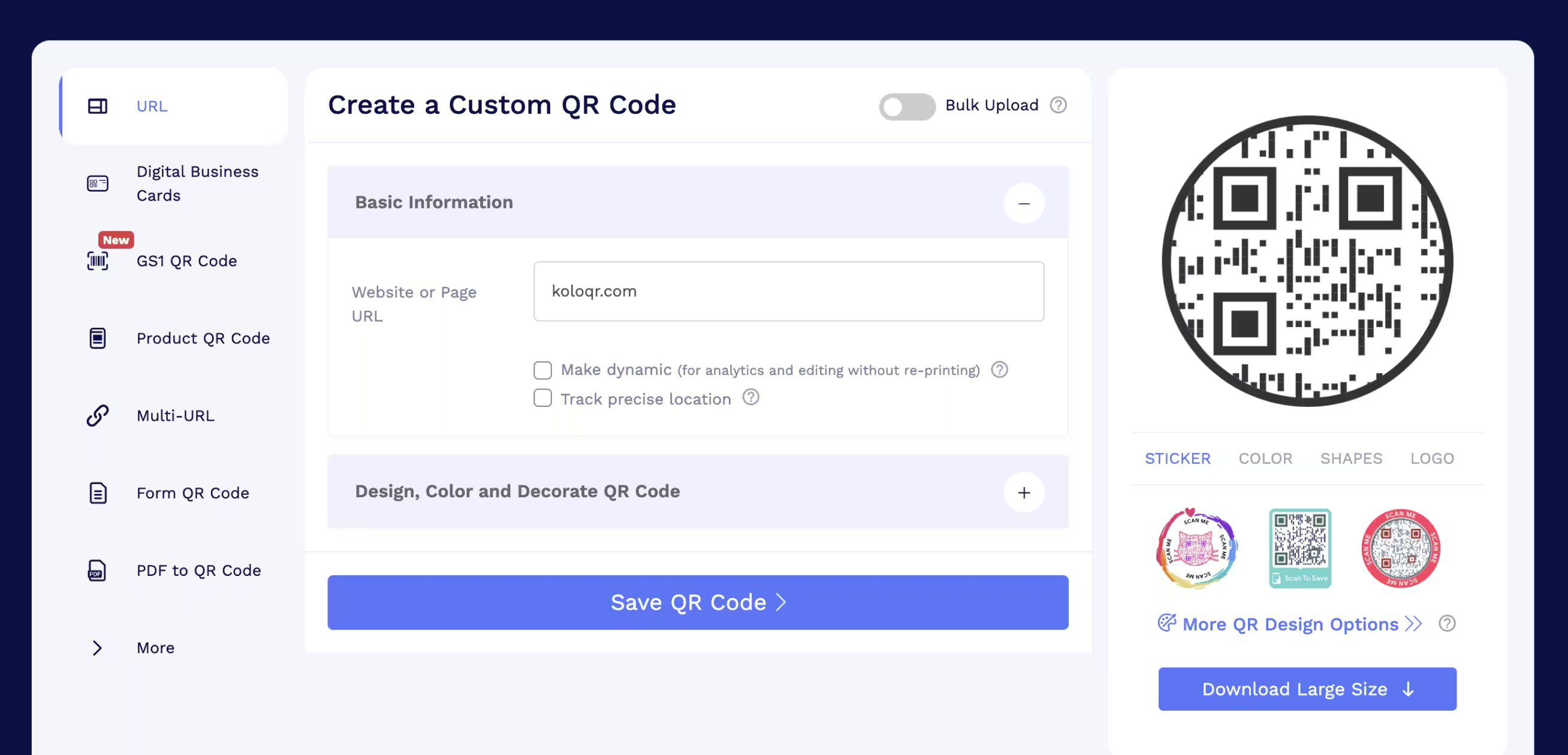
Feature Comparison
The rows below cover export, ownership and workflow, which is where the two tools differ most. Both generate shaped and logo-bearing codes, so design alone will not decide this. They do not cover dynamic QR codes or scan analytics - that is QRCodeChimp territory and KoloQR has no equivalent, which the overview under the table sets out in full. Verified against the QRCodeChimp pricing page and help center in July 2026.
Downloads Without Signup
Download QR codes in all available formats without creating an account. QRCodeChimp requires a signed-in account before a code can be downloaded.
KoloQRYesQRCodeChimpNoOpen Source
Inspect, modify, and self-host the source code. QRCodeChimp is proprietary software operated as a hosted service.
KoloQRYesQRCodeChimpNoCustom QR Shapes
Create rectangular, circular, triangular, and hexagonal QR codes. QRCodeChimp offers a wider novelty set, including heart, animal and food outlines.
KoloQRYesQRCodeChimpYesPremium QR Frames
Ready-to-use designer QR frames. QRCodeChimp calls these stickers and pre-designed QRs, and includes them on every plan.
KoloQRYesQRCodeChimpYesVector Export
Export SVG, PDF, and EPS for professional printing. QRCodeChimp downloads PNG and PDF by default and enables SVG per account on request through support.
KoloQRYesQRCodeChimpSVG on requestCopy to Figma
Copy QR codes directly into Figma, so the code lands in the layout as an editable object instead of a downloaded file.
KoloQRYesQRCodeChimpNoChrome Extension
Create QR codes from any webpage. QRCodeChimp also publishes a Chrome extension; the KoloQR one downloads without an account.
KoloQRYesQRCodeChimpYesContrast Checker
Ensure your QR code has enough contrast for reliable scanning, checked in the editor before export rather than after printing.
KoloQRYesQRCodeChimpNo
Static Design Tool or QR Management Platform
KoloQR and QRCodeChimp solve two different problems that look identical at the moment of generating a code. The difference shows up later: at the print shop, at the renewal date, and the day someone asks how many people scanned it.
What KoloQR Does
KoloQR is a free QR code generator with circular and custom-shaped QR codes that produces print-ready static codes in the browser. Nothing is stored on an account, nothing expires, and the exported file is the finished asset - the same file can go to a print shop, into a Figma layout, or into a packaging template five years from now and still resolve.
- Vector Export by Default - SVG, PDF and EPS store the code as geometry, so it stays sharp at any size and a print shop can scale it without resampling. PNG is available for screens. There is no resolution ceiling to plan around, because vector files do not have one.
- No Account, No Expiry - Codes download without signing up, without a watermark and without a scan limit, and commercial use is free. A static code has no subscription to lapse: it resolves for as long as the destination URL exists.
- Open Source - The source code can be inspected, modified and self-hosted, which matters when a security review asks where the URL was processed. KoloQR generates in the browser, so the encoded data does not need to travel to a dashboard.
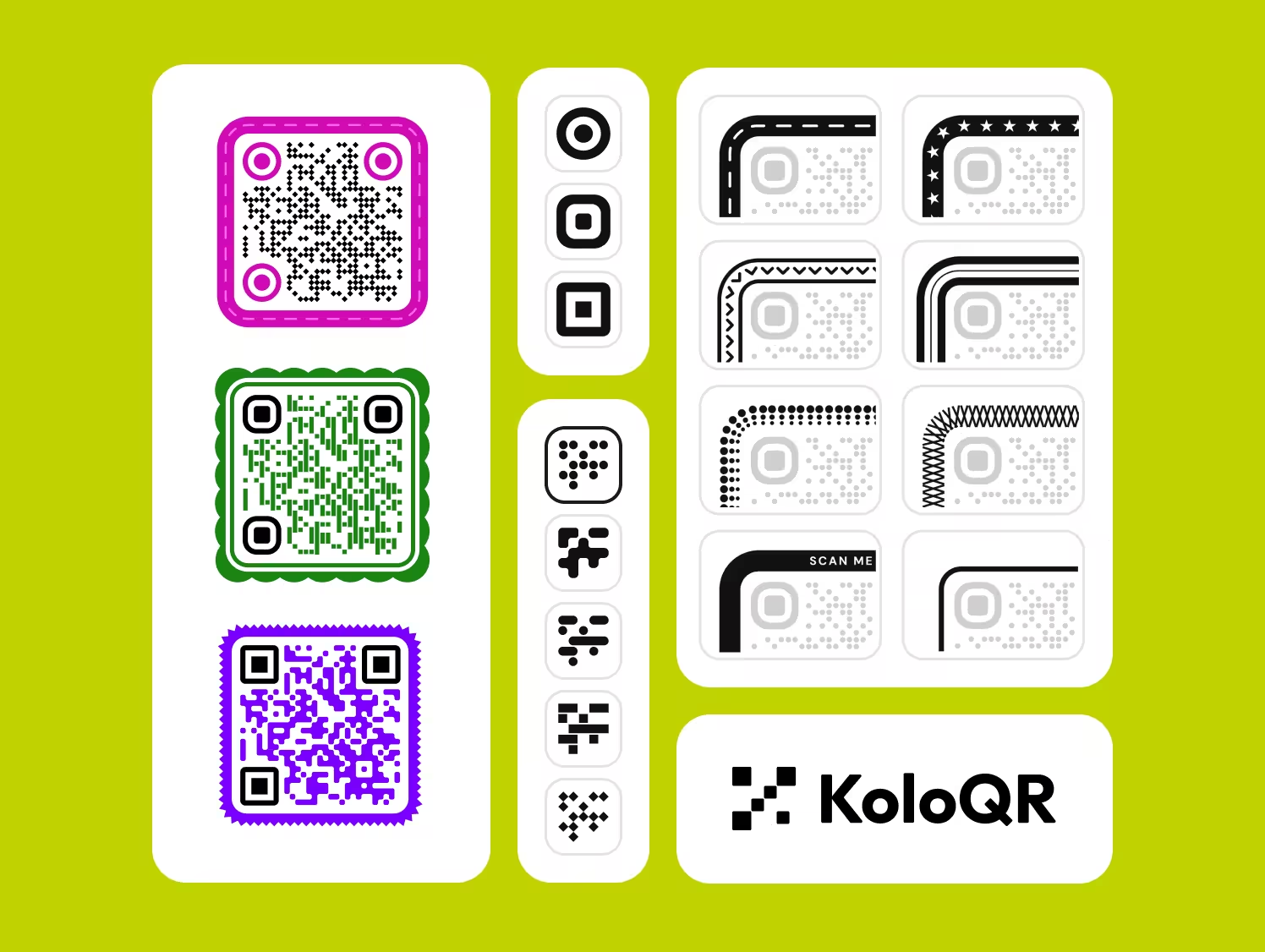
- Design Controls With a Contrast Check - Circular, rectangular, triangular and hexagonal shapes, custom colors, a center logo, designer frames and a contrast checker that flags a color pair before the file reaches print rather than after.
What Is QRCodeChimp?
QRCodeChimp is a QR management platform, and its real product is the dashboard rather than the image file. Dynamic codes let the destination change after printing, scan analytics report totals and, on higher plans, locations and devices, and folders, sub-accounts, bulk upload, forms, digital business cards and white-labeled scan domains support teams running many codes at once. The free plan listed in July 2026 includes unlimited static codes, 10 dynamic codes and 1,000 combined scans per month, with paid tiers from $9.99 per month.
Two conditions attach to the platform model and both are worth knowing before printing. Downloads are capped by plan resolution - 1024 × 1024 pixels on the free plan, 4096 × 4096 on the top tiers - and a raster file printed above roughly its pixel count ÷ 300 × 2.54 cm starts to soften at the module edges, which is where scanning fails first. And a dynamic code is a live dependency: QRCodeChimp pauses scans once the free monthly limit is reached and pauses dynamic codes beyond the most recent ten if a paid account reverts to free, so the printed sheet stops working even though the ink has not changed. Neither is a flaw, but both are the trade for editability, and a static vector file has neither.
Generate QR Code
How to Choose, and What to Check Before Printing
Practical rules for deciding between a static design tool and a QR platform, and for getting a code that survives the print run either way.
Decide by Whether the Destination Will Move, Not by Price
If the URL will point at the same page for the life of the print run, a free static code is enough and a subscription adds nothing. If the destination has to change after printing, or the scans have to be counted, a dynamic platform such as QRCodeChimp is the correct tool and KoloQR is not it. Price is downstream of that question, not a substitute for it.
Get an Editable Destination Without a Subscription by Using a Redirect
Point a static QR code at a short path on a domain you control, such as example.com/menu, and redirect that path to the real page with a 302. The printed code never changes and the destination becomes editable in a hosting panel. Server logs count the hits, which covers basic scan totals. This does not replace per-code analytics, geo breakdowns or a campaign dashboard, but it removes the most common reason people pay for dynamic codes. The 302 matters: a browser caches a 301, so it would keep going to the old destination after you change it.
Check the Resolution Ceiling Against the Printed Size
A raster file prints cleanly up to roughly its pixel width ÷ 300 × 2.54 cm at 300 DPI. A 1024 × 1024 PNG is therefore good to about 8.6 cm, 2048 × 2048 to about 17 cm, and 4096 × 4096 to about 34.7 cm. Anything larger needs a vector file: SVG, PDF or EPS store geometry rather than pixels and have no ceiling at all.
Size the Code for Reading Distance, Not for the Layout
A printed QR code needs roughly 1 cm of width for every 10 cm of scanning distance, with 2 × 2 cm as the practical floor for close reading. A table tent read from 30 cm needs about 3 cm, a shelf label read from 50 cm needs about 5 cm, and a poster read from 3 m needs about 30 cm. Shrinking a code to fit a layout is the most common self-inflicted scanning failure.
Keep the Quiet Zone Clear When the Code Has a Decorative Outline
A quiet zone is the empty margin around a QR code that lets a scanner detect where the symbol begins and ends, and the QR standard specifies four modules on every side. Circular masks, sticker frames and novelty outlines are drawn outside the symbol, so they are safe - until a designer nudges the artwork to close a visual gap and the frame crosses into the margin. Measure the margin in modules, not in millimeters.
Raise Error Correction Before Enlarging the Logo
Error correction is the redundancy built into a QR code that lets it stay scannable when part of the symbol is damaged or covered, and it comes in four levels: L, M, Q and H, recovering roughly 7%, 15%, 25% and 30% of the symbol. A center logo consumes that budget. Level H with a logo covering under about a fifth of the area is a workable starting point, and the only real check is a scan test.
Encode a Short URL So the Symbol Stays Coarse
Longer data means more modules in the same physical square, and smaller modules are the first thing a phone camera loses at distance or in poor light. Strip UTM parameters and long path segments, or hide them behind a short redirect on your own domain. A 30-character URL produces a visibly coarser, more forgiving code than a 120-character one at the same printed size.
Test the Exported File at Full Size on Two Phones
Print the final artwork at its real dimensions and scan it from the distance the reader will actually stand at, on one iPhone and one Android device. The editor preview is backlit, flat and pixel-sharp, which hides the three failures that matter in print: size, reflection off gloss lamination, and a clipped quiet zone. This single test catches more problems than every design decision before it.
Print the URL and a Phone Number Next to the Code
A QR code should be the fast path, never the only path. Some people will not scan a code, some older Android devices still need a scanner app, and no code works in a basement with no signal. A short readable URL and a phone number beside the code cost one line of type and remove the failure mode entirely.
Archive the Vector Source, Not Just the Placed Image
Keep the SVG or EPS alongside the artwork file, with the encoded URL written in the filename or a sidecar note. Reprints happen years later, usually at a different size and usually when nobody remembers which URL was encoded. A vector file plus the URL makes a reprint a five-minute job instead of a scavenger hunt through a dashboard or an old designer's downloads folder.
Questions? Answered
KoloQR is free. Codes download without an account, without a watermark and without a scan limit, and commercial use costs nothing. The trade is that the codes are static: the destination is baked into the symbol and cannot be changed after printing, and no scans are recorded. Nothing expires, because there is no subscription for the code to depend on.
Yes. The QRCodeChimp free plan listed in July 2026 includes unlimited static QR codes, 10 dynamic codes and 1,000 combined scans per month, with downloads capped at 1024 × 1024 pixels. An account is required to download anything. Paid plans start at $9.99 per month and raise the code, scan and resolution limits. Confirm current terms on the QRCodeChimp pricing page. For where those limits bite in practice - the shared scan meter and the resolution cap in print terms - read is QRCodeChimp free?.
No. QRCodeChimp requires a signed-in account before a QR code can be downloaded, because codes are saved to a dashboard. KoloQR downloads without an account, since the file is generated in the browser and nothing is stored. If avoiding an account is the deciding factor, that is the difference in one sentence.
Not by default. QRCodeChimp downloads PNG and PDF out of the box and enables SVG per account on request through support, and its own help center notes the SVG output may not open correctly in Illustrator. KoloQR exports SVG, PDF and EPS directly. For large-format print or a print shop that asks for vector, that difference decides the workflow.
About 8.6 cm at 300 DPI. The rule is pixel width ÷ 300 × 2.54 to get centimeters, so 2048 × 2048 reaches roughly 17 cm and 4096 × 4096 roughly 34.7 cm. Beyond that a raster file softens at the module edges, which is exactly where scanning breaks. A vector file has no ceiling, so print size stops being a constraint.
Yes. KoloQR makes circular, rectangular, triangular and hexagonal codes; QRCodeChimp offers those plus a larger novelty set including hearts, animals and food shapes. Shape alone will not decide between them. The functional module grid stays square in both cases - the circle is a mask and a frame around a square symbol, never a reshaping of the data area.
It can stop resolving. QRCodeChimp pauses scans once the free plan's 1,000 monthly scans are used, and a lapsed paid account keeps only the most recent ten dynamic codes active. A printed sheet then fails through no fault of the ink. This is the structural cost of editability, and it is the strongest argument for using a static code wherever the destination is genuinely fixed.
Not directly - KoloQR generates static codes and records nothing. The practical workaround is to encode a short path on your own domain and 302-redirect it to the destination, which puts every scan in your server logs or analytics. That gives totals and referrers, not per-code geo and device breakdowns. If campaign-level reporting matters, use a dynamic platform instead.
Three causes account for most cases: the code was printed smaller than about 1 cm per 10 cm of reading distance, gloss lamination reflected the light back into the camera, or the quiet zone was clipped when the artwork was placed. Screen previews hide all three. Print one proof at full size and scan it from the real distance before approving the run.
Only to a point, and no generator can promise a safe maximum. A logo eats into error correction, which recovers roughly 30% of the symbol at level H. A logo covering under about a fifth of the area at level H usually survives, but the outcome depends on the encoded data length, the printed size and the camera. Enlarge in steps and scan-test each one.

Generate a Free QR Code and Find Out Whether That Is All You Need
Paste a URL into KoloQR, choose a shape, set the brand colors, add a logo and export SVG, PDF or EPS for print or PNG for screen. No account, no watermark, no expiry and no charge for commercial use. If it turns out the destination has to change after printing or the scans have to be counted, a platform such as QRCodeChimp is the honest recommendation - but most printed codes point at one URL and never move.
Try the free route once before committing to a subscription: export the static vector, put a redirect on your own domain behind it, and print a single proof at full size. If that covers the job, the recurring cost was never necessary. If it does not, you will know exactly which capability you are paying for instead of buying a plan and hoping.
Generate QR CodeKeep Exploring
Pages that pick up where this one leaves off - the same setting, the same kind of code, or the next thing worth deciding.
Do QR Codes Expire? The Pattern Never Does
The pattern never expires, and four things behind it do. Which one failed, how to tell them apart, and which of them you can fix without reprinting.
Static or Dynamic? Decide It Before Anything Is Printed
The difference is where the destination lives, and price, analytics and every failure mode follow from it. Four questions that settle which one to print.
Best QR Code Generator in 2026: Six Free Tools Compared
Free resolves to three different arrangements - a code you keep, a code you rent, and a trial that ends - and the vendor's pricing page is rarely where the difference is stated.
Seven Flowcode Alternatives and What Each Replaces
Flowcode's free plan stops at 2 codes and 500 scans, and the first paid step is $25 a month - here is what seven alternatives cost, and why none of them can rescue a code that is already printed.
A Free QR Tiger Alternative, No Signup
A design-first, open-source QR generator compared with a campaign-focused tracking platform. See which one fits your project.
KoloQR vs Unitag
A free open-source generator that hands you a print-ready vector file, compared with a European QR platform whose free download is a 300-pixel PNG limited to 100 scans. The deciding factor is whether the code you print has to survive its hundredth scan.
Why KoloQR?
- Create QR codes for websites, menus, Wi-Fi, PDFs, and business cards
- Customize colors, logos, and unique shapes
- Download high-quality PNG and SVG files
- Built for both print and digital
