

KoloQR vs QR Code Generator: Which Free QR Code Can You Print?
KoloQR and QR Code Generator both give away static QR codes, and the difference shows up at the download button rather than in the editor. KoloQR, a free QR code generator with circular and custom-shaped QR codes, exports SVG, PDF, EPS and PNG without an account, a watermark or a payment. QR Code Generator - qr-code-generator.com, which abbreviates itself QRCG and belongs to Bitly - is more generous than most on the things people usually get caught by: its FAQ states that static QR codes are free, never expire and have no scan limit. What it holds back is the file. QRCG's own FAQ says the free download is high-resolution JPG, and that PNG, SVG or EPS require account signup, with EPS supplied only in black and white without any designs. Adding a logo to the centre needs a PRO account, free for 14 days and paid after that. Behind the free generator sits a full QR marketing platform - dynamic codes, scan analytics, 22 code types, bulk creation, an API and team seats - which is what QRCG sells and what KoloQR does not attempt.
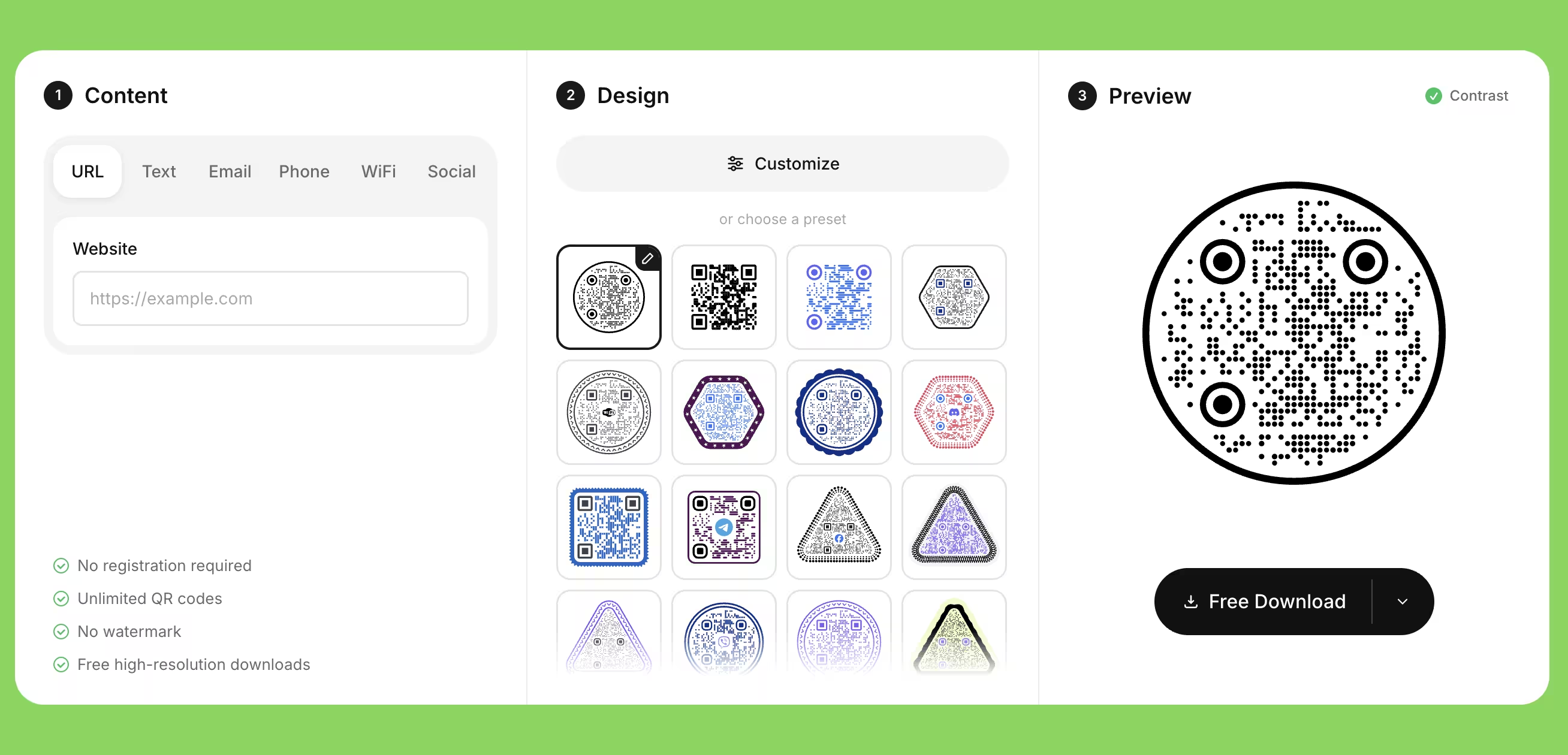
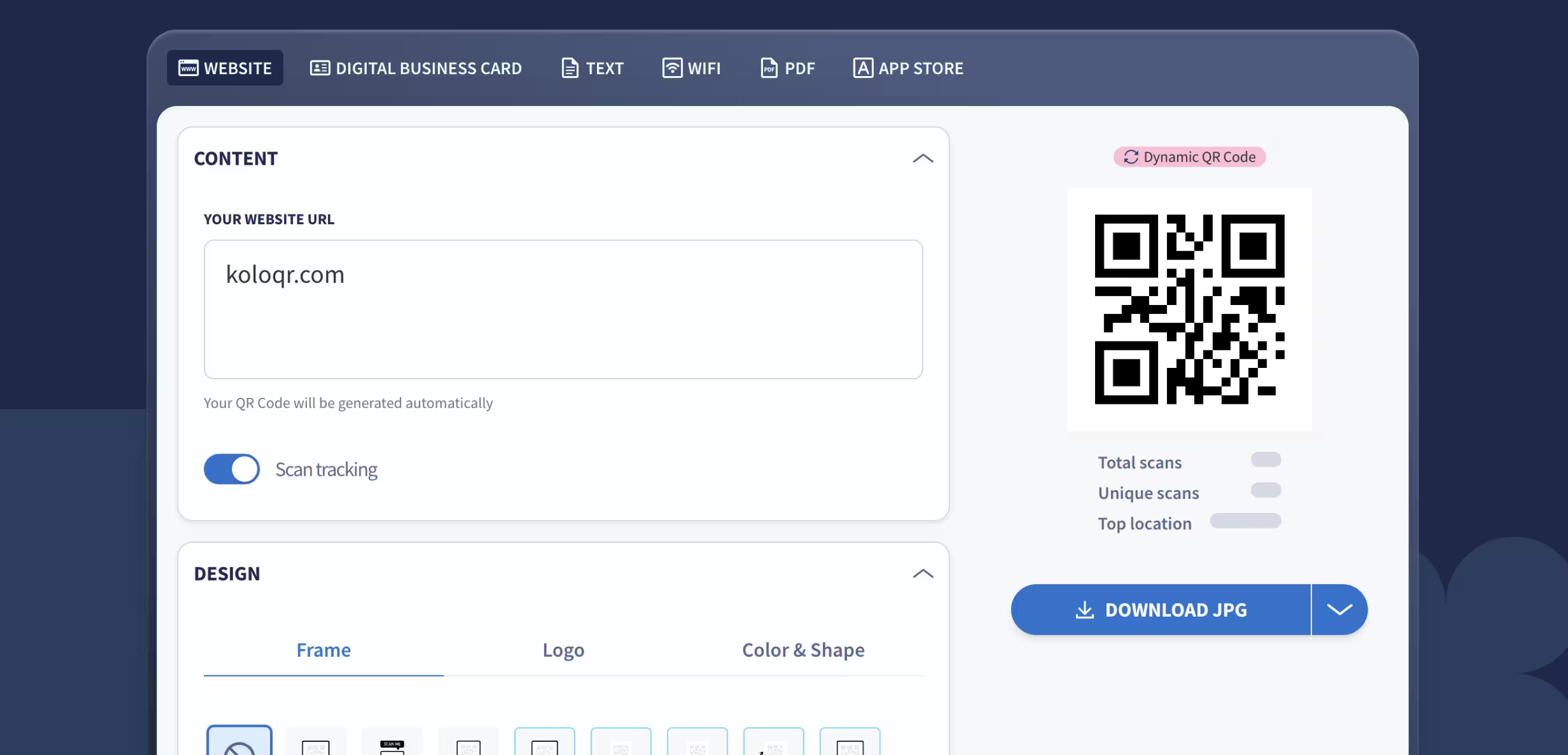
Feature Comparison
These rows cover the free design and export workflow, which is where the two tools are most often mistaken for each other. They do not cover dynamic codes, scan analytics, bulk creation, the API or team seats - QRCG sells all five and KoloQR offers none of them, and the overview under the table sets that out in full. Verified against qr-code-generator.com in August 2026.
Downloads Without Signup (All Formats)
Download QR codes in all available formats without creating an account. QRCG's FAQ states that the no-account download is high-resolution JPG, and that PNG, SVG and EPS require account signup.
KoloQRYesQR Code Generator (QRCG)NoOpen Source
Inspect, modify, and self-host the source code. QRCG is proprietary hosted software, run by Bitly Europe in Bielefeld, Germany.
KoloQRYesQR Code Generator (QRCG)NoCustom QR Shapes
Create rectangular, circular, triangular, and hexagonal QR codes. QRCG styles the pattern, eyes and colors inside a square symbol; the outline stays square.
KoloQRYesQR Code Generator (QRCG)NoPremium QR Frames
Ready-to-use designer QR frames. QRCG ships ready-made frames carrying call-to-action text, and its own description of the free three-step flow offers colors and frames before download.
KoloQRYesQR Code Generator (QRCG)YesVector Export
Export SVG, PDF, and EPS for professional printing. QRCG offers SVG and EPS after account signup, with EPS supplied only in black and white without any designs, and no PDF.
KoloQRYesQR Code Generator (QRCG)Account requiredCopy to Figma
Copy QR codes directly into Figma. A QRCG code reaches a design file as a downloaded image.
KoloQRYesQR Code Generator (QRCG)NoChrome Extension
Create QR codes from any webpage. QRCG publishes no browser extension of its own - its blog on the subject recommends third-party ones - though its parent Bitly ships an extension for Bitly accounts.
KoloQRYesQR Code Generator (QRCG)NoContrast Checker
Ensure your QR code has enough contrast for reliable scanning. QRCG publishes printing guidance and the rule that the foreground must be darker than the background, but the editor does not measure the contrast for you.
KoloQRYesQR Code Generator (QRCG)No
What Each Tool Is Actually Built to Do
KoloQR is a design and export tool that gives the finished file away. QR Code Generator is a QR marketing platform whose free static codes are the top of a funnel. Both draw a good-looking code; what differs is the file you leave with and what happens after you print it.
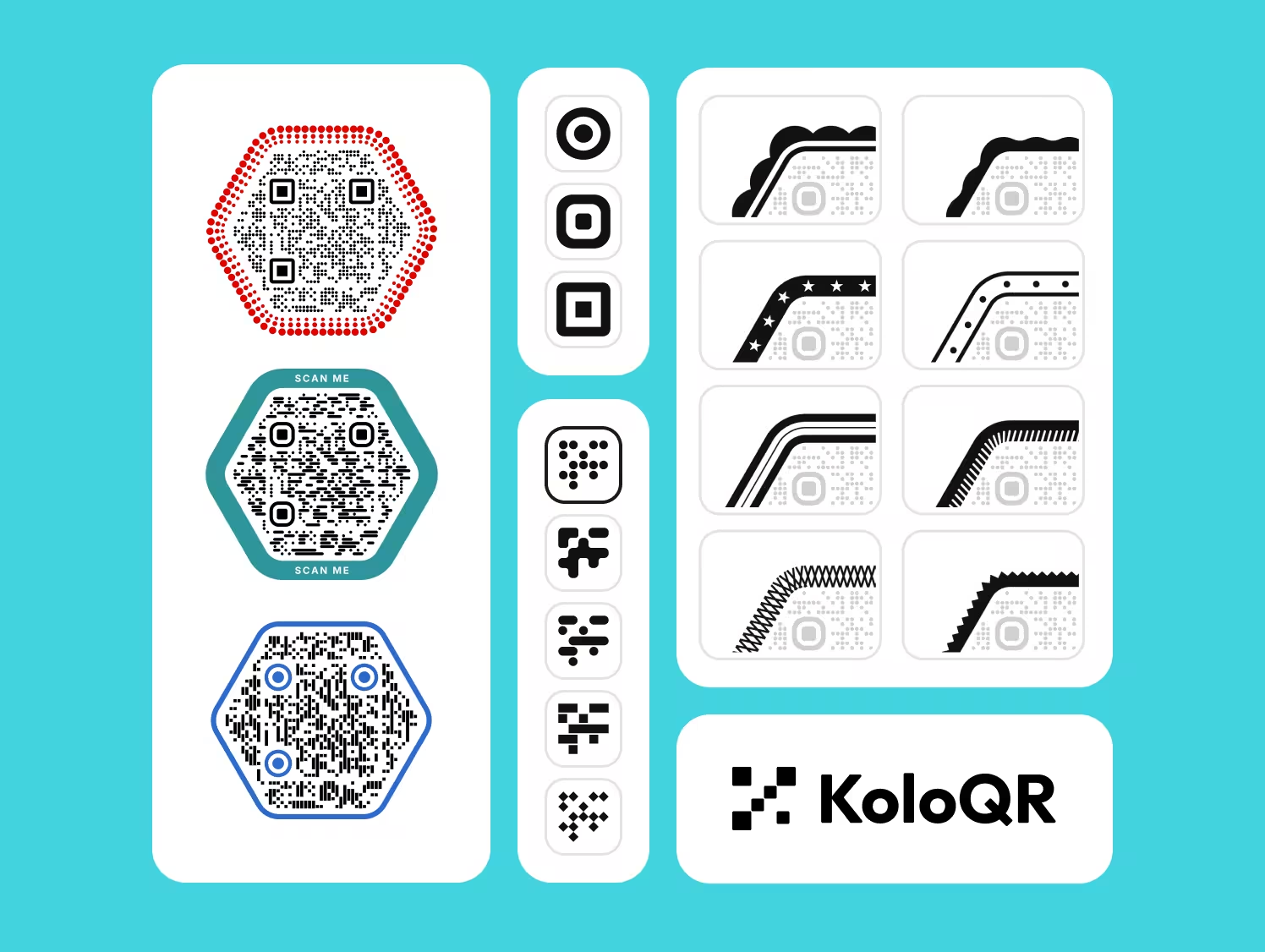
KoloQR: Every Export Format, With No Account
KoloQR, a free QR code generator with circular and custom-shaped QR codes, encodes the destination directly into the symbol and hands you the file in the format you ask for. A static QR code is a code whose destination is stored in the pattern itself, so no server sits between the scan and the page. Nothing counts the scans, nothing can deactivate the code, and nothing expires: a KoloQR code works for as long as the URL it points at works.
- Vector on the First Click - KoloQR exports SVG, PDF and EPS for print and PNG for screen, all without a signup, an email address or a payment. The vector files are the ones a printer asks for, and they are not held back behind an account or a trial.
- Shapes Beyond the Square - KoloQR renders the whole symbol as a rectangle, circle, triangle or hexagon, not only the modules and eyes inside a square outline. A circular code fits a bottle cap, a coaster or a round table decal where a square code wastes the corners.
- A Logo Without a Subscription - Placing a logo in the centre of the code is part of the free editor, alongside full colour control and a contrast check. On QRCG the same feature sits behind a PRO account, free for the first 14 days.
- Open Source and Self-Hostable - KoloQR's source code is published, so the generation logic can be inspected, modified or run on your own infrastructure. Teams that cannot send a destination URL to a third-party service can generate codes without one.
What Is QR Code Generator? A Bitly-Owned QR Marketing Platform
QR Code Generator started as Egoditor GmbH in Bielefeld, Germany, and has been part of Bitly since the December 2021 acquisition; the site's own footer files it under Bitly Europe. Its product is a QR management platform: dynamic codes that can be re-pointed after printing, scan analytics by time, place and device, 22 QR code types, bulk creation from a CSV, a REST API, team seats and built-in landing pages for people with no website. Plans listed in August 2026 were Starter at €16 a month or €8 a month billed annually, Advanced at €15 a month and Professional at €40 a month - both annual-only - all excluding VAT, with an Enterprise tier quoted on request. Starter allows 2 dynamic codes, 10,000 scans and 1 user; Advanced 50 codes and unlimited scans; Professional 250 codes. QRCG shows different amounts by region and currency, so check your own checkout rather than converting these.
The free side of QR Code Generator is better than most free tiers and worse than it looks in one specific way. Better: QRCG's FAQ says all static codes are free - URL, vCard, plain text, email, SMS, Twitter, WiFi and Bitcoin - that they are yours forever, that they never expire, and that there is no scan limit. Nothing is deactivated behind your back, which is more than several rivals can say. Worse: the file. QRCG's FAQ states that generated codes download in high-resolution JPG, and that PNG, SVG or EPS require account signup, with EPS offered only in black and white without any designs. JPEG is a lossy format built for photographs: it compresses in 8 × 8 blocks and typically discards colour detail, which puts ringing artifacts along exactly the hard black-and-white edges a scanner reads, and it has no transparency, so the code arrives in an opaque rectangle. For a code that will be printed small, that is the wrong file - and it is a free signup away from being the right one.
Create a Free QR Code
How to Choose Between a Free Generator and a QR Platform
Two questions decide this, and neither is about design tools: what file do you need to hand over, and will the destination change after printing? These rules apply whichever tool you pick.
Check the Free Download's File Format Before You Design
The format a free generator gives away is the thing that decides whether the work is reusable, and it is usually stated in the FAQ rather than on the button. QRCG documents high-resolution JPG without an account and PNG, SVG or EPS with one; KoloQR exports SVG, PDF, EPS and PNG with no account at all. Find that sentence for any generator before you spend an hour on colours, because the download is where free tiers narrow.
Do Not Send a JPG QR Code to a Printer
JPEG is a lossy raster format designed for photographs, and a QR code is the opposite of a photograph: it is hard black-and-white edges, which is what JPEG compression damages first. Re-saving compounds the artifacts, and JPEG has no transparency, so the symbol comes wrapped in an opaque rectangle. Use SVG, PDF or EPS for print, and PNG when a raster file is unavoidable - PNG is lossless and supports transparency.
Decide Static or Dynamic Before You Design Anything
If the destination is fixed for the life of the printed material, a static QR code from a free generator is enough and costs nothing to maintain. If the destination will change, or scans have to be counted, buy a dynamic QR service and accept the subscription. A static code cannot be converted into a dynamic one afterwards - QRCG says so in its own FAQ - so choosing wrongly means reprinting.
Get an Editable Destination Without a Subscription Using Your Own Redirect
Point a static QR code at a URL on your own domain, such as example.com/menu, and configure that path as a 302 redirect to the real page. The printed code never changes; the redirect target can be edited whenever you like. This gives you the main benefit of a dynamic code without a recurring fee, and the redirect keeps working as long as you own the domain - which is not true of a platform-owned short link. The 302 matters: a browser caches a 301, so it would keep going to the old destination after you change it.
Count the Codes a Plan Allows, Not the Features It Lists
Dynamic QR pricing is sold on allowances, and the allowance is what runs out. QRCG's Starter plan, the cheapest with dynamic codes, covers 2 codes, 10,000 scans and 1 user; 50 codes and unlimited scans start at Advanced, which is billed annually. Before subscribing, count the printed items that need their own code and their own numbers, then read the plan again - a campaign with eight posters does not fit a two-code plan.
Size the Code by Scanning Distance, Not by What Fits the Layout
As a rule of thumb, a QR code needs about 1 cm of width for every 10 cm of scanning distance, so a poster read from 3 m needs roughly 30 cm. QRCG publishes the same floor from the other direction: for business cards, flyers and similar small print, codes should be at least 2 × 2 cm, around 0.8 × 0.8 in. Treat 2 cm as the absolute minimum and 3 cm as the comfortable one.
Keep the Quiet Zone Clear on Every Design
A quiet zone is the empty margin around a QR code that lets a scanner detect where the symbol begins and ends. The QR standard, ISO/IEC 18004, specifies four modules of clear space on all four sides. Decorative frames, background images and tight layouts are the most common cause of a code that scans in the design file and fails on the printed sheet.
Raise Error Correction Before Adding a Logo, Not After
Error correction is the redundancy built into a QR code that allows it to remain scannable when part of the symbol is damaged or covered. Levels L, M, Q and H recover roughly 7%, 15%, 25% and 30% of the symbol. Use level H when placing a logo in the centre, keep the logo under about a quarter of the code area, and test on a real phone rather than trusting the preview.
Keep the Code Dark on Light, Never Inverted
Most smartphone cameras expect dark modules on a light background, and QRCG states the same rule in its own troubleshooting FAQ: the foreground must be darker than the background. An inverted code - light modules on a dark background - is legal in the standard but decoded inconsistently across scanner apps and phone models. If a dark brand background is unavoidable, place the code inside a light panel rather than inverting it.
Print the Destination in Text Beside the Code
A short readable URL next to the QR code makes the content reachable for anyone whose camera fails, whose phone is old, or who simply does not scan codes. It also rescues the print run if a platform code is ever deactivated. A QR code should always be the fast path to the content and never the only path - this is an accessibility requirement, not a nicety.
Test the Printed Code, on Paper, Before the Full Run
Print one copy at final size on the final material and scan it with at least two phones, one iOS and one Android, at the real distance and under the real lighting. Gloss lamination under a downlight and ink spread on uncoated stock are the two failures that never appear on screen. A single test print costs less than a reprint of the whole job.
Questions? Answered
QRCG's static QR codes are free, and its FAQ says they never expire and have no scan limit. What the free tier limits is the file and the design: the no-account download is high-resolution JPG, while PNG, SVG and EPS require account signup, and adding a logo needs a PRO account - free for 14 days, paid after that. KoloQR exports every format with no account.
Not without an account. QRCG's FAQ states that codes download in high-resolution JPG, and that PNG, SVG or EPS require account signup. It also warns that EPS is supplied only in black and white without any designs, so a coloured or framed code cannot be exported as EPS at all. KoloQR exports SVG, PDF and EPS with no signup and keeps the design intact.
No, not for anything that goes to a printer. JPEG is a lossy format built for photographs: it compresses in 8 × 8 blocks and puts ringing artifacts along hard black-and-white edges, which is precisely what a QR code is made of. It also has no transparency. Use SVG, PDF or EPS for print, or a PNG generated at final physical size and at least 300 DPI.
In August 2026 QRCG listed Starter at €16 a month, or €8 a month billed annually, with Advanced at €15 and Professional at €40 a month, both billed annually and all excluding VAT. Starter covers 2 dynamic codes, 10,000 scans and 1 user; Advanced 50 codes with unlimited scans; Professional 250 codes. Prices differ by region and currency, and Enterprise is quoted on request.
No, and this is where QRCG is better than several free tiers. Its FAQ says static QR codes are valid for as long as you want, never expire, and have no scan limit - once created they are yours forever. The only way such a code dies is if the destination URL changes or is deleted. Dynamic codes are the ones tied to a subscription.
QRCG's support centre says dynamic QR codes are deactivated when the trial or subscription ends and point to a service page instead of your destination, though the code data is kept and reactivates if you upgrade. Static codes created in the account keep working, because the destination lives in the symbol rather than on QRCG's servers. Test any printed code after a plan change.
No, though they share an owner. Bitly acquired Egoditor GmbH, the Bielefeld company behind qr-code-generator.com, in December 2021, and QRCG now sits under Bitly Europe. They remain separate products with separate accounts, features and pricing: a QRCG subscription does not give you Bitly, and a Bitly plan does not give you QRCG.
On KoloQR, yes - the logo, the colours and the contrast check are all in the free editor. On QRCG, no: its FAQ says account signup to the PRO version is required to unlock the logo, with the first 14 days free. Whichever tool you use, keep the logo under about a quarter of the code area and raise error correction to level H before testing.
No. QRCG customizes what sits inside the symbol - pattern, eyes, colours, frames and, on PRO, a centre logo - but the outline stays square. KoloQR renders the whole code as a rectangle, circle, triangle or hexagon, which matters when the code has to fit a round sticker, a hexagonal label or a circular table decal.
No. KoloQR generates static QR codes and has no analytics layer, no dashboard and no account, so nothing is recorded on our side. If you need scan counts, either use a dynamic platform such as QR Code Generator, or point a static code at a URL on your own site and read the visits in your existing web analytics. The second option gives page visits rather than true scan counts.
The usual causes are a quiet zone eaten by a frame or background, a raster file enlarged past its resolution, JPEG artifacts blurring the module edges, ink spread on uncoated paper closing the gaps between modules, and gloss lamination throwing a reflection into the camera. Print one copy at final size on the final stock and scan it with two phones before approving the run.

Make a Print-Ready QR Code Now, for Free
If the destination is not going to change, KoloQR gives you the finished file in the browser: pick a shape, set the colors, add a logo, check the contrast, download SVG, PDF, EPS or PNG. No account, no watermark, no trial clock and no format held back for a paid tier.
If you need to re-point a code after it is printed, count scans by time and place, build codes in bulk from a spreadsheet or manage them across a team, QR Code Generator is a real platform for that and we would rather say so than sell you the wrong tool. A middle path worth trying first: generate a free static code here, point it at a redirect URL on your own domain, and keep the ability to change the destination without a subscription. If the campaign later needs per-code analytics, you have lost nothing by starting free.
Create Your QR CodeKeep Exploring
Pages that pick up where this one leaves off - the same setting, the same kind of code, or the next thing worth deciding.
Do QR Codes Expire? The Pattern Never Does
The pattern never expires, and four things behind it do. Which one failed, how to tell them apart, and which of them you can fix without reprinting.
Static or Dynamic? Decide It Before Anything Is Printed
The difference is where the destination lives, and price, analytics and every failure mode follow from it. Four questions that settle which one to print.
Best QR Code Generator in 2026: Six Free Tools Compared
Free resolves to three different arrangements - a code you keep, a code you rent, and a trial that ends - and the vendor's pricing page is rarely where the difference is stated.
Seven Flowcode Alternatives and What Each Replaces
Flowcode's free plan stops at 2 codes and 500 scans, and the first paid step is $25 a month - here is what seven alternatives cost, and why none of them can rescue a code that is already printed.
A Free QR Tiger Alternative, No Signup
A design-first, open-source QR generator compared with a campaign-focused tracking platform. See which one fits your project.
KoloQR vs Pageloot
A free design tool with no account against a subscription QR platform with a free front door. The question is not which is better but whether you need a file you keep forever or a code you can re-point after it is printed.
Why KoloQR?
- Create QR codes for websites, menus, Wi-Fi, PDFs, and business cards
- Customize colors, logos, and unique shapes
- Download high-quality PNG and SVG files
- Built for both print and digital
