

KoloQR vs Scanova: Which QR Code Generator Fits the Job?
KoloQR and Scanova solve two different problems, and the wrong choice is expensive in both directions. KoloQR, a free QR code generator with circular and custom-shaped QR codes, produces a print-ready static code in the browser with no account, no watermark and no expiry, and its source code is open. Scanova is a subscription platform built around dynamic QR codes: the destination stays editable after printing, every scan is recorded, and features such as lead capture forms, password protection and conditional redirection sit on top. The deciding question is what happens when the payments stop. A static code from KoloQR keeps resolving forever because the URL is encoded directly in the symbol. A dynamic Scanova code routes through a short link that its plan keeps alive, so it stops working when the subscription or trial ends.
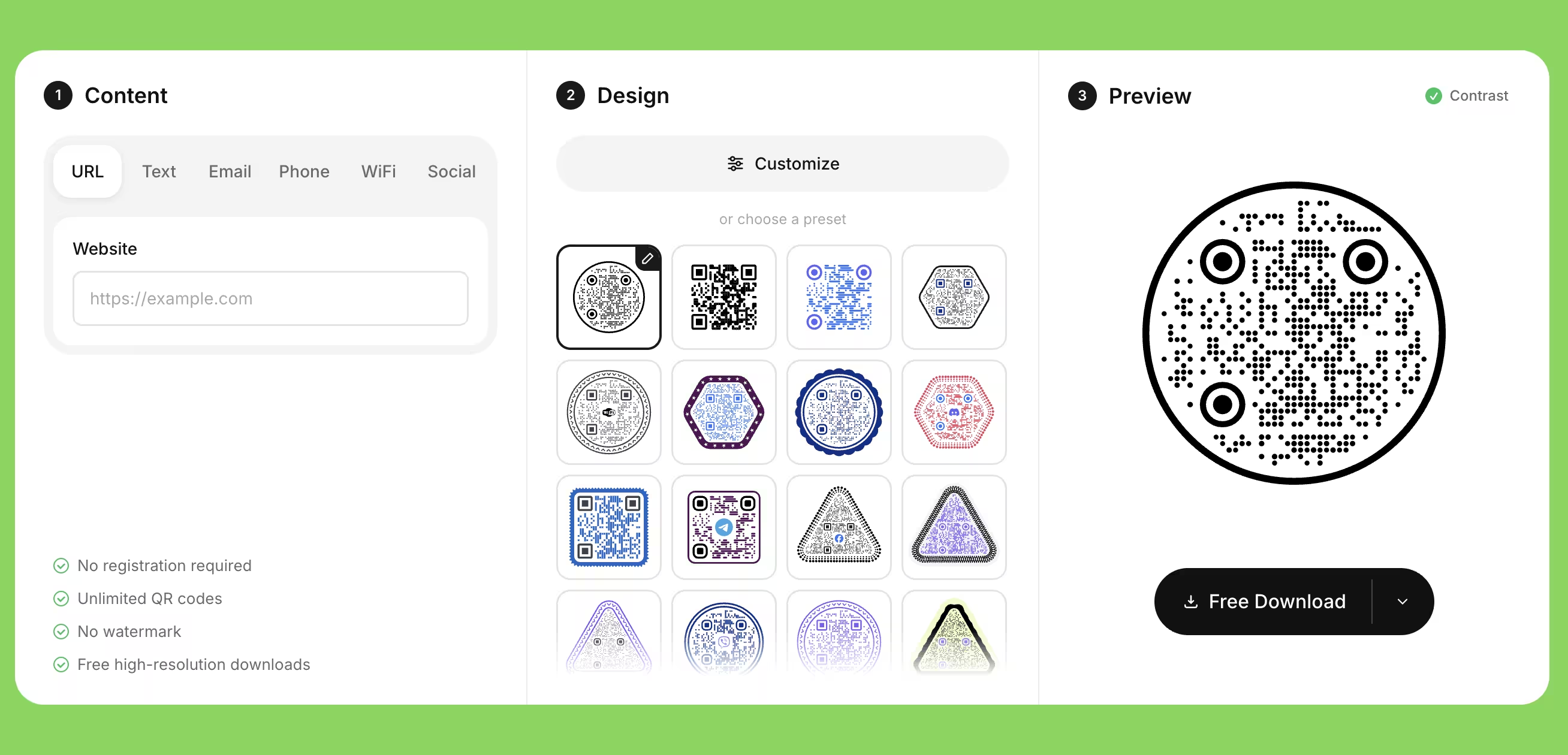
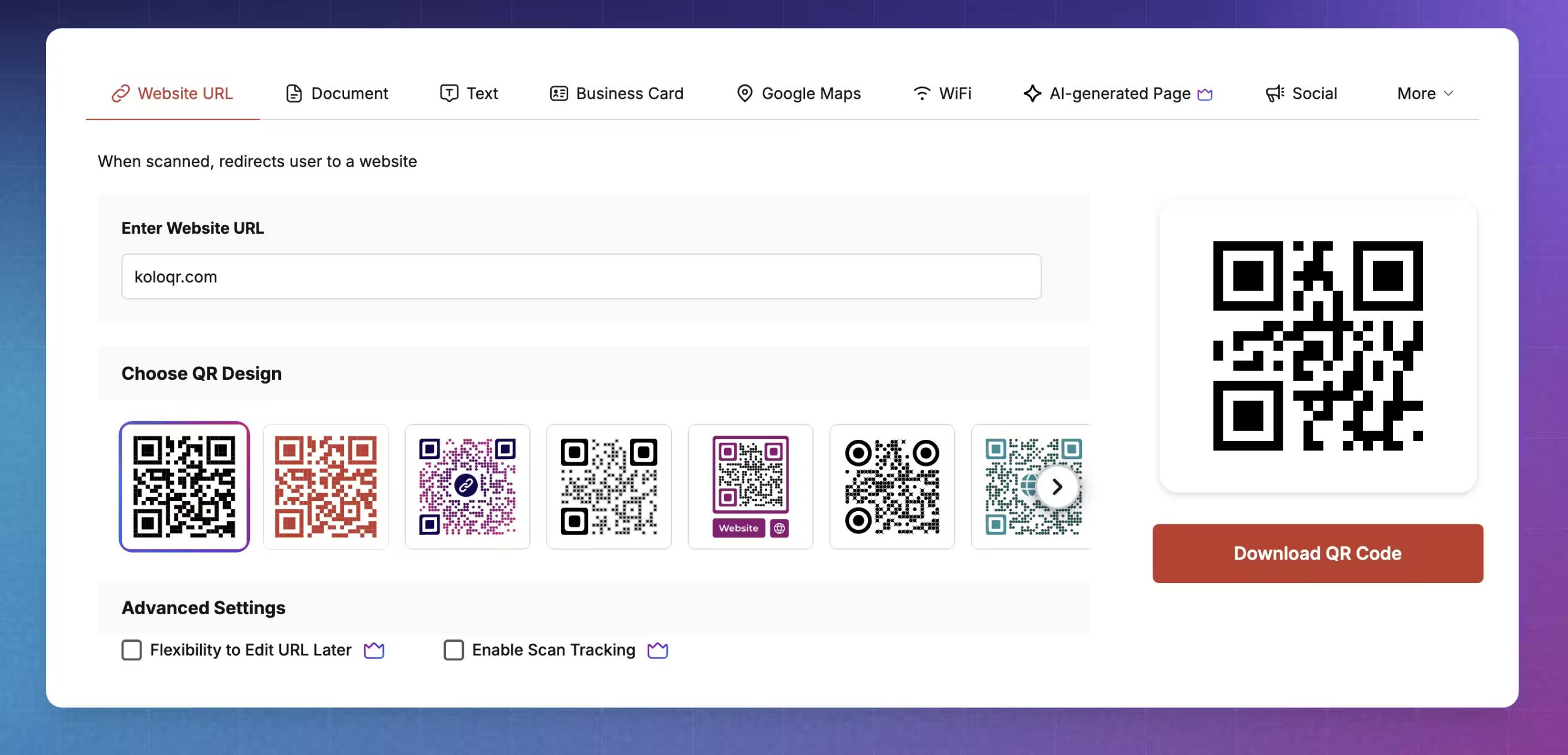
Feature Comparison
These rows cover code design, export and workflow, which is where the two tools diverge most. They do not cover dynamic QR codes or scan analytics - that is Scanova territory and KoloQR has no equivalent, which the overview under the table sets out in full. Every row was checked against Scanova's own product and pricing pages in July 2026; plans change, so verify anything that affects a purchase.
Downloads Without Signup (All Formats)
KoloQR exports PNG, SVG, PDF and EPS from the browser with no account and no watermark. Scanova's free tool creates a static code you download as a PNG; design customization and vector formats sit behind an account and a paid plan.
KoloQRYesScanovaNoOpen Source
KoloQR's source code is public, so it can be inspected, modified and self-hosted, which matters when a procurement or security review asks where the data goes. Scanova is a proprietary hosted platform, certified to ISO/IEC 27001:2022 and SOC 2 rather than open to inspection.
KoloQRYesScanovaNoCustom QR Shapes
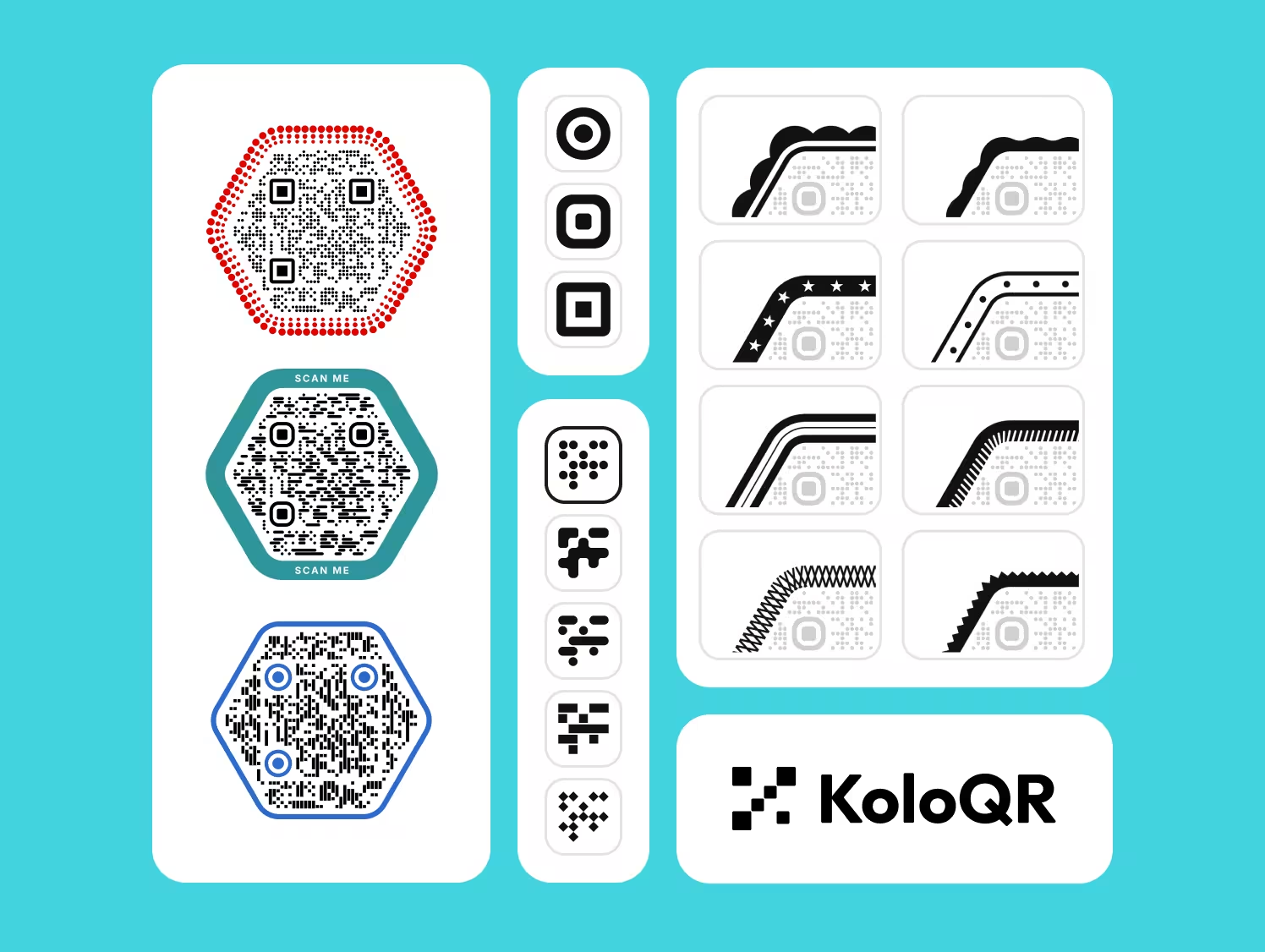
KoloQR renders the entire symbol as a circle, triangle or hexagon while keeping the finder patterns and quiet zone intact. Scanova customizes colors, center logo, module and eye patterns, frames and AI-generated backgrounds, but the symbol itself stays square.
KoloQRYesScanovaNoPremium QR Frames
Both tools ship ready-made frames with call-to-action text such as 'Scan for menu'. A frame is the graphic border around a QR code that carries the instruction telling people why to scan, and it is the single cheapest way to raise scan rates on print.
KoloQRYesScanovaYesVector Export
Both tools export vector files, which is what a printer needs for anything larger than a business card. KoloQR exports SVG, PDF and EPS free of charge; Scanova lists raster (PNG, JPG) and vector (SVG, EPS, PS, PDF) downloads as a paid-plan feature.
KoloQRYesScanovaYesCopy to Figma
KoloQR copies the code straight onto a Figma canvas as vector layers, so a designer can drop it into a layout without a download step. Scanova publishes no Figma integration; the route there is export, then import the file manually.
KoloQRYesScanovaNoChrome Extension
KoloQR's Chrome extension opens the generator on any tab, so you can make a QR code without leaving the page you are on, which is the fastest path for one-off links. Scanova's published integrations cover analytics and automation platforms rather than in-browser code generation.
KoloQRYesScanovaNoContrast Checker
KoloQR checks the foreground-to-background contrast before export and warns when a color pair is too close for a camera to separate reliably. Scanova covers contrast in its written guidance rather than as a check inside the editor.
KoloQRYesScanovaNoCode Keeps Working With No Subscription
A static QR code encodes the destination directly in the symbol, so it resolves for as long as the destination exists, with no service in between. Scanova's static codes behave the same way and are free forever; its dynamic codes route through a hosted short link and stop working when the plan or the 14-day trial ends.
KoloQRYesScanovaStatic codes only
Two Tools, Two Jobs: Design Ownership Versus Campaign Tracking
KoloQR is a design and export tool for QR codes you own outright. Scanova is a QR code management platform you subscribe to. Neither is a lesser version of the other, and teams that print at any volume frequently end up using both - a free static code for the sign that will never change, a tracked dynamic code for the campaign that has to be measured.
Where KoloQR Is the Better Fit
KoloQR fits work where the destination is fixed, the code has to look like it belongs to the brand, and nobody wants a recurring bill attached to a printed sign. A static QR code is a code that encodes its destination directly in the symbol, so it works forever and needs no account behind it. KoloQR generates only static codes, exports print-ready vector files free, and its source code is public.
- Permanent Signage and Packaging - A door sign, a museum label, a wine back-label or a Wi-Fi card points at the same URL for years. A static code from KoloQR keeps resolving with no service in the middle and no renewal date, which removes an entire class of failure from a print run you cannot recall.
- Design-Led Work and Brand Systems - Circular, triangular and hexagonal symbols, custom colors, center logos and frames make the code read as part of the layout rather than a black square dropped onto it. Copy-to-Figma and SVG, PDF and EPS export mean the file arrives in the designer's tool at full vector quality, not as a screenshot.
- One-Off Links and Internal Use - The Chrome extension puts the generator a click away in any tab and works offline, with no login and nothing saved to an account. For a shared document, a meeting-room booking page or a workshop handout, that is the whole job.
- Procurement and Privacy Review - Open source means the code that builds your QR symbol can be read, audited and self-hosted. A static code also involves no redirect service, so no third party sits between the person scanning and your own page - which is the shorter answer to give a privacy reviewer.
What Is Scanova?
Scanova is the better tool whenever the destination might change after printing or the scans have to be counted. Dynamic QR codes route through a hosted short link, so the destination is editable and every scan is logged. Scanova reports scans by date, location, device, browser and operating system, and its higher plans add lead capture forms, password-protected content, age gating, scheduled expiry, conditional redirection by country or device, bulk generation and custom domains. KoloQR does none of this and should not be stretched to try.
Two honest caveats apply in both directions. On Scanova's side, a dynamic QR code is rented rather than owned: it stops working when the subscription or the 14-day trial lapses, and Scanova states this plainly, which is more than many competitors do. Its free tool also does not allow design customization - the free output is a plain static code downloaded as a PNG. On the KoloQR side, the workaround for a changing destination is a redirect you control: encode a short URL on your own domain, print that, and change where it points whenever you need to. That keeps the code static and free, but it requires a domain and someone who can edit the redirect, and it still gives you no scan data unless your own server logs it.
Create a Free QR Code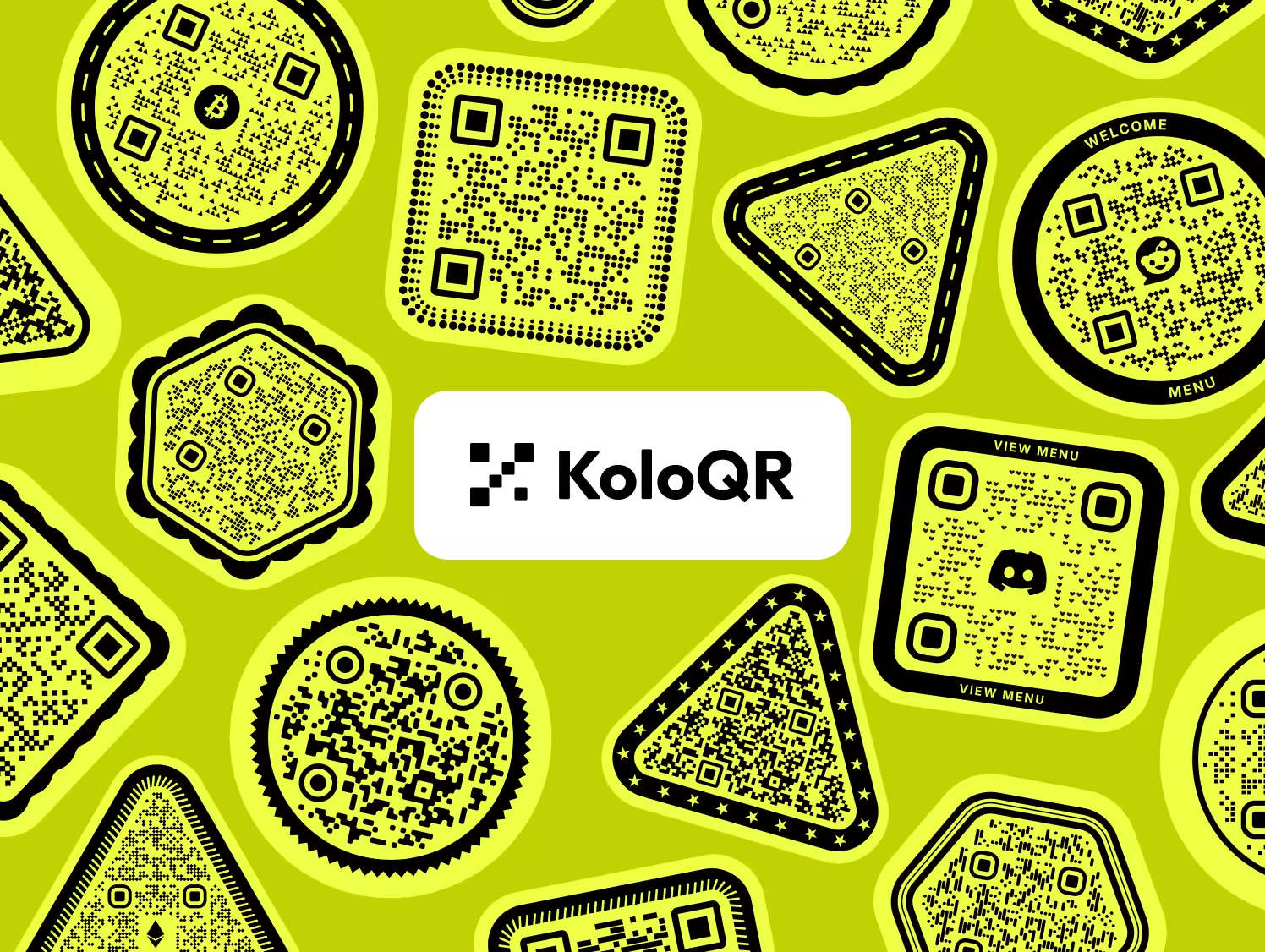
How to Choose, and How to Avoid the Expensive Mistakes
The choice between a free static generator and a paid QR platform is usually made once and lived with for years, because reprinting is the costly part. These rules apply whichever tool you pick.
Decide Static or Dynamic Before You Design Anything
Ask one question: could the destination change after this goes to print? If the answer is no, a free static code is enough and a subscription adds risk rather than removing it. If the answer is yes or maybe, use a dynamic code from a platform such as Scanova, or point the static code at a redirect URL on a domain you control.
Budget for a Dynamic Code as an Ongoing Cost, Not a Purchase
A dynamic QR code depends on a live redirect service, so the printed artefact outlives the thing that makes it work. Before printing 10,000 labels with a dynamic code, confirm who owns the account, who renews it, and what happens to those labels if the card on file expires. Scanova's Ultra Lite one-time plan exists precisely to solve this for a single permanent code.
Give the Code About 1 cm of Width for Every 10 cm of Scanning Distance
A code read from 30 cm needs roughly 3 cm of width; a poster read from 3 m needs roughly 30 cm. Keep 2 cm as the floor for anything printed, even for close scanning, because paper stock, ink spread and camera shake all eat into the margin. Both tools export vector files, so scale in the layout rather than enlarging a PNG.
Keep the Quiet Zone Even When the Symbol Is Not Square
The quiet zone is the empty margin around a QR code that lets a scanner detect where the symbol begins and ends, and the standard calls for four modules of clear space. Circular and hexagonal symbols still need it. Do not let a frame, a fold, a die-cut or a background photograph encroach on that margin.
Test Contrast With the Camera, Not With Your Eyes
Scanners read luminance difference, not color difference, so a mid-blue code on a mid-grey background can look fine on screen and fail on paper. Keep the code darker than its background, avoid light-on-dark inversion unless you have tested it on both an iPhone and an Android handset, and check the printed proof under the lighting the code will actually live in.
Raise Error Correction When You Add a Logo, and Only Then
Error correction is the redundancy built into a QR code that lets it stay readable when part of the symbol is damaged or covered, at four levels - L, M, Q and H, recovering roughly 7%, 15%, 25% and 30% of the symbol. A center logo needs Q or H. Raising the level also adds modules, which makes each module smaller at the same physical size, so do not raise it by default.
Shorten the URL Before You Generate the Code
Fewer characters means fewer modules, and fewer modules means larger, more forgiving squares at the same printed size. Strip UTM parameters and session IDs from the encoded URL where you can. If you need campaign attribution and are using a dynamic code, add the parameters at the redirect instead of in the symbol.
Always Print the Destination in Readable Text Next to the Code
A QR code should be the fast path, never the only path. A short URL and, where relevant, a phone number beside the code covers people with a cracked camera, a dead battery, no data allowance or a screen reader. This costs nothing and is the single most common omission on printed materials.
Scan the Final Printed Proof, Not the File on Screen
Test the actual substrate at the actual distance, with an iPhone and an Android phone, in the light where it will hang. Gloss lamination under downlights is the most common real-world failure: the specular highlight blows out part of the symbol and the camera never locks on. Matte laminate fixes most of it.
Record What Each Code Points At While You Still Remember
Keep a simple sheet listing every printed code, its destination, where it was placed, the export file and the date. With static codes this is the only record that exists. With dynamic codes it is what stops someone editing the wrong campaign two years later.
Questions? Answered
KoloQR is free to use and free to export. There is no account requirement, no watermark, no scan limit and no expiry on the codes it generates, and PNG, SVG, PDF and EPS downloads are all included. The trade-off is scope rather than price: KoloQR generates static codes only, so there is nothing to track and nothing to edit after export.
Scanova has a free static QR code generator and paid plans for dynamic codes. The free tool creates a static code you download as a PNG and it works forever, but design customization is not available on it. Dynamic codes - editable destinations, scan analytics, landing pages, lead capture - require a subscription, with a 14-day trial available first.
Static codes keep working; dynamic codes stop. A dynamic QR code resolves through a hosted short link, so when the subscription or trial ends the link is no longer served and the printed code leads nowhere. Anything already printed with a dynamic code becomes dead paper. Static codes, from Scanova or KoloQR, encode the destination directly and have no such dependency.
Not in the code itself, but there is a reliable workaround. Encode a short URL on a domain you control, such as yoursite.com/menu, and set a server-side redirect to the real destination. The printed symbol never changes and you edit the redirect whenever you need to. This requires a domain and someone who can change the rule, and it gives you no scan data unless your server logs it.
No. Scanova offers extensive design customization - brand colors, a center logo, module and eye pattern styles, frames and AI-generated background art - but the symbol keeps its square outline. KoloQR renders the whole symbol as a circle, triangle or hexagon while preserving the finder patterns and quiet zone, which is its main visual difference from most QR platforms.
Not inherently, but every design choice spends part of the scanning margin. What actually determines reliability is contrast, printed size, quiet zone and error correction level. A circular symbol with strong contrast at 3 cm scans fine; a square one in two similar mid-tones at 1.5 cm fails. Styling never improves scan performance - it just needs to avoid degrading it, which is why a contrast check before export is worth the ten seconds.
Use a dynamic code if the menu URL changes seasonally or you want to know how many diners scan; use a static code from KoloQR if the menu lives at one permanent URL. A middle path that costs nothing: print a static code pointing at yoursite.com/menu on your own domain and repoint that URL whenever the menu moves. Table tents want roughly 2.5 to 3 cm of code width.
Ask the printer, but assume vector for anything larger than a business card. SVG, PDF and EPS are vector formats that stay sharp at any size, while PNG is raster and will show soft or stepped module edges once enlarged. KoloQR exports all four free. Scanova lists vector downloads among its paid-plan features, so a free Scanova export gives you PNG.
Yes, within limits. Keep the logo under roughly 20-25% of the symbol width, center it, and raise error correction to Q or H so the covered modules can be reconstructed. Never cover a finder pattern - the three large squares in the corners - because those are what a scanner uses to locate and orient the symbol, and no error correction level recovers them.
Usually size, lighting or laminate rather than the code itself. Older handsets have lower-resolution cameras and slower autofocus, so a code that scans instantly on a recent phone may need a longer, closer attempt on a three-year-old one. Gloss lamination under a downlight is the other frequent culprit: the reflection erases part of the symbol. Test the printed proof on at least one iPhone and one Android handset before the full run.

Design the Code First, Decide the Platform Second
If the destination is fixed, KoloQR gives you a print-ready static QR code in the browser - circular or square, in your colors, with your logo - exported as SVG, PDF, EPS or PNG with no account and no expiry.
If you already know you need editable destinations, scan analytics or lead capture, a subscription platform such as Scanova is the right tool for that part of the work, and KoloQR does not compete for it. Many teams run both: free static codes for permanent signage, a paid dynamic code for the campaign that has to be measured.
Create a Free QR CodeKeep Exploring
Pages that pick up where this one leaves off - the same setting, the same kind of code, or the next thing worth deciding.
Do QR Codes Expire? The Pattern Never Does
The pattern never expires, and four things behind it do. Which one failed, how to tell them apart, and which of them you can fix without reprinting.
Static or Dynamic? Decide It Before Anything Is Printed
The difference is where the destination lives, and price, analytics and every failure mode follow from it. Four questions that settle which one to print.
Best QR Code Generator in 2026: Six Free Tools Compared
Free resolves to three different arrangements - a code you keep, a code you rent, and a trial that ends - and the vendor's pricing page is rarely where the difference is stated.
Seven Flowcode Alternatives and What Each Replaces
Flowcode's free plan stops at 2 codes and 500 scans, and the first paid step is $25 a month - here is what seven alternatives cost, and why none of them can rescue a code that is already printed.
A Free QR Tiger Alternative, No Signup
A design-first, open-source QR generator compared with a campaign-focused tracking platform. See which one fits your project.
KoloQR vs Uniqode
A free open-source design tool for static QR codes, compared with an enterprise QR platform built on dynamic codes, scan analytics and team controls. The deciding factor is whether anyone needs to change or measure the code after it is printed.
Why KoloQR?
- Create QR codes for websites, menus, Wi-Fi, PDFs, and business cards
- Customize colors, logos, and unique shapes
- Download high-quality PNG and SVG files
- Built for both print and digital
