

KoloQR vs QRStuff: A Feature-by-Feature Comparison
KoloQR and QRStuff solve different halves of the same problem. KoloQR, a free QR code generator with circular and custom-shaped QR codes, is built for producing a static code that looks correct in a layout and survives printing - every export format downloads without an account, and the source code is open. QRStuff is a subscription QR code platform built around dynamic codes, where the destination URL stays editable after printing and each scan is logged with location, device and time. The practical rule: if the code will never need to change, KoloQR covers it at no cost; if you need to redirect or measure it later, QRStuff's paid plans do that and KoloQR does not.
Feature Comparison
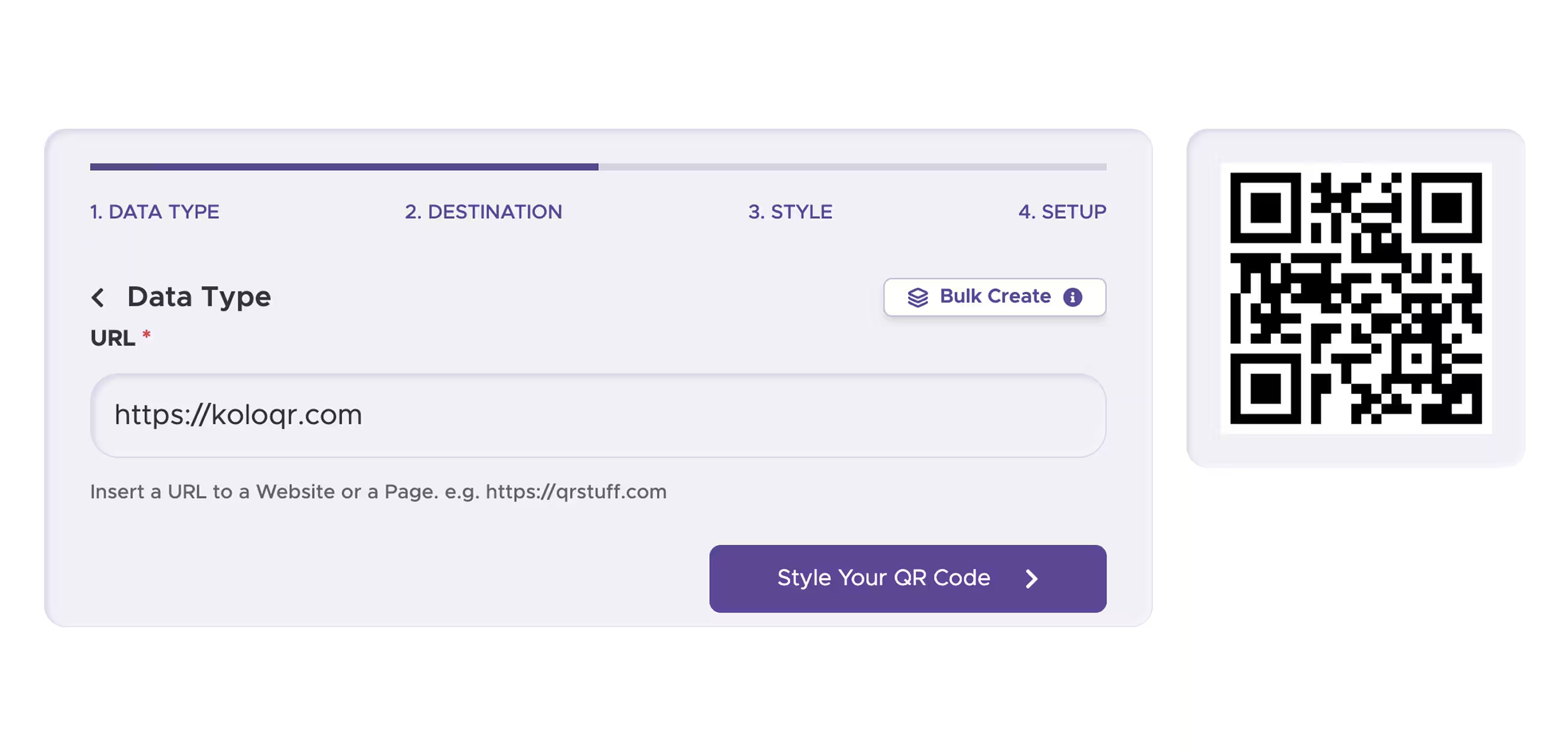
This table compares the design, export and workflow features of KoloQR and QRStuff. It does not cover dynamic QR codes, scan analytics, bulk CSV generation or team accounts - QRStuff provides all four and KoloQR provides none of them. Those differences are described in full below the table.
Downloads Without Signup (All Formats)
Download QR codes in all available formats without creating an account.
KoloQRYesQRStuffNoOpen Source
Inspect, modify, and self-host the source code.
KoloQRYesQRStuffNoCustom QR Shapes
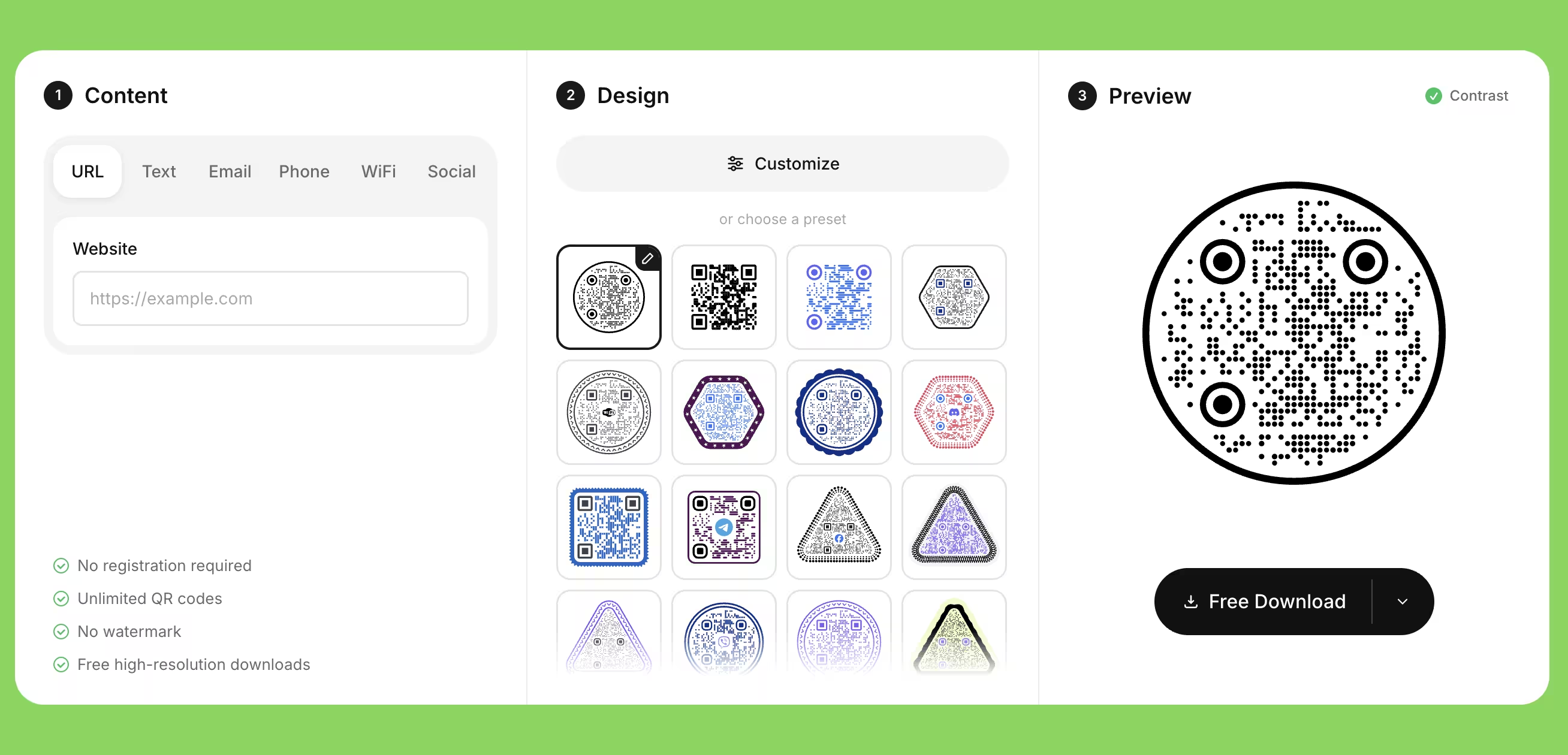
Create rectangular, circular, triangular, and hexagonal QR codes.
KoloQRYesQRStuffNoPremium QR Frames
Ready-to-use designer QR frames.
KoloQRYesQRStuffYesVector Export
Export SVG, PDF, and EPS for professional printing.
KoloQRYesQRStuffYesCopy to Figma
Copy QR codes directly into Figma.
KoloQRYesQRStuffNoChrome Extension
Create QR codes from any webpage.
KoloQRYesQRStuffNoContrast Checker
Ensure your QR code has enough contrast for reliable scanning.
KoloQRYesQRStuffNo
What Each Generator Is Actually Built For
KoloQR is a design tool for static QR codes; QRStuff is a campaign platform for dynamic QR codes. A static QR code stores the destination inside the symbol itself, so it works forever and cannot be edited or tracked. A dynamic QR code stores a short redirect URL, so the destination can be changed and every scan can be counted - but it depends on the provider's redirect servers staying online and paid for.
KoloQR: Static QR Codes Made for Layouts and Print
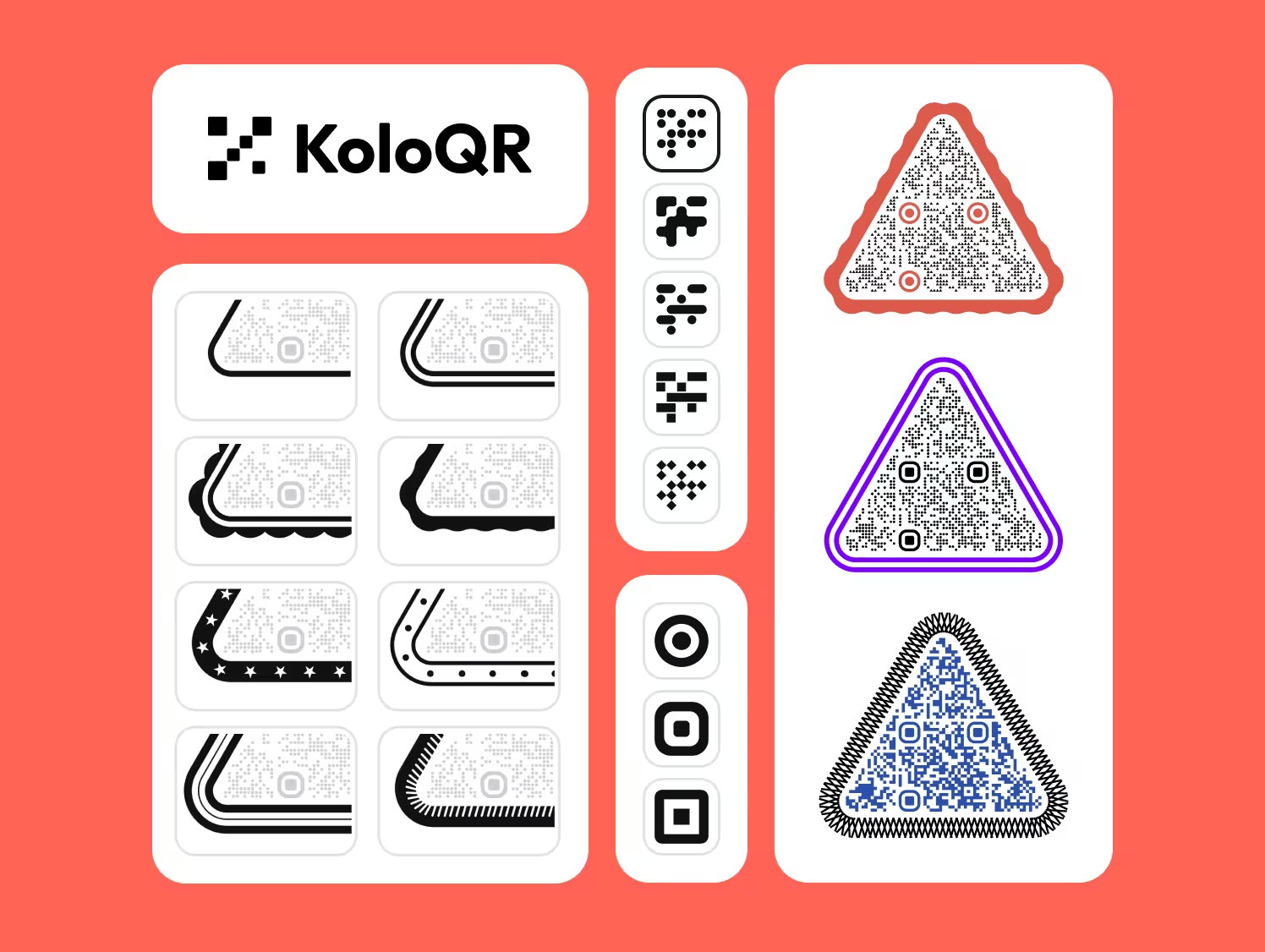
KoloQR is a free QR code generator with circular and custom-shaped QR codes, aimed at people who have to place a code inside a design and hand it to a printer. Codes are static and permanent, exports are unwatermarked, and nothing is held back behind an account. The trade-off is deliberate: KoloQR has no redirect layer, so it offers no editable destinations and no scan analytics.
- No Account for Any Format - Every export format on KoloQR, raster and vector, downloads without signing up, without a watermark and without a trial limit.
- Shapes Beyond the Square - KoloQR renders the symbol as a rectangle, circle, triangle or hexagon, and lets you change module and eye styling, colors and the center logo.
- Vector Files a Printer Accepts - KoloQR exports SVG, PDF and EPS, so the code stays sharp at any size - a 6 mm code on a business card and a 300 mm code on a poster come from the same file.
- Tools That Fit a Designer's Workflow - KoloQR includes a contrast checker, a copy-to-Figma action and a Chrome extension that opens the generator in any tab, so you can make a QR code without leaving the page you are on.
What Is QRStuff? Dynamic Codes, Scan Analytics and Team Accounts
QRStuff does several things KoloQR does not, and they are the reason to choose it. QRStuff supports dynamic QR codes whose destination URL can be edited after the code is printed, records scans with location, device and time, generates codes in bulk from a CSV on its higher plans, and offers an API, password protection and multi-seat accounts for teams. If a printed run has to be redirected later, or a campaign has to be measured, KoloQR cannot do it and QRStuff can.
The condition attached to dynamic QR codes is worth planning for: they resolve through the provider's redirect servers, so a QRStuff dynamic code stops working if the subscription lapses, while static codes created on either tool keep working indefinitely. Reprinting is the cost of static; an ongoing subscription is the cost of dynamic. For a menu, a business card, a Wi-Fi code or packaging artwork where the destination is fixed, the static route removes a recurring dependency - and that is the case KoloQR is designed for.
Create a Static QR Code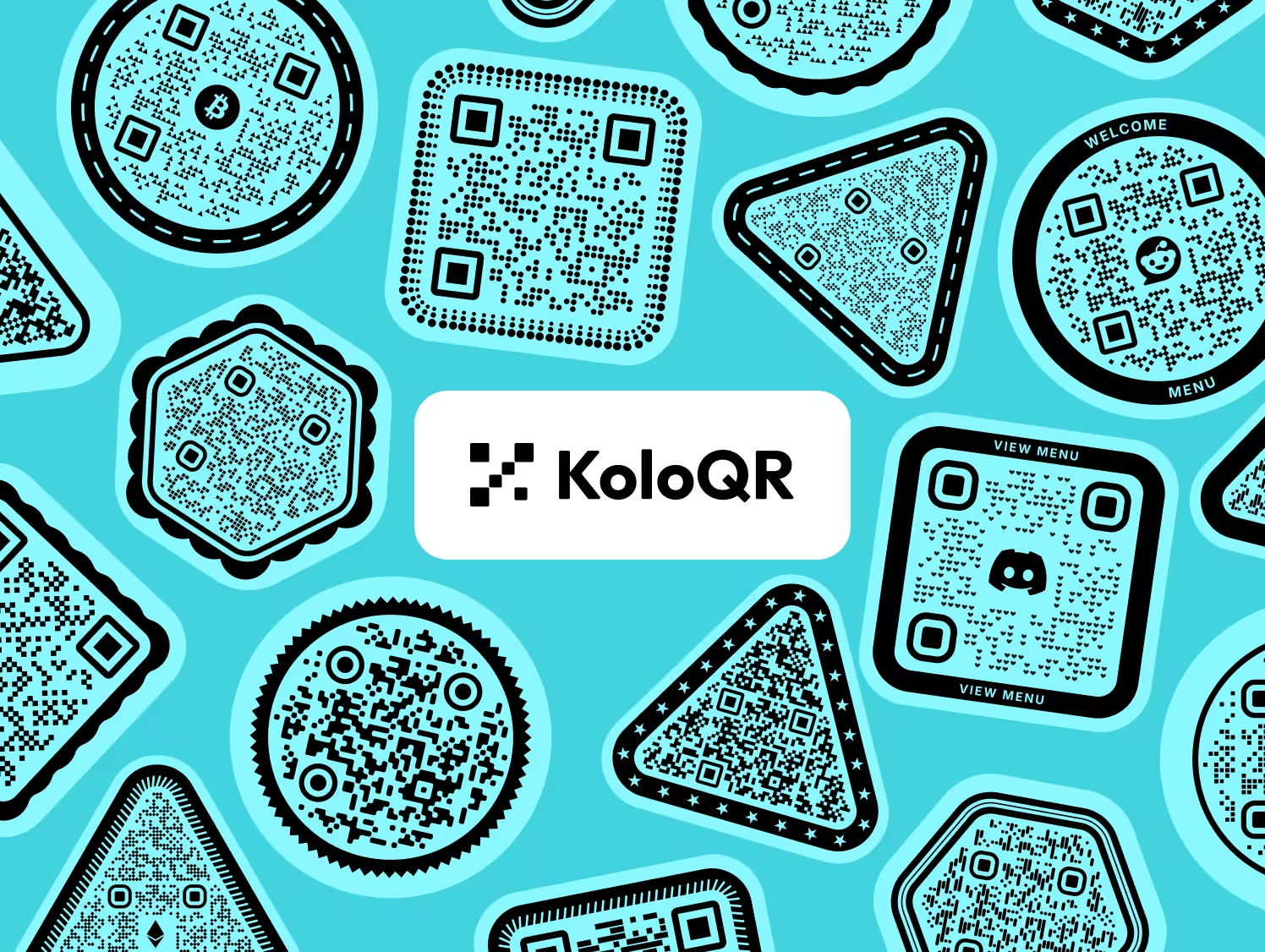
Choosing Between the Two, and Getting the Code to Scan
The choice between KoloQR and QRStuff comes down to one question - will the destination ever change? Everything after that is production detail that decides whether the printed code actually scans.
Decide Static or Dynamic Before You Design Anything
If the destination is fixed - a homepage, a Wi-Fi network, a vCard, a PDF that keeps its URL - a static code from KoloQR is enough and costs nothing to keep alive. If the destination will change, or scans have to be counted, use a dynamic code from QRStuff or a similar platform.
Use Your Own Redirect if You Want Editable Destinations for Free
Point a static KoloQR code at a URL you control, such as example.com/menu, and change where that URL redirects. You keep the ability to edit the destination without a subscription, but you lose scan analytics unless your own server logs them.
Export Vector for Anything That Goes to a Printer
SVG, PDF and EPS store the QR code as shapes, so the modules stay geometrically exact at any output size. PNG stores pixels, so a code scaled up from a small PNG gains soft edges that scanners read less reliably. Send vector to print; keep PNG for screens.
Keep the Quiet Zone at Four Modules
A quiet zone is the empty margin around a QR code that lets a scanner detect where the symbol begins and ends. The QR standard specifies four modules of clear space on every side. Backgrounds, borders and frames placed inside that margin are the most common cause of a code that scans in the editor and fails in print.
Size the Code to the Scanning Distance
A printed QR code should be at least 2 x 2 cm for close scanning. As a working rule, allow about 1 cm of code width for every 10 cm of scanning distance - a poster read from 3 m needs roughly 30 cm. Measure the real distance before choosing the size rather than scaling the code to fit the layout.
Keep Dark Modules on a Light Background
Camera apps expect dark modules on a light background. Inverted codes - light modules on a dark field - are read by some scanners and refused by others, so an inverted code is a gamble on the reader's phone. Where a dark layout demands it, place the code inside a light panel instead of inverting the symbol.
Check Contrast Rather Than Trusting the Preview
Two colors that look distinct on a backlit screen can collapse under warm restaurant lighting or on uncoated stock. Run the pair through a contrast check before export - KoloQR includes one - and treat pale colors on white and mid-tone-on-mid-tone pairs as failures even when the preview looks fine.
Raise Error Correction When You Add a Logo
Error correction is the redundancy built into a QR code that keeps it readable when part of the symbol is damaged or covered. Levels L, M, Q and H recover roughly 7%, 15%, 25% and 30% of the symbol. A center logo covers modules, so use level H and keep the logo under about a fifth of the code area.
Test on Both iOS and Android Before Printing
Native camera apps on iOS and Android use different decoders, and third-party scanners differ again. Test the exported file at final print size on at least one iPhone and one Android phone, from the distance a real person will stand at, before approving a print run.
Print a Proof on the Real Material
Ink spread on uncoated paper thickens modules and closes the gaps between them, and glossy lamination adds reflections that blind the camera at certain angles. A proof on the actual stock, viewed under the actual lighting, catches both problems while reprinting is still cheap.
Questions? Answered
Use KoloQR if the QR code's destination is fixed and the design matters - it is free, needs no account, and exports print-ready vector files. Use QRStuff if you need to change the destination after printing, count scans, generate codes in bulk from a spreadsheet, or share an account with a team. Those features require a QRStuff subscription and KoloQR does not offer them.
No. Every export format on KoloQR - PNG, SVG, PDF and EPS - downloads without creating an account, without a watermark and without a usage limit. QRStuff also lets you generate a code without signing up, but its account unlocks the customization and dashboard features, so the free anonymous output is more limited than KoloQR's.
No. KoloQR generates static QR codes only, which means the destination is encoded in the symbol itself and cannot be changed or tracked. There is no dashboard, no scan counter and no redirect layer. If editable destinations or scan statistics are required, QRStuff and similar subscription platforms provide them; KoloQR deliberately does not.
Static QR codes keep working after cancellation, because the destination is stored inside the symbol and no server is involved. Dynamic QR codes stop resolving, because they rely on the provider's redirect servers. Anything already printed with a dynamic code becomes a dead link, so treat a dynamic code as a recurring cost for the lifetime of the printed material.
No. KoloQR creates one QR code at a time and has no CSV import or API. For bulk work - SKU codes, event badges, personalized direct mail - QRStuff supports spreadsheet upload on its higher plans and offers an API for automated generation. KoloQR fits single, designed codes rather than batch production.
Yes, provided the symbol itself is untouched. The shape option changes the frame and the styling around the code, not the module grid that carries the data. Reliability drops when the shape crops the quiet zone, when contrast is weak, or when a logo covers too many modules - not because the outline is round or hexagonal.
KoloQR is better for the artwork itself, because it exports SVG, PDF and EPS without an account, so the code stays exact at any size and drops straight into the layout. QRStuff is better if the packaging URL may need redirecting after the run is printed, which only a dynamic code can do. Many teams use a static code for packaging and accept reprinting if the destination ever changes.
Only up to a point. A center logo covers modules, and error correction can only rebuild so much: level H recovers roughly 30% of the symbol. Keeping the logo under about a fifth of the code area is the practical limit. Beyond that, scanning becomes device-dependent - some phones read it, others fail - so enlarge the code rather than the logo.
Three causes account for most print failures: the quiet zone was reduced below four modules by a border or background, the code was printed too small for the scanning distance, or the color contrast that looked fine on a backlit screen collapsed on paper. Glossy lamination adds a fourth by reflecting light back into the camera.
KoloQR's source code is published, so anyone can read how the codes are generated, modify the tool, or run it on their own infrastructure. In practice this matters for auditability and continuity: the generation logic is inspectable rather than a black box, and the project can be self-hosted if the hosted version ever goes away. QRStuff is closed-source commercial software.

Make the Code First, Decide on Tracking Later
KoloQR generates a static QR code with custom shapes, colors and a logo, and exports it as PNG, SVG, PDF or EPS without an account. Nothing is watermarked and nothing expires.
If it later turns out the campaign needs editable destinations or scan analytics, a platform with dynamic codes such as QRStuff is the right tool for that part - and the static codes you already printed keep working either way.
Open the KoloQR GeneratorKeep Exploring
Pages that pick up where this one leaves off - the same setting, the same kind of code, or the next thing worth deciding.
Do QR Codes Expire? The Pattern Never Does
The pattern never expires, and four things behind it do. Which one failed, how to tell them apart, and which of them you can fix without reprinting.
Static or Dynamic? Decide It Before Anything Is Printed
The difference is where the destination lives, and price, analytics and every failure mode follow from it. Four questions that settle which one to print.
Best QR Code Generator in 2026: Six Free Tools Compared
Free resolves to three different arrangements - a code you keep, a code you rent, and a trial that ends - and the vendor's pricing page is rarely where the difference is stated.
Seven Flowcode Alternatives and What Each Replaces
Flowcode's free plan stops at 2 codes and 500 scans, and the first paid step is $25 a month - here is what seven alternatives cost, and why none of them can rescue a code that is already printed.
A Free QR Tiger Alternative, No Signup
A design-first, open-source QR generator compared with a campaign-focused tracking platform. See which one fits your project.
KoloQR vs Scanova
A free open-source design tool for static QR codes, compared with a subscription platform for editable, tracked QR codes. The deciding question is whether the code needs to keep working after you stop paying.
Why KoloQR?
- Create QR codes for websites, menus, Wi-Fi, PDFs, and business cards
- Customize colors, logos, and unique shapes
- Download high-quality PNG and SVG files
- Built for both print and digital
