Hotels & hospitality
QR Codes for a Smoother Hotel Stay
Guests reach for their phones the moment they walk in. A well-placed QR code turns that instinct into an easy path to your menu, WiFi, directory or check-in - no app to download and nothing to explain. Design codes that match your brand and print cleanly on everything from key card sleeves to lobby signage.
Generate QR Code- Branded to match your property
- Print-ready PNG & SVG
- Free to use
Why Hotels Use QR Codes
The right code removes friction at the exact moment a guest needs something - without adding work for your team.
Everything in One Scan
Menus, WiFi, spa bookings and the full guest directory sit behind a single code, so guests find what they need without calling the front desk.
Fewer Reprints
Point a code at a page you control and update the content anytime. Seasonal menus and changing hours update instantly while the printed code stays the same.
On-Brand, Not an Eyesore
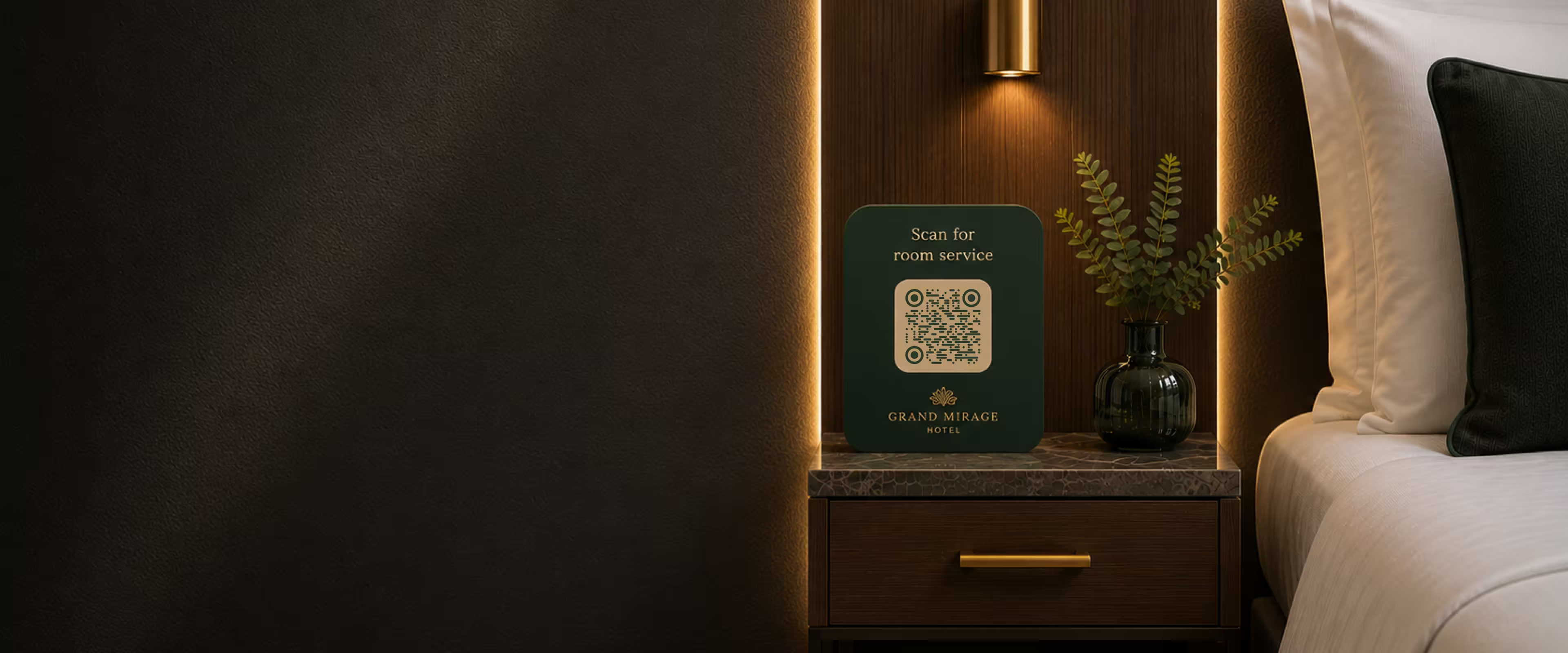
Match your code to your property's colors and add your logo so it looks intentional on a bedside card or acrylic stand, not like a random black square.
Frees up Reception
Self-service WiFi, directions and FAQs mean fewer repeat questions at the desk, especially during busy check-in windows.
What You Need to Get Started
A hotel QR code is only as good as where it leads. Sort out the destination before you generate anything.
A Destination for Each Code
Decide where each scan should take the guest:
- A Stable Web Address - a page, booking form or short link you control, so you can update the content later without reprinting the code.
- Clear Labelling - a short line like “Scan for the breakfast menu” so guests know what they'll get.
- A Non-QR Fallback - a phone extension, printed copy or front-desk option for guests who can't or won't scan.
Ready to Design Yours?
Pick your colors, drop in your logo and export a print-ready file in a couple of minutes.
Generate QR CodeHow to Create a Hotel QR Code
Three steps take you from a blank code to something printed and mounted where guests will see it.
Generate QR Code- 1
Choose What It Links To
Point the code at your menu page, WiFi details, booking form or guest directory. Use a stable URL so the same printed code keeps working as content changes.
- 2
Make It Match Your Property
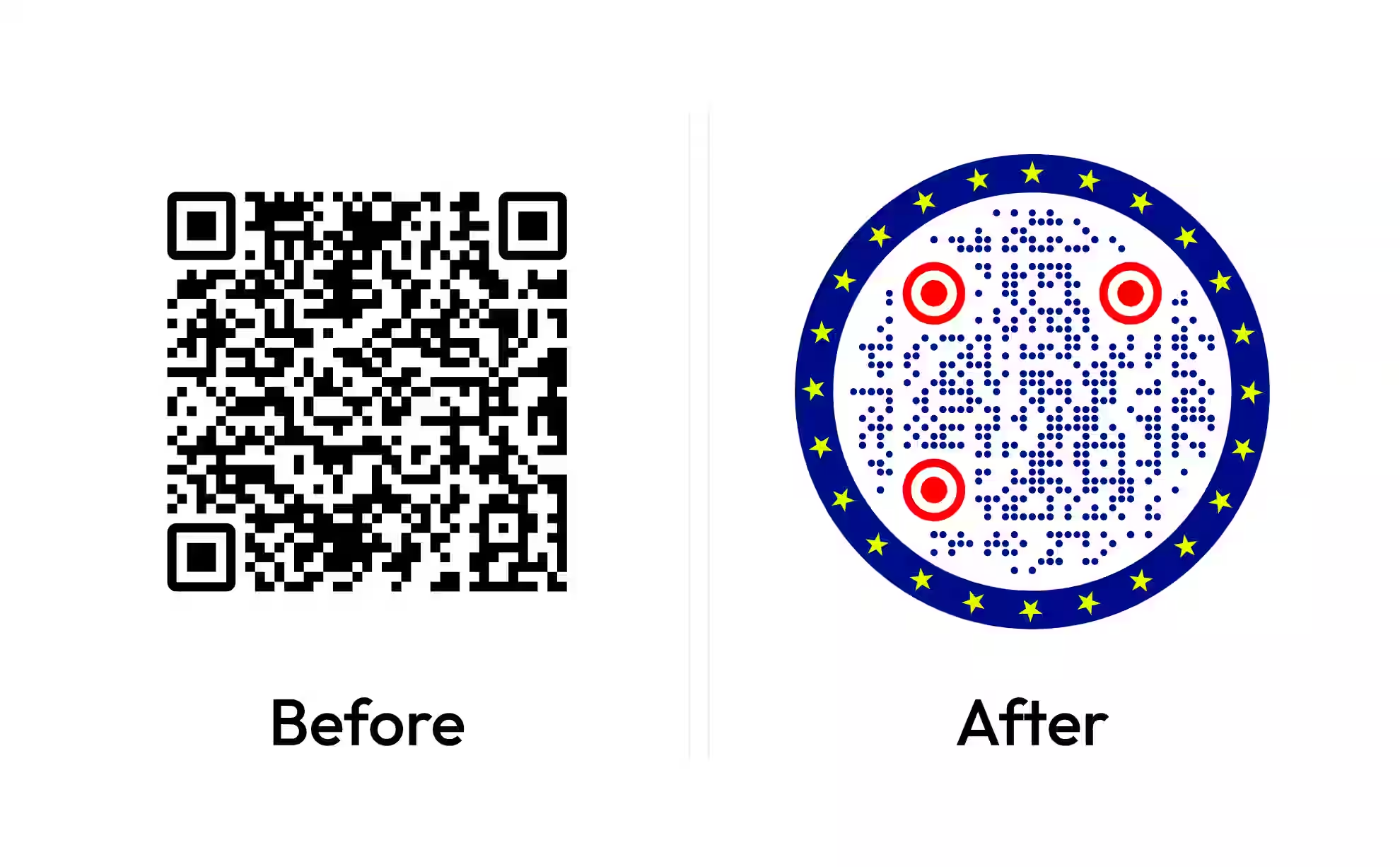
Set your brand colors, add your logo and pick a shape - including circular - so the code fits your signage and printed materials.
- 3
Export and Print
Download a high-resolution PNG for cards and small signs, or an SVG for large-format signage that stays sharp at any size, then place it where guests will act on it.
Where to Place Hotel QR Codes
Put each code where the guest is already standing when they need it - not on a single sign in the lobby.
Best Practices for Hotel QR Codes
Small details decide whether a code gets scanned or ignored. These are the ones that matter most in a hotel setting.
Link to Pages You Control, Not Fixed Files
A code pointing straight at a PDF locks you into that file. Point it at a web page instead so you can swap the menu or update hours without reprinting a single code.
Always Add a Short Instruction
“Scan for WiFi” or “Scan to order” removes the guesswork. A bare code with no context tends to get ignored.
Keep Contrast High
A dark code on a light background reads most reliably. Avoid placing codes over photos or busy textures, and keep the clear margin (quiet zone) around them.
Size for the Viewing Distance
A bedside card can be small; a lobby or elevator sign needs a larger code so guests can scan from a step back. As a rule of thumb, the further away people stand, the bigger it needs to be.
Design for Dim Rooms
Hotel rooms are often softly lit. Test your printed code in low light on both iPhone and Android so it still reads at the bedside.
Offer a Language Choice
If you host international guests, send codes to a landing page that offers multiple languages rather than a single-language PDF.
Keep a Human Fallback
Not every guest will scan. Leave a phone extension, printed copy or front-desk option so no one is stuck.
Test After Every Reprint
Scan each code once it's printed and mounted, not just on screen. Lamination, glare and curved surfaces can all affect a real-world scan.
Use Vector Files for Signage
Export an SVG for anything printed large so the code stays crisp on acrylic stands, posters and window graphics.
Review Which Placements Get Used
If the destination page has basic analytics, check which codes get scanned and quietly retire the ones that don't earn their place.
Design a QR Code That Fits Your Hotel
Match your brand, add your logo and export a print-ready PNG or SVG in minutes - free to use.
Generate QR CodeQuestions? Answered
Almost anything guests currently ask reception about: room service and restaurant menus, WiFi access, digital check-in, the guest directory, spa and activity bookings, local recommendations and feedback forms. Each can sit behind its own code or share a single directory page.
Choose what the code should link to - usually a page you control - then set your brand colors, add your logo and export a print-ready file. With KoloQR you can generate a branded, high-resolution code in a few minutes and place it wherever guests will see it.
Yes, if you point it at a stable web address instead of a fixed file. The printed code never changes; you simply update the page behind it. This is the reliable way to keep seasonal menus, hours and directory details current without reprinting anything.
No. Modern iPhone and Android cameras scan QR codes natively - guests just open the camera and point. There's no app to download, which is a big part of why QR codes work well for short hotel stays.
The bedside table and desk are the most-used spots, along with a compendium or directory card. Keep each code near where the guest will act on it - a room-service code by the phone, a TV or thermostat guide near those controls.
It depends on scanning distance. A bedside or table card can be small, around 2-3 cm, while lobby and elevator signage should be larger so guests can scan from a step or two away. When unsure, print a test and scan it from the real viewing distance.
Yes. Adding your logo and brand colors makes a code look intentional on printed materials and signage. KoloQR supports logos, custom colors and shapes - including circular codes - so the result matches your property rather than clashing with it.
Creating the code itself is free with KoloQR, including branding and print-ready exports. Any content you link to - such as a menu page or booking system - depends on the tools you already use for those.
The usual causes are low contrast, a code printed too small for the distance, glare or lamination, or a missing clear margin around it. Test the printed version in the actual lighting and from where guests will stand, on both iPhone and Android.
For most hotel needs, a static code pointing at a stable URL is enough - you update the destination page, not the code. Dynamic codes add built-in tracking and editable destinations but usually come with a subscription. If you link to pages you already control, a static code avoids that recurring cost.
Why KoloQR?
- Create QR codes for websites, menus, Wi-Fi, PDFs, and business cards
- Customize colors, logos, and unique shapes
- Download high-quality PNG and SVG files
- Built for both print and digital