Use Cases
What Can You Use a QR Code For?
A QR code links something printed to something on screen - a menu, a Wi-Fi network, a contact card, an event ticket. Browse the settings below to see how each one works, where it fits, and how to make a code that scans first time.
A Closer Look at Each Use Case
One real example from every scenario, so you can see exactly where the QR code goes and what happens when someone scans it.
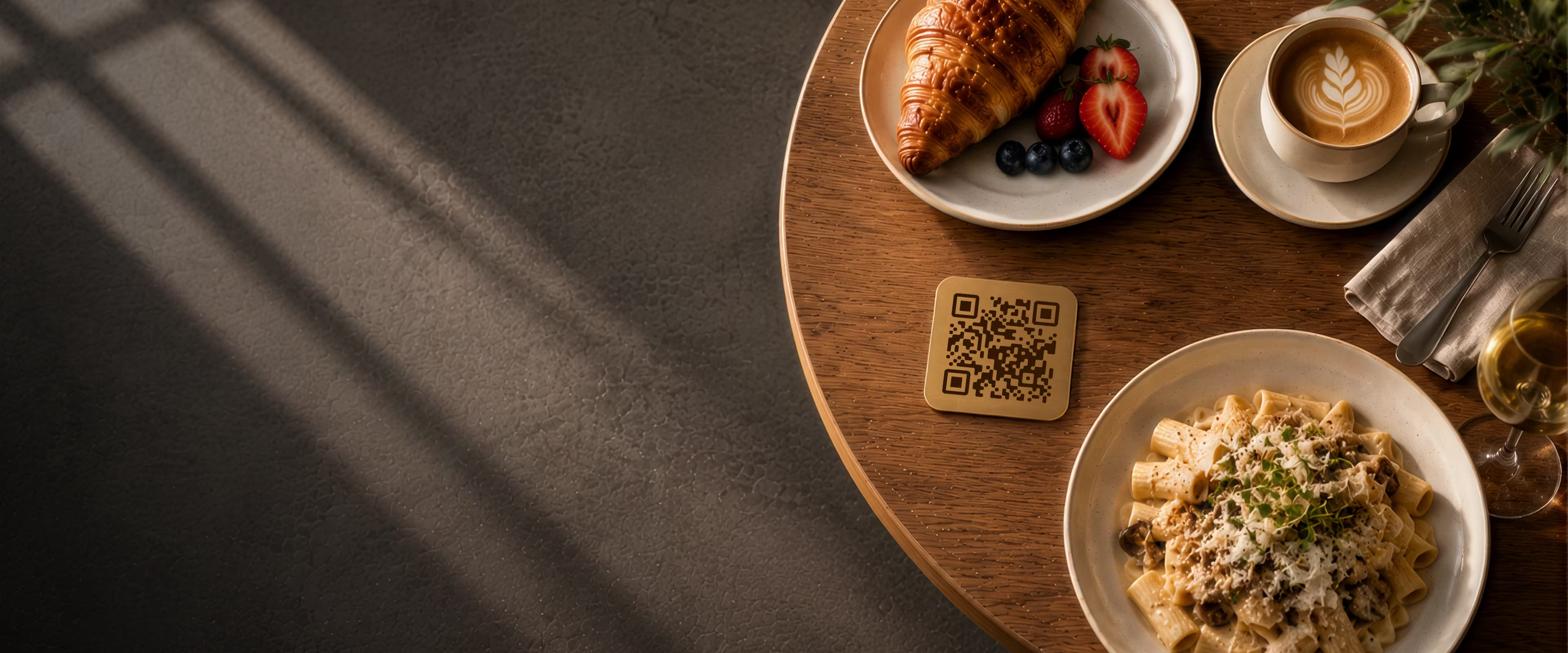
Restaurant Menus
Table cards and takeaway packaging that open the current menu in one scan - update a price and every table shows it, with nothing reprinted.
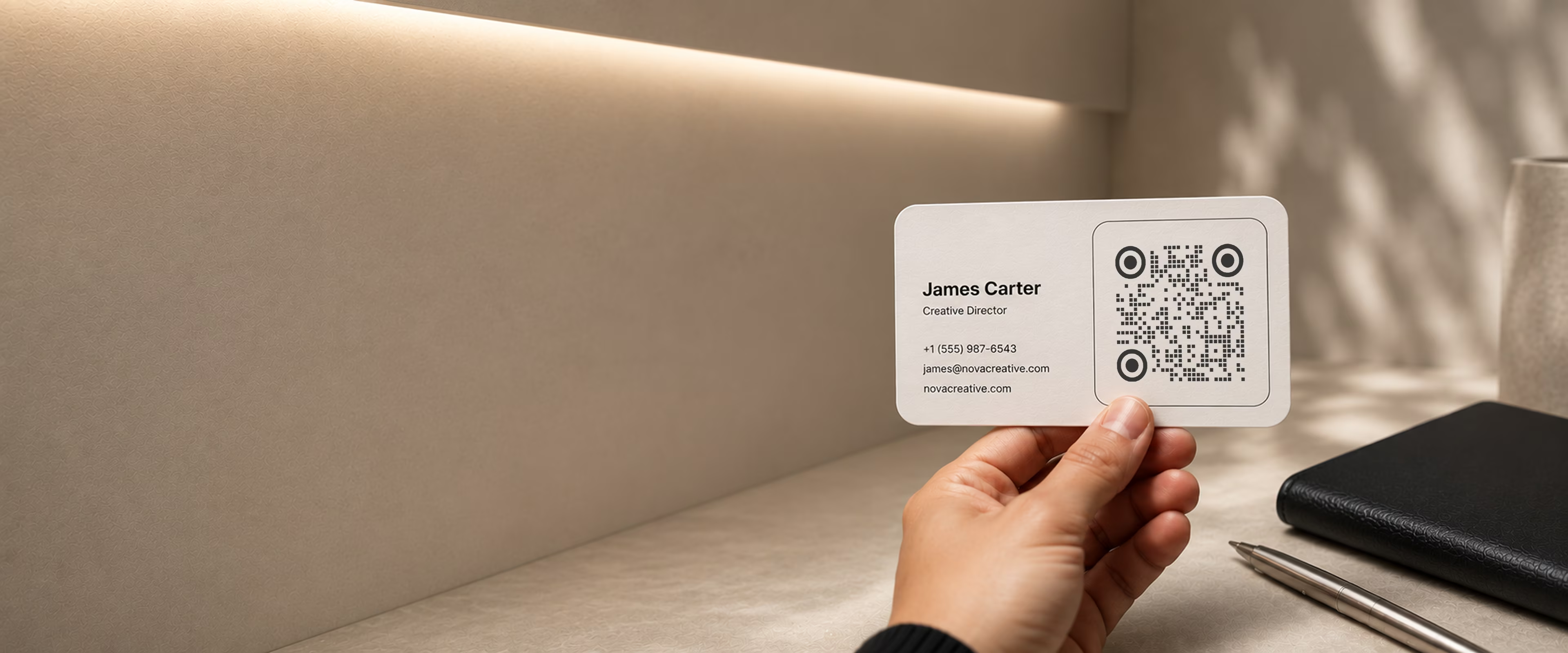
Business Cards
A small code in the corner of a card, sending a new contact straight to your details, portfolio, or LinkedIn profile.
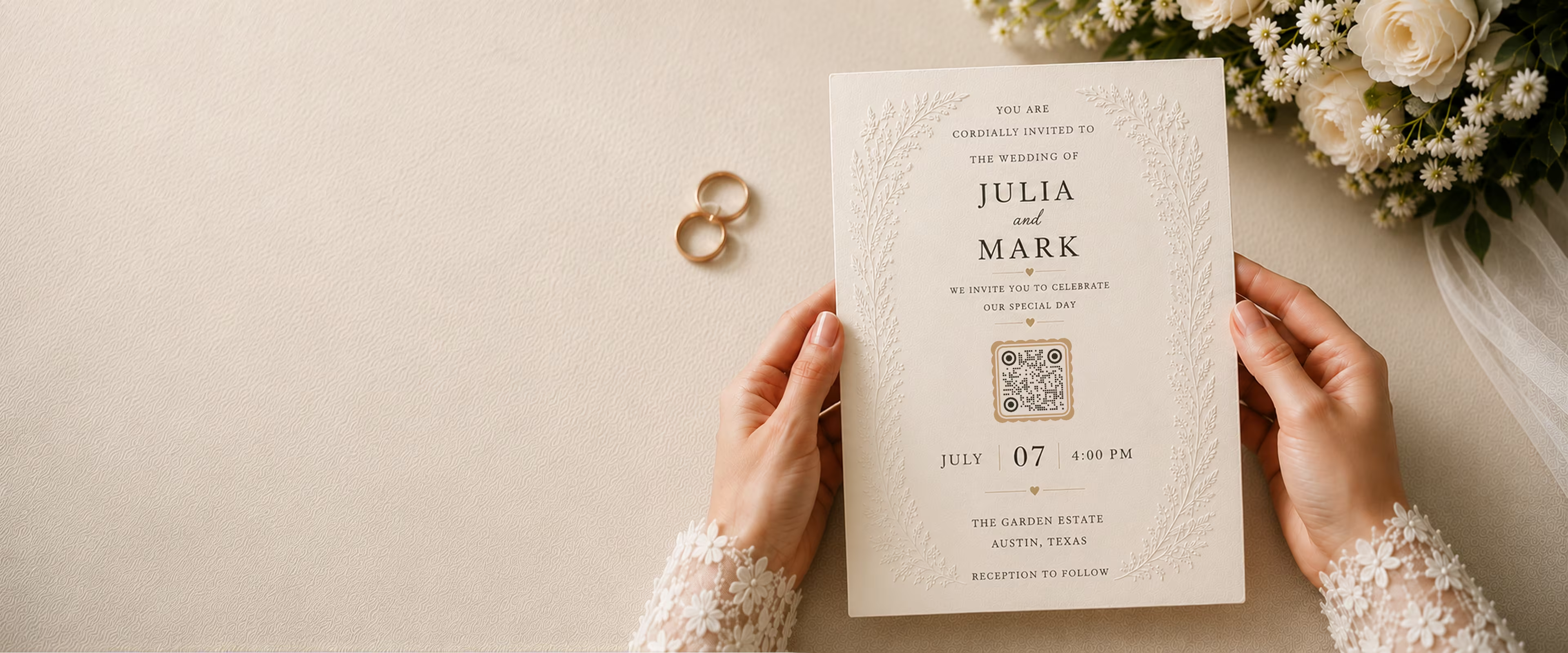
Weddings
One code on the invitation, linking guests to your RSVP form, the schedule and directions, and a shared photo album afterwards.
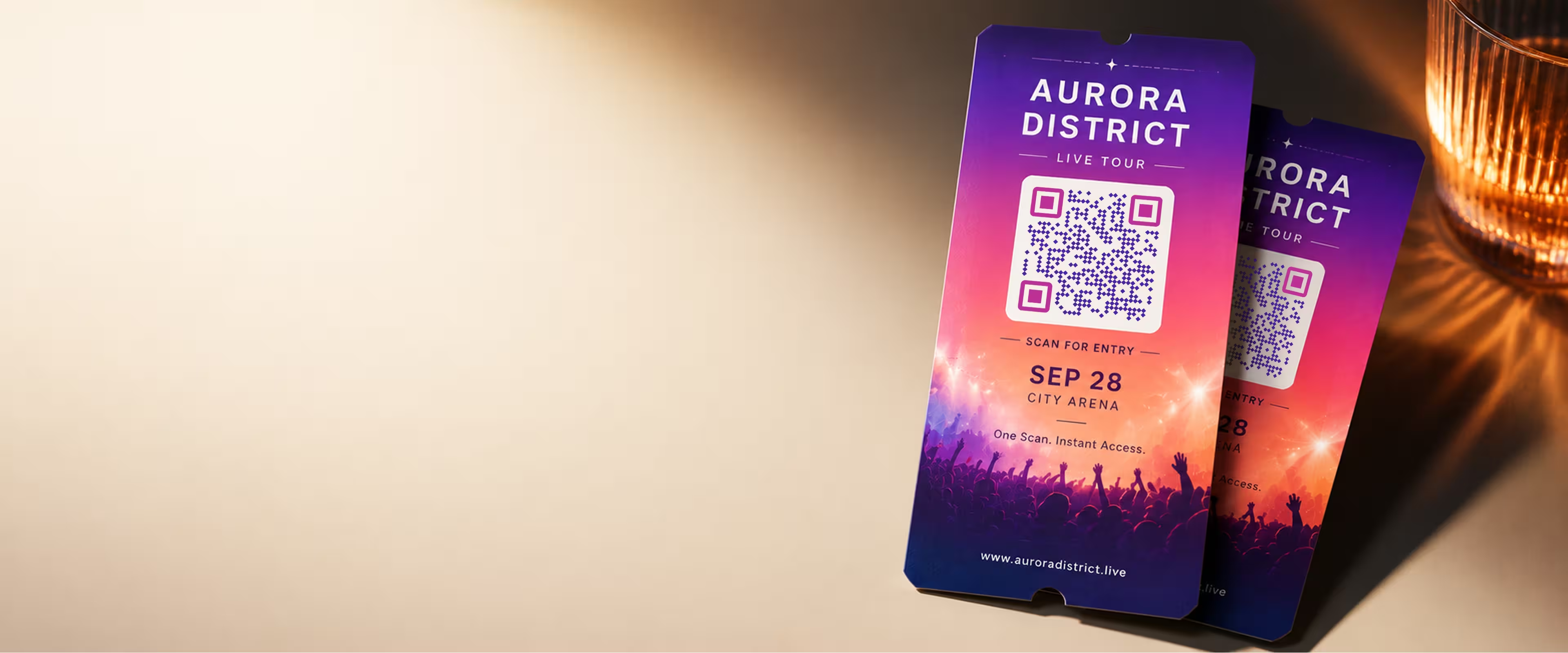
Event QR Codes
One scan connects guests to tickets, schedules, directions and RSVPs - on invites, posters and signage.
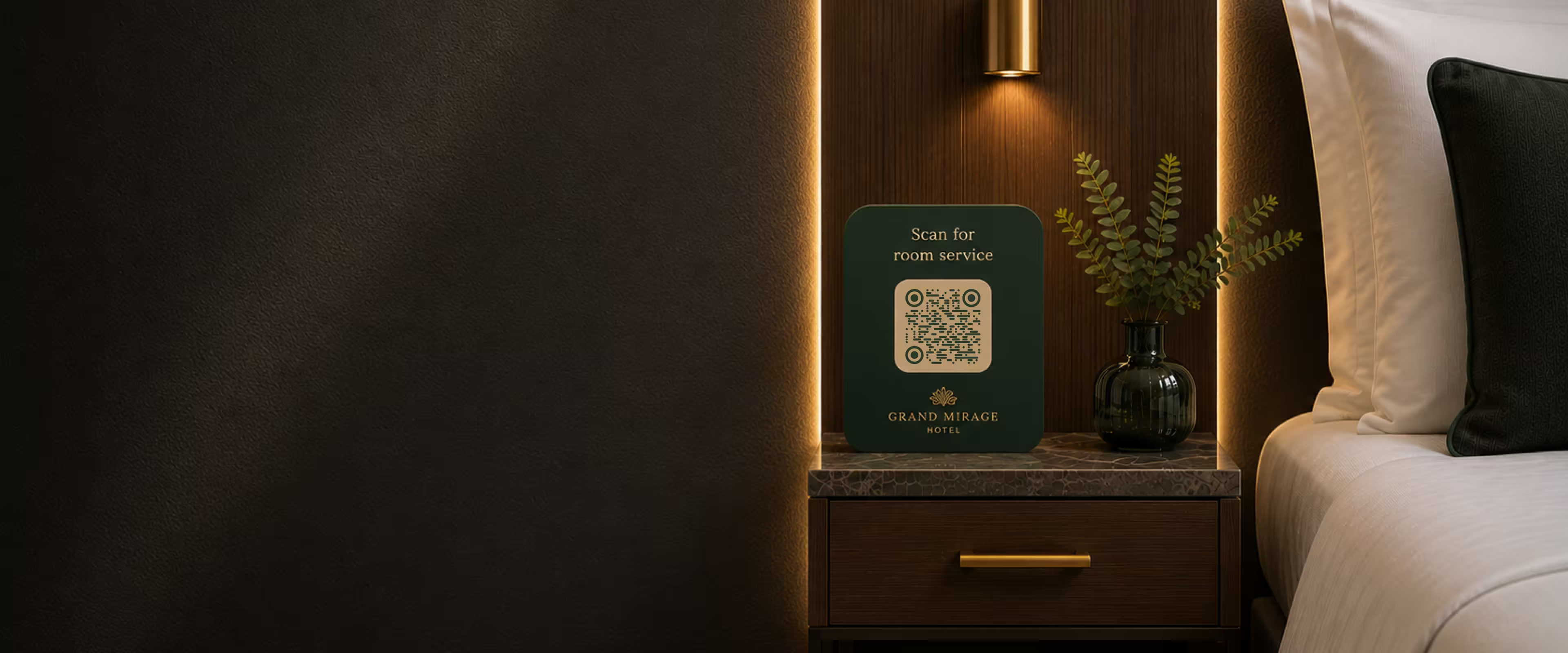
Hotel QR Codes
Menus, WiFi, check-in and guest info - one scan from every room, desk and table.
One Generator, Every Scenario
Whatever you're making a code for, the workflow is the same: enter your link, style the code, and download a print-ready file. What changes from one use case to the next is the detail that keeps it scanning.
Design a Code That Fits the Setting
A menu, a business card, and a shop window each ask for something different. KoloQR gives you the control to match the piece the code sits on.
- Custom Shapes and Colours - Circular, hexagonal, triangular, or square, with a logo and full colour control to match your brand.
- Print-Ready by Default - Export SVG, PDF, or EPS at any size, and a contrast checker flags a code that won't scan before you print it.
- Free, No Account - Generate and download without signing up or paying, whether it's one code or a whole set.
Every use case here runs through the same free generator, so you can make one code or a matching set in a few minutes.
Static by Default, Dynamic When You Need It
Most codes point at a link that never changes, and a free static code is the simplest, most permanent way to do that - it never expires and depends on no one's servers.
You only need a dynamic code when the destination has to change after printing, or when you want to count scans. If that's the case, point a static code at a redirect on your own domain and update that instead, and you keep the flexibility without a subscription or the risk of the code going dark.
Generate QR CodeQuestions? Answered
Almost anything that connects print to a phone: opening a restaurant menu, joining a Wi-Fi network, saving contact details from a business card, checking into an event, or linking packaging to product information. If it lives on paper and points somewhere digital, a QR code fits.
For a stable menu link, a free static code is simplest - it never expires and needs no subscription. If you change the menu often or want to track scans, point the code at a redirect on your own domain, or use a dynamic platform, so you can update the destination without reprinting.
No. KoloQR needs no sign-up: open the generator, create your code, and download a print-ready file. Codes are yours to use on menus, cards, packaging, and signage, with no licence fee and no watermark.
Use a vector format - SVG, PDF, or EPS - so the code stays sharp at any size, from a business card to a billboard. PNG is fine for screens and small prints but goes blurry when scaled up.
As a rule of thumb, make it about a tenth of the distance people scan from: roughly 2-3 cm on a table menu, and much larger on a poster read across a room. Test the printed size before a full run.
A static code will, because the link is encoded directly into the pattern - there's nothing to expire and no service to keep alive. Keep strong contrast and a clear margin around it, and it scans as long as the destination page is live.
Not a static code itself, but there's a simple workaround: point the code at a URL on your own domain and change the redirect there whenever you like. One permanent code, no subscription, and you can update the destination as often as you need.
Yes. The built-in camera on any modern iPhone or Android reads standard QR codes with no separate app. Keep good contrast and a clear quiet zone and a well-made code scans first time on both.
Yes. Add a centred logo, set your colours, and pick a shape to match the piece it sits on. Keep the logo modest and the contrast strong, then test before printing, so styling never costs you a scan.
Why KoloQR?
- Create QR codes for websites, menus, Wi-Fi, PDFs, and business cards
- Customize colors, logos, and unique shapes
- Download high-quality PNG and SVG files
- Built for both print and digital