A wedding has a lot of moving parts. Guests need directions. RSVPs need collecting. Playlists need crowdsourcing. A well-placed QR code can handle all of it without cluttering your stationery or overwhelming your guests.
This guide covers how couples are using QR codes throughout their wedding — from save-the-dates to the reception — and how to make them look good doing it.
Why QR Codes Work Well at Weddings
Weddings involve a lot of information-sharing: venue details, schedules, accommodations, gift registries, photo albums. Traditionally, all of that information had to fit on printed paper or be emailed separately. QR codes let you keep print materials clean while still giving guests access to everything they need.
The guest experience is simple: they point their phone camera at the code, tap the link, and they're there. No app required. No typing long URLs.
They reduce printing costs and last-minute changes
If your venue changes or you update the RSVP deadline, you don't need to reprint everything. With a dynamic QR code, you update the destination link and the printed code stays the same.
They work for every part of the wedding
One couple might use a QR code only on their wedding website card. Another uses them on every table card, the welcome sign, the bar menu, and the photo booth prop. The format scales to however much or little you want.
Where to Use QR Codes at Your Wedding
Save-the-Dates and Invitations
Add a QR code that links directly to your wedding website. Guests can see venue details, accommodation suggestions, the schedule, and the registry — all in one tap. This lets your invitation stay minimal while giving guests somewhere to go for more.
Keep the code small enough that it doesn't dominate the card, but large enough to scan reliably (at least 2.5 cm / 1 inch square for printed pieces).
RSVP Cards
Instead of asking guests to mail back a card (or chase them down for a response), link your QR code to a simple RSVP form. Google Forms, Zola, The Knot, and most wedding planning platforms all support direct links. Guests scan, answer a few questions, and you're done.
This is especially useful for larger weddings where tracking paper RSVPs becomes a project in itself.
Wedding Website Card or Insert
If you want to include a wedding website link but don't want a long URL printed on your invitation, a QR code is the cleaner option. A short line like "Scan for details" or "Find everything at our wedding site" is all the context guests need.
Reception Table Cards
At each table, a small card with a QR code can link to:
- The dinner menu (especially useful for guests with dietary restrictions)
- A song request form
- The couple's love story or photo timeline
- A prompt asking guests to submit a photo from the day
Table QR codes are one of the highest-traffic placements because guests are seated and have time to engage.
Welcome Signs and Ceremony Programs
A QR code on your welcome sign can link to the order of service, a map of the venue, or a short note from the couple. Programs with QR codes can include extended readings, the translation of a ceremony in another language, or music playlists.
For outdoor or destination weddings, linking to a venue map or parking instructions from the welcome sign is genuinely useful.
Photo Sharing
This is one of the most popular wedding uses. Link a QR code to a shared album (Google Photos, iCloud, or a service like Momento or WedPics) so guests can upload their own photos throughout the day. Place the code on tables, in the bathroom, near the dance floor — anywhere guests will be holding their phones anyway.
At the end of the night, you'll have hundreds of candid shots from every angle.
Gift Registry
Rather than printing registry URLs on your invitation (which can feel awkward), include a QR code on a separate enclosure card. Guests scan it and go directly to your registry page. Straightforward for them, easier to update for you.
Thank-You Cards
After the wedding, include a QR code on your thank-you cards that links to a photo gallery, a wedding video, or a personal message. It turns a standard card into something guests will actually remember.
Making Your Wedding QR Codes Look Good
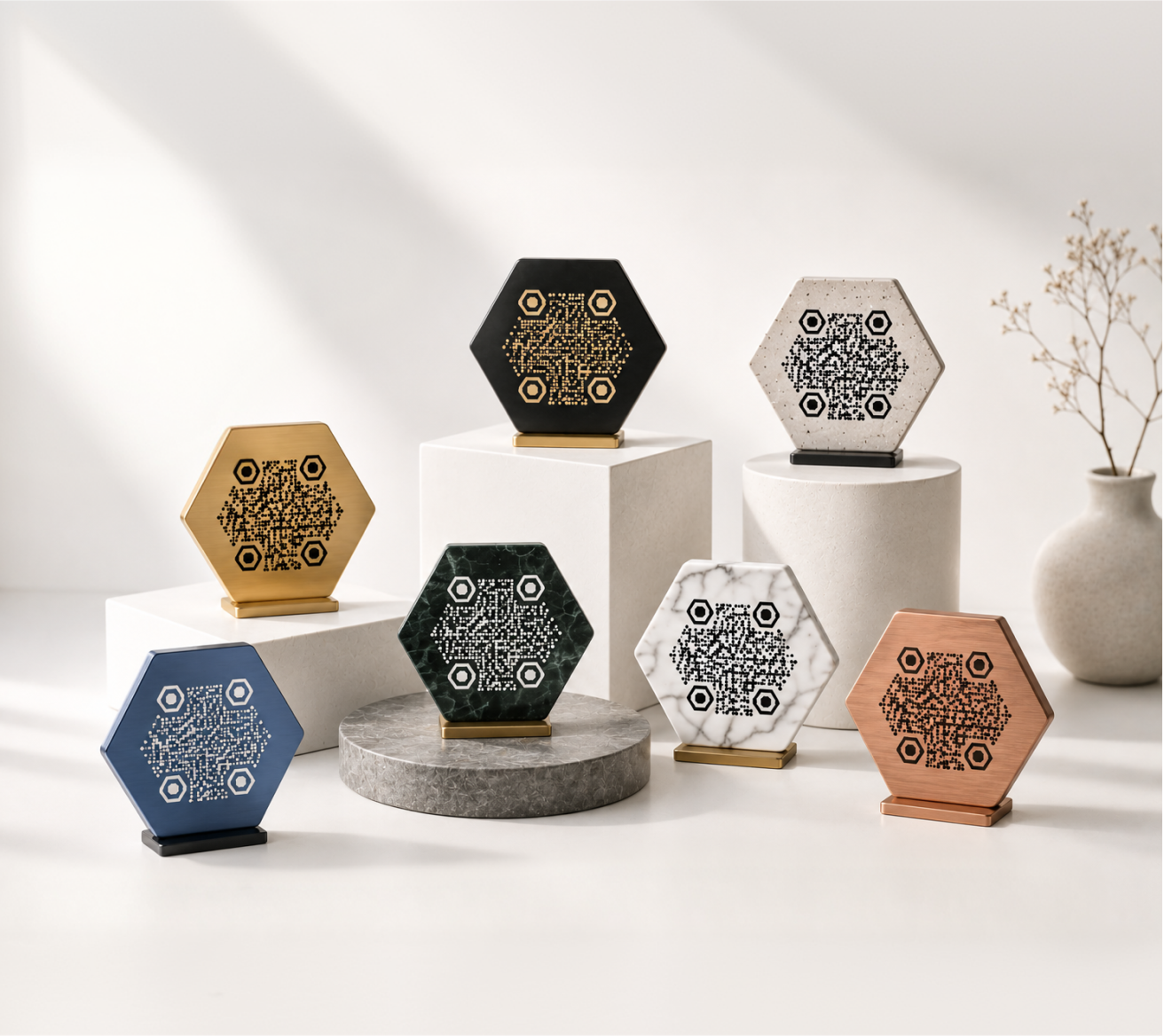
A plain black-and-white QR code can feel out of place on carefully designed wedding stationery. The good news: QR codes are fully customizable without sacrificing scannability.
Match your color palette
KoloQR lets you set the foreground and background colors of your QR code, so it can match your wedding colors rather than sitting as a black box on cream paper. A code in dusty rose on white, or navy on ivory, looks intentional rather than functional.
Add your monogram or logo
You can embed a small image — your initials, a floral monogram, or a simple icon — in the center of the QR code. This works well for couples who have a custom wedding logo or want something that feels cohesive with their stationery.
Use a circular QR code for a softer look
Standard QR codes have sharp corners. A circular format has a softer visual profile that pairs well with romantic or organic design aesthetics. KoloQR supports circular QR codes, which work well for wax seals, round table cards, and circular welcome signs.
Size and placement
- For printed invitations: 2.5–3.5 cm square minimum
- For table cards: 3–4 cm square
- For welcome signs: 6–10 cm square
- For large format (banner, backdrop): 15 cm+ square
Always test-scan your printed QR codes before the wedding day. Print a test sheet at the actual size and scan it from a normal distance.
Dynamic vs. Static QR Codes for Weddings
A static QR code encodes the destination URL directly. Change the URL and you have to generate a new code and reprint.
A dynamic QR code stores a short redirect link. You can update the destination at any time without changing the printed code. For weddings, dynamic codes make sense when:
- You're linking to something that might change (venue details, RSVP form deadline)
- You want to track how many guests scanned a particular code
- You're printing far in advance and want flexibility
For stable links — a photo album you've already finalized or a permanent registry URL — static codes work fine and have no ongoing requirements.
Practical Tips Before You Print
Test everything twice. Scan your QR codes on both iOS and Android before sending to print. What works on one doesn't always work the same way on the other.
Check the link destination. Make sure the page your code links to is mobile-friendly. Guests will be scanning on their phones, and a desktop-only page is a frustrating dead end.
Include a fallback URL. Even with a QR code, print the URL in small text below it. Some guests — especially older relatives — may not be comfortable scanning, and a short URL lets them type it in directly.
Download print-ready files. When exporting your QR codes, use the highest resolution available. KoloQR exports print-ready files suitable for professional printing, so your codes stay sharp at any size.
Don't make it the centerpiece. QR codes are a tool, not a design feature. They should be easy to find but not dominate your stationery. Let the design lead, and let the code do its quiet job.
How to Create a Wedding QR Code with KoloQR
- Go to the KoloQR QR code generator
- Enter the URL you want to link to — your wedding website, RSVP form, photo album, or registry
- Choose your colors to match your wedding palette
- Optionally add a logo or monogram in the center
- Choose a square or circular format depending on where it will appear
- Download in high resolution for print
The whole process takes a few minutes. You can create separate codes for each use (invitations, table cards, photo sharing) and keep them organized by destination.