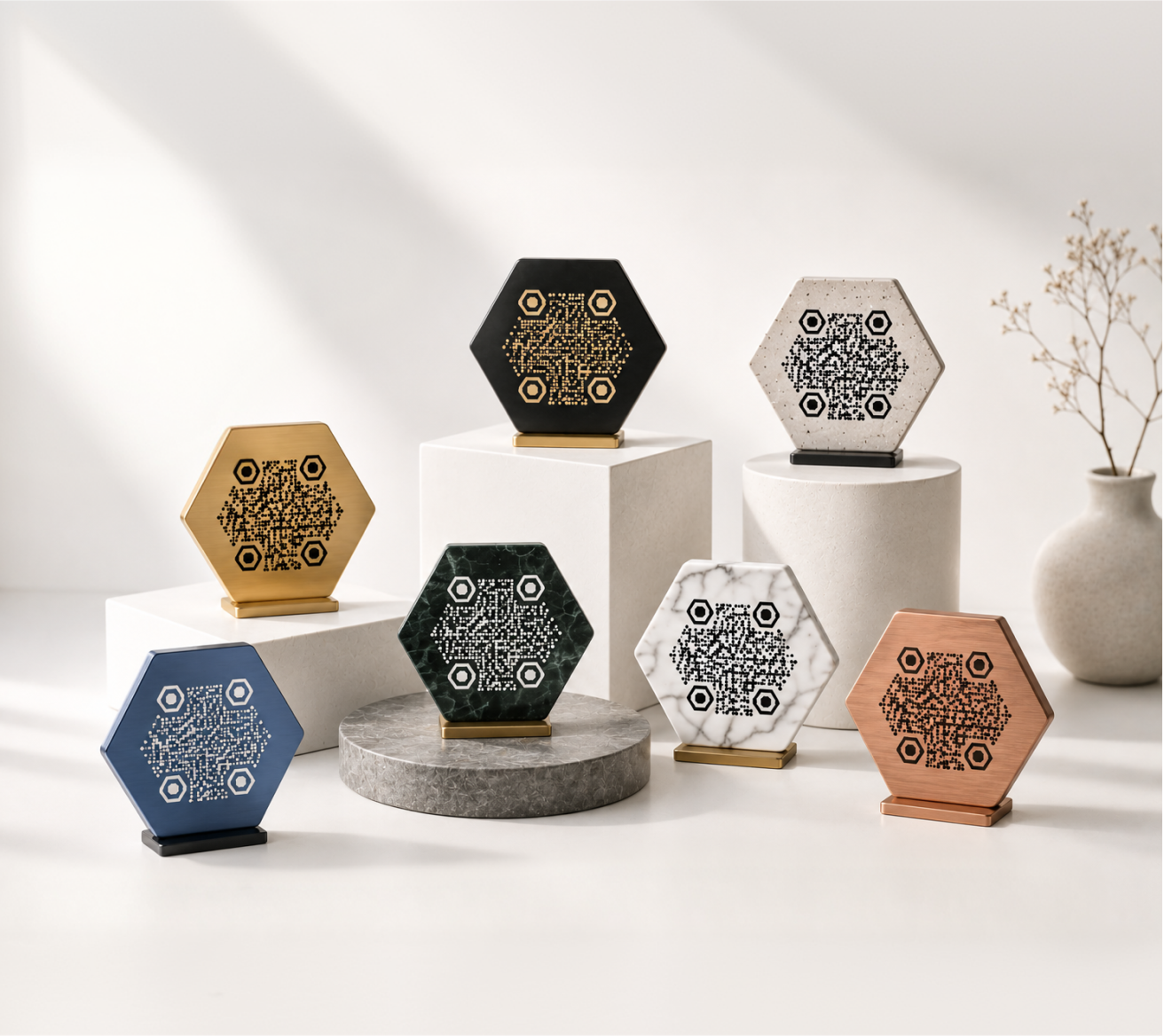
A URL QR code turns a web address into a scannable square. Point a phone camera at it, and it opens a webpage — no typing, no searching, no friction.
It's the simplest QR code type there is, and also the most useful. If you want to connect something physical to something online, this is where you start.
What Is a URL QR Code?
A URL QR code stores a web address — any web address — as a pattern of black and white squares. When someone scans it with a smartphone, the phone reads the pattern and opens the link directly in a browser.
That's it. There's no app required, no account to create, and no special hardware. Any modern smartphone camera handles it automatically.
The URL can point anywhere: a homepage, a specific product page, a PDF, a YouTube video, a booking form. As long as it has a valid web address, you can encode it.
When to Use a URL QR Code
URL QR codes are most useful when you have something printed and want to connect it to something online — without asking people to type a link.
Business Cards and Print Materials
A business card can only hold so much. Instead of squeezing in a long portfolio URL or LinkedIn address, a QR code keeps the design clean and gives people a one-tap path to wherever you want them to go.
The same logic applies to brochures, posters, flyers, and catalogues. The printed piece stays readable. The QR code handles the heavy lifting.
Restaurants and Menus
Printed menus get outdated. Prices change, dishes rotate, specials come and go. A QR code on the table links to a digital menu that you can update any time — without reprinting anything.
It also works well for ordering systems, allergen information pages, or loyalty program sign-ups.
Events and Venues
Put a QR code on a ticket, badge, or event poster and link it to a schedule, venue map, speaker bios, or live updates. Attendees get the information they need without staff having to hand out printed sheets.
For recurring events, a dynamic URL QR code lets you reuse the same printed material and just update the destination link before each event.
Packaging and Products
A QR code on a product box can link to a setup guide, a video tutorial, a warranty registration form, or a page for replacement parts. It saves space on the packaging and gives customers a richer experience after purchase.
How to Create a URL QR Code
The process takes under a minute:
- Go to KoloQR's QR code generator
- Select "URL" as the QR code type
- Paste your web address into the input field
- Customize the design — colors, logo, shape — if needed
- Download your file in PNG or SVG format
That's the whole process. No account is required to generate and download a basic QR code.
If you want to track scan counts or update the destination URL after printing, you'll want a dynamic QR code instead of a static one — more on that below.
Customizing Your URL QR Code
A default black-and-white QR code works fine. But a customized one fits your brand, stands out on the page, and tends to get scanned more — people are more likely to trust something that looks intentional.
With KoloQR you can:
- Change the foreground and background colors to match your brand palette
- Add a logo in the center of the code
- Use a circular QR code layout for a softer, more modern look
- Adjust the shape of the dots and corner markers for a distinctive style
One common concern: does styling a QR code break it? Not if it's done properly. KoloQR maintains the required error correction margin, so styled codes scan as reliably as plain ones.
When adding color, keep contrast high — dark pattern on a light background, or vice versa. Avoid low-contrast combinations like yellow on white.
Static vs. Dynamic URL QR Codes
Static QR codes encode the URL directly into the pattern. Once printed, the destination can't be changed. They're simple, reliable, and require no ongoing service.
Use a static code when:
- The URL will never change
- You're printing a small quantity
- You don't need to track how many times it's scanned
Dynamic QR codes use a short redirect link. The pattern stays the same, but the destination URL can be changed at any time through your account dashboard. They also log scan data — date, location, device type.
Use a dynamic code when:
- You're printing at scale and can't afford to reprint if the link changes
- You want to see how often the code is scanned
- You plan to reuse the same printed material for different campaigns
For most everyday uses — a business card, a poster, a product label — a static code is perfectly sufficient.
What Makes a URL QR Code Scannable?
Design and placement both affect whether a QR code actually gets scanned in the real world.
Size: Print at a minimum of 2 × 2 cm (about 0.8 × 0.8 inches). Larger is better for codes meant to be scanned from a distance — like a sign or banner.
Contrast: The code needs a clear distinction between the light and dark areas. A white or very light background with a dark pattern is the most reliable combination.
Quiet zone: Leave a margin of blank space around the code — at least four modules wide (one "module" is one small square in the grid). Cutting into this margin confuses scanners.
Placement: Put the code where someone will naturally look and have their phone handy. Eye level on a sign, inside the front cover of a booklet, or on the back of a business card all work well.
Test before printing: Scan your QR code on multiple phones before committing to a print run. What looks fine on screen can sometimes fail on paper if contrast is reduced by the printing process.
Download and Export Options
The right file format depends on how you're using the code.
SVG is a vector format — it scales to any size without losing quality. Use SVG for anything going to print: business cards, posters, packaging, signage.
PNG is a raster format at a fixed resolution. It works well for digital use — websites, email signatures, social media, slide decks. Just make sure you download at a high enough resolution if you plan to print it.
KoloQR exports in both formats. For anything that will be printed professionally, SVG is the safer choice.