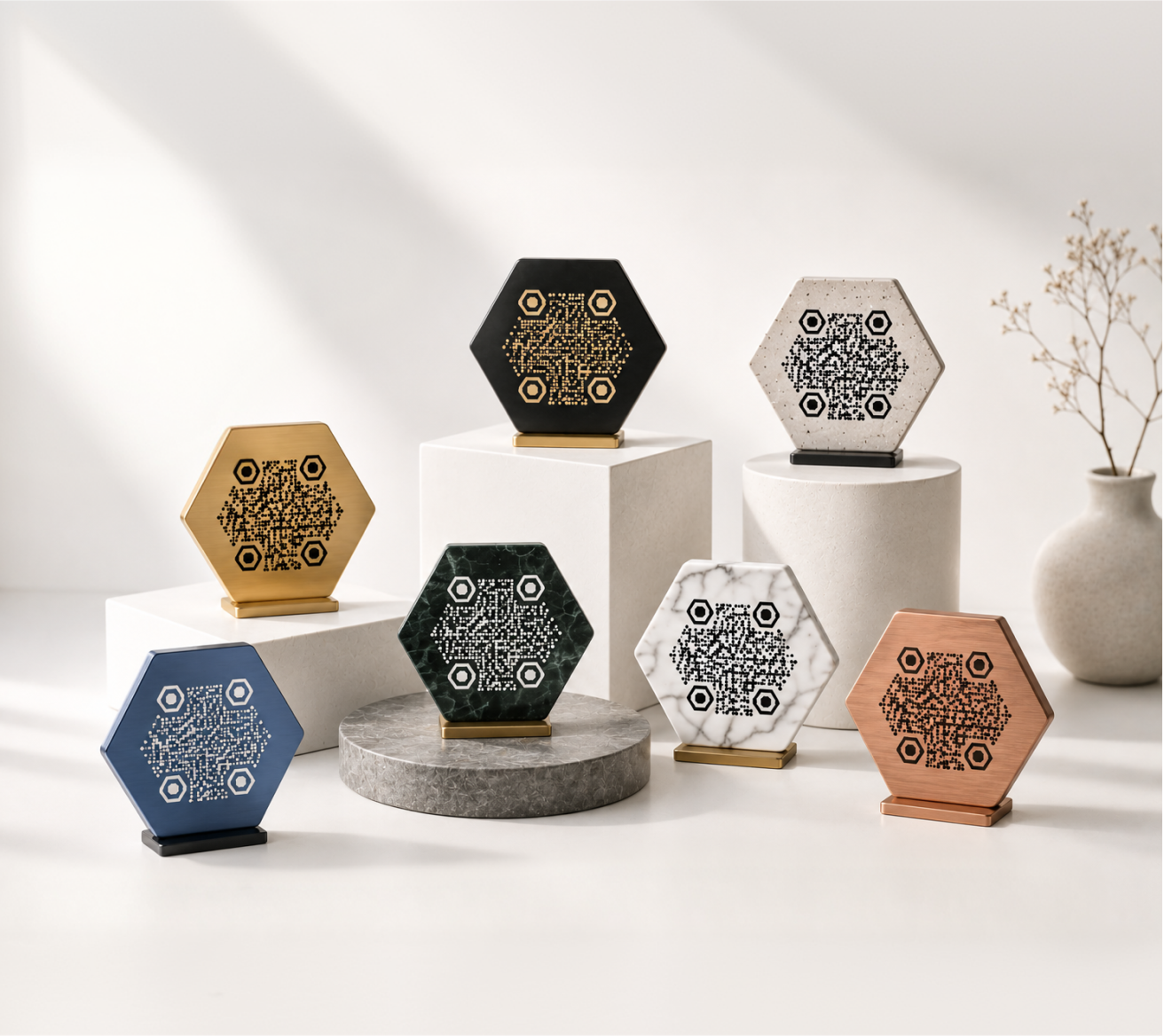
A QR code on the table is one of the simplest upgrades a restaurant can make. Guests scan it, the menu opens instantly, and you stop reprinting paper menus every time something changes.
But not all menu QR codes are created equal. A plain black-and-white square works — but a branded one, styled to match your restaurant, looks professional and builds trust before the first dish arrives.
This page shows you what good menu QR codes look like across different types of venues, and how to build one that fits your brand.
Why Restaurants Use QR Codes for Menus
The shift toward digital menus happened quickly, and most venues that tried it kept it. The reasons are practical.
Printed menus go out of date the moment prices change or a dish sells out. A digital menu linked to a QR code updates instantly — no reprint, no cost, no outdated information on the table.
Beyond convenience, a QR code menu also reduces physical contact, which many guests still prefer. It works for dine-in, takeout pickup areas, outdoor patios, and pop-up events alike.
Common reasons restaurants adopt menu QR codes:
- Menus change seasonally or frequently
- Multiple language versions are needed
- Outdoor or high-turnover seating makes printed menus impractical
- The venue wants to reduce printing costs over time
- A digital menu can include photos, allergen info, and ordering links
Menu QR Code Examples by Venue Type
Different venues use QR codes differently. Here are realistic examples across common hospitality settings.
Fine Dining Restaurant
A fine dining venue places a single, square QR code on a small card at the center of each table. The code uses the restaurant's dark brand color on a cream background, with the logo embedded in the center. Underneath it reads: "Scan to view tonight's menu."
The linked page is the restaurant's own website — a seasonal menu with wine pairings. No third-party app required, no account creation for the guest.
Casual Café
A café prints its QR code directly on the counter card next to the register. The code links to a PDF menu hosted online. When the café updates its seasonal drinks, the PDF is replaced — the QR code stays the same.
The design here is minimal: the brand's teal color on white, rounded corners, and a small logo. It feels intentional rather than thrown together.
Food Truck
A food truck operator places a laminated card with a large QR code next to the order window. The code is circular — matching the rounded logo on the truck itself — and links to a simple page listing today's specials.
Because the menu changes daily, the QR code points to a single landing page that the owner updates each morning. The code never changes; only the destination does.
Bar or Pub
A bar uses QR codes both at the bar top and on tables. Each links to a drink menu with cocktail descriptions and pricing. The table versions include a note: "Food orders taken at the counter."
The QR codes are printed directly on coasters — a practical format that guests interact with naturally.
Hotel Restaurant
A hotel restaurant uses QR codes across three locations: the dining room, the rooftop bar, and the room service card left in each guest room. Each QR code links to a different menu but shares the same visual style — consistent brand colors, the hotel logo in the center, and a short label underneath.
Event Catering
A catering company uses temporary QR codes for each event. A wedding, for example, might have a QR code on the escort card table linking to the evening's menu and a note about dietary options. After the event, the code is retired.
What Makes a Good Menu QR Code
The code itself just needs to be scannable. What makes it good is everything around it.
Scannability: Use enough contrast between the code and background. Light code on dark background works, but dark on white is the most reliable across device cameras and lighting conditions.
Size: For table placement, a minimum of 2.5 cm × 2.5 cm (about 1 inch square). On a wall sign, larger. On a coaster, the format dictates size.
Label: Always include a short instruction — "Scan to view our menu" — near the code. Don't assume guests know what to do with it, especially older visitors.
Brand fit: A QR code with your logo embedded and your brand colors applied looks like a design decision, not an afterthought. It signals care.
Destination: The linked menu should load quickly on mobile, work without an app, and be easy to read on a small screen. A slow or desktop-only page defeats the purpose.
How to Create a Menu QR Code with KoloQR
KoloQR's QR code generator lets you build a menu QR code in a few steps — no design experience needed.
- Enter your URL. Paste the link to your digital menu — a website, a PDF, a Google Doc, or any hosted page.
- Choose your shape. Square is standard. Circular QR codes work well for venues with a round logo or a more distinctive brand aesthetic.
- Apply your colors. Match the code to your brand palette. Use your primary color for the pattern, and keep the background high-contrast.
- Add your logo. Upload a PNG or SVG of your logo to embed it in the center of the code.
- Export. Download a high-resolution PNG or SVG, ready for print.
The process takes under five minutes. If you need to update your menu later, you change the destination URL — the printed QR code stays the same as long as you use a dynamic QR or a stable URL.
Where to Place Menu QR Codes
Placement matters as much as design. A well-made QR code in the wrong spot still gets ignored.
Table tents: The most common format. A folded card stands upright on the table and is easy to scan while seated.
Printed on menus: If you still use physical menus, add the QR code to the back or inside cover linking to allergen information, daily specials, or a digital version.
Stickers on tables: Simple and low-cost. A UV-resistant sticker applied directly to the tabletop works well for outdoor venues.
At the entrance: A framed code near the door lets guests preview the menu before being seated. Useful for restaurants with a wait.
Counter signs: For counter-service venues, a QR code near the register or on the counter card is easy to scan while deciding what to order.
Coasters and napkin holders: A natural touchpoint at bar seating. Guests pick them up anyway.
Printing Tips for Menu QR Codes
A QR code that looks great on screen needs a little attention before going to print.
Use vector format (SVG) when possible. SVG files scale to any size without quality loss. This matters for large prints — a table tent and a window poster use very different sizes.
Test before printing in bulk. Print a single test copy and scan it in multiple lighting conditions: bright window light, dim evening ambiance, and standard indoor light.
Laminate high-traffic pieces. Table cards and coasters get handled constantly. Lamination protects the code and keeps it scannable longer.
Keep a white margin around the code. The quiet zone (clear border) around a QR code is part of how it reads. Don't crop it tight or overlap it with design elements.
KoloQR exports print-ready files with proper margins built in, so you don't have to adjust anything before sending to a printer.
Menu QR Code Design Ideas
If you want your QR code to stand out without sacrificing function, here are a few design directions that work well in hospitality.
Monochrome minimal: The code matches the text color on your menu card. Simple, refined, and consistent.
Branded color block: A colored background square with a white QR pattern and your logo centered. Works especially well on dark or kraft paper.
Circular code: A circular QR code echoes rounded logo marks and feels more intentional than a standard square. Works well when printed on round coasters or circular table medallions.
Illustrated border: A thin decorative border around the code that matches your menu's illustration style — botanical, geometric, or typographic. The QR code itself stays untouched; the border is purely decorative.
Embedded logo, high contrast: Your logo sits in the center of the code, taking up 20–30% of the area. The code remains fully scannable as long as the contrast is maintained.
Call to Action
Ready to make your own?
Create a free menu QR code with KoloQR →
No account needed to get started. Customize the colors, add your logo, and download a print-ready file in minutes. If you want a circular version, explore circular QR codes here.